
Sales
Most Deals Are Lost Between Messages
Helpmate helps sales teams capture, respond to, and follow up with leads automatically across every channel.
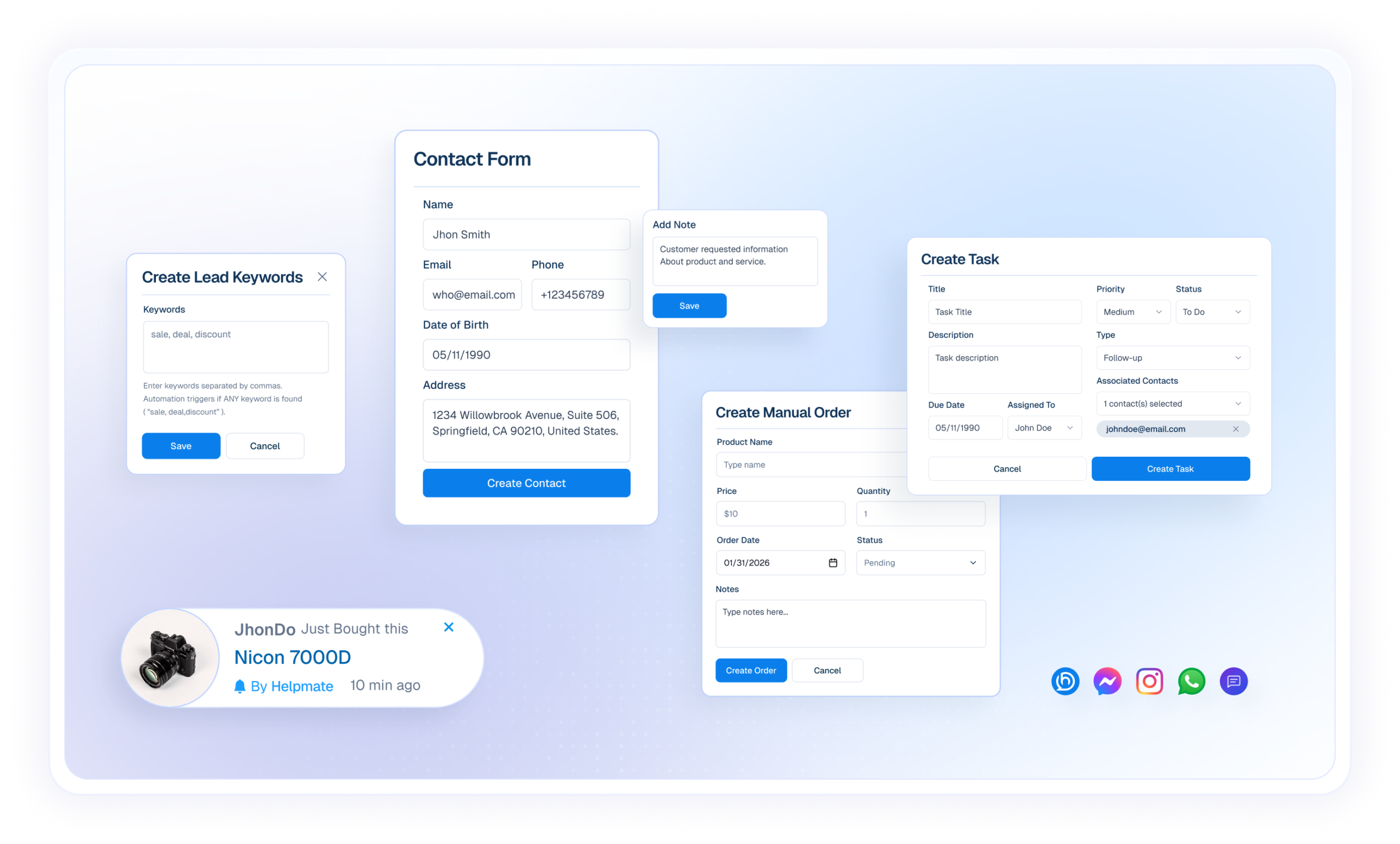
Sales Progress, Without Losing Context
Buyer Starts Conversation
Buyer reaches out through website chat, social DM, or comment with interest or questions.


Chatbot Responds
Chatbot answers product, pricing, and basic questions instantly using your business knowledge.
Sales leads Detected
Keywords in conversation signal buying interest and highlight sales-ready conversations.
Contact Created
Sales team manually creates a contact in CRM from the conversation.
Sales Progress
Sales teams continue conversations with context using notes, tasks, and follow-ups, no messages lost.
Unified yet simplified for Sales
Each system plays a clear role, together forming one connected communication platform.

The Brain
Helpmate AI
Provides consistent intent responses using your trained business or service Knowledge.

The Engine
Automation
Ensures nothing is forgotten, delayed, or manual. Used across support, marketing, sales and Conversion.

Execution Engine
Chatbot
Instantly replies to guide and support customers, and reduce manual work.

Omnichannel
Social Chat & Comments
Manage Facebook, Instagram, WhatsApp, and website messages in one inbox.

Human Touch
Live Chat
Allows Support team to step in seamlessly whenever conversations require attention or care.

The Hub
CRM
Organize contacts, leads, tasks, bookings, and conversation history for clear action.
Everything Powering Modern Sales Teams
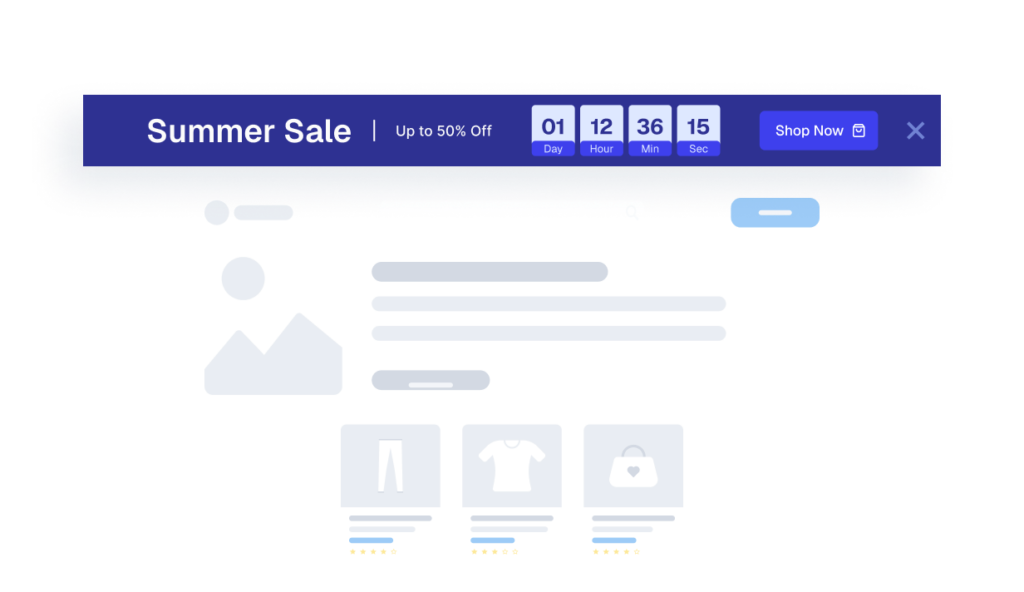
Promobar
Understands product details, variants, pricing, availability, and basic store policies.
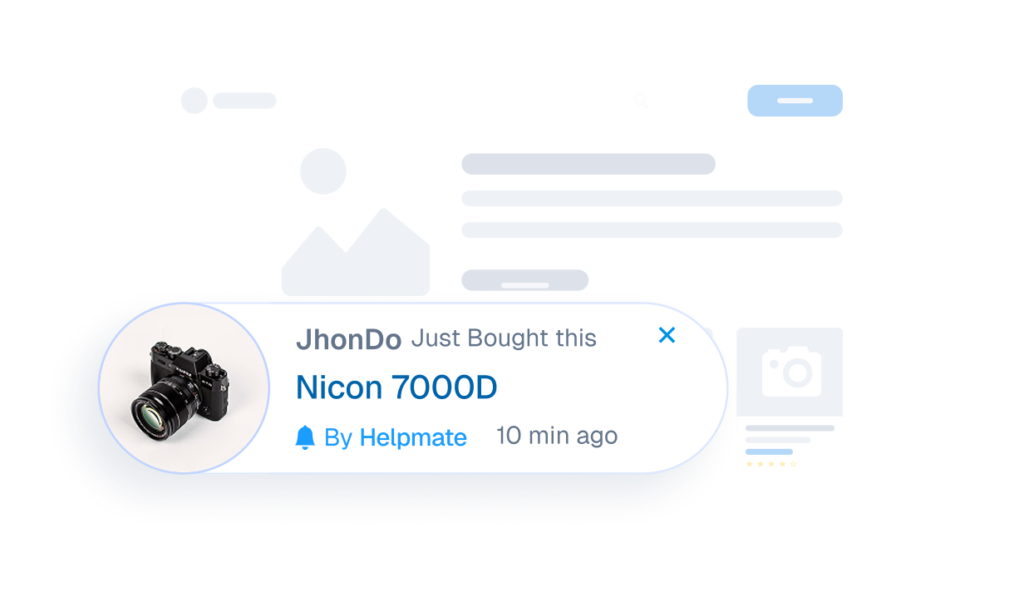
Sales Notification
Understands product details, variants, pricing, availability, and basic store policies.
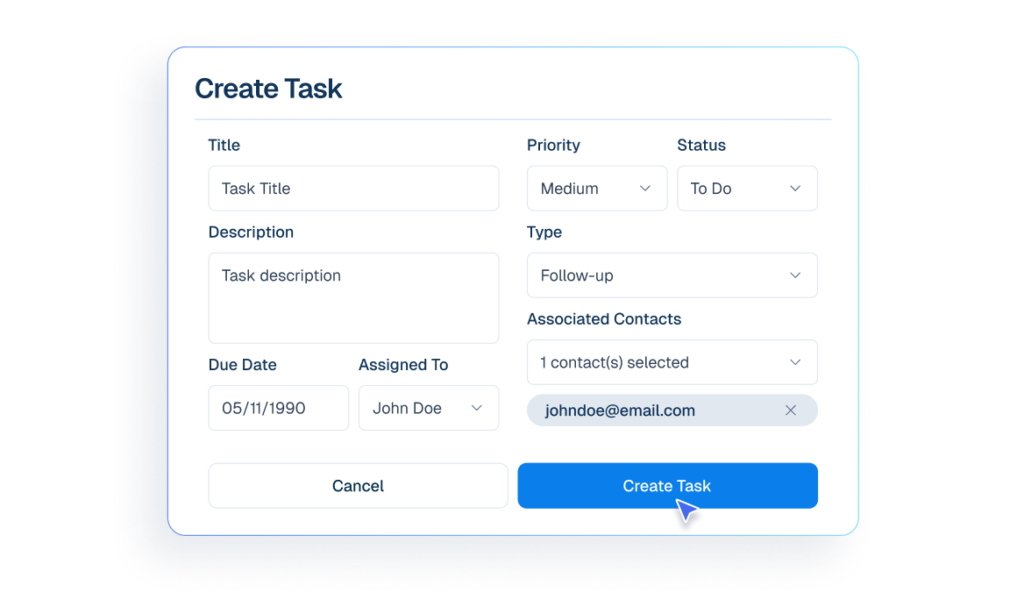
Tasks & Follow-Ups
Assign Tasks & Follow-Ups steps so sales opportunities never stall.
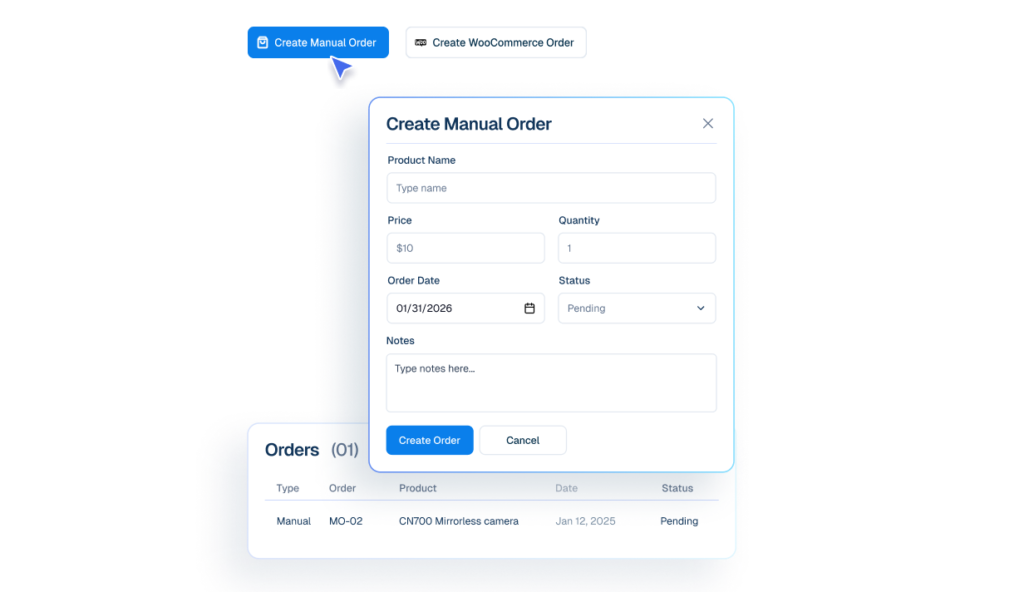
Order Management
View confirmed orders alongside conversations for better sales context.
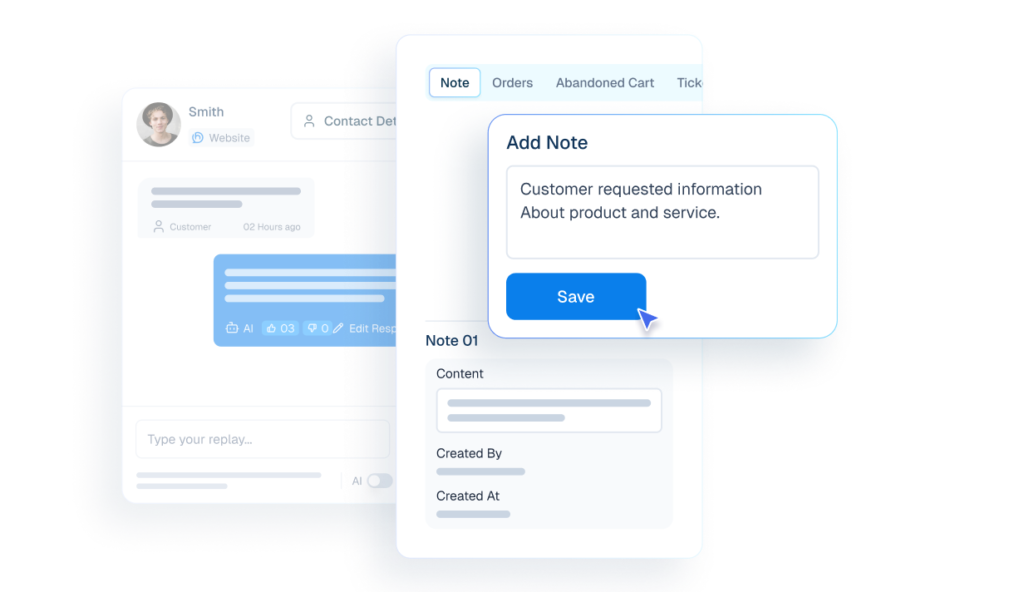
Notes
Store objections, requirements, and deal context for better follow-ups.
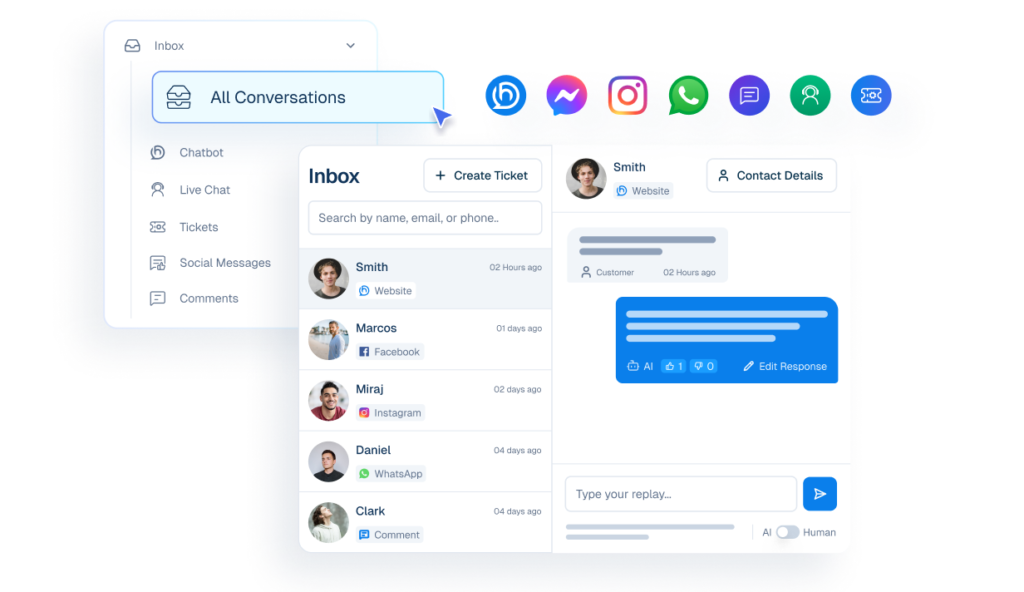
Unified Inbox
Sales reps take over conversations instantly with full context preserved.
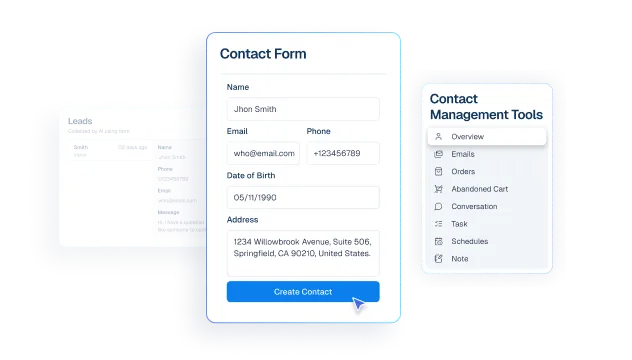
Contact
Manually create contacts from sales conversations when prospects show intent.
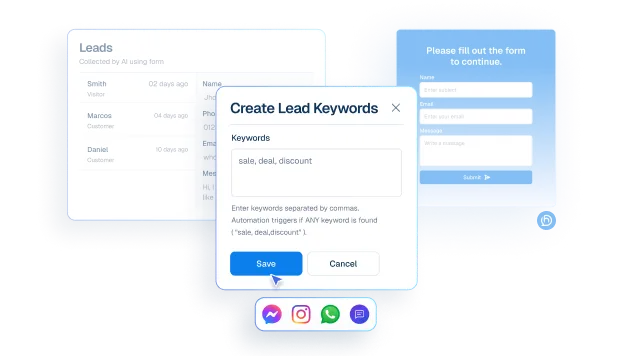
Leads
Detect buying interest using predefined keywords inside conversations.
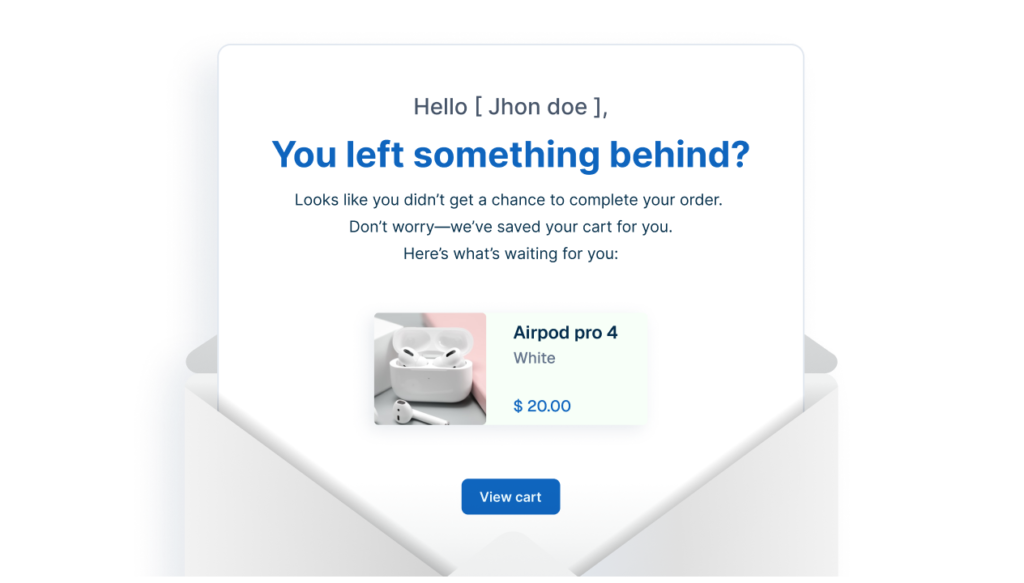
Abandoned Cart
Supports automated recovery workflows through scheduled reminders and follow-up planning.
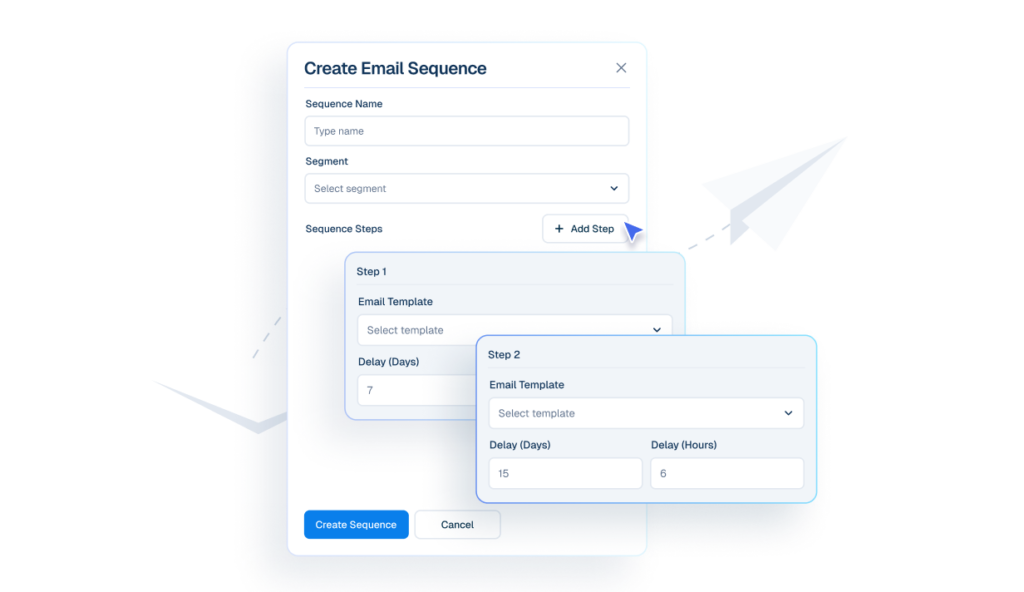
Email Sequences
Keeps follow-ups running automatically in a structured order and timing.
Make My Support Scalable


Finally, an Al Chatbot That Actually Helps
Adhoy R.


Works Amazingly Well After a Bit of Training!
Ritzh A.


Practical, feature-rich Al chatbot for WooCommerce
Kazi Shafriad l.


Great Chatbot Plugin That Keeps Getting Smarter!
Annoon
Close deals faster with context
Before Helpmate
- Messages scattered across platforms
- Leads slip through the cracks
- No context when coming back
- Inconsistent follow-up
After Helpmate
- messages & tickets are in unified inbox
- Every lead gets instant response
- Full history on coming back
- Consistent follow-ups email sequence
Frequently asked questions
How does Helpmate actually help with sales?
Is Helpmate a sales tool or a support tool?
Can Helpmate replace salespeople?
Can Helpmate handle pre-sales questions?
Is Helpmate useful for high-ticket sales?
Does Helpmate work for WooCommerce sales?
Is Helpmate suitable for small sales teams or solo founders?
Who should NOT use Helpmate for sales?
What’s the real sales advantage of Helpmate?

