

Clients Reach Out Once, Then They Call Another Firm
Helpmate ensures every legal inquiry is seen, tracked, and followed up across every communication channel
The go-to option for
Law Firms
Legal Service Providers
Legal Consultancies
How Legal Communication Is Managed with Helpmate
Client Inquiries
Potential clients ask about services, consultations, timelines, and next steps across chat and social channels.
Details Provided
Relevant legal service information is shared using firm knowledge, without offering legal advice.
Case Context
Client conversations, notes, and inquiry history remain organized for continuity.
Communication Continues
Follow-ups and updates stay connected throughout the client relationship.
Professional Communication Defines Legal Credibility
- Present information confidently
- Maintain consistency across touchpoints
- Keep conversation history accessible
- Support clients with full context
- Organize client inquiries effectively
Core Systems That Support Consistent Legal Communication
Each system plays a clear role, together forming one connected communication platform.

The Brain
Helpmate AI
Provides consistent intent responses using your trained business or service Knowledge.

The Engine
Automation
Ensures nothing is forgotten, delayed, or manual. Used across support, marketing, sales and Conversion.

Execution Engine
Chatbot
Instantly replies to guide and support customers, and reduce manual work.

Omnichannel
Social Chat & Comments
Manage Facebook, Instagram, WhatsApp, and website messages in one inbox.

Human Touch
Live Chat
Allows Support team to step in seamlessly whenever conversations require attention or care.

The Hub
CRM
Organize contacts, leads, tasks, bookings, and conversation history for clear action.
Helpmate AI
Built for instant & Accurate answer
Products
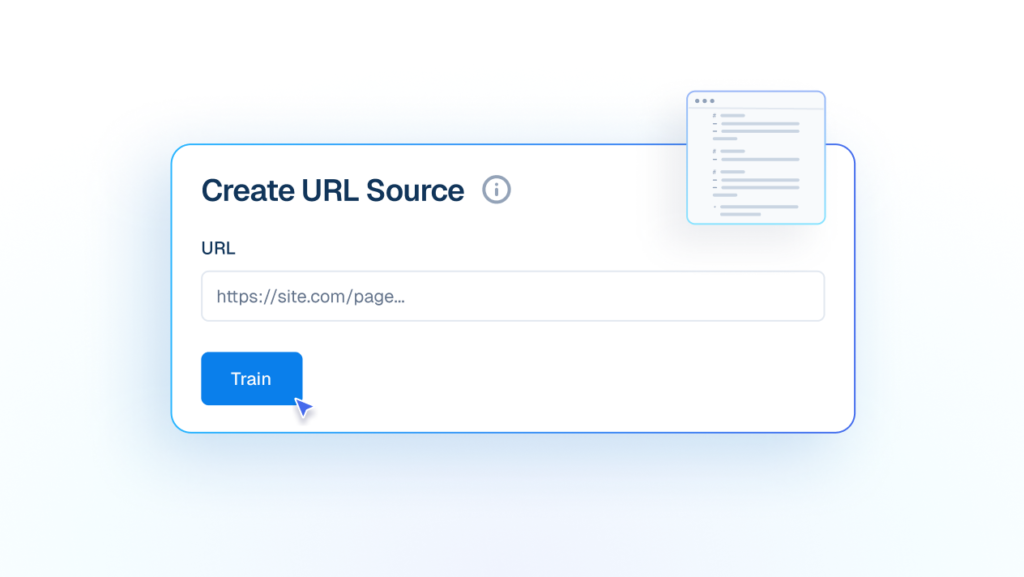
URL
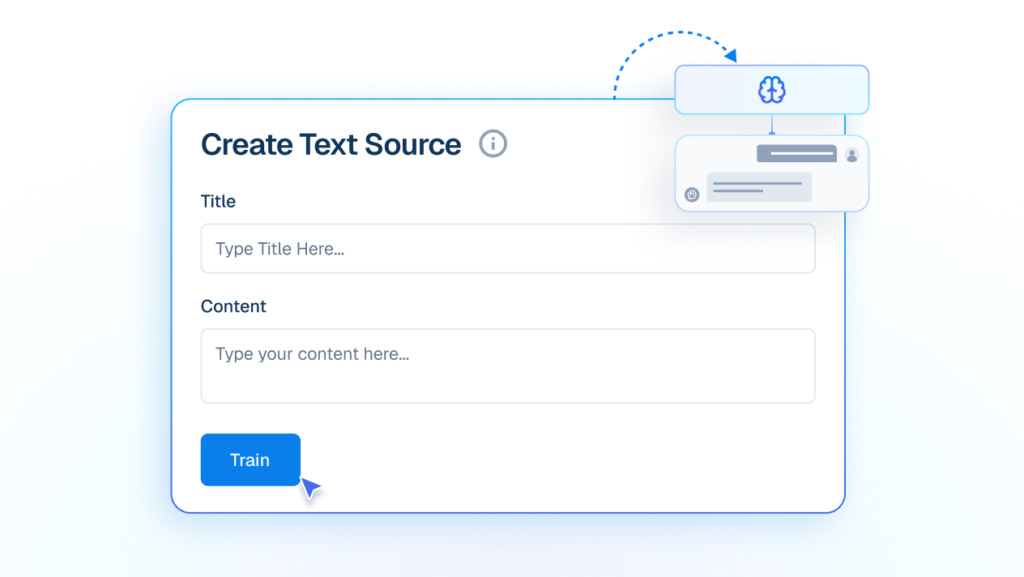
Text
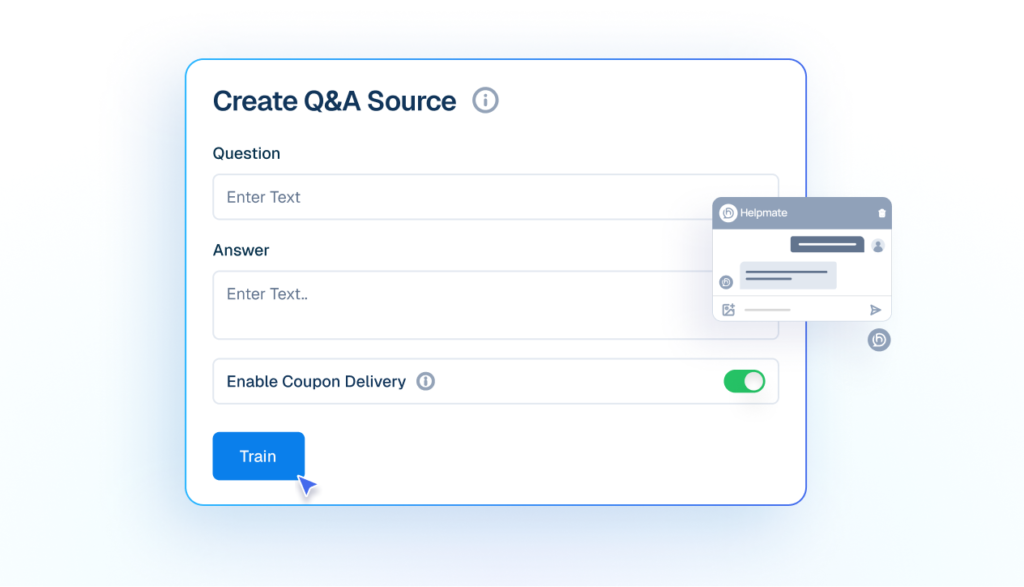
Q&A
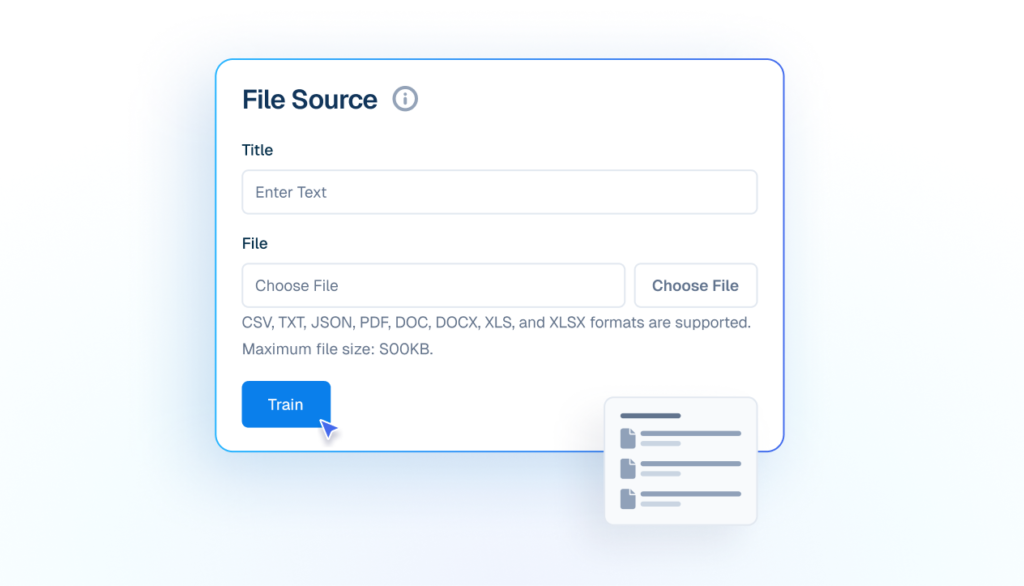
File
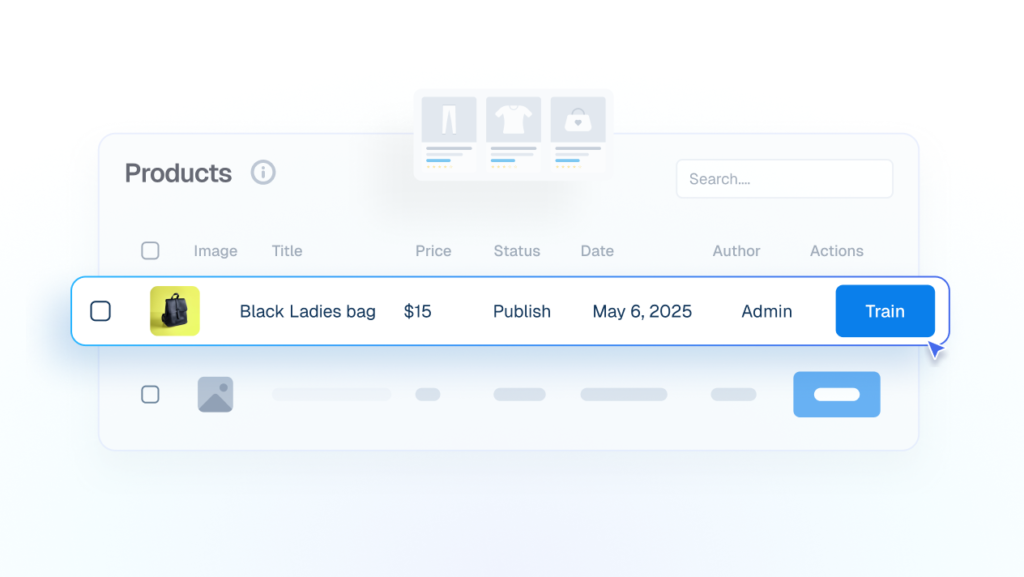
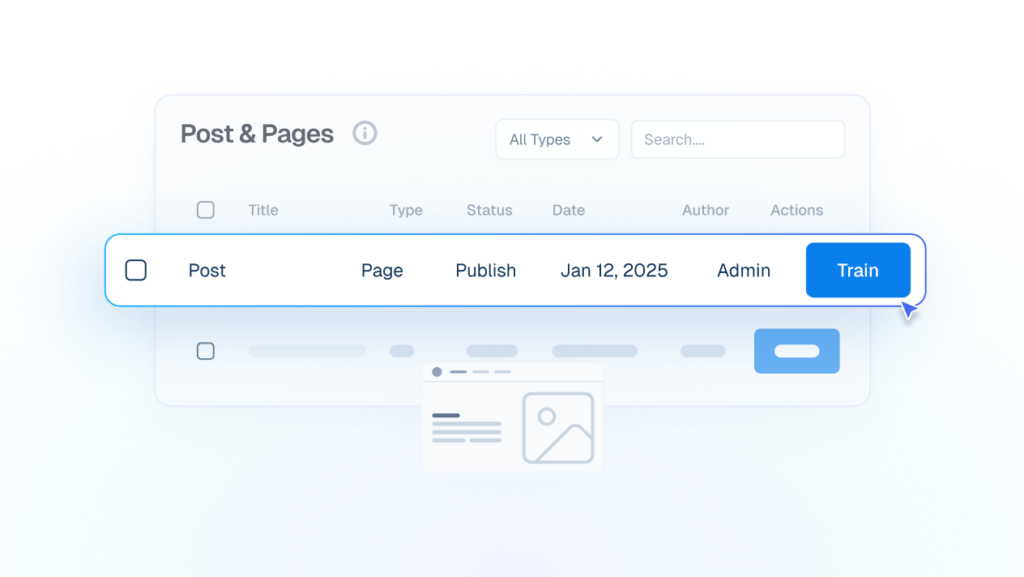
WP Posts
Automation
Conversations Move Automatically
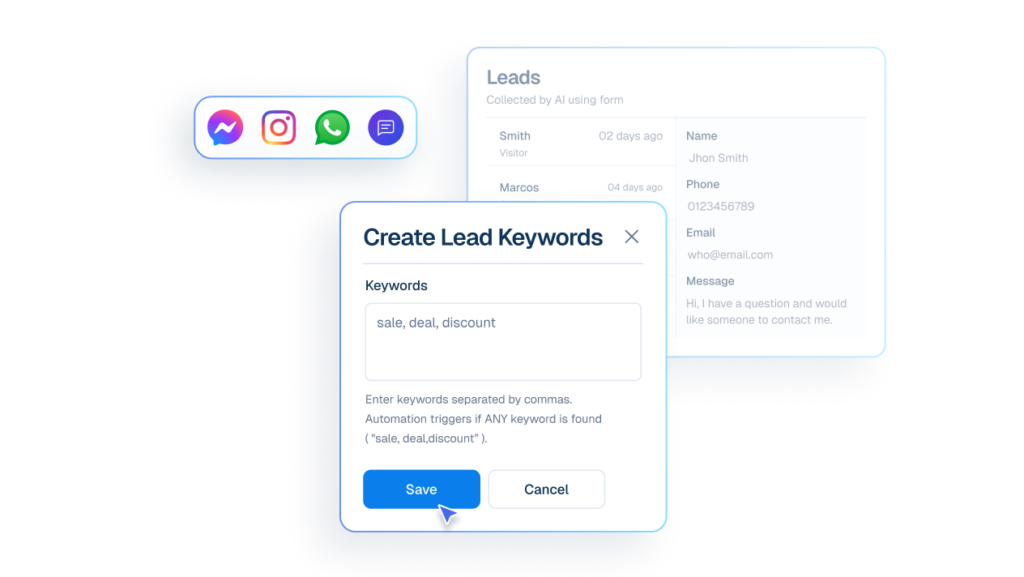

Lead Capture
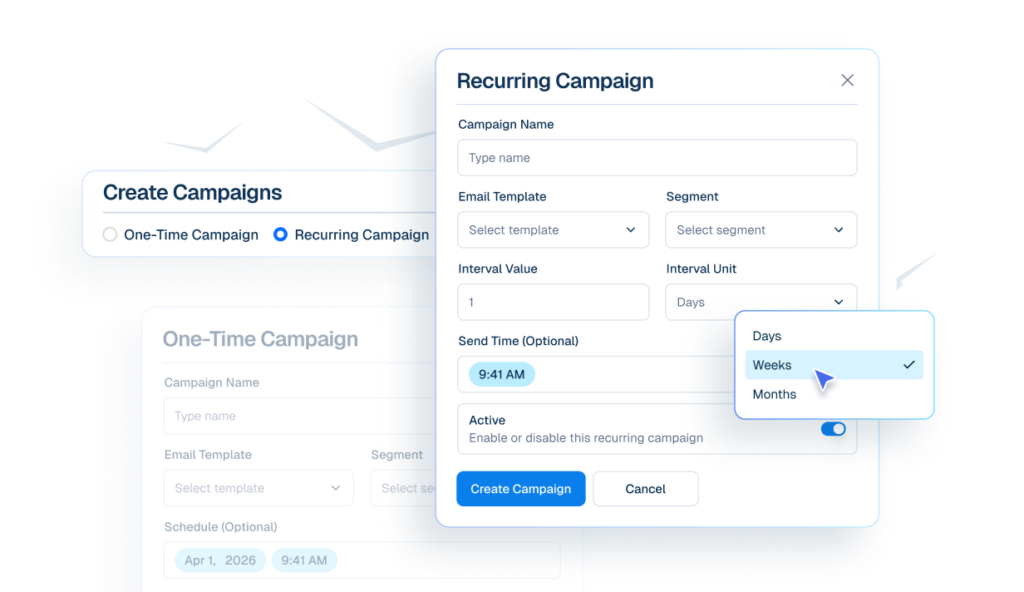

Email Campaigns
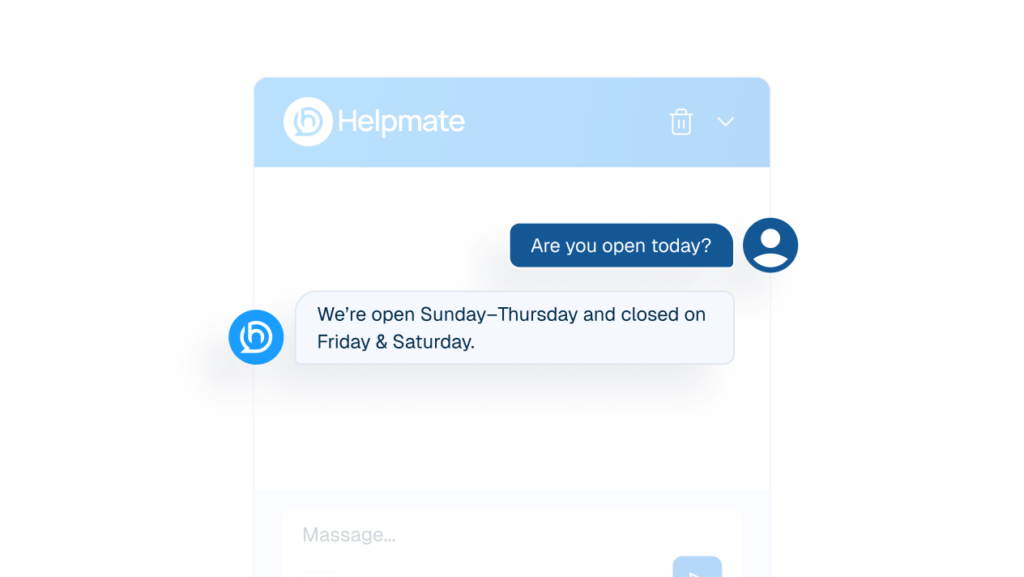

Auto DM & Comments
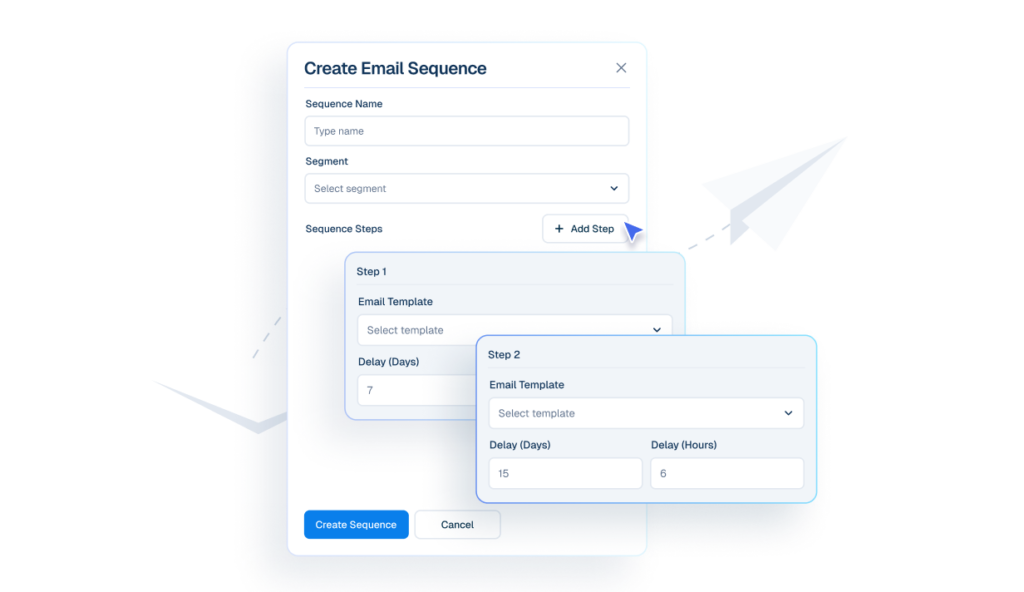

Email Sequences
Chatbot
The First Line Of Support
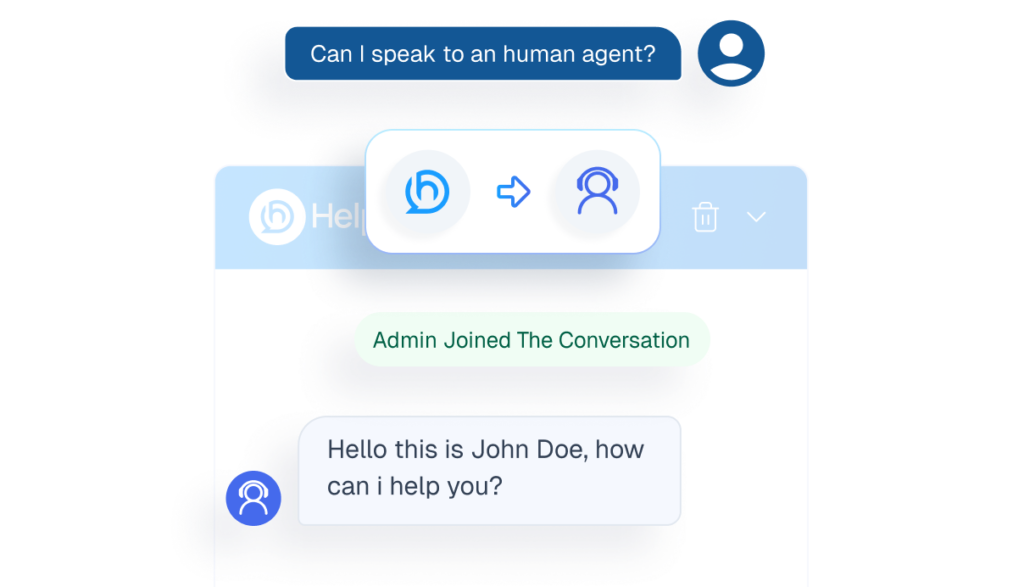
Human handover
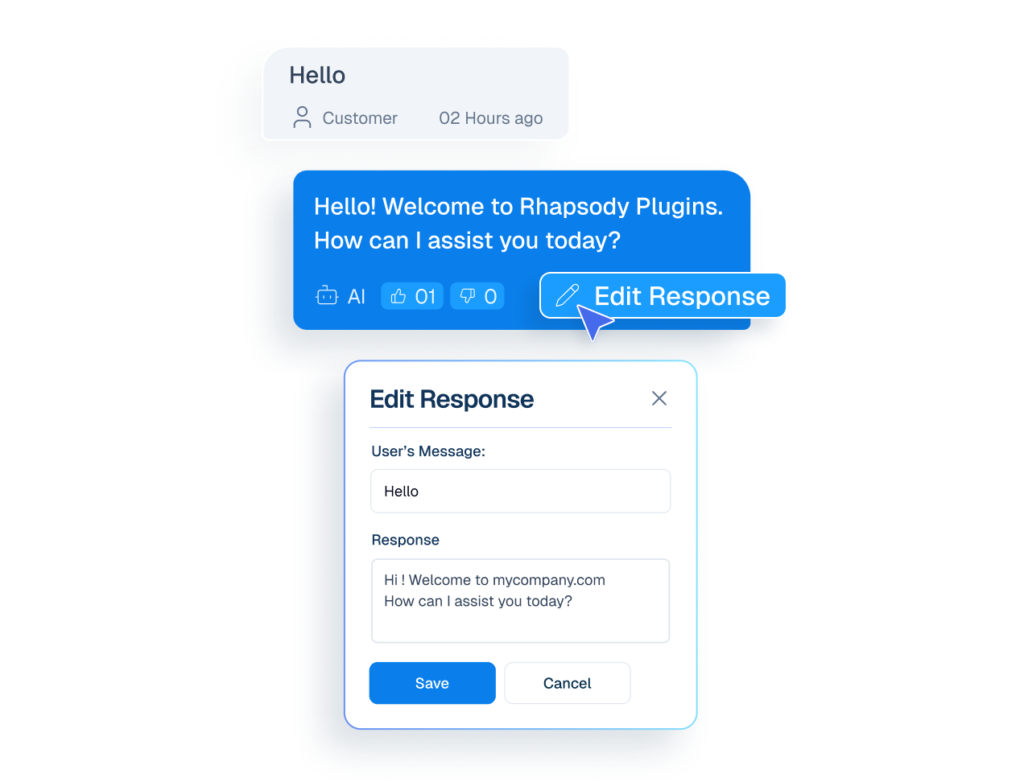
Edit AI Response
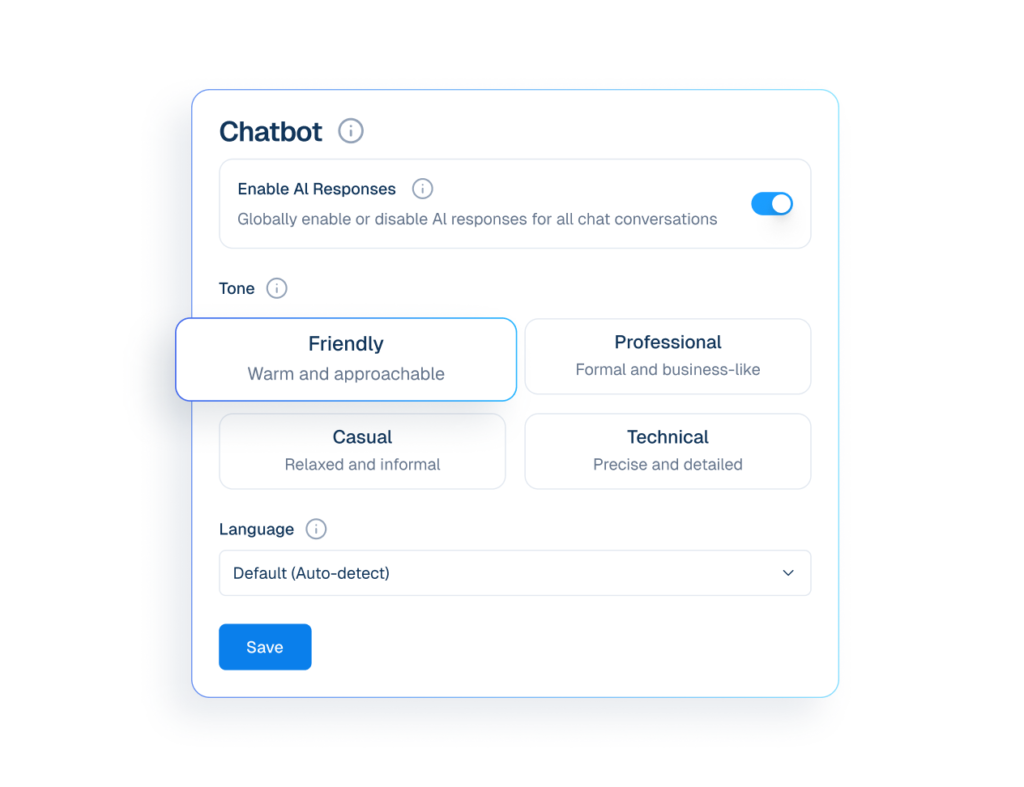
Settings
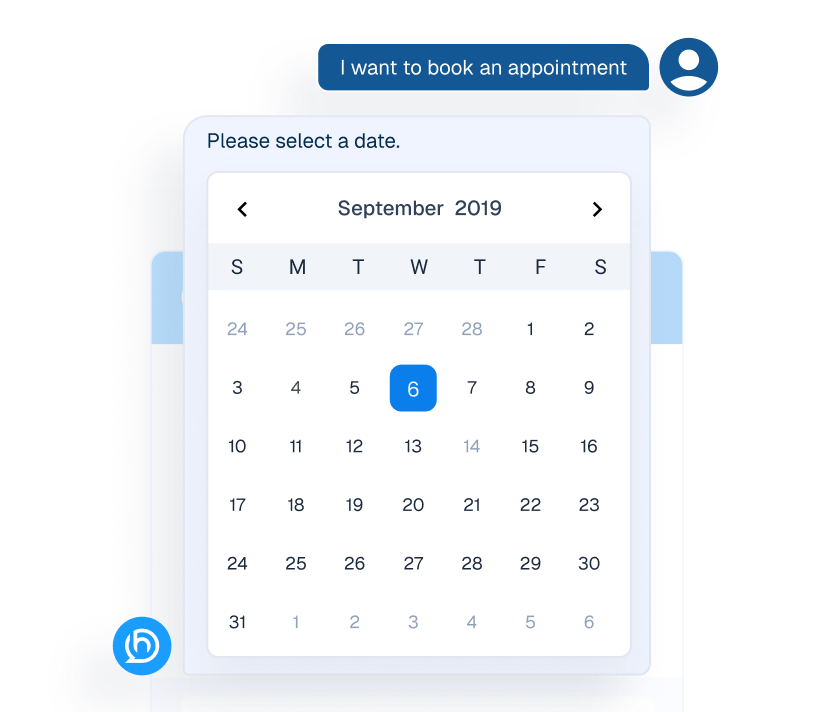
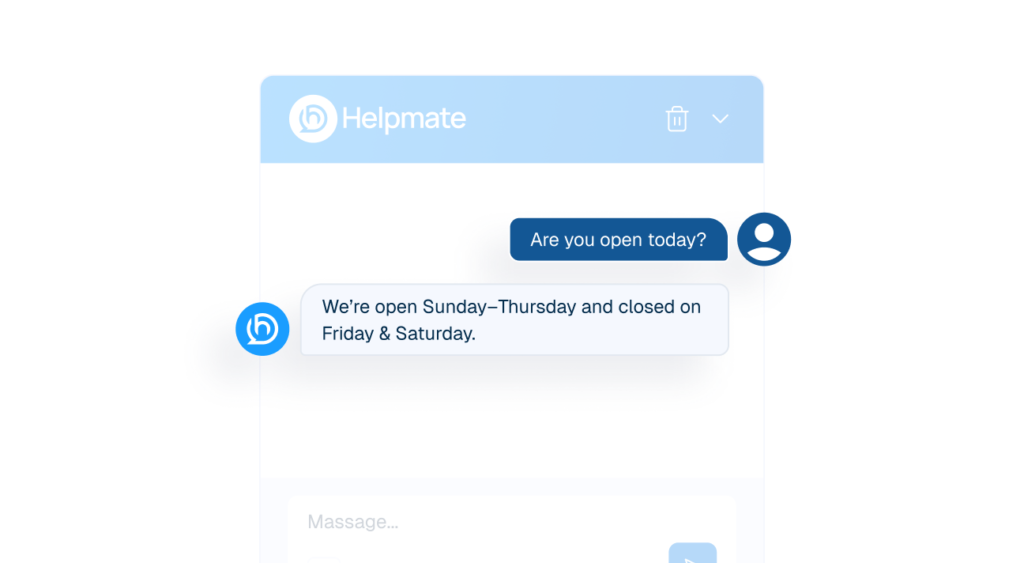
Appointment
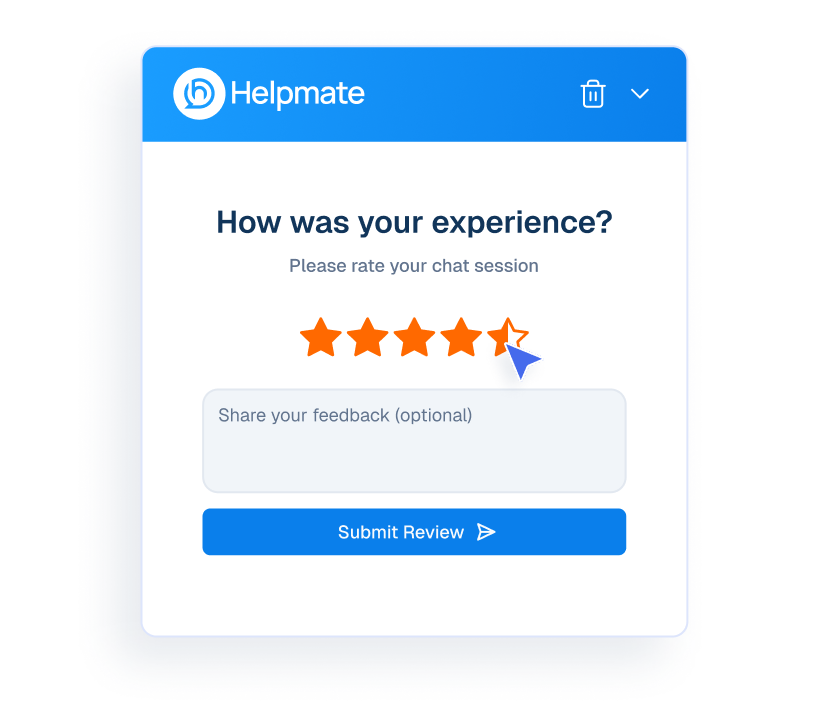
Review
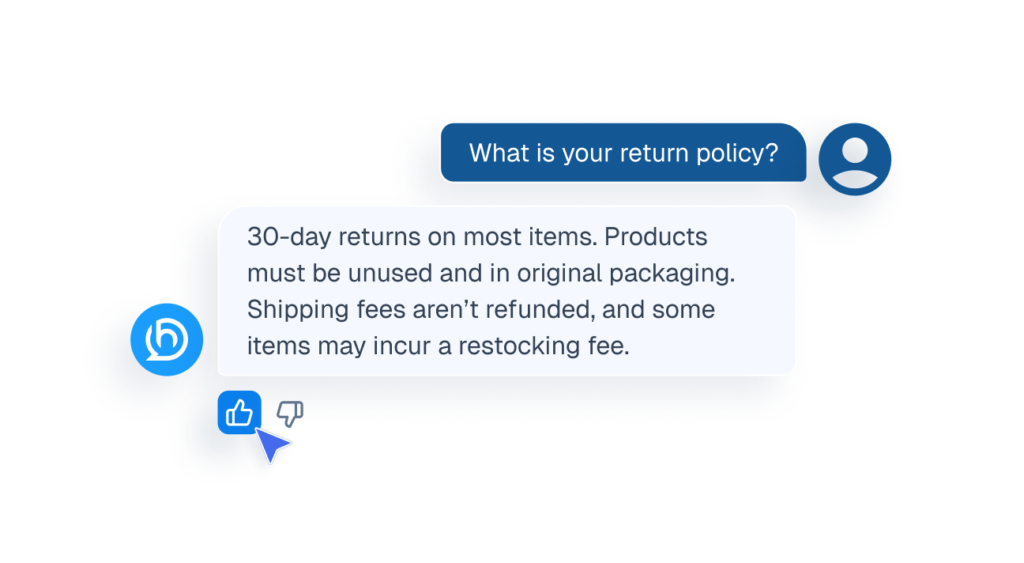
Ai Feedback
FAQ’s
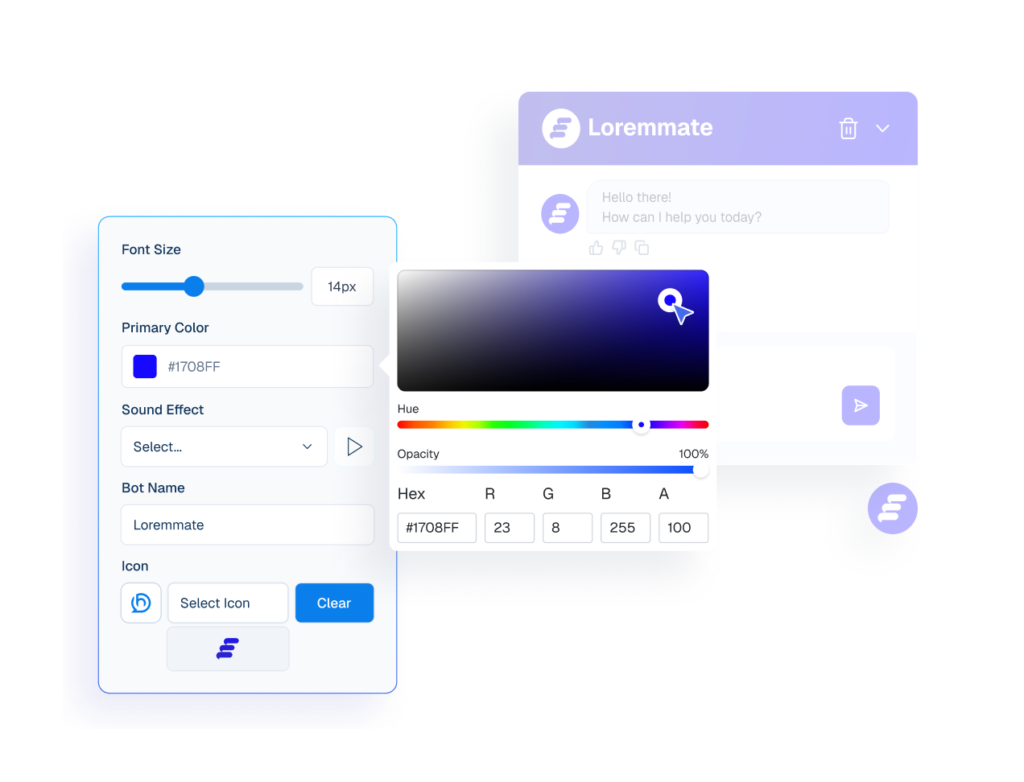
Appearance
CRM
Manage Customers Without Chaos
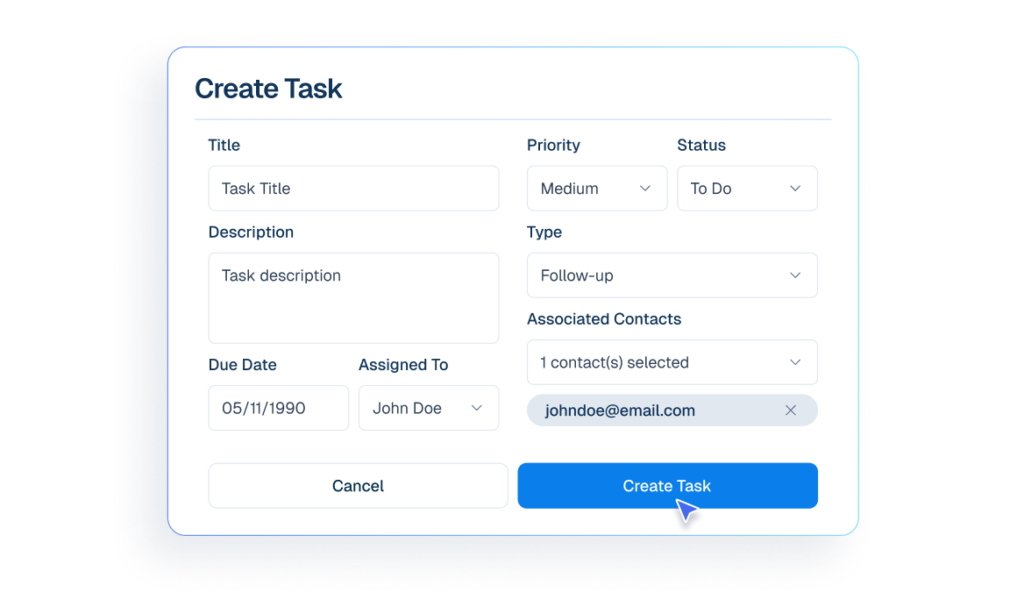

Tasks
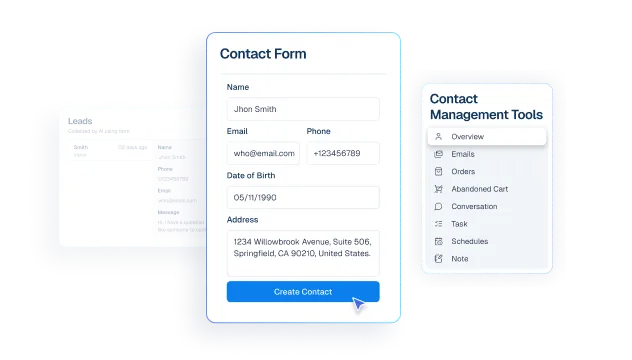

Contact
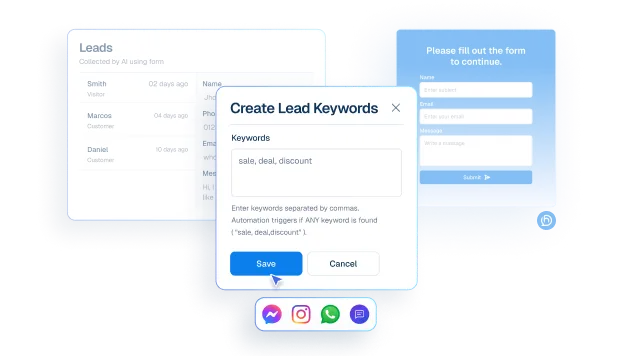
Leads
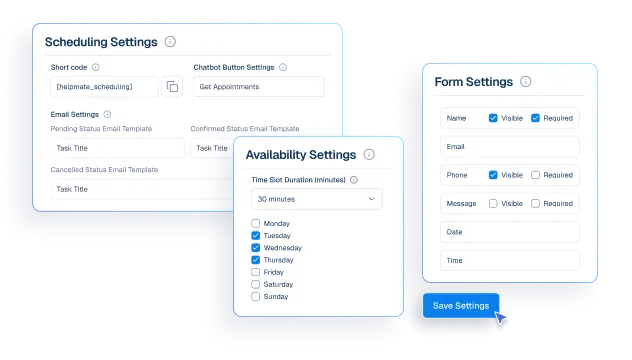

Appointments & Bookings
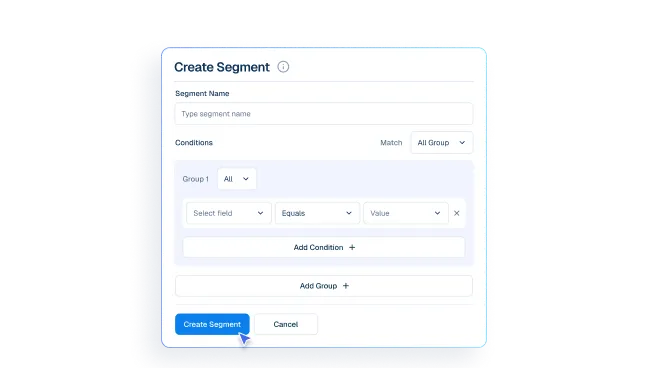

Segments
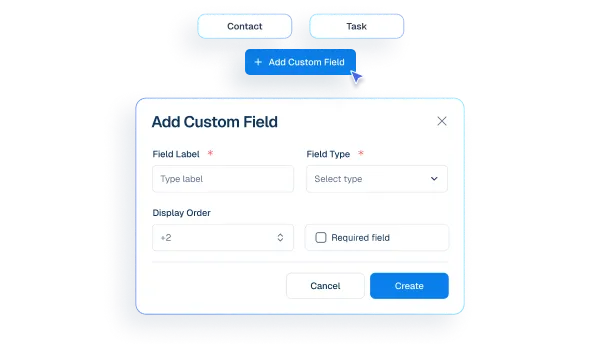

Custom Fields
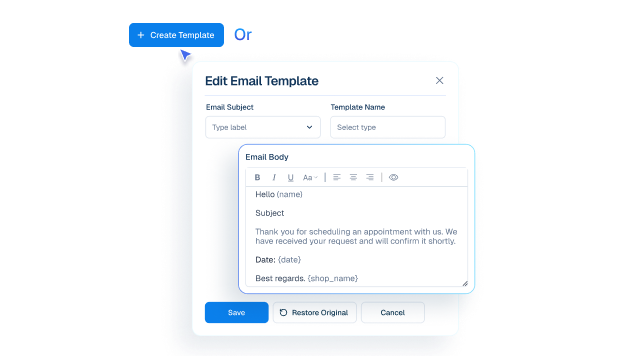

Email Templates
social and live chat
Be Where Customers Reach You
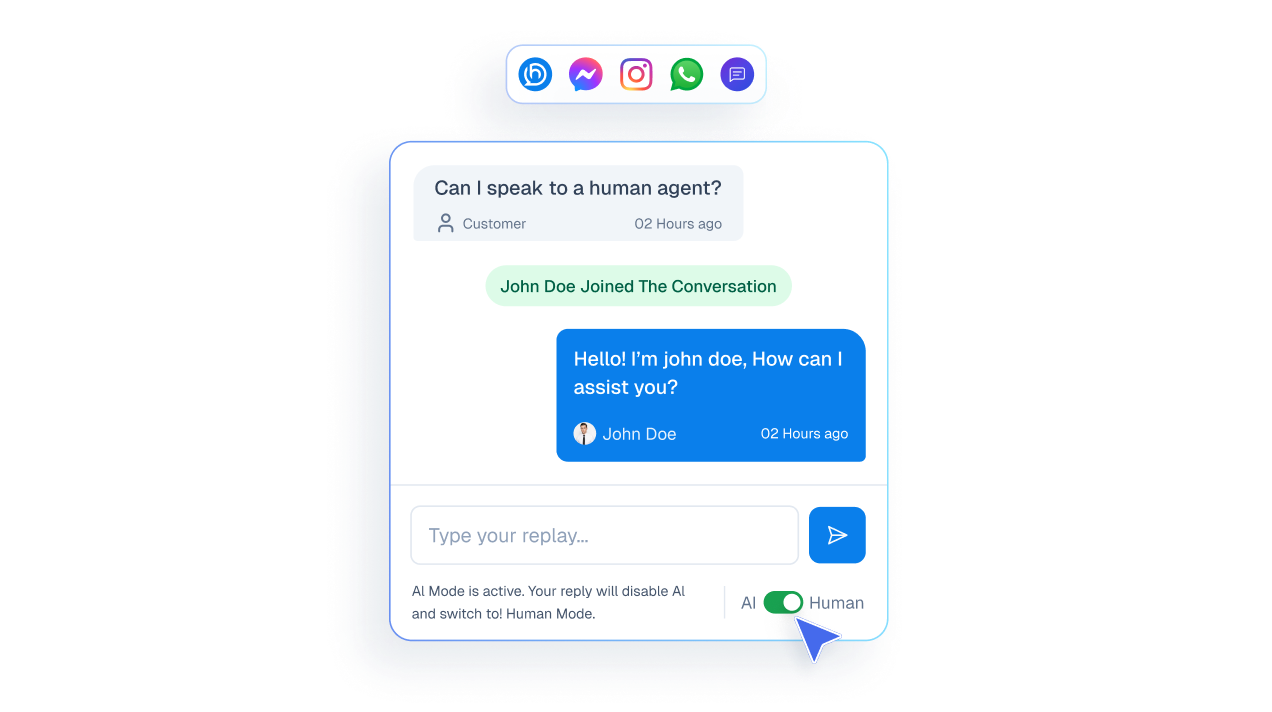
- Live chat
Humans take over chats instantly without losing context.
- inbox
See messages from all channels in one inbox.
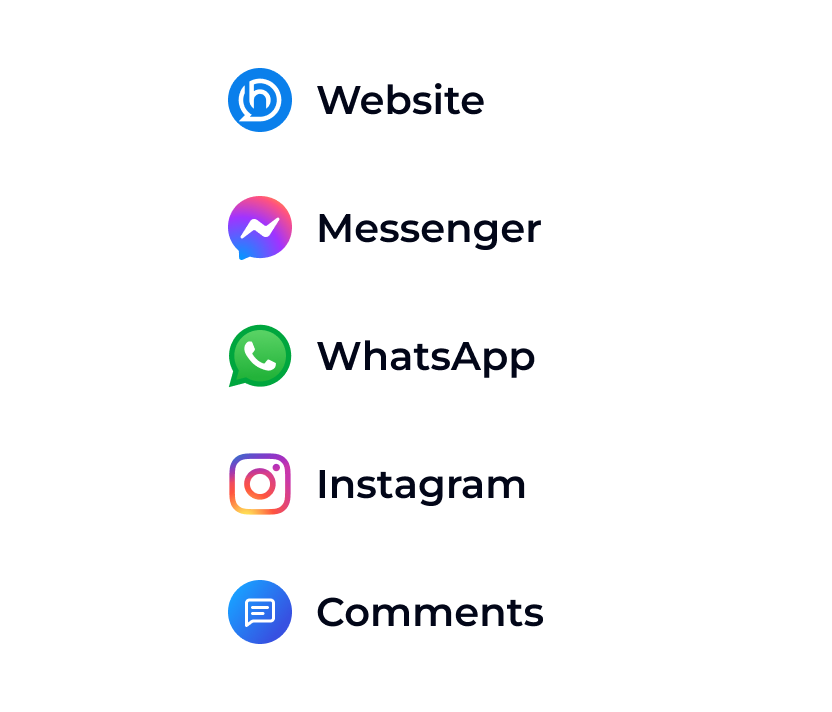
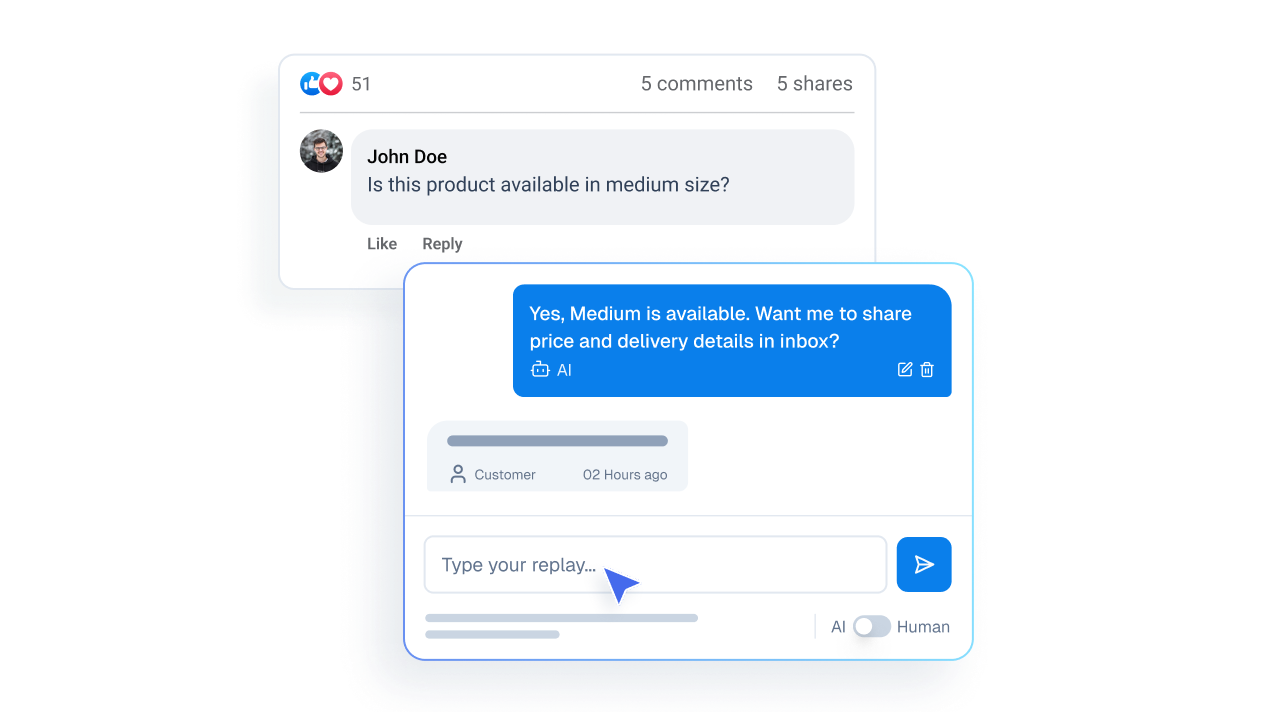
- Comments
Reply to social media comments instantly from one unified inbox.
Measurable Operational Impact
Make My Support Effortless


Finally, an Al Chatbot That Actually Helps
Adhoy R.


Works Amazingly Well After a Bit of Training!
Ritzh A.


Practical, feature-rich Al chatbot for WooCommerce
Kazi Shafriad l.


Great Chatbot Plugin That Keeps Getting Smarter!
Annoon
Organize Your Legal business
Before Helpmate
- Client inquiries scattered across channels
- Repeated intake and service questions
- Missed follow-ups and callbacks
- No unified client history
After Helpmate
- One unified inbox
- Clear, consistent client communication
- Organized client and case records
- Reliable follow-ups with context
Common Questions from Legal Teams
How does Helpmate help legal firms and professionals?
Is Helpmate designed for law firms or solo lawyers?
Does Helpmate provide legal advice automatically?
How does Helpmate reduce unnecessary consultations?
Is Helpmate safe for confidential conversations?
Does Helpmate replace intake staff or paralegals?
Can Helpmate work outside office hours?
Can Helpmate manage conversations from website and social platforms?
Does Helpmate support multiple practice areas?
Can multiple attorneys or staff use Helpmate?
Is Helpmate difficult to set up for legal teams?
Is Helpmate suitable for small firms?
Who should NOT use Helpmate in legal practice?
What’s the real value of Helpmate for legal professionals?

