aesthetics and beauty
Aesthetics and Beauty

Every Message Is a Potential Booking

Helpmate brings Instagram DMs, WhatsApp, live chat, chatbot, and CRM into one system, so beauty and aesthetic clinics never miss a client.

perfect for

Aesthetic Clinics & Med Spas
Frame 1171275307
Salons & Beauty Studios
Frame 1171275307 1
Skin Care Centers
Frame 1171275307 2
Personal Care Brands
Frame 1171275307 3
Supports booking and client communication, not treatment recommendations or cosmetic decisions.

How Aesthetic & Beauty Communication Works with Helpmate

01

Initial Inquiry

Clients ask about treatments, pricing ranges, availability, and clinic policies across chat and social.

02

Information & Guidance

Share service details, preparation guidance, and policies using your knowledge base.

03

Schedule Consultation

Share service details, preparation information, and policies using your knowledge base.

04

Ongoing Support

Manage follow-ups, post-visit questions, and client communication with full conversation context.

Clarity Builds Trust Before Every Booking

Clients feel more confident booking when every answer is clear and familiar. Helpmate helps beauty teams deliver that clarity across every interaction.
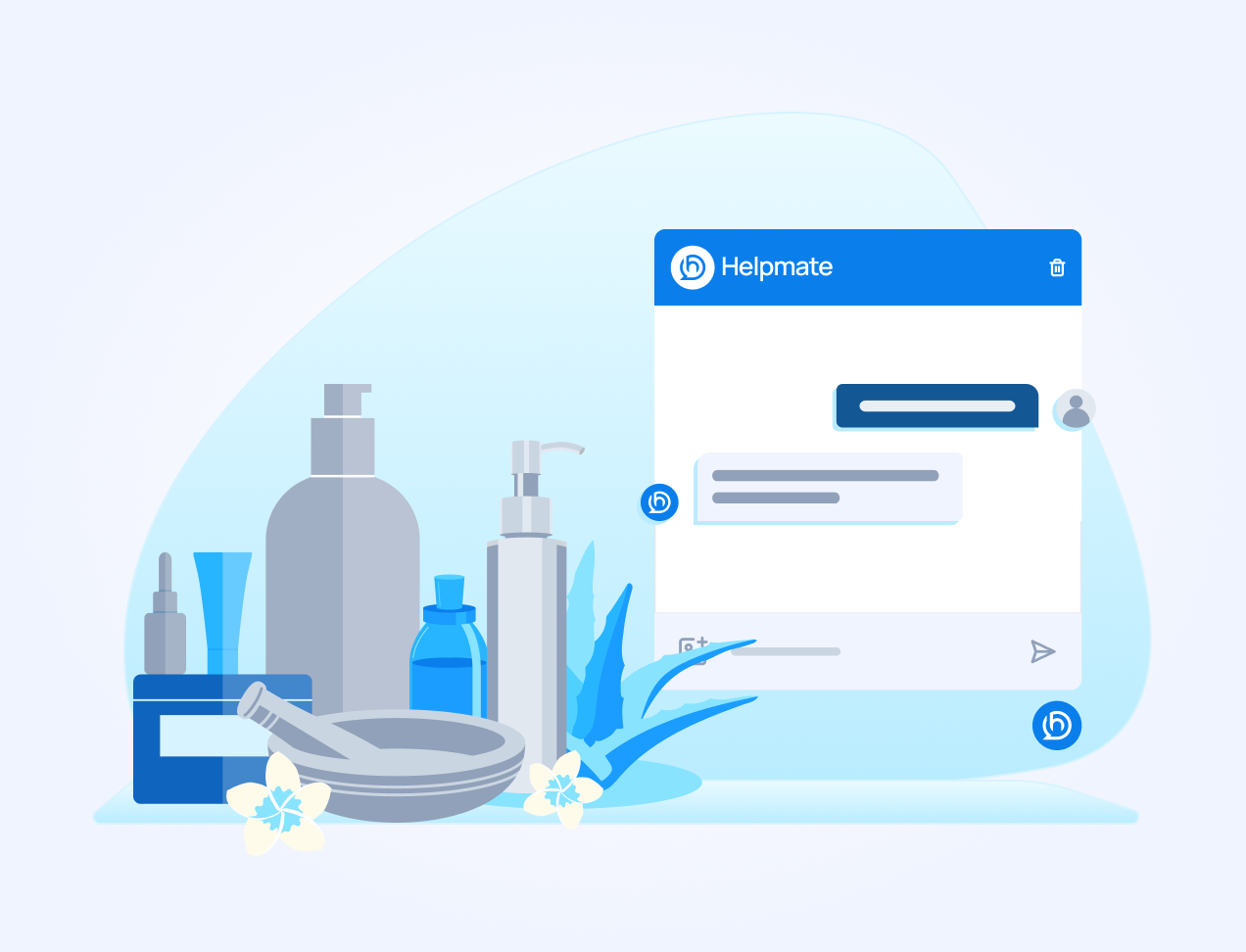
Illustration of beauty and skincare products, including bottles and aloe vera, positioned next to a Helpmate chat interface mockup.

Helpmate AI

Built for instant & Accurate answer

qna
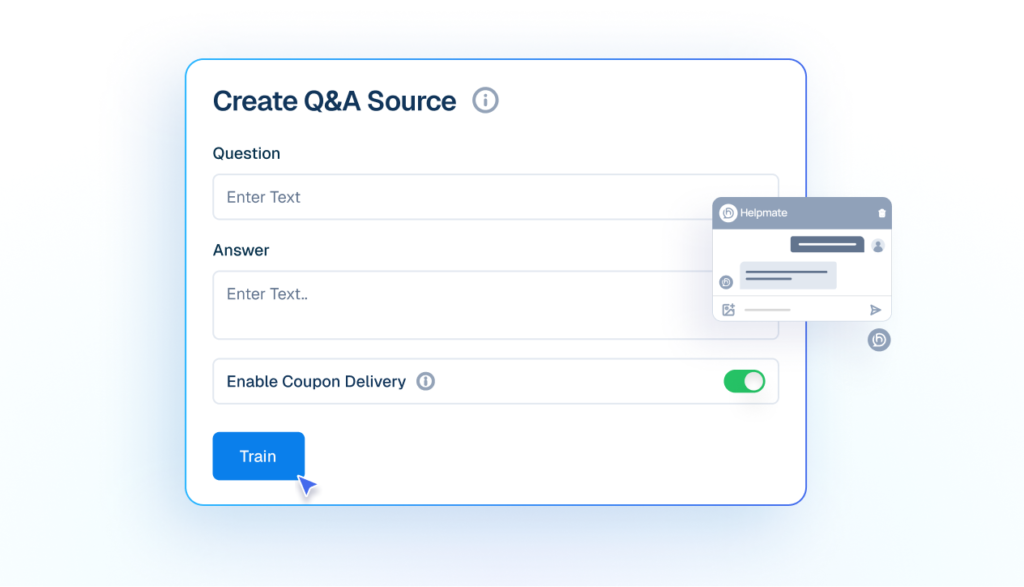
Q&A
Add your own questions and answers so the AI responds exactly how your business would.
Mockup of a 'Create Q&A Source' interface showing input fields for a custom question and answer, a toggle for coupon delivery, and a cursor clicking a blue 'Train' button.
products
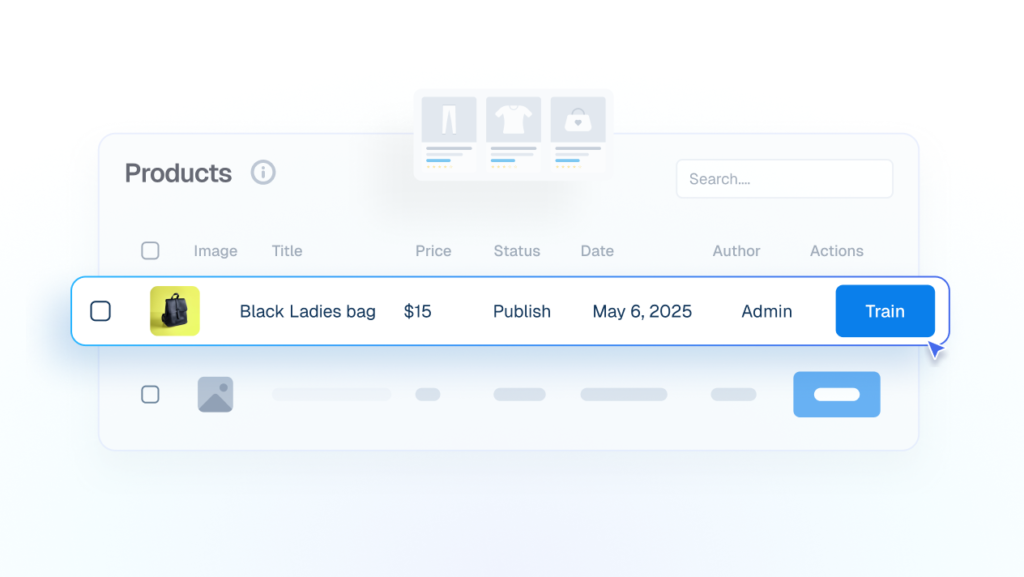
Products
Trained on product/service details, to answer pricing, availability and basic store policies.
Interface mockup showing a products data table where a cursor is clicking a blue "Train" button to integrate details of a "Black Ladies bag" into the AI.
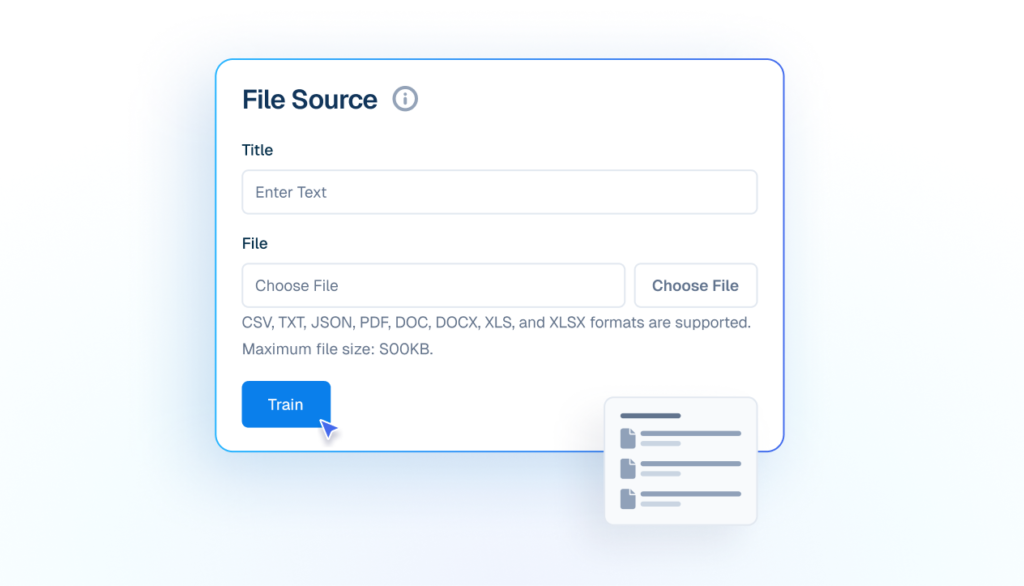
file
File
Uses manuals, catalogs, and documents to support customer conversations.
Mockup of a 'File Source' upload interface showing fields for Title and File selection, with a cursor clicking a blue 'Train' button to upload documents.
url
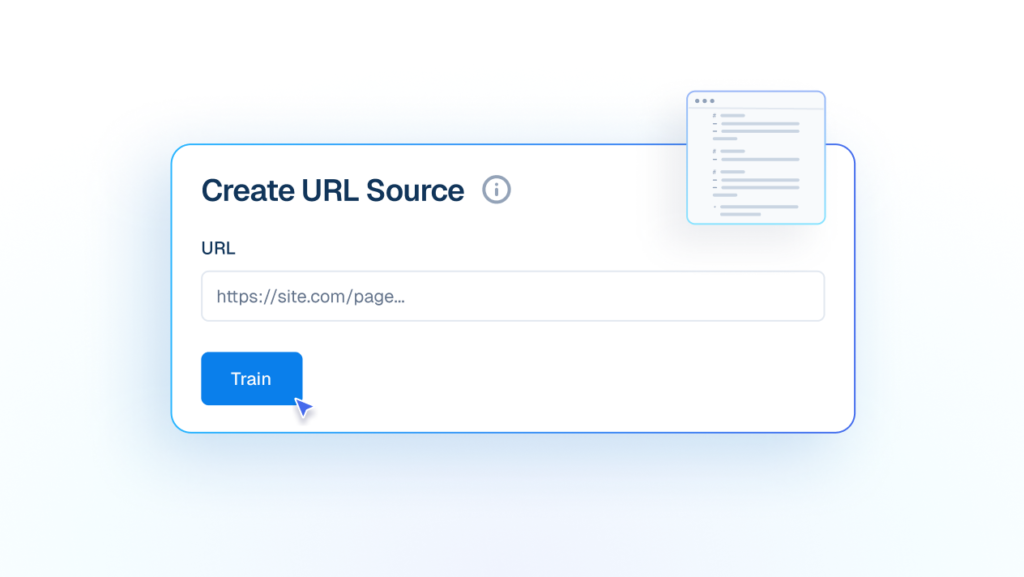
URL
Train AI from live URLs to keep answers updated with your latest public information.
Interface mockup of a "Create URL Source" form showing a cursor clicking a "Train" button to add a live website link to the AI knowledge base.
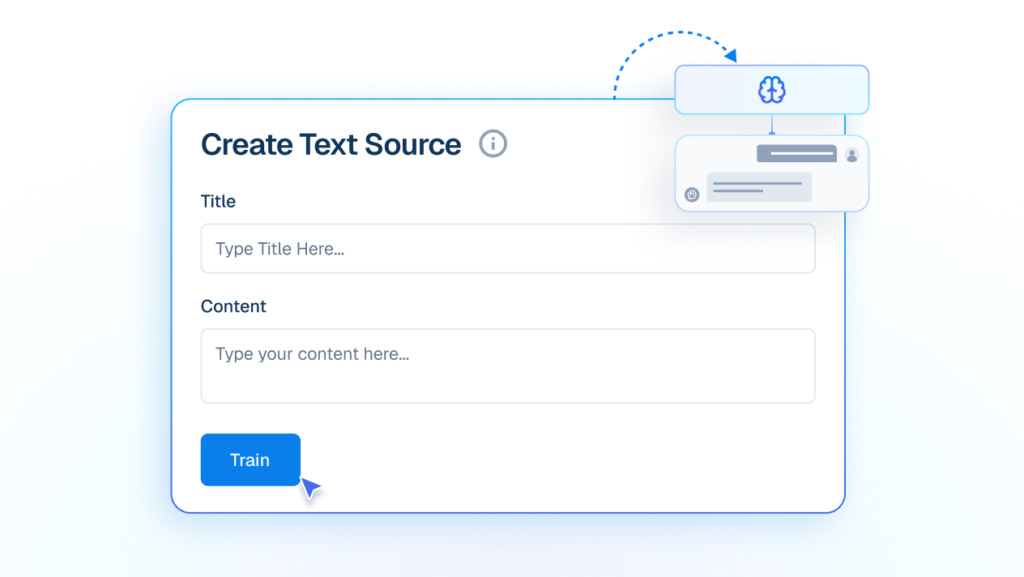
Text
Train your Own custom written content into instant AI knowledge.
Mockup of a 'Create Text Source' interface with input fields for Title and Content, showing a cursor clicking a blue 'Train' button to feed text into an AI brain graphic.
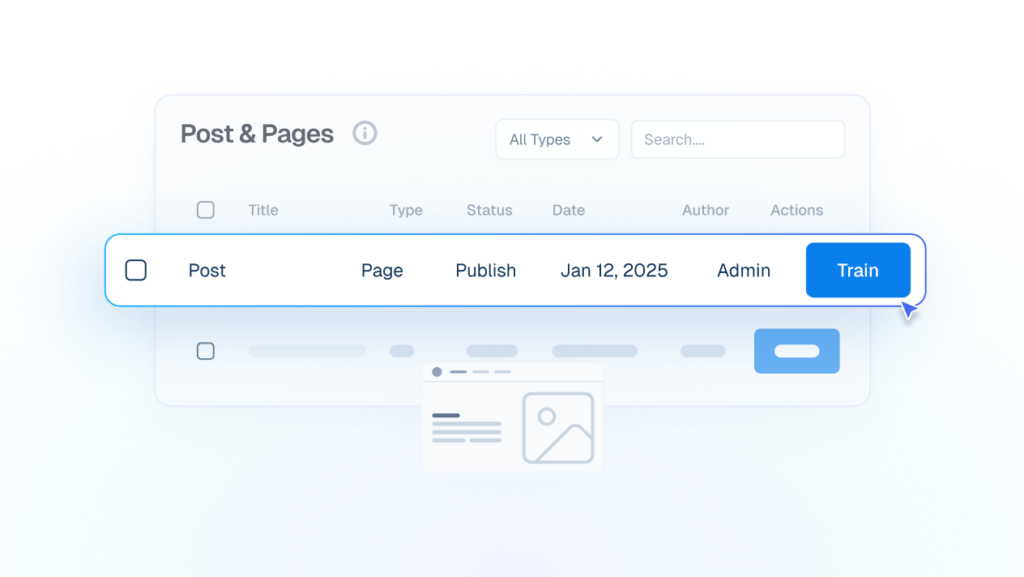
wp posts
WP Posts
Blog posts and pages become reliable answers without rewriting or duplicating content.
Interface mockup showing a data table for "Post & Pages" where a cursor is clicking a blue "Train" button to use existing blog content for the AI.

Automation

Conversations Move Automatically
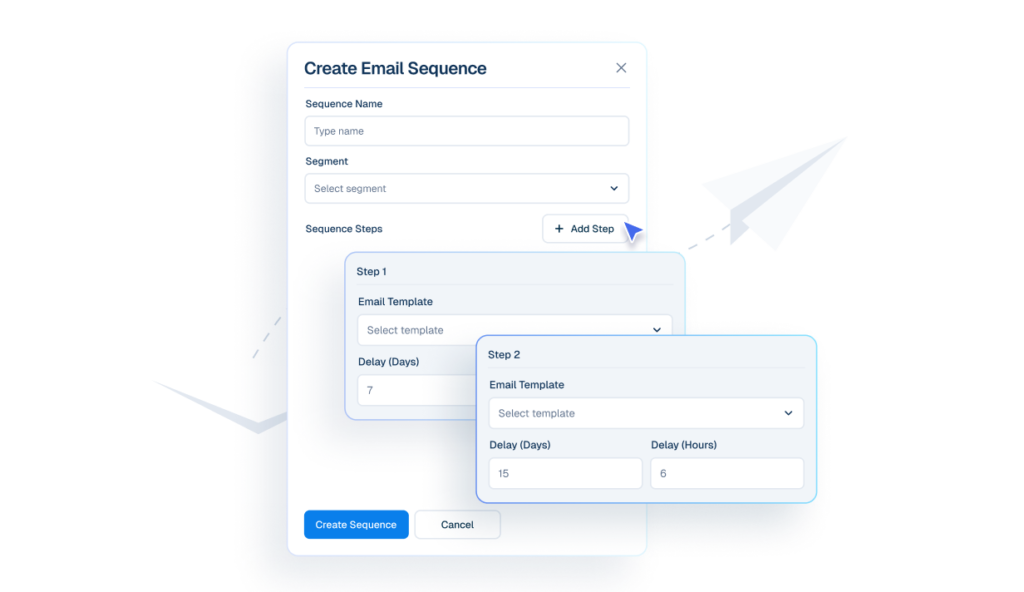
Interface mockup of a "Create Email Sequence" builder showing a cursor clicking an "+ Add Step" button to configure automated follow-up emails with specific day and hour delays.
emails
Email Sequences
Create email sequences that send automatically at defined intervals.
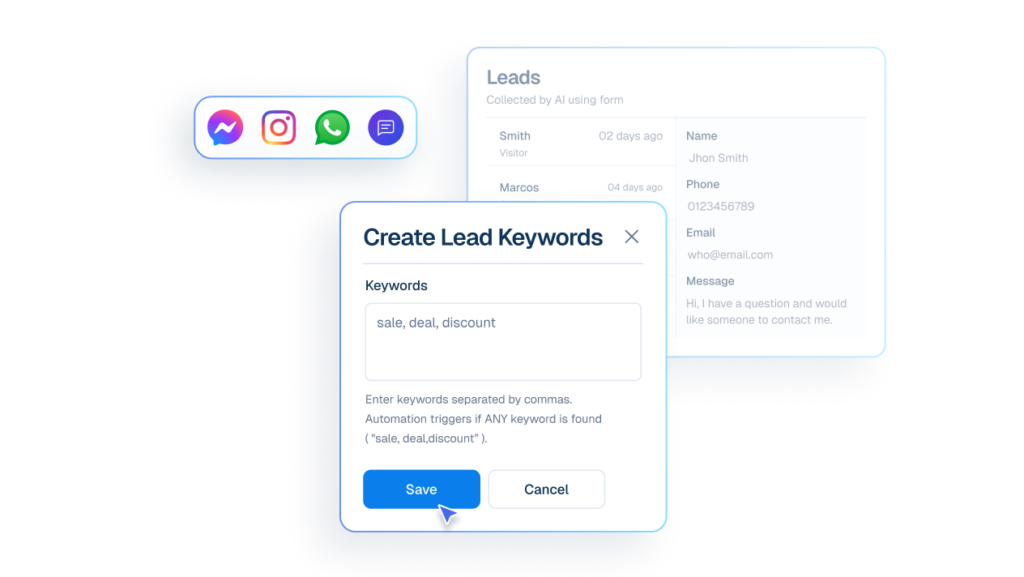
Interface mockup of a "Create Lead Keywords" form showing a cursor clicking a "Save" button to set up automated lead capture using words like "sale, deal, discount" from various chat apps.
lead
Lead Capture
Capture interested customers using keywords from chat and social messages.
Interface mockup of a chat window showing a customer asking about business hours and the Helpmate AI bot replying instantly with the schedule.
auto response
Auto DM & Comments
Trigger accurate responses the moment customers message or comment.
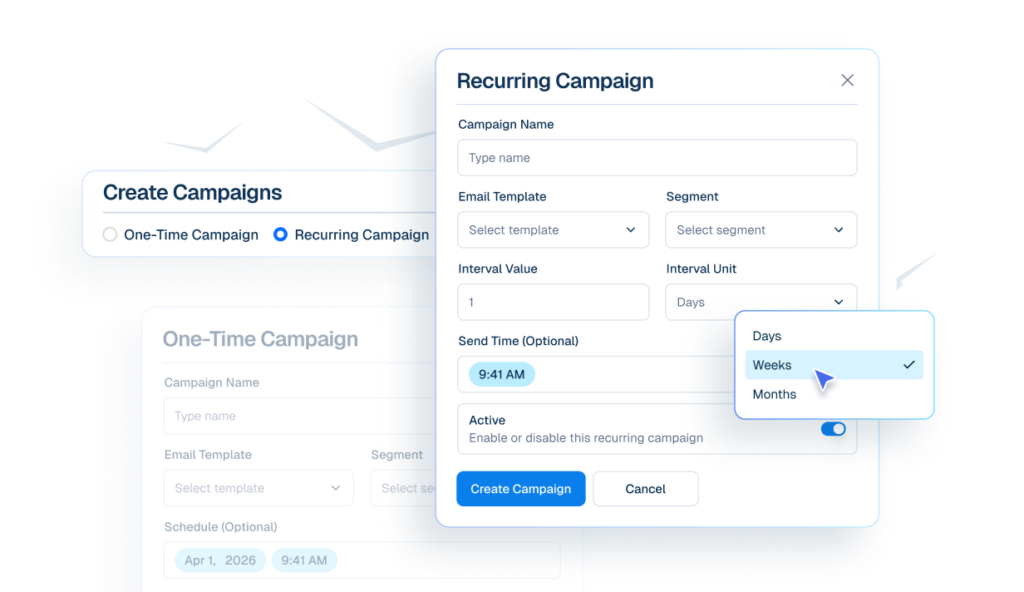
Interface mockup of an email campaign builder showing options to create one-time or recurring campaigns, with a cursor selecting "Weeks" from a dropdown menu for interval units.
email campaigns icon
Email Campaigns
Send emails to selected segments immediately, or schedule them for later automatically.

Chatbot

The First Line Of Support

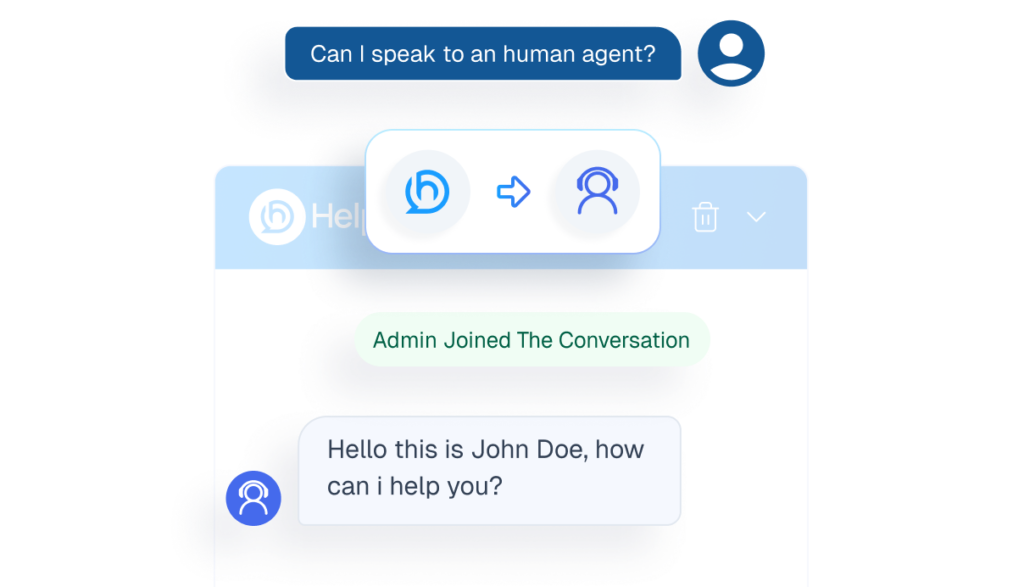
human agents
Human handover
Transfers conversations to staff when matters require personal attention.
Mockup of a chatbot interface demonstrating the human handover feature, showing a user requesting an agent and a live admin joining the chat.
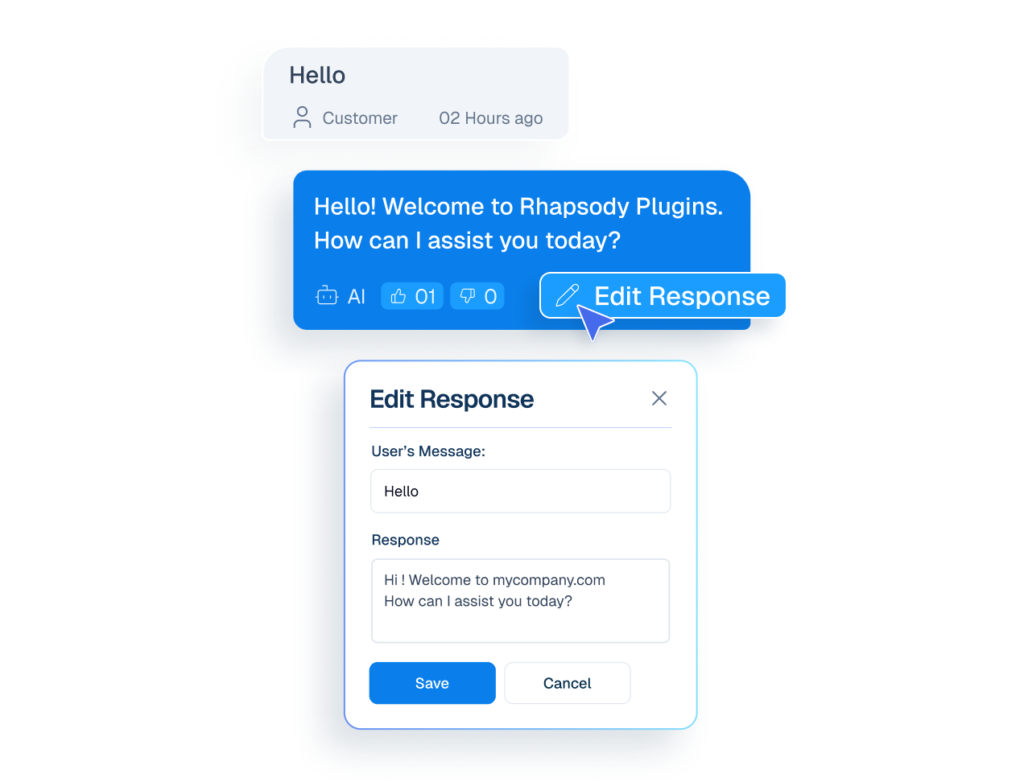
edit ai response
Edit AI Response
User can Edit inaccurate reply and strengthen future AI responses.
Mockup of a chat interface showing a cursor clicking an 'Edit Response' button on an AI message, opening a modal to rewrite the chatbot's reply.
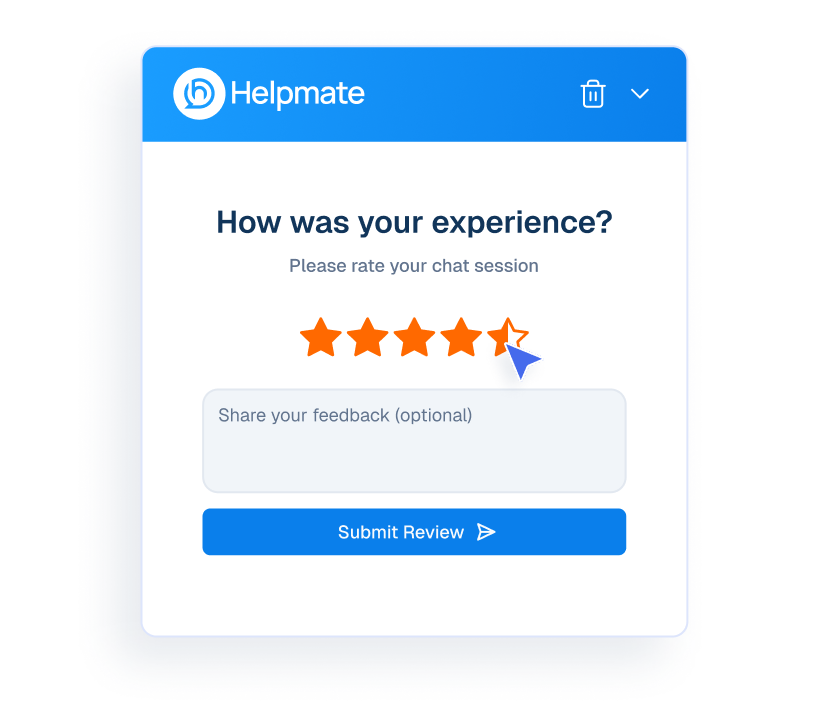
Review icon
Review
Collect customer reviews at end of the conversation.
Mockup of a Helpmate chat interface showing a user rating their experience with five stars.
thumbsub icon
Ai Feedback
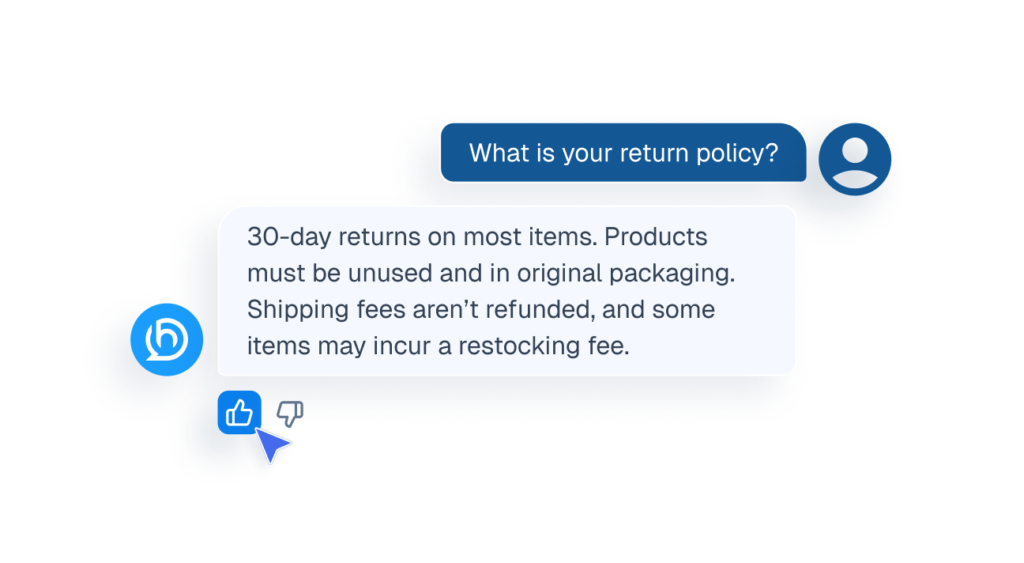
Visitor can like or dislike AI replies to improve future responses.
Mockup of a chat interface showing a cursor clicking a thumbs-up icon to provide feedback on an AI response about a return policy.
settings icon
Settings
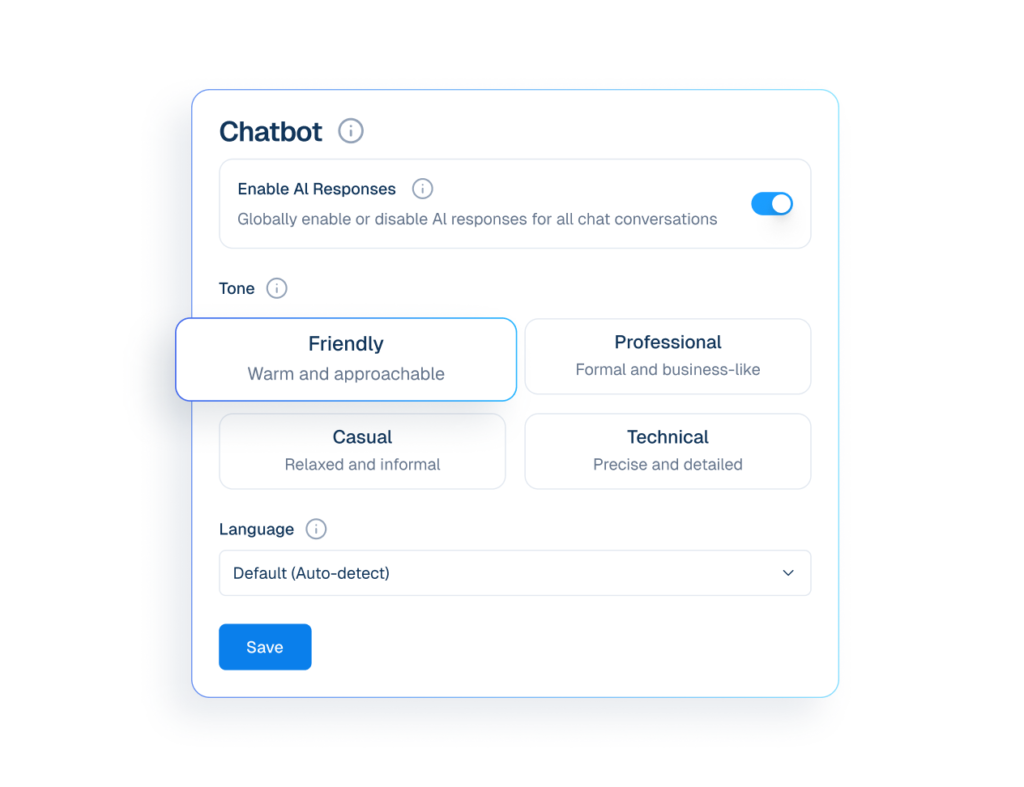
Configure tone and language settings to customize how the chatbot responds.
Interface mockup of a chatbot tone and language settings panel showing options to enable AI responses, select a friendly communication style, and auto-detect language.
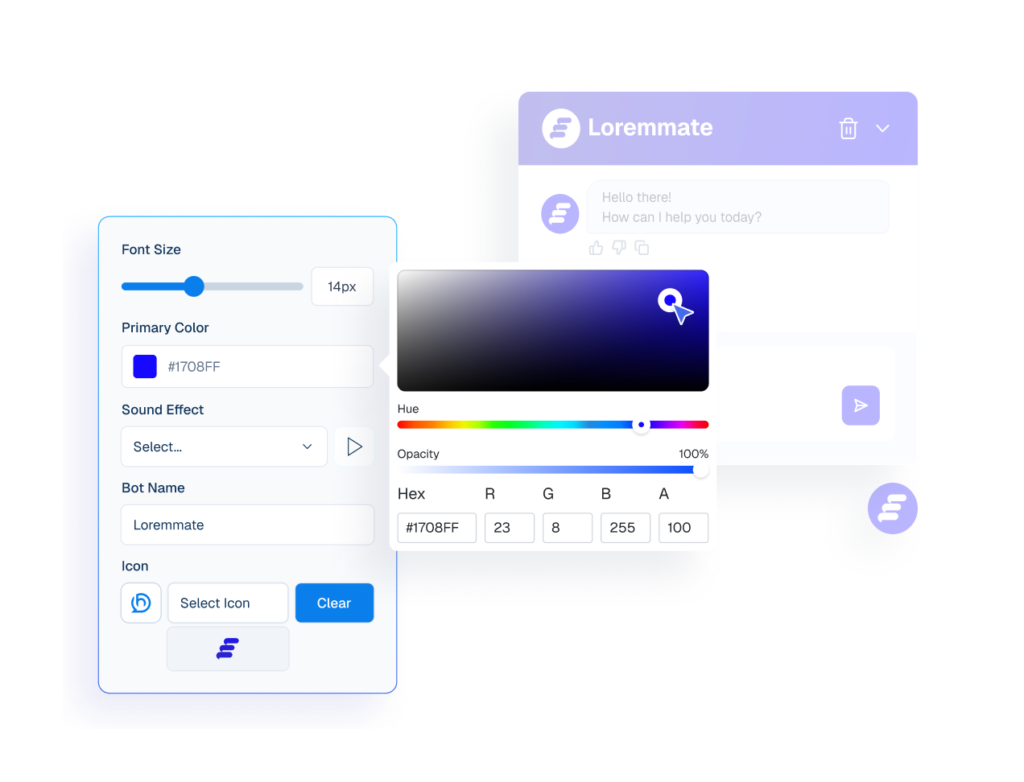
Interface mockup of a chatbot appearance settings panel with an active color picker tool used to customize the bot's primary color, alongside a live preview window.
appearance
Appearance
Customize the chatbot’s colors, layout, and style to fit your website’s look and feel.
qna
FAQ’s
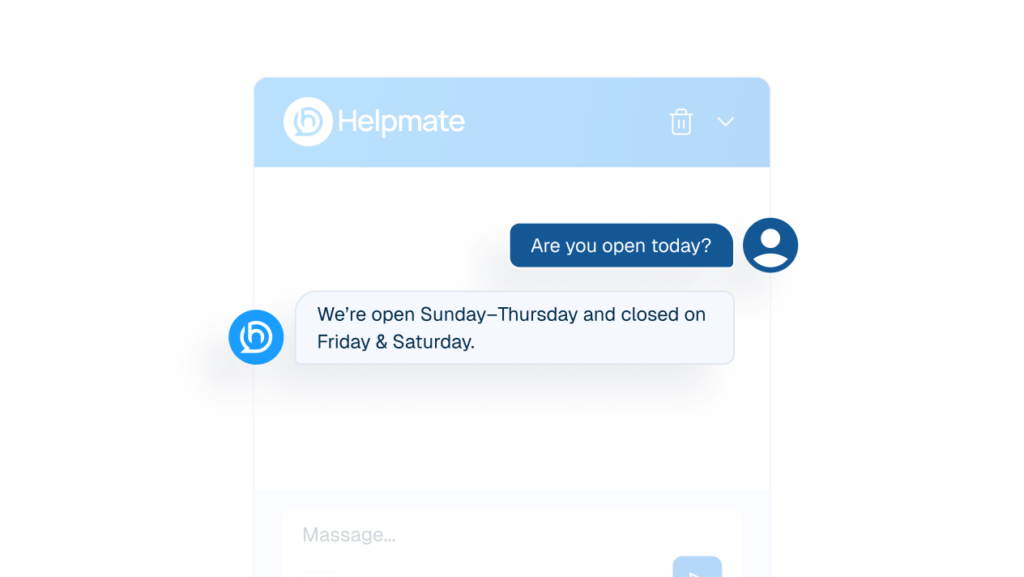
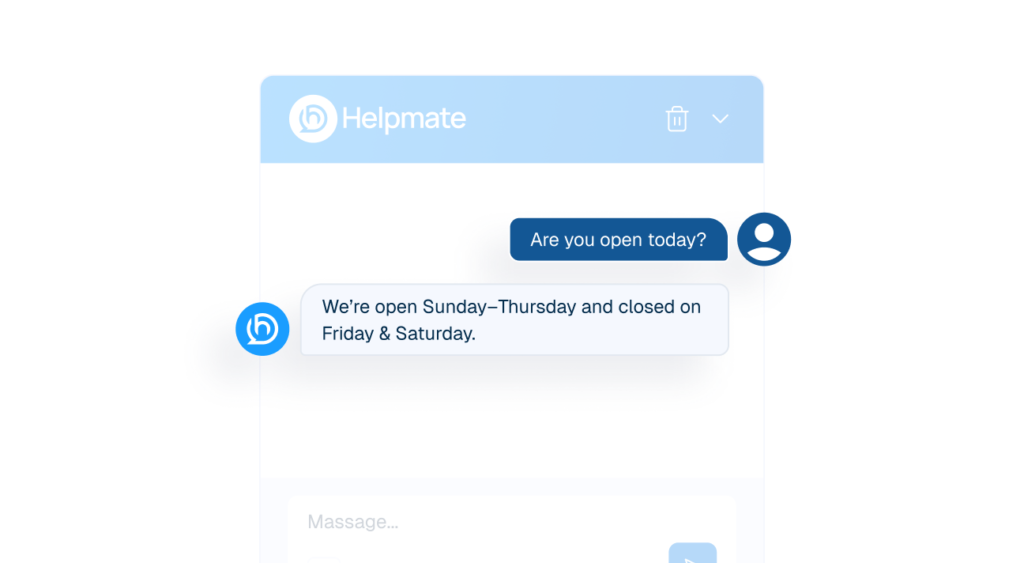
Answers common Cusotomer questions before human involvement.
An AI chatbot interface window labeled "Helpmate" showing an automated instant response to a customer's business hours inquiry.
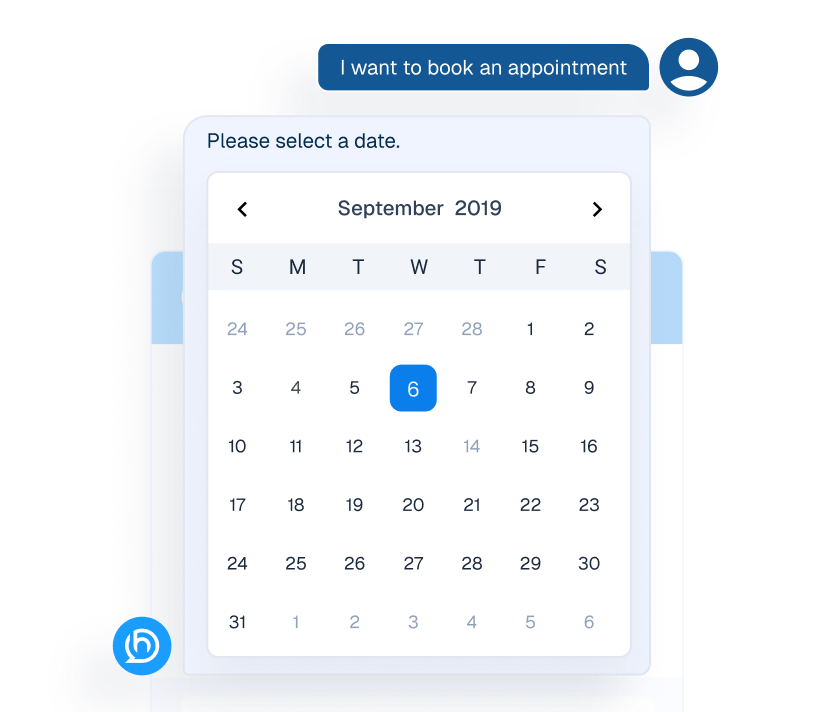
Mockup of an interactive calendar widget within a chat interface used for booking appointments.
appointment booking
Appointment
Visitors request appointments through chat using Scheduling, without waiting.

CRM

Manage Customers Without Chaos

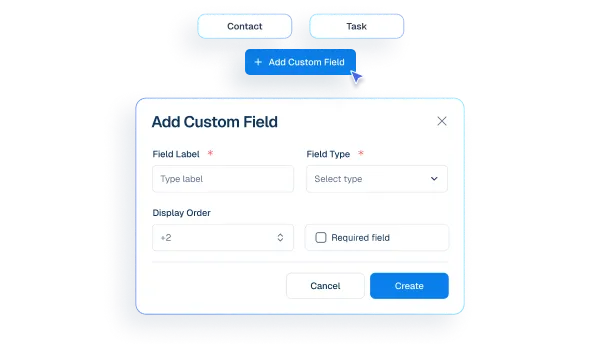
Interface mockup of a CRM "Add Custom Field" popup window showing configuration options like field label, type, and display order.
custom fields
Custom Fields
Create extra details needed for your business type.
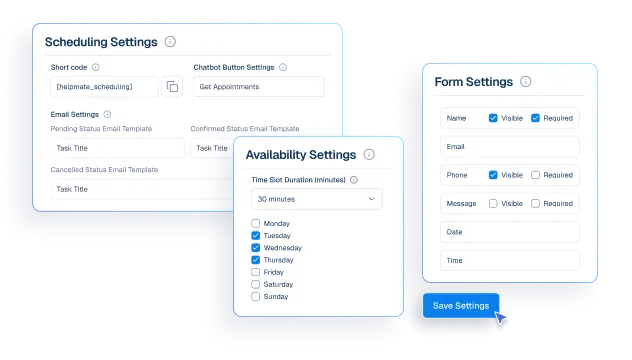
Interface mockup of a CRM appointment and booking system, showing configuration panels for scheduling, availability, and form settings with a cursor clicking a save button.
appointment booking
Appointments & Bookings
Control availability and appointment rules so bookings fit your schedule
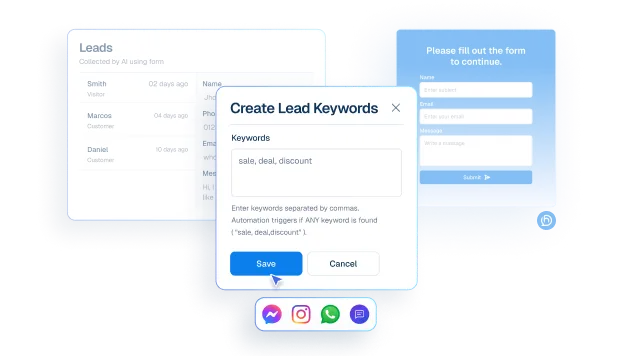
Interface mockup showing lead capture automation with a "Create Lead Keywords" popup containing keywords like "sale, deal, discount" over a leads dashboard.
lead
Leads
Capture interested customers using Form or keywords from chat and social messages.
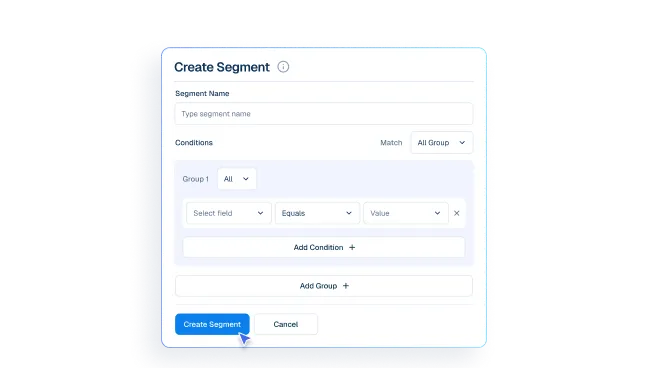
Interface mockup of a CRM dashboard demonstrating a customer segmentation feature, showing a user filling out a form to create a new group segment.
segment
Segments
Group customers for emails and marketing campaigns.
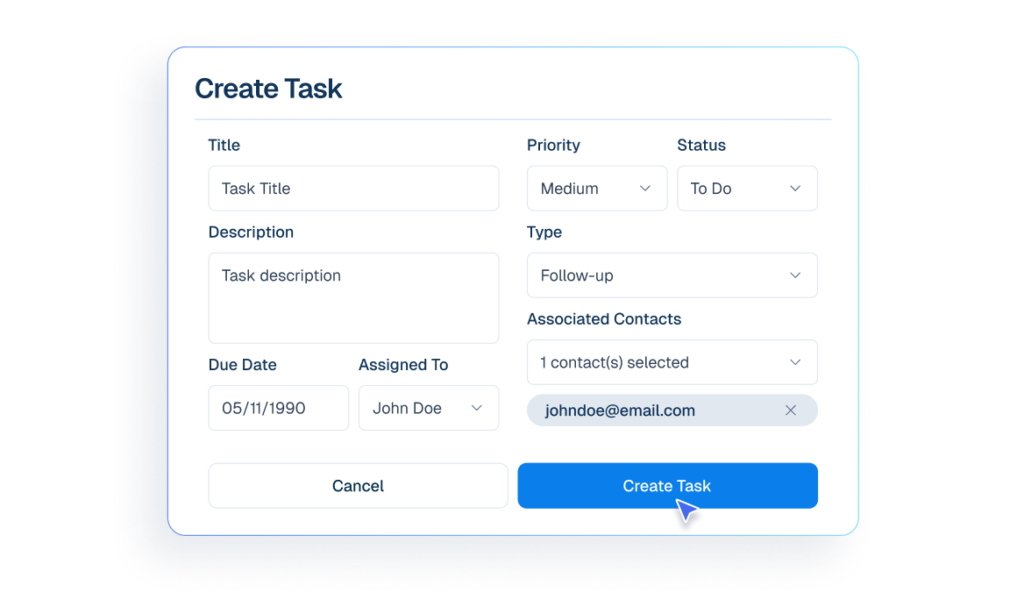
Interface mockup of a CRM dashboard demonstrating a task management feature, showing a user filling out a form to create and assign a new task.
tasks icon
Tasks
Create task for dedicated team so important work is not missed.
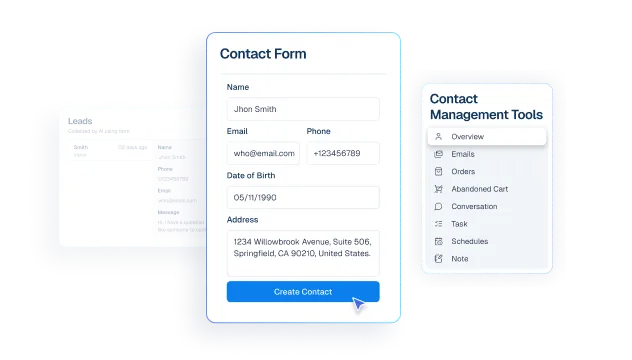
Interface mockup of a CRM dashboard demonstrating a contact management feature, showing a user filling out a contact form to create a new customer profile.
contacts
Contact
create customer profiles from chats, comment, messages and leads.
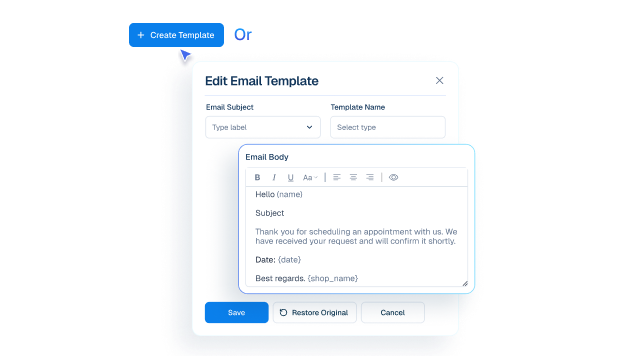
Mockup of an email template editor interface showing fields for subject, template name, and a customizable email body with dynamic variables.
email templates icon
Email Templates
Create and manage reusable email templates. Personalize each message with dynamic data.

social and live chat

Be Where Customers Reach You

Humans take over chats instantly without losing context.
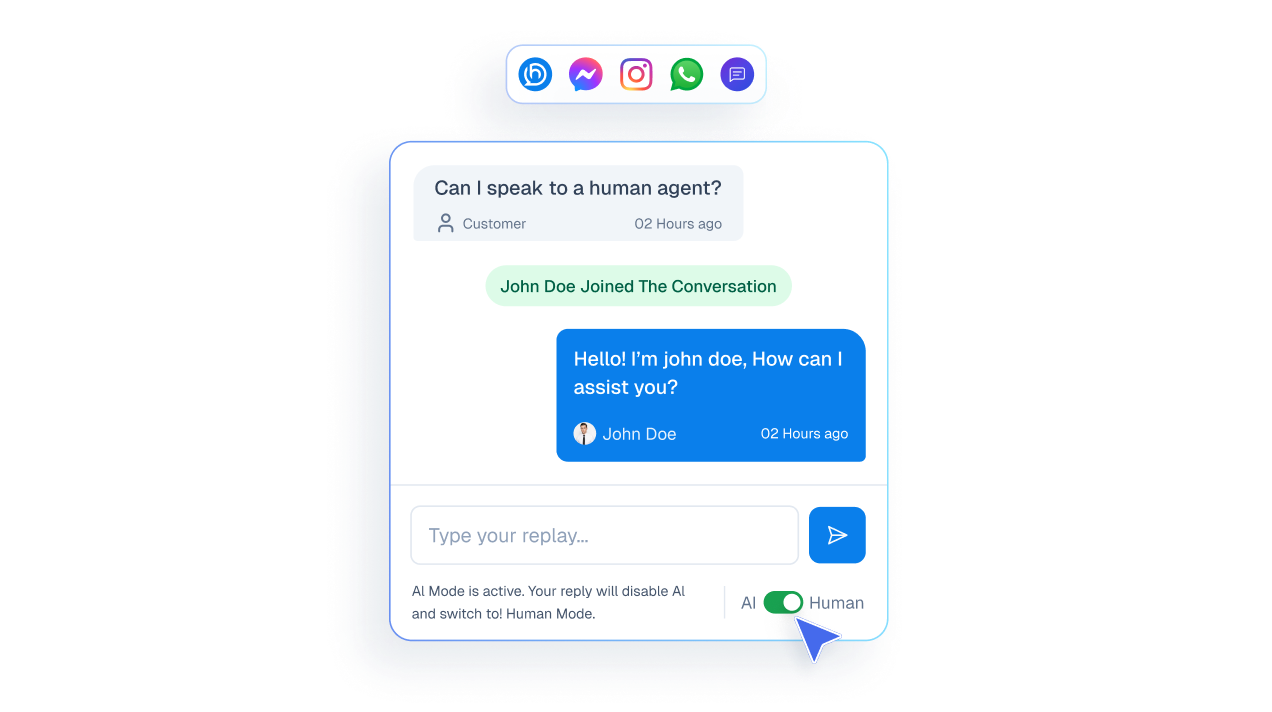
Mockup of a live chat interface showing a user asking to speak to a human and an agent joining the conversation to take over from the AI.

See messages from all channels in one inbox.
A vertical list of communication channel buttons including Website, Messenger, WhatsApp, Instagram, and Comments.

Reply to social media comments instantly from one unified inbox.
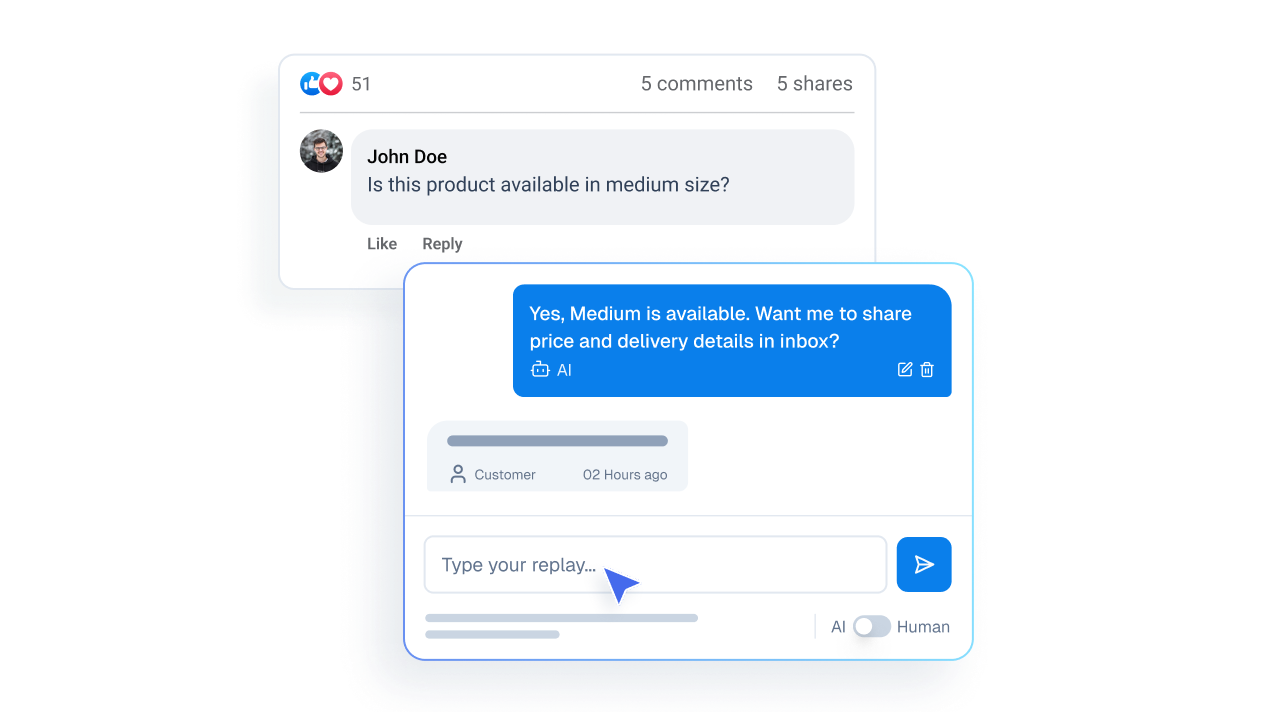
Mockup illustrating a public social media comment from a user transitioning into a private direct message interface.

Measurable Operational Impact

fewer repetitive replies
0 %
Cool Number
0 X Faster
Saved Every Month
0 + Hrs
automated responses
0 /7

Make My Support Effortless

Enhance Every Client Support

Before Helpmate

After Helpmate

Common Questions from Aesthetics and Beauty Teams

How does Helpmate help aesthetics and beauty businesses?

Helpmate manages client conversations before and after appointments. Treatment questions, pricing ranges, availability, aftercare guidance, and follow-ups all stay organized so nothing feels rushed or forgotten.

Is Helpmate suitable for clinics, salons, or solo practitioners?

Yes. Clinics, med spas, salons, dermatology practices, and solo aestheticians all benefit. If clients ask questions before booking or need reassurance after treatment, Helpmate fits.

Does Helpmate replace reception or front-desk staff?

No. It reduces their load. Helpmate handles repetitive questions so staff can focus on consultations, in-person clients, and high-touch interactions.

Can Helpmate handle pricing and treatment questions?

Yes, within boundaries you set. Pricing ranges, treatment overviews, preparation steps, and recovery expectations can be shared clearly. Anything sensitive or complex can be escalated to a human.

Is Helpmate safe for aesthetic and cosmetic communication?

Yes. You control what information is automated and what stays human-led. Helpmate does not diagnose, recommend procedures, or make promises unless you explicitly allow it.

Can Helpmate manage appointment-related conversations?

Yes. Availability questions, booking guidance, rescheduling requests, and reminders can be handled smoothly without back-and-forth calls.

Does Helpmate help with post-treatment follow-ups?

Yes. Aftercare instructions, common recovery questions, and reassurance messages can be delivered consistently. This reduces anxiety and unnecessary calls.

Can Helpmate work outside business hours?

Yes. Clients can ask questions anytime. Messages are acknowledged and queued. No silence. No missed opportunities.

Is Helpmate useful for Instagram and social inquiries?

Very. Many beauty inquiries start on social platforms. Helpmate brings those conversations into one system so leads don’t get lost in DMs.

Can multiple staff members handle client conversations?

Yes. Conversations are assigned, tracked, and visible with full history. No duplicate replies. No awkward contradictions.

Is Helpmate difficult to set up for beauty businesses?

No. Setup focuses on common questions and booking flows. If you already answer the same things daily, Helpmate simply systemizes that work.

What’s the real value of Helpmate for beauty brands?

Confidence. Clients feel informed, supported, and respected before they ever walk in. That trust converts better than persuasion.
Helpmate logo connected to icons for AI, feedback, chat, and partnerships on a white grid background.

Create Confidence Before the First Visit

Help clients feel informed and comfortable before they commit.