coaching consultancy 1
Coaching & Consultancy

Spend Time Coaching, Not Chasing Messages

Helpmate keeps client conversations organized so you stay focused on delivery, not inboxes.

Ideal for

Business & Management Consulting
Frame 1171275307 9
Professional Coaching
coaching2
Training & Skill Development
Frame 1171275307 1 6
Advisory & Mentorship
Frame 1171275307 2 6
Supports client communication and session coordination, not advisory conclusions or strategic decisions.

How Coaching Conversations Stay Focused with Helpmate

01
Client Inquiries

Prospects ask about services, programs, outcomes, and pricing across channels.

02
Service Clarity

Helpmate explains offerings using trained business knowledge and service details.

03
Client Context

Client conversations, notes, and goals remain structured.

04
Ongoing Engagement

Communication supports long-term coaching and consulting relationships.

Trust Grows Through Thoughtful Communication

Clients trust coaches and consultants who communicate clearly and reliably. Helpmate helps teams deliver guidance that feels thoughtful, professional, and well-organized.
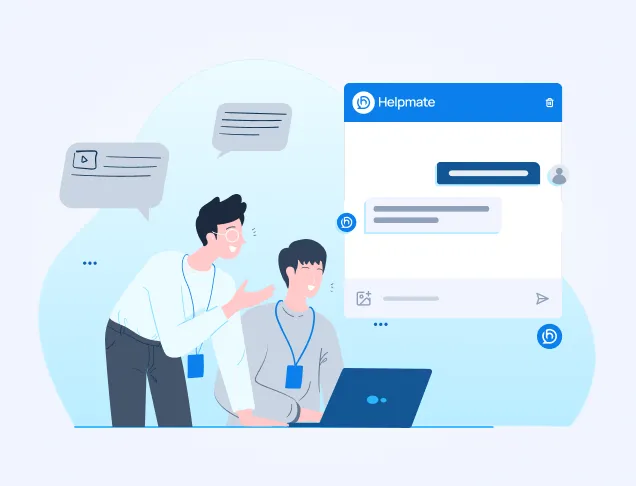
Illustration of a teacher helping a student on a laptop, positioned next to a Helpmate chat interface mockup.

Helpmate AI

Built for instant & Accurate answer

qna
Q&A
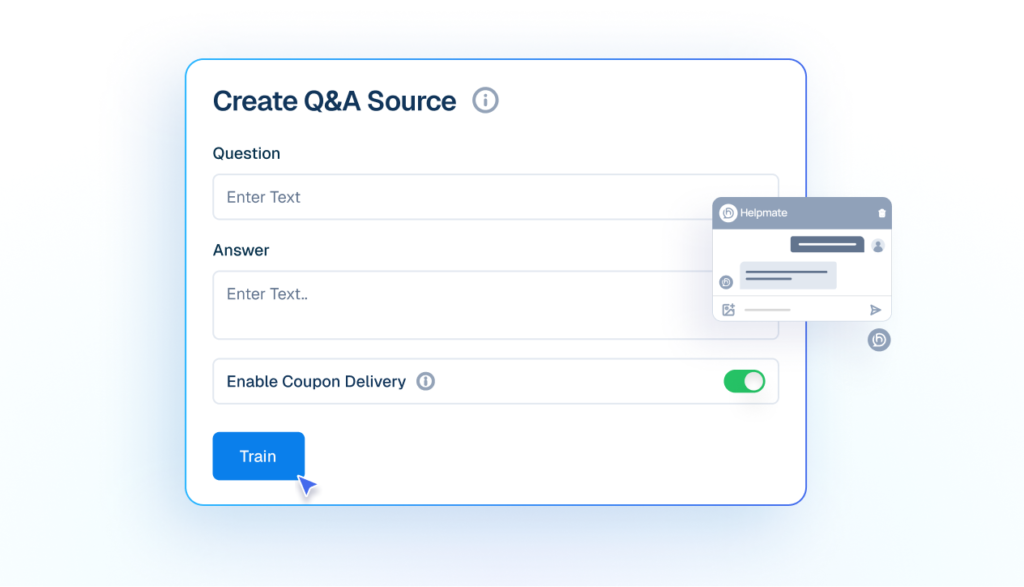
Add your own questions and answers so the AI responds exactly how your business would.
Mockup of a 'Create Q&A Source' interface showing input fields for a custom question and answer, a toggle for coupon delivery, and a cursor clicking a blue 'Train' button.
file
File
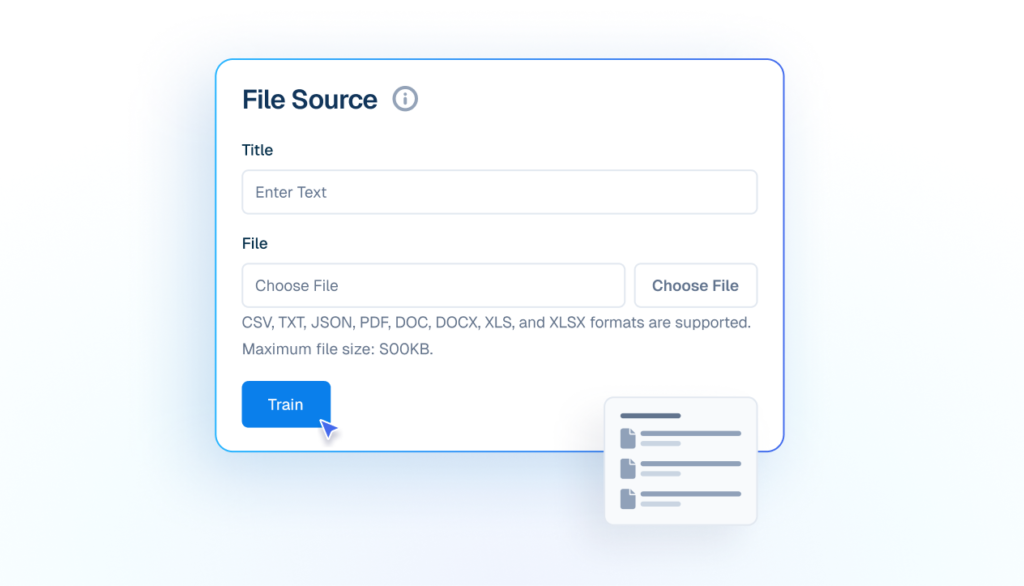
Uses manuals, catalogs, and documents to support customer conversations.
Mockup of a 'File Source' upload interface showing fields for Title and File selection, with a cursor clicking a blue 'Train' button to upload documents.
products
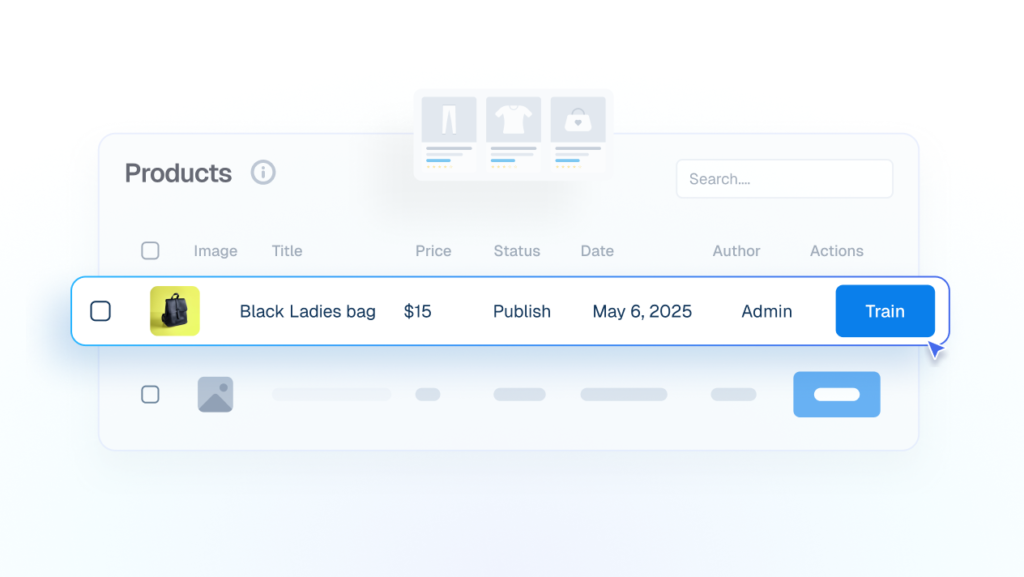
Products
Trained on product/service details, to answer pricing, availability and basic store policies.
Interface mockup showing a products data table where a cursor is clicking a blue "Train" button to integrate details of a "Black Ladies bag" into the AI.
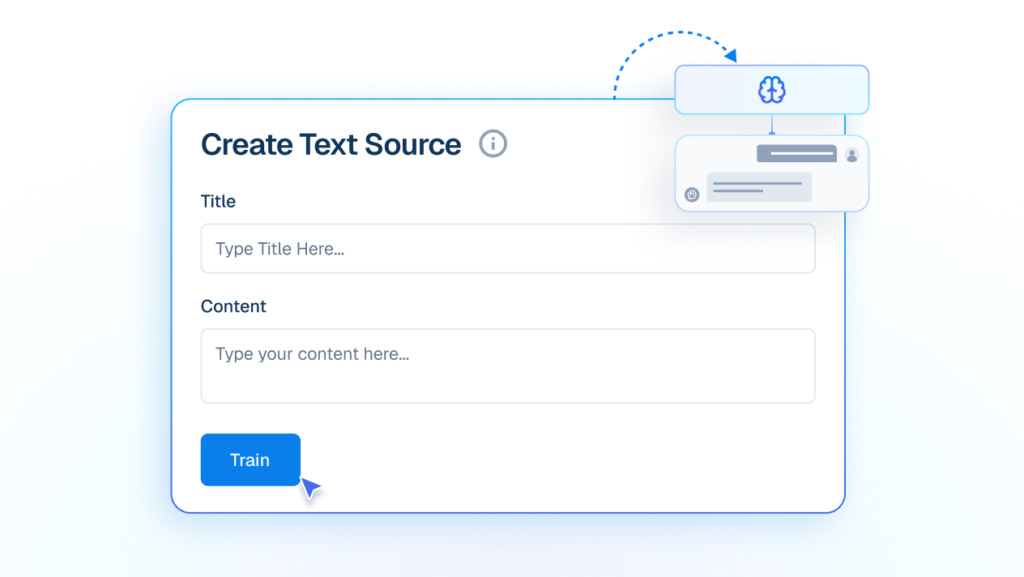
Text
Train your Own custom written content into instant AI knowledge.
Mockup of a 'Create Text Source' interface with input fields for Title and Content, showing a cursor clicking a blue 'Train' button to feed text into an AI brain graphic.
wp posts
WP Posts
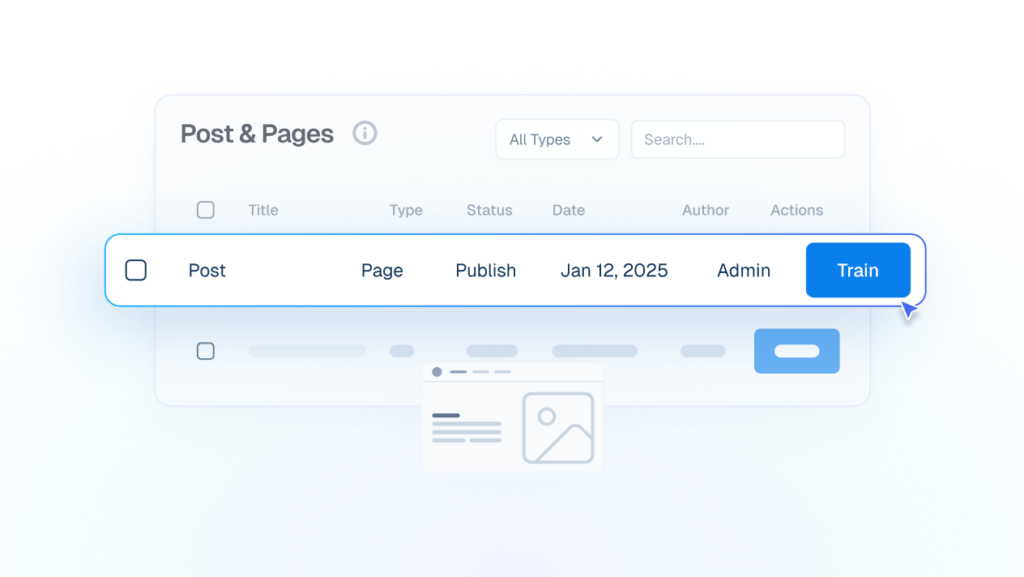
Blog posts and pages become reliable answers without rewriting or duplicating content.
Interface mockup showing a data table for "Post & Pages" where a cursor is clicking a blue "Train" button to use existing blog content for the AI.
url
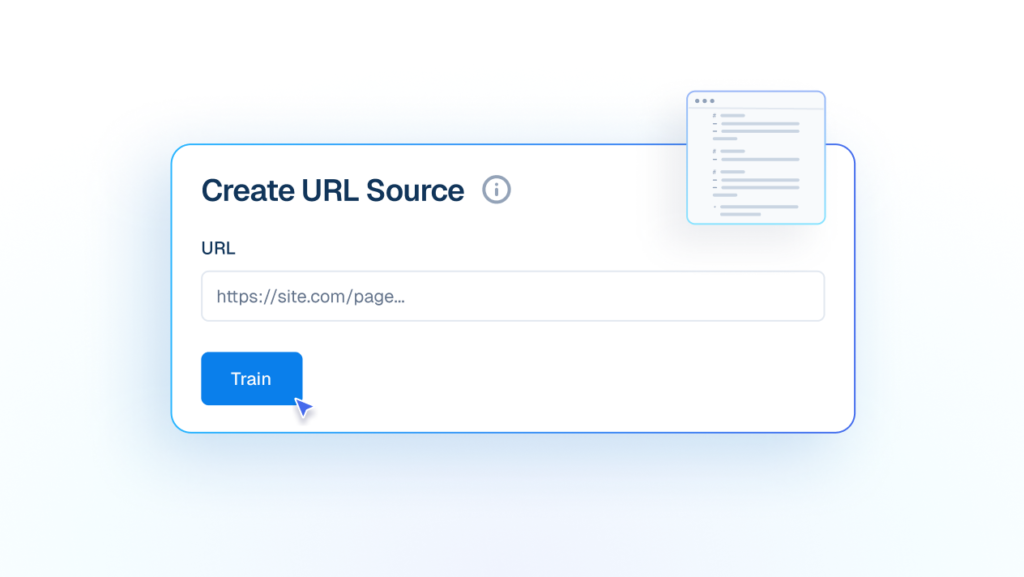
URL
Train AI from live URLs to keep answers updated with your latest public information.
Interface mockup of a "Create URL Source" form showing a cursor clicking a "Train" button to add a live website link to the AI knowledge base.

Automation

Conversations Move Automatically
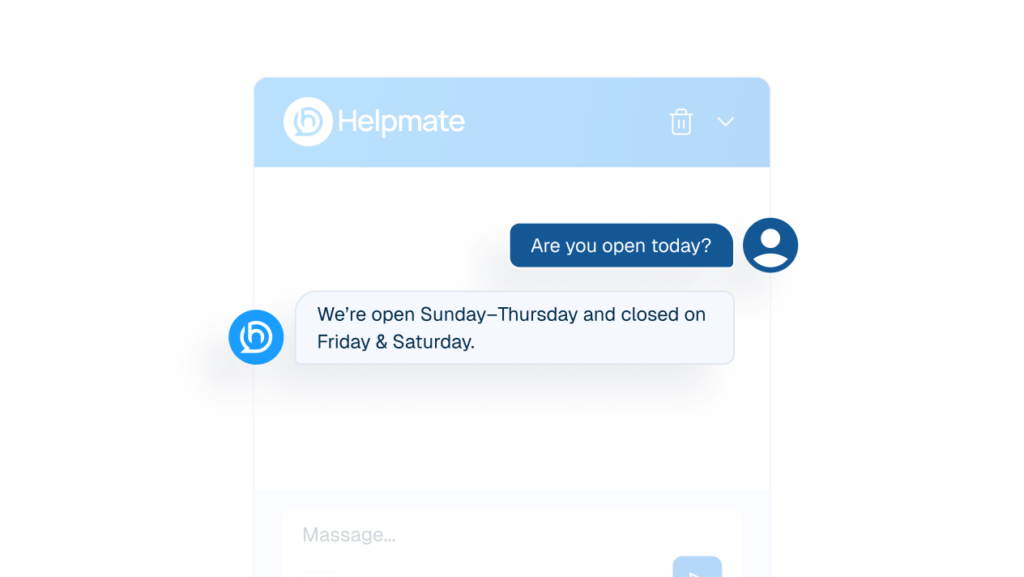
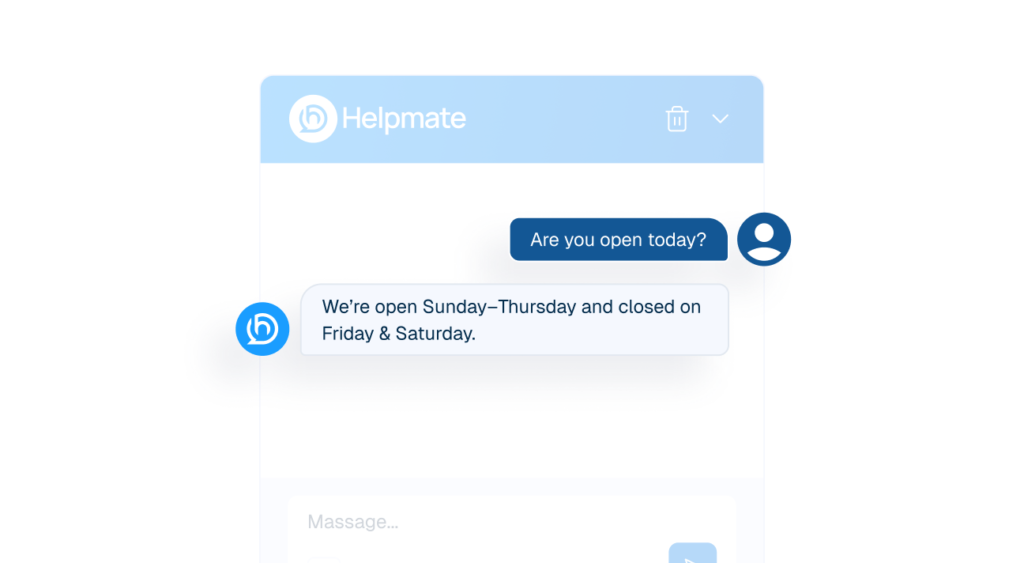
Interface mockup of a chat window showing a customer asking about business hours and the Helpmate AI bot replying instantly with the schedule.
auto response
Auto DM & Comments
Trigger accurate responses the moment customers message or comment.
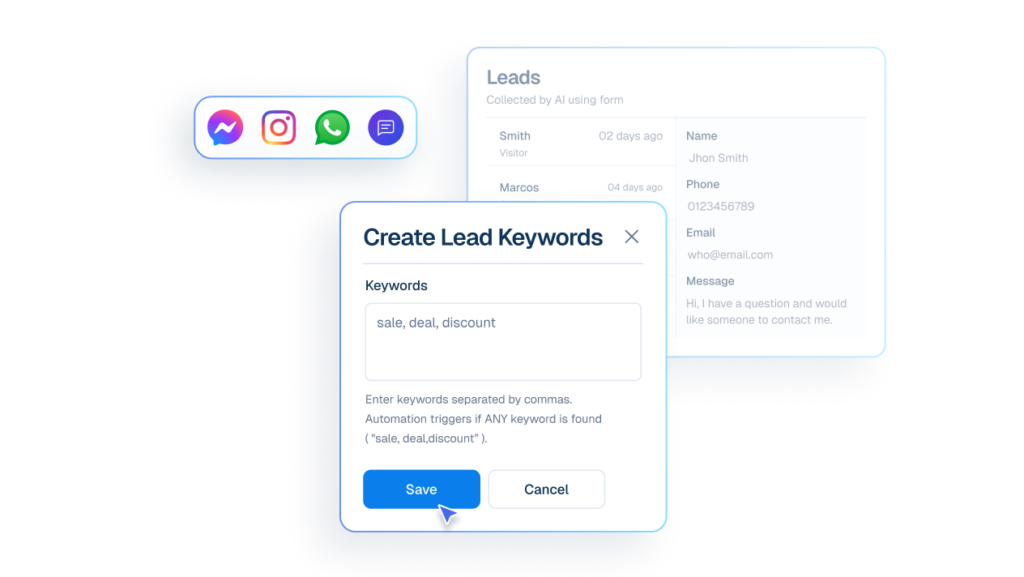
Interface mockup of a "Create Lead Keywords" form showing a cursor clicking a "Save" button to set up automated lead capture using words like "sale, deal, discount" from various chat apps.
lead
Lead Capture
Capture interested customers using keywords from chat and social messages.
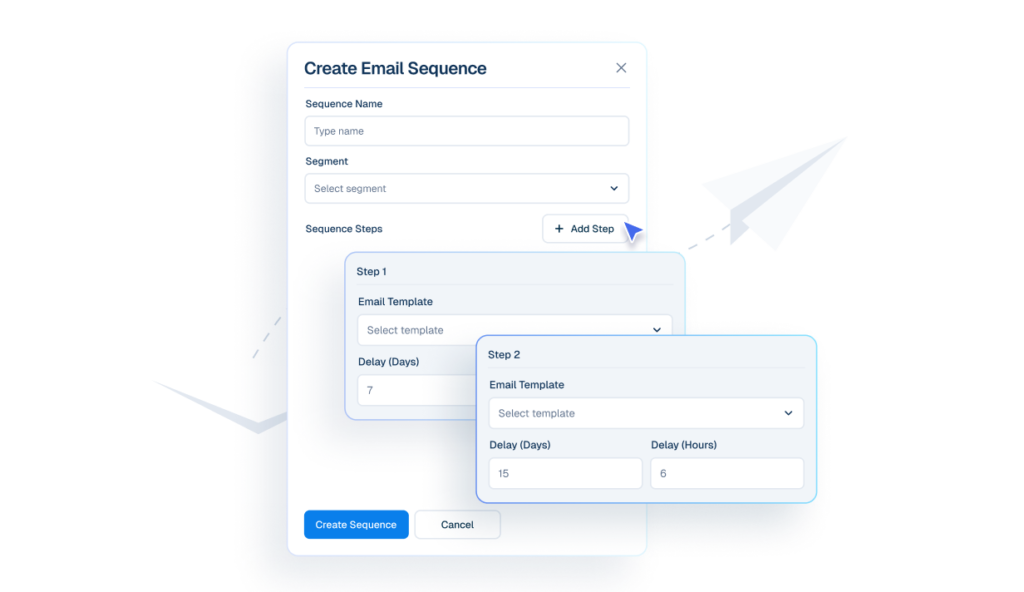
Interface mockup of a "Create Email Sequence" builder showing a cursor clicking an "+ Add Step" button to configure automated follow-up emails with specific day and hour delays.
emails
Email Sequences
Create email sequences that send automatically at defined intervals.
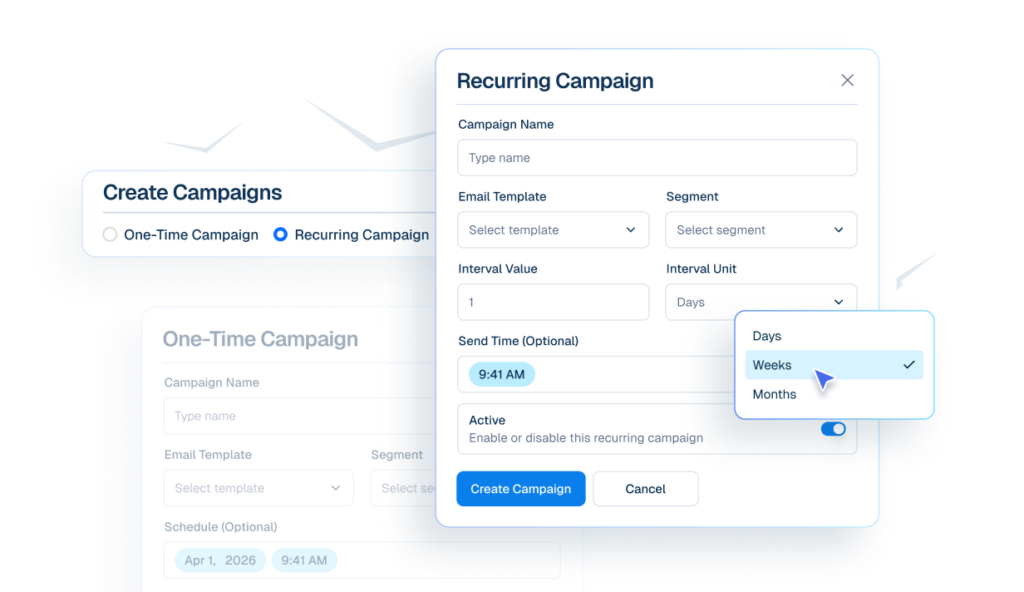
Interface mockup of an email campaign builder showing options to create one-time or recurring campaigns, with a cursor selecting "Weeks" from a dropdown menu for interval units.
email campaigns icon
Email Campaigns
Send emails to selected segments immediately, or schedule them for later automatically.

Chatbot

The First Line Of Support

Review icon
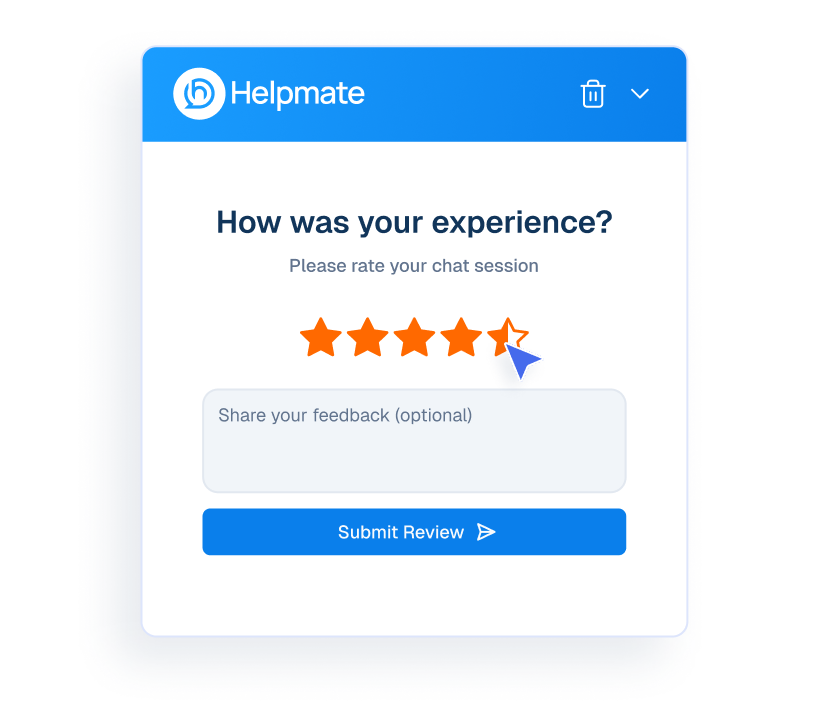
Review
Collect customer reviews at end of the conversation.
Mockup of a Helpmate chat interface showing a user rating their experience with five stars.
edit ai response
Edit AI Response
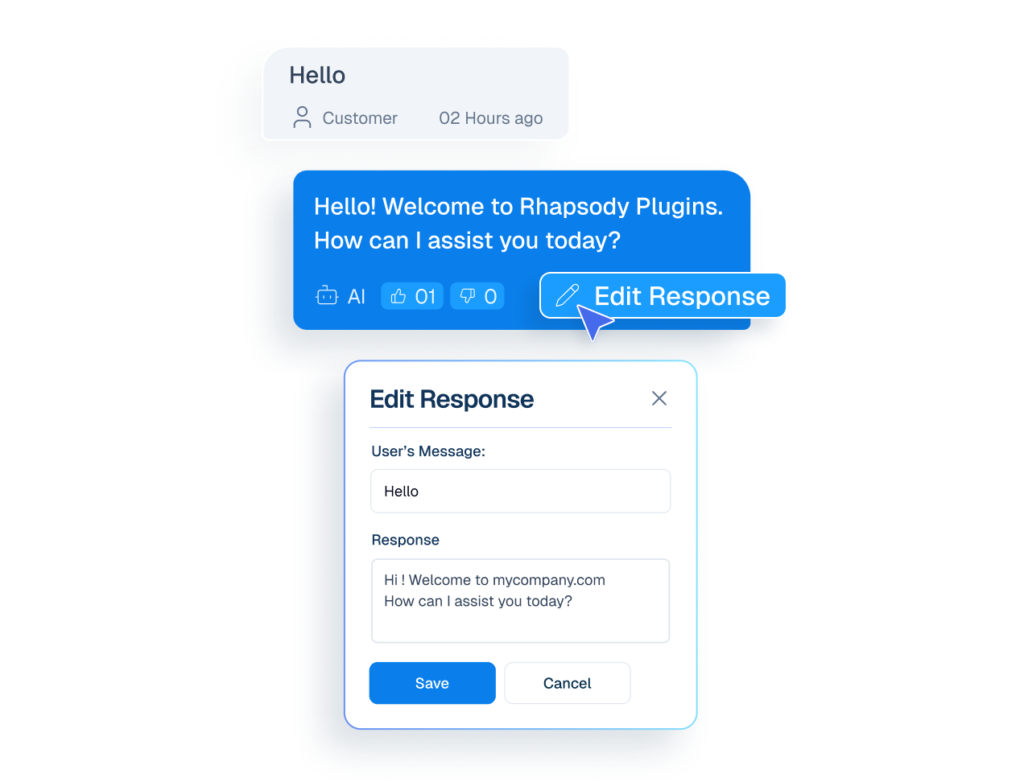
User can Edit inaccurate reply and strengthen future AI responses.
Mockup of a chat interface showing a cursor clicking an 'Edit Response' button on an AI message, opening a modal to rewrite the chatbot's reply.
appearance
Appearance
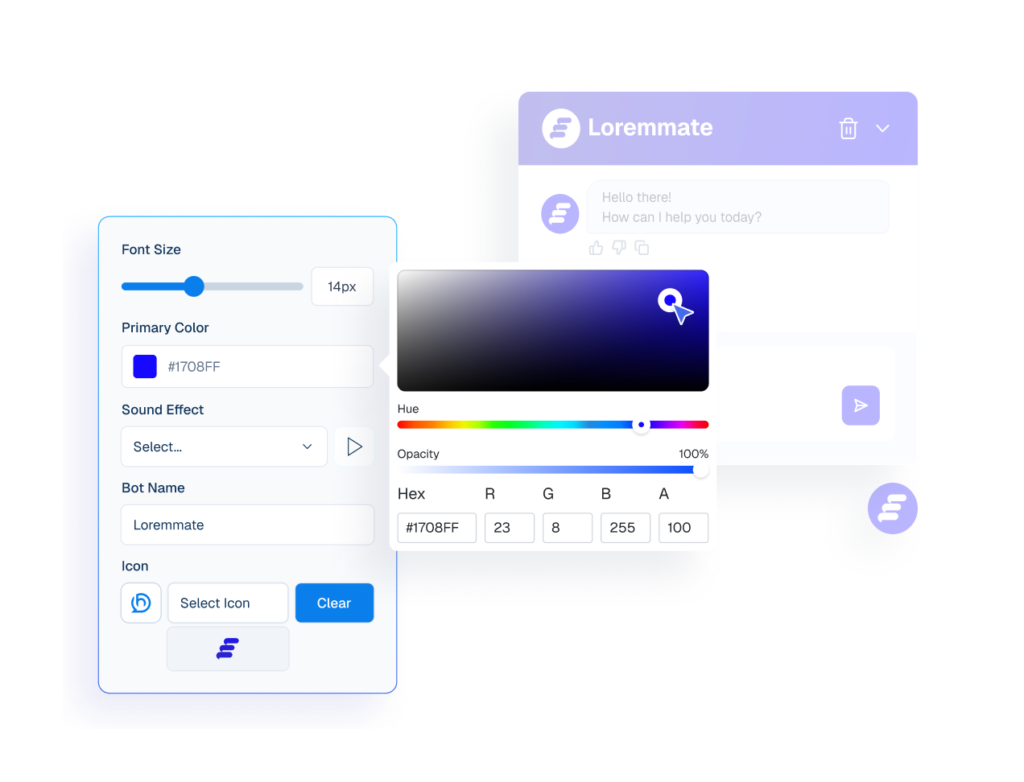
Customize the chatbot’s colors, layout, and style to fit your website’s look and feel.
Interface mockup of a chatbot appearance settings panel with an active color picker tool used to customize the bot's primary color, alongside a live preview window.
human agents
Human handover
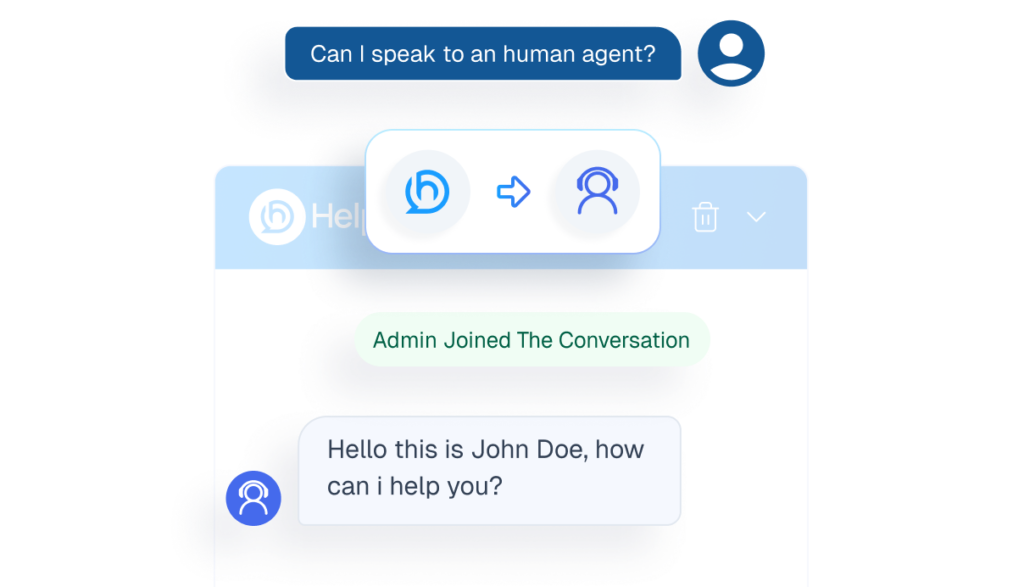
Transfers conversations to staff when matters require personal attention.
Mockup of a chatbot interface demonstrating the human handover feature, showing a user requesting an agent and a live admin joining the chat.
thumbsub icon
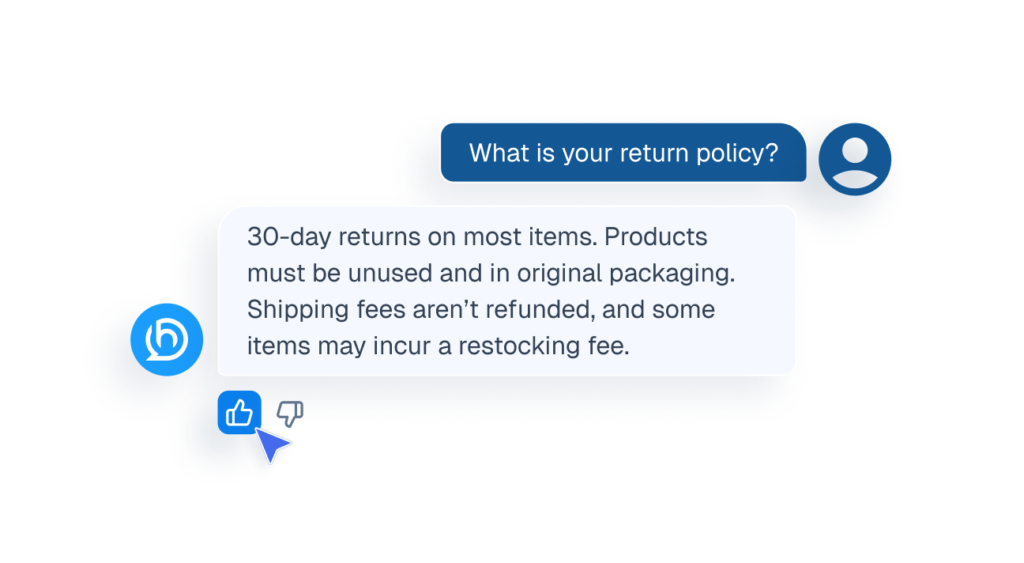
Ai Feedback
Visitor can like or dislike AI replies to improve future responses.
Mockup of a chat interface showing a cursor clicking a thumbs-up icon to provide feedback on an AI response about a return policy.
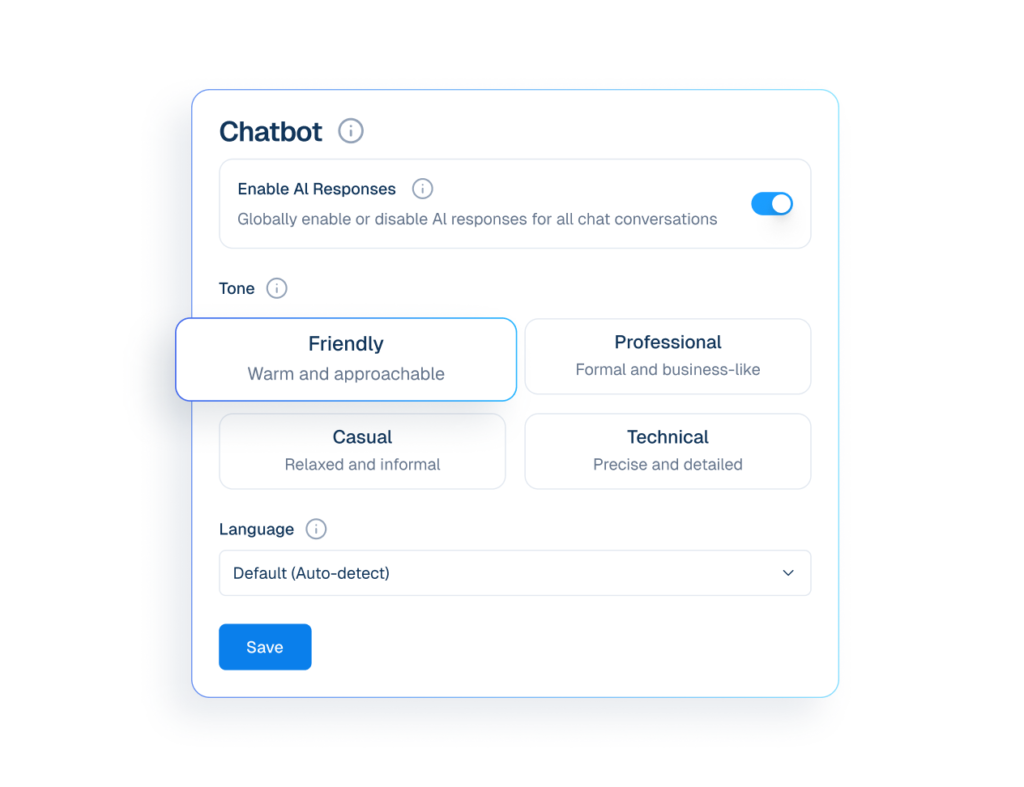
Interface mockup of a chatbot tone and language settings panel showing options to enable AI responses, select a friendly communication style, and auto-detect language.
settings icon
Settings
Configure tone and language settings to customize how the chatbot responds.
appointment booking
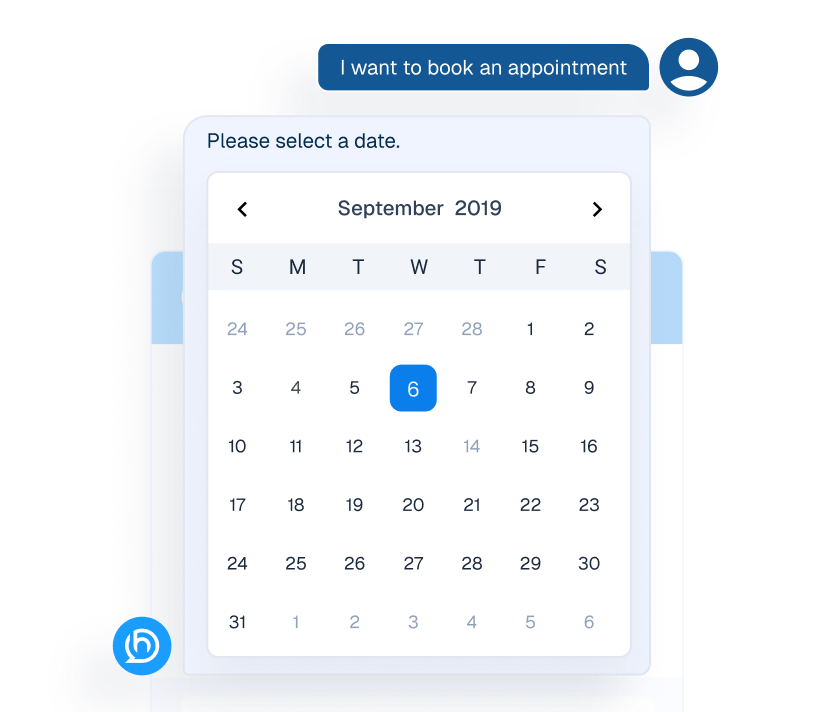
Appointment
Visitors request appointments through chat using Scheduling, without waiting.
Mockup of an interactive calendar widget within a chat interface used for booking appointments.
An AI chatbot interface window labeled "Helpmate" showing an automated instant response to a customer's business hours inquiry.
qna
FAQ’s
Answers common Cusotomer questions before human involvement.

CRM

Manage Customers Without Chaos

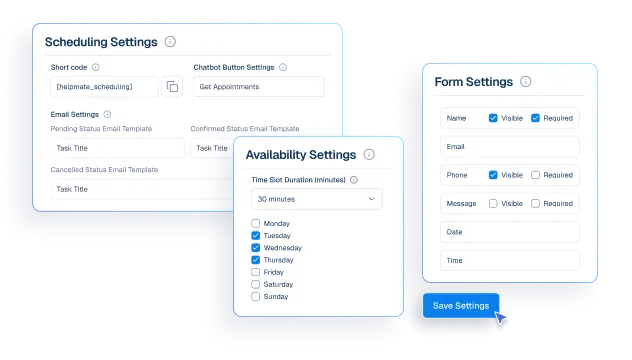
Interface mockup of a CRM appointment and booking system, showing configuration panels for scheduling, availability, and form settings with a cursor clicking a save button.
appointment booking
Appointments & Bookings
Control availability and appointment rules so bookings fit your schedule
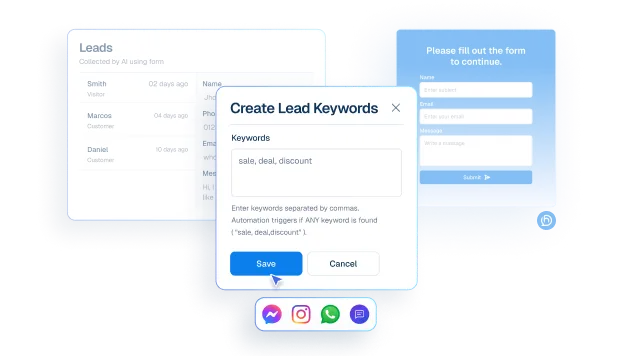
Interface mockup showing lead capture automation with a "Create Lead Keywords" popup containing keywords like "sale, deal, discount" over a leads dashboard.
lead
Leads
Capture interested customers using Form or keywords from chat and social messages.
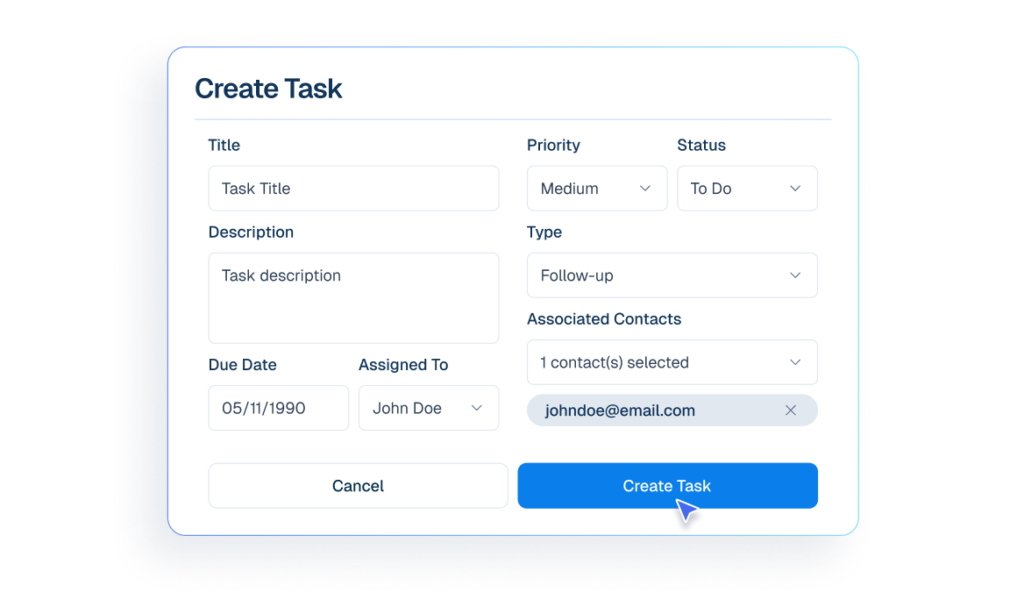
Interface mockup of a CRM dashboard demonstrating a task management feature, showing a user filling out a form to create and assign a new task.
tasks icon
Tasks
Create task for dedicated team so important work is not missed.
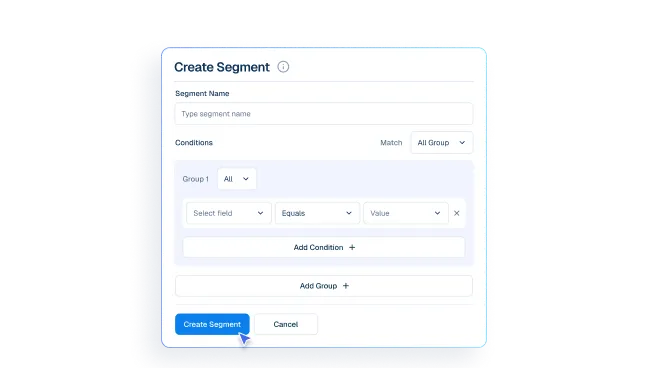
Interface mockup of a CRM dashboard demonstrating a customer segmentation feature, showing a user filling out a form to create a new group segment.
segment
Segments
Group customers for emails and marketing campaigns.
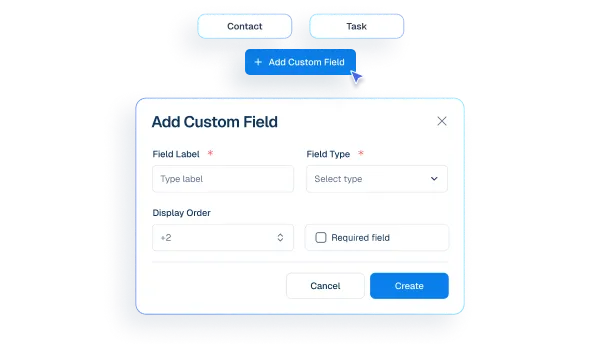
Interface mockup of a CRM "Add Custom Field" popup window showing configuration options like field label, type, and display order.
custom fields
Custom Fields
Create extra details needed for your business type.
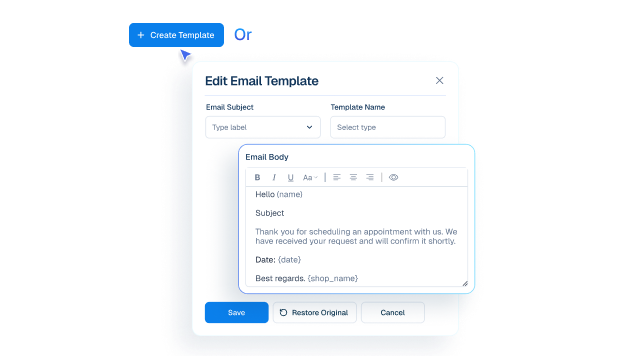
Mockup of an email template editor interface showing fields for subject, template name, and a customizable email body with dynamic variables.
email templates icon
Email Templates
Create and manage reusable email templates. Personalize each message with dynamic data.
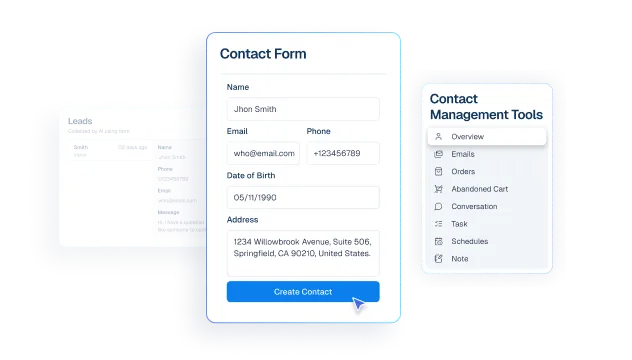
Interface mockup of a CRM dashboard demonstrating a contact management feature, showing a user filling out a contact form to create a new customer profile.
contacts
Contact
create customer profiles from chats, comment, messages and leads.

social and live chat

Be Where Customers Reach You

Humans take over chats instantly without losing context.
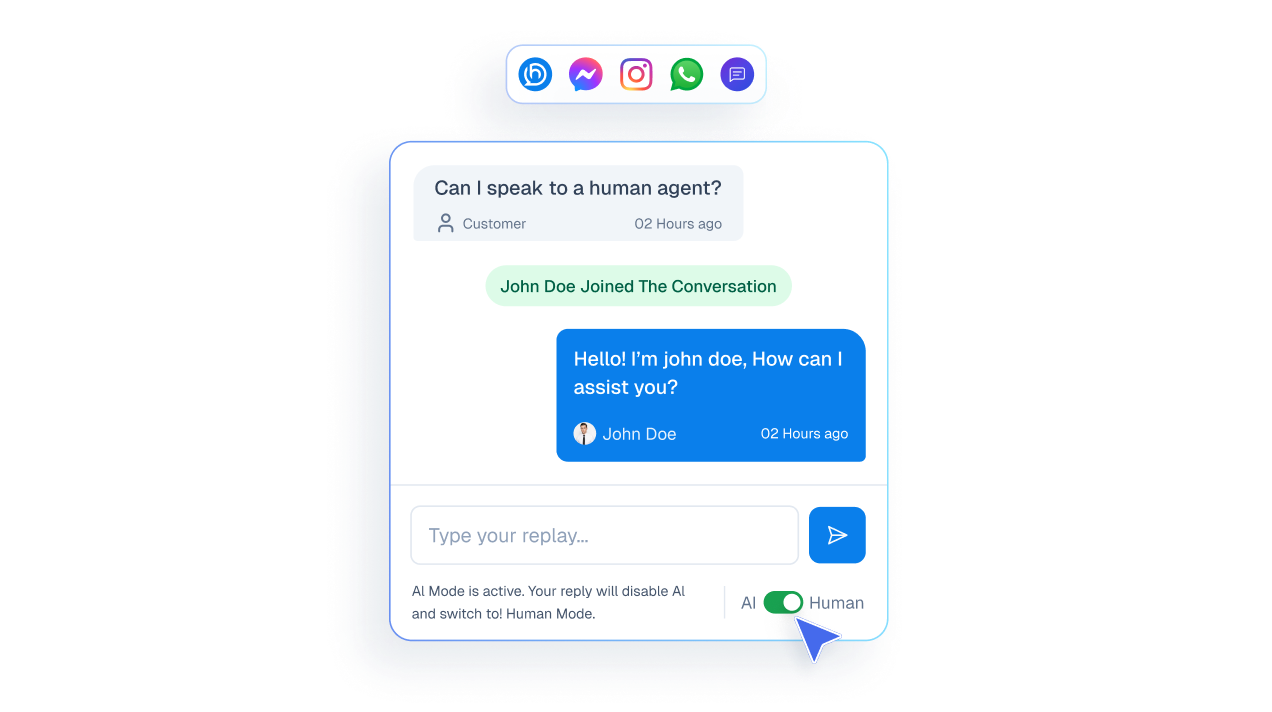
Mockup of a live chat interface showing a user asking to speak to a human and an agent joining the conversation to take over from the AI.

See messages from all channels in one inbox.
A vertical list of communication channel buttons including Website, Messenger, WhatsApp, Instagram, and Comments.

Reply to social media comments instantly from one unified inbox.
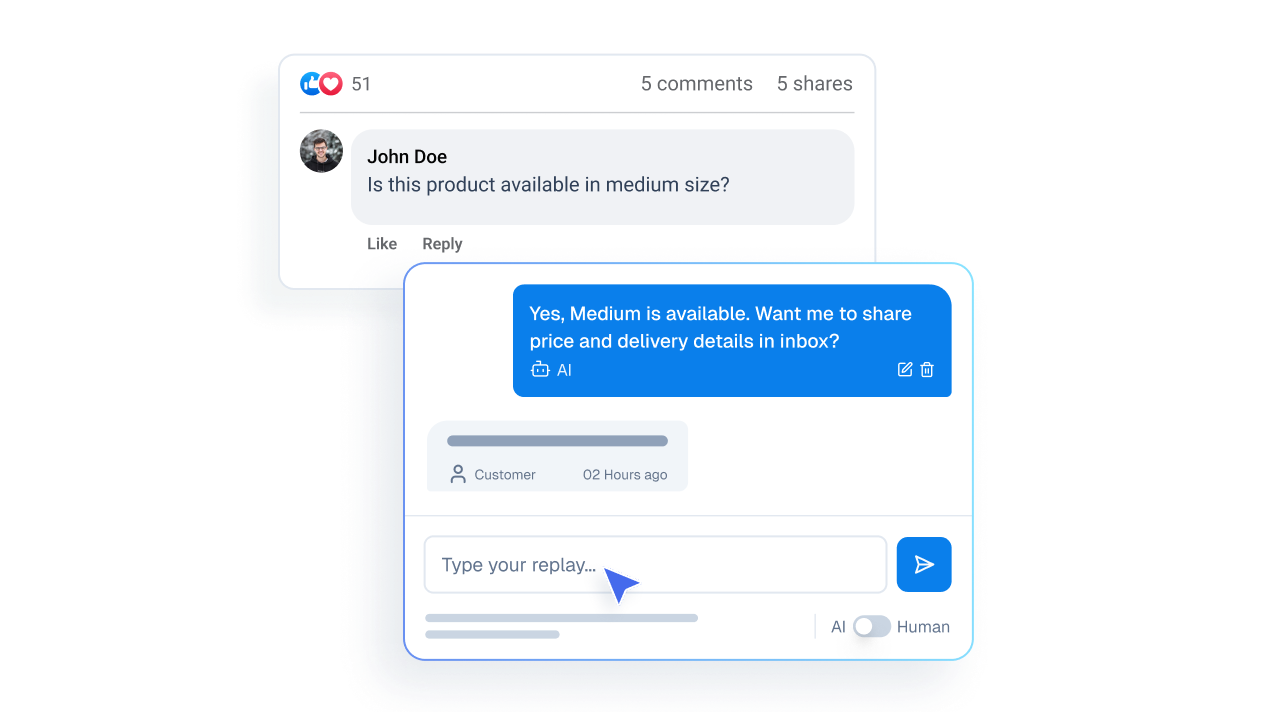
Mockup illustrating a public social media comment from a user transitioning into a private direct message interface.

Measurable Operational Impact

fewer repetitive replies
0 %
Cool Number
0 X Faster
Saved Every Month
0 + Hrs
automated responses
0 /7

Make My Support Effortless

Elevate Consulting Experience

Before Helpmate

After Helpmate

Common Questions from Coaching & Consultancy Teams

How does Helpmate help coaches and consultants?

Helpmate manages client and prospect conversations from first inquiry to follow-up. Program questions, fit checks, scheduling, and onboarding conversations stay organized instead of scattered across DMs and emails.

Is Helpmate suitable for solo coaches or consulting firms?

Both. Solo practitioners use it to control inquiry volume. Firms use it to route conversations to the right consultant. If people ask before committing, Helpmate fits.

Does Helpmate replace discovery calls?

No. It protects them. Discovery calls happen with context instead of starting from zero. If your calls feel repetitive, Helpmate fixes that.

Can Helpmate handle program and pricing questions?

Yes, within boundaries you define. Program structure, timelines, outcomes, and pricing ranges can be shared clearly. Final decisions stay human-led.

Is Helpmate safe for sensitive conversations?

Yes. You control what’s automated and what escalates. Helpmate supports communication flow, not coaching judgment.

Can Helpmate manage scheduling and follow-ups?

Yes. Booking guidance, reminders, and follow-ups stay visible. No lost conversations. No forgotten prospects.

Does Helpmate work outside business hours?

Yes. Prospects think about change at odd hours. Helpmate captures intent without forcing you to be online.

Can Helpmate handle social media inquiries?

Yes. WhatsApp, Instagram and Facebook DMs often start coaching conversations. Helpmate brings them into one inbox so nothing gets lost.

Can multiple coaches or consultants use Helpmate?

Yes. Conversations can be assigned with full history. No overlap. No confusion about ownership.

Is Helpmate hard to set up for coaching businesses?

No. Setup focuses on common questions and qualification flows. If you already repeat the same explanations daily, Helpmate just systemizes it.

Does Helpmate help reduce ghosting?

Yes. Clear answers and timely follow-ups keep conversations warm. Ghosting usually means uncertainty, not disinterest.

Who should NOT use Helpmate in coaching or consulting?

People who sell only on pressure. People unwilling to define who they help. People who expect software to replace human trust.

What’s the real value of Helpmate for coaches and consultants?

Clarity and focus. Fewer distractions. Better-fit clients. Conversations that lead somewhere instead of fading out.
Helpmate logo connected to icons for AI, feedback, chat, and partnerships on a white grid background.

Focus on Outcomes, Not Managing Messages

Keep client conversations organized from discovery to delivery.