
All Features

Everything Helpmate Can Do for Your business

Cool Number
+ 0 %
Cool Number
+ 0 %
Cool Number
+ 0 %
Cool Number
+ 0 %
Cool Number
+ 0 %
Cool Number
+ 0 %
Cool Number
+ 0 %
Cool Number
+ 0 %
Cool Number
+ 0 %
Cool Number
+ 0 %
Cool Number
+ 0 %
Cool Number
+ 0 %

One Brain, Infinite Answers

Reuse Existing Content to Answer Customers

Blog posts and pages become reliable answers without rewriting or duplicating content.
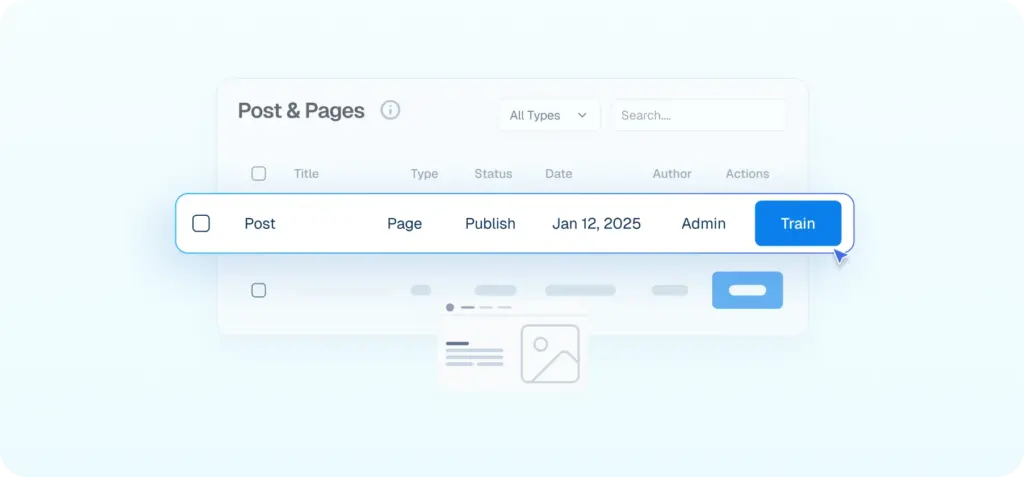
Interface mockup showing a data table for "Post & Pages" where a cursor is clicking a blue "Train" button to use existing blog content for the AI.
Turn Product Data Into Instant Answers

Helpmate uses product details to answer availability, pricing, features, and recommendations automatically.
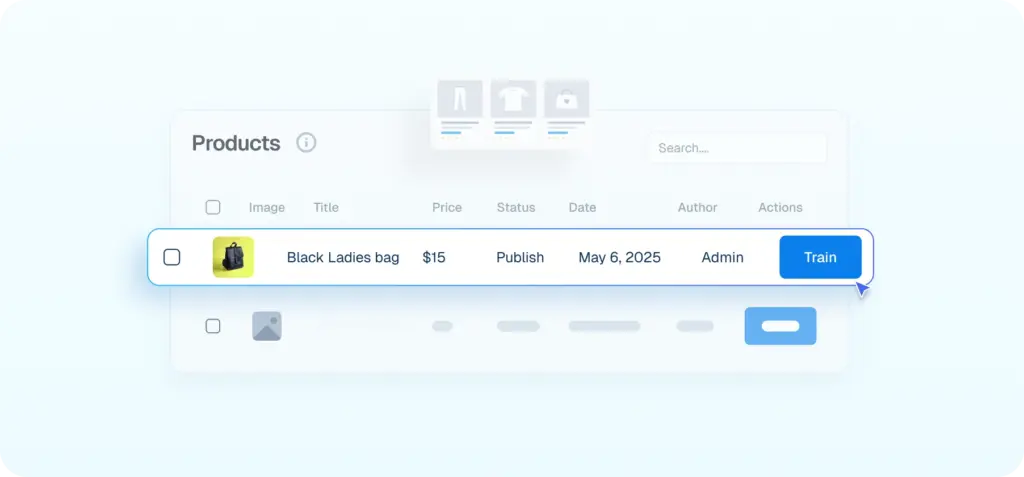
Interface mockup showing a products data table where a cursor is clicking a blue "Train" button to integrate details of a "Black Ladies bag" into the AI.
Add Business Knowledge Without Complexity

Train your Own custom written content into instant AI knowledge.
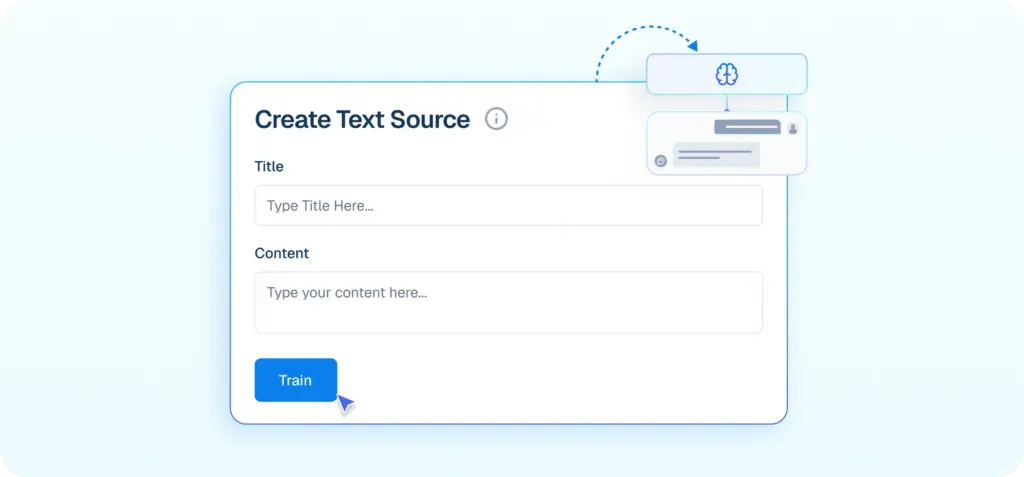
Interface mockup of a "Create Text Source" form showing a cursor clicking a "Train" button to add custom text to the AI knowledge base.
Train Directly From Your Live Website

Helpmate reads linked pages to stay aligned with your latest information.
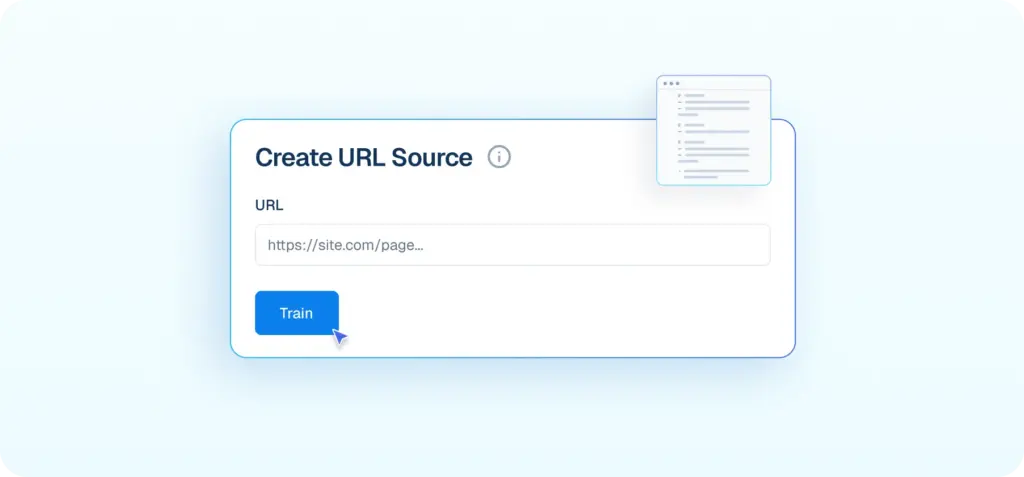
Interface mockup of a "Create URL Source" form showing a cursor clicking a "Train" button to add a live website link to the AI knowledge base.
Control Exact Answers for Critical Questions

Add your own questions and answers so the AI responds exactly how your business would.
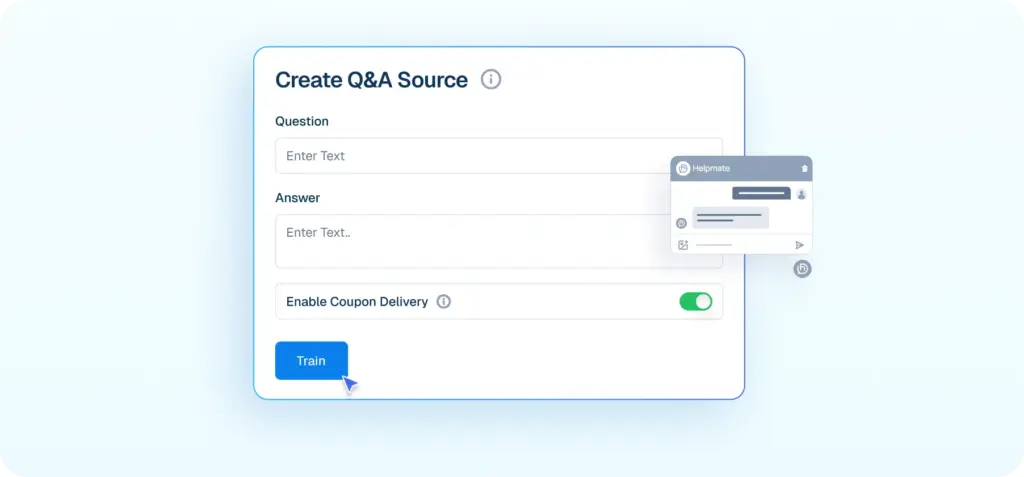
Interface mockup of a "Create Q&A Source" form showing inputs for a question and answer, plus a toggle for coupon delivery, with a cursor clicking a "Train" button.
Turn Documents Into Searchable Knowledge

Policies, guides, and PDFs become usable answers inside conversations.
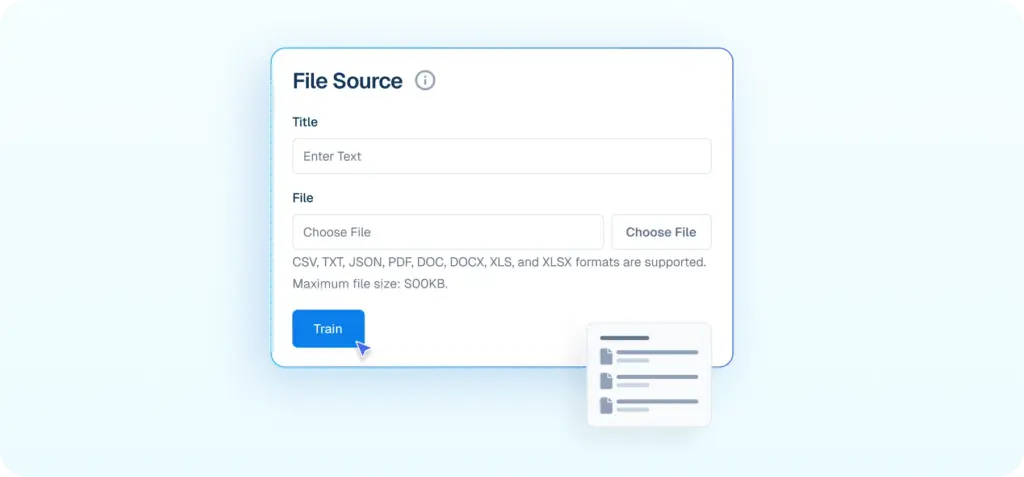
Interface mockup of a "File Source" upload form showing a cursor clicking a "Train" button to turn documents like PDFs and DOCs into searchable AI knowledge.

Let AI Understand My Business

Let Your Business Run Automatically

Reply Instantly, Every Time

Trigger accurate responses the moment customers message or comment.
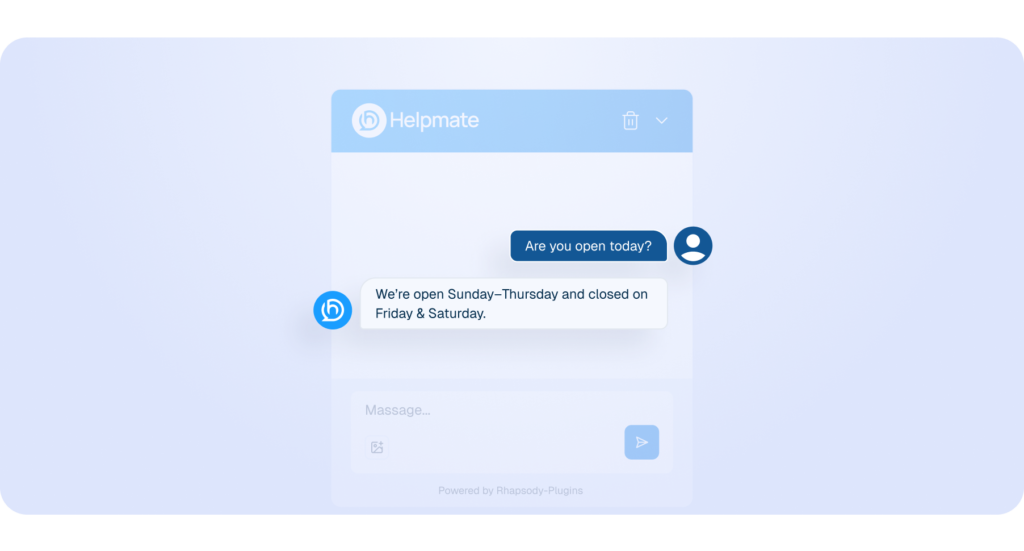
Interface mockup of a chat window showing a customer asking about business hours and the Helpmate AI bot replying instantly with the schedule.
Send Emails Once or On a Schedule

Send emails to selected segments immediately, schedule them for later, or deliver them automatically at regular intervals.
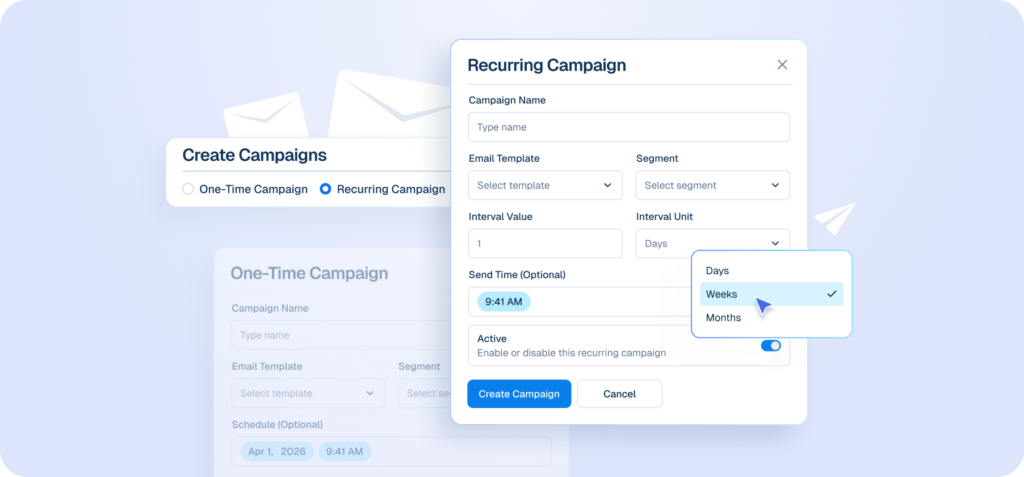
Interface mockup of an email campaign builder showing options to create one-time or recurring campaigns, with a cursor selecting "Weeks" from a dropdown menu for interval units.
Collect Leads While You Chat

Capture interested customers using keywords from chat and social messages.
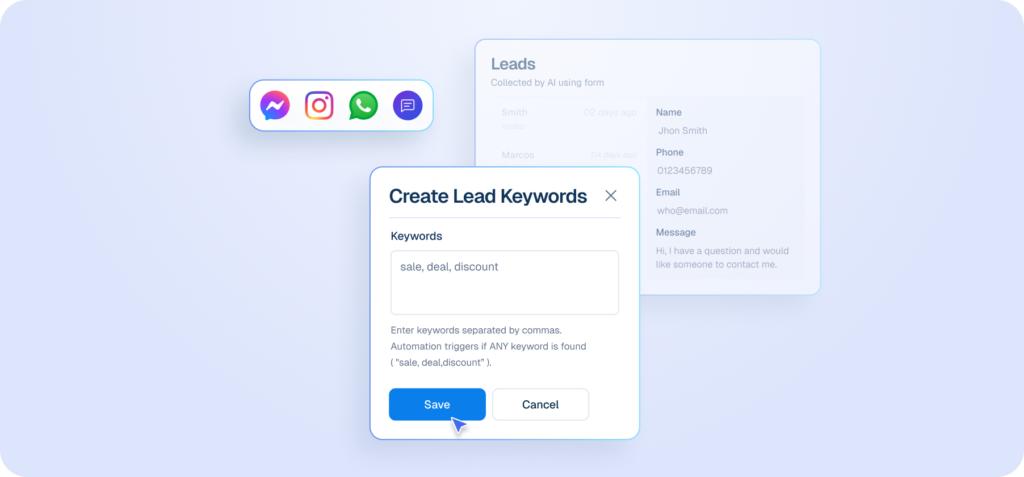
Interface mockup of a "Create Lead Keywords" form showing a cursor clicking a "Save" button to set up automated lead capture using words like "sale, deal, discount" from various chat apps.
Deliver Coupons at the Perfect Moment

Send coupons automatically on exit intent and When asked.
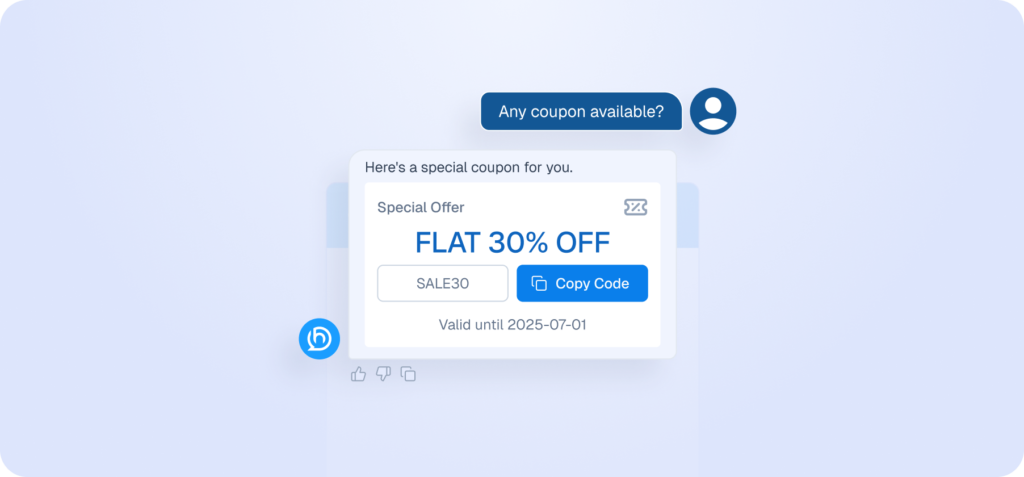
Mockup of a chatbot interface automatically providing a 30% discount coupon code in response to a customer's request.
Promote Products Before Customers Ask

Highlight discounted products at the top of chat conversations to increase visibility and conversion opportunities.
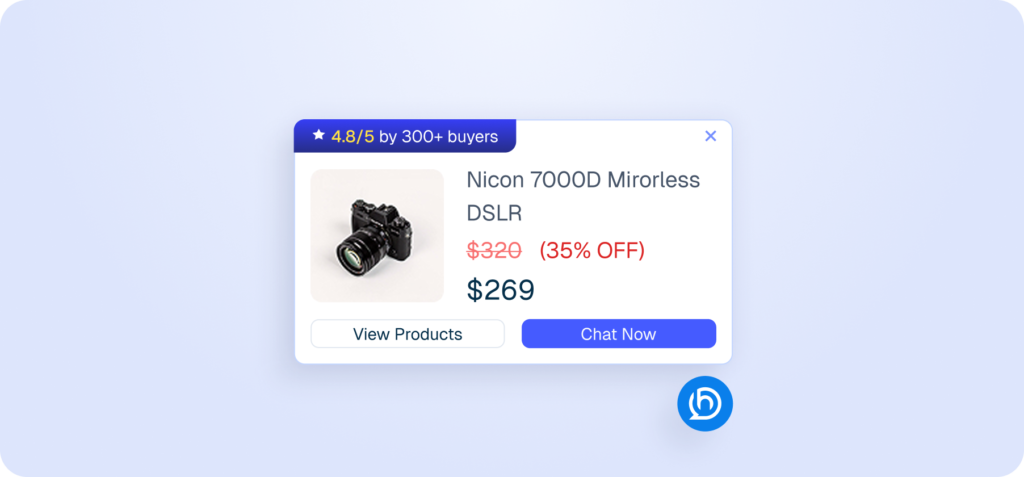
Mockup of a proactive sales chatbot pop-up displaying a discounted camera product card.
Consistent Follow-Ups, Done for You

Create email sequences that send automatically at defined intervals.
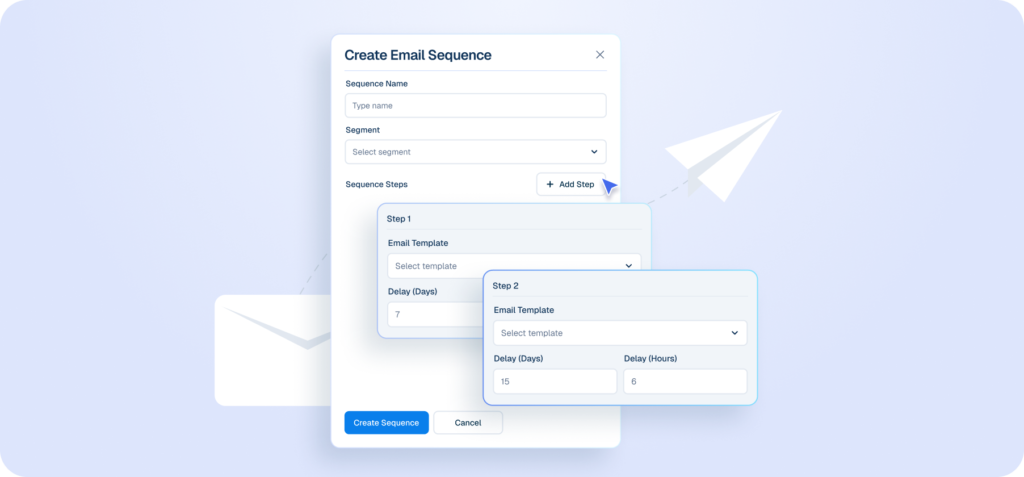
Interface mockup of a "Create Email Sequence" builder showing a cursor clicking an "+ Add Step" button to configure automated follow-up emails with specific day and hour delays.
Recover Revenue That Would Be Lost

Detect abandoned carts and trigger reminder emails and offers.
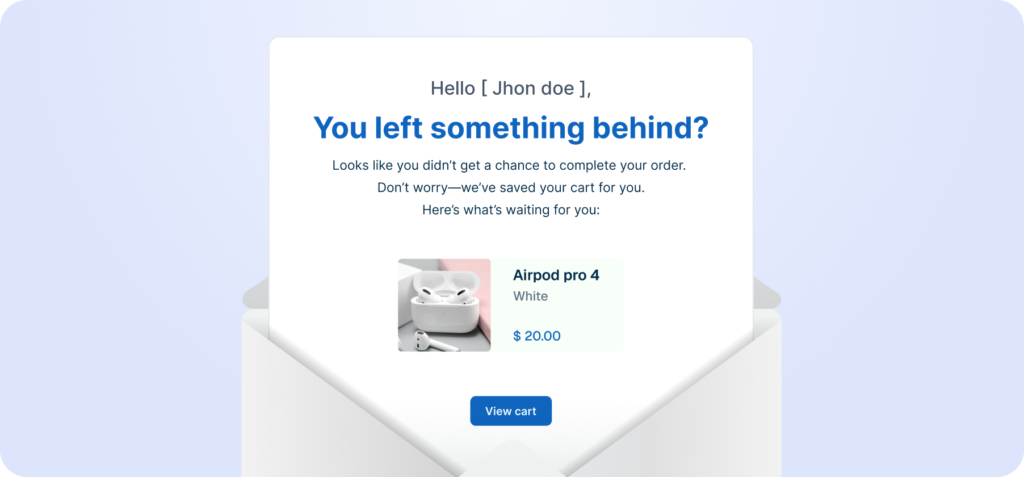
Mockup of an abandoned cart recovery email emerging from an open envelope showing a forgotten product.
Time-Limited Offer Promotion

Display promotional bars with countdown timers for scheduled or expiring offers.
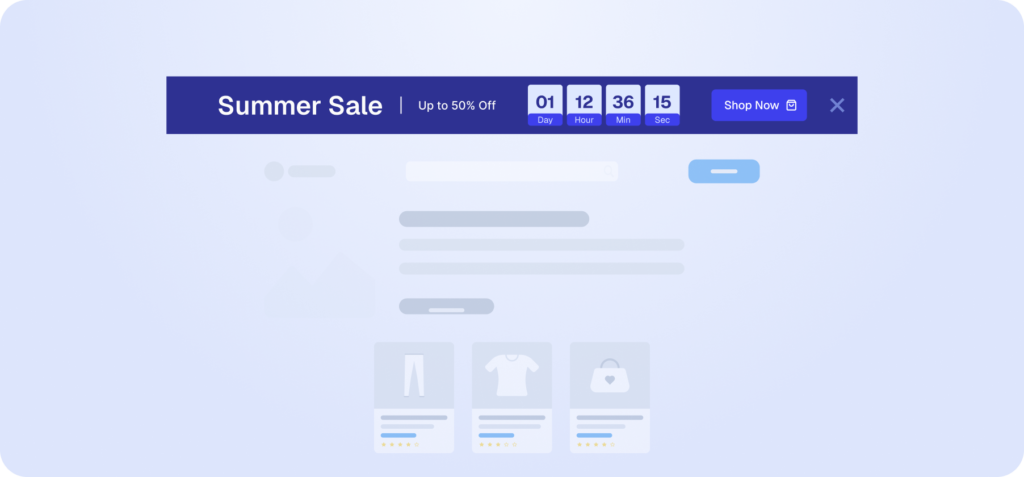
Interface mockup of a website displaying a dark blue promotional banner with a countdown timer for a "Summer Sale".
Create Momentum With Live Sales Activity

Show real-time purchase notifications to encourage visitors to act faster.
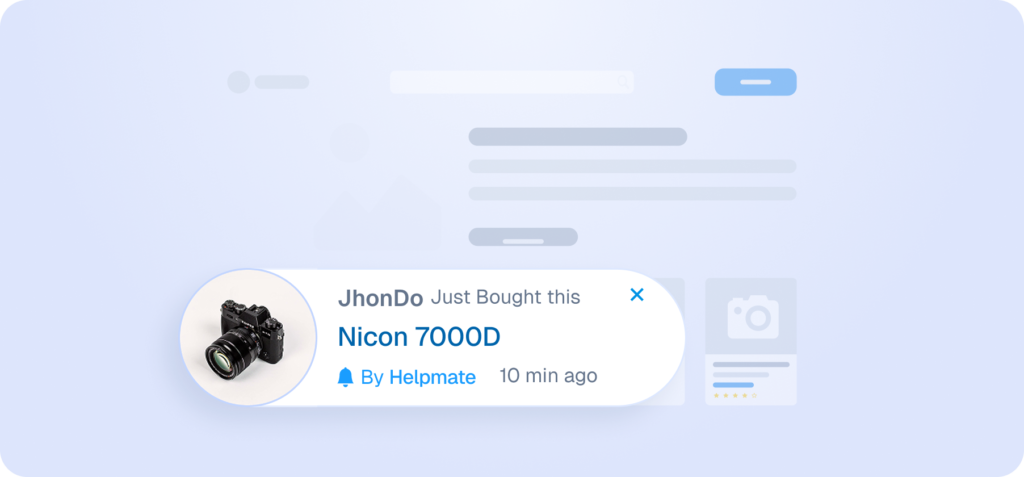
Interface mockup of a live sales notification showing a recent purchase of a Nicon 7000D camera by a user named JhonDo.

Put My Business on Autopilot

One chatbot, For Sales & Support

Make Sure Answers Are Right Before Customers See Them

Test chatbot responses privately to verify accuracy, tone, and behavior before enabling live conversations.
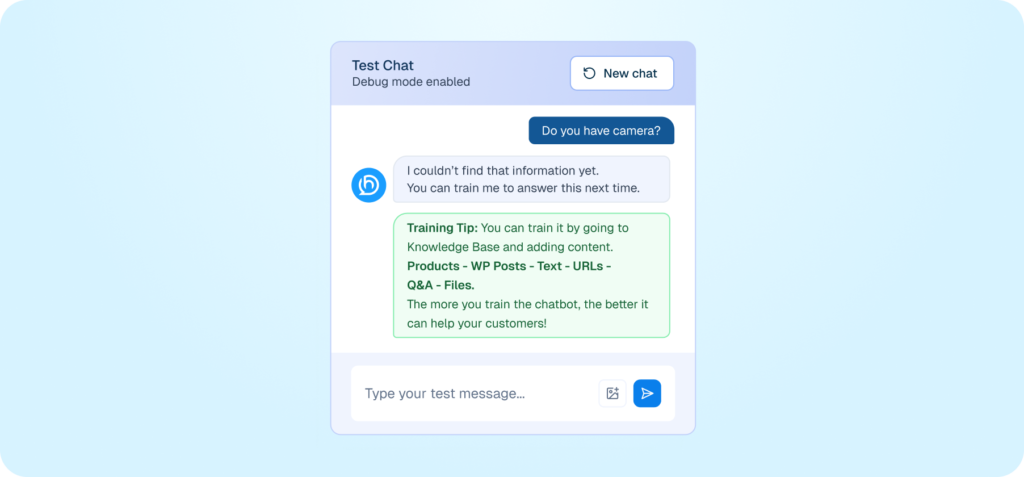
Interface mockup of a private chatbot testing environment showing a conversation where the bot suggests training options after failing to answer a user's query about a camera.
Match the Chatbot to Your Brand

Customize the chatbot’s colors, layout, and style to fit your website’s look and feel.
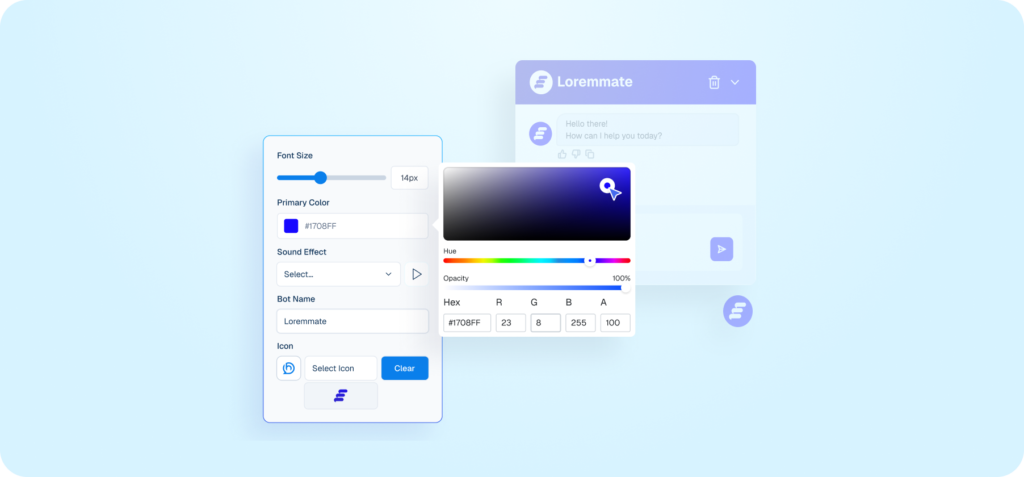
Interface mockup of a chatbot appearance settings panel with an active color picker tool used to customize the bot's primary color, alongside a live preview window.
Control First Impressions, Increase Engagement

Customize welcome messages, sound, and mobile visibility to create the right experience from the very first interaction.
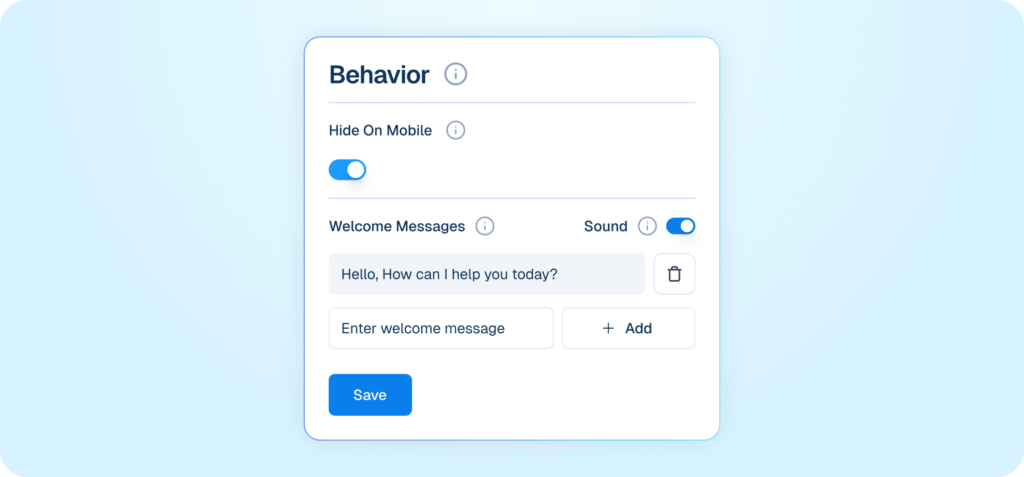
Mockup of a chatbot behavior settings interface showing options for mobile visibility, sound, and custom welcome messages.
Control How the Chatbot Talks

Configure tone and language settings to customize how the chatbot responds.
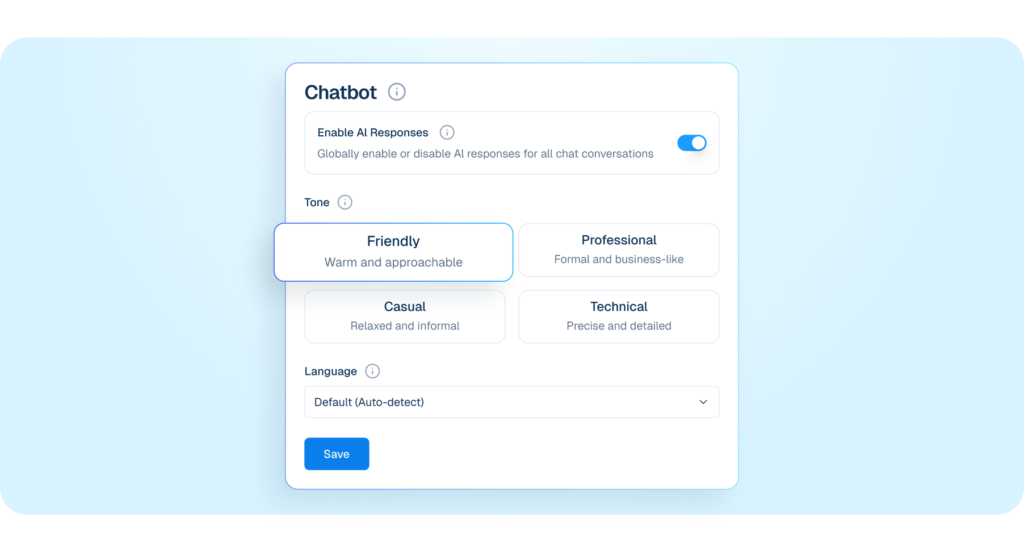
Interface mockup of a chatbot tone and language settings panel showing options to enable AI responses, select a friendly communication style, and auto-detect language.
Answer “Where Is My Order?” Instantly

Let customers check order status directly through chat using their order details.
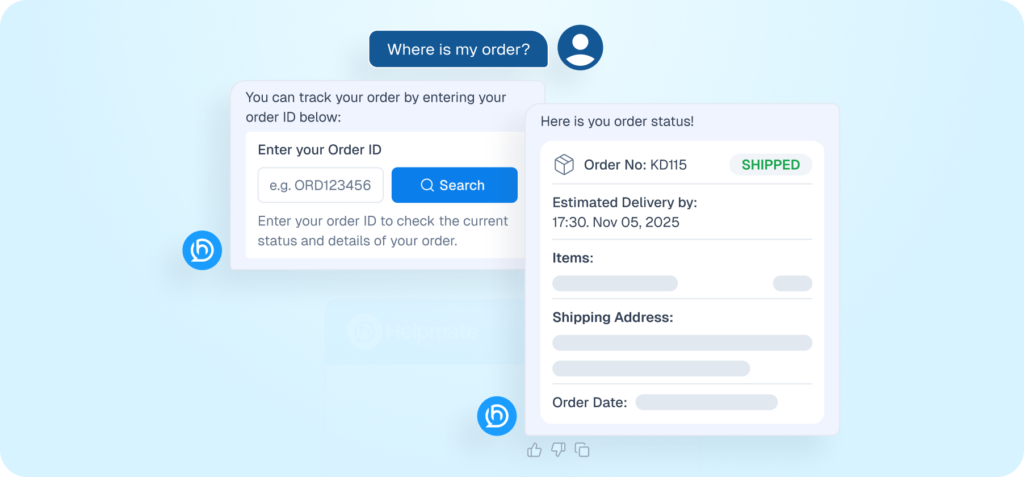
Interface mockup of a chatbot handling a refund request, showing a user prompt "I want refund" and the bot displaying a return process form and a success notification.
Find Products Without Describing Them

Enable image-based product search so customers can upload photos instead of typing descriptions.
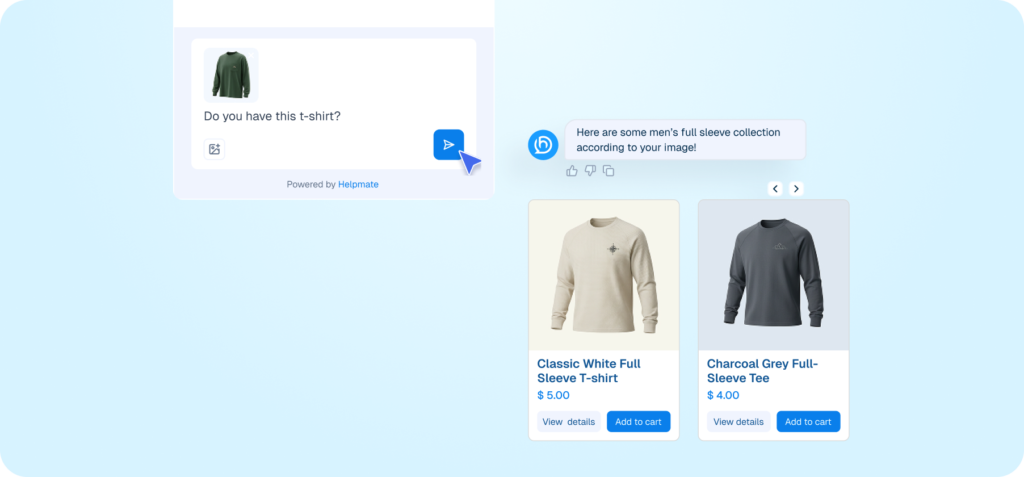
Interface mockup of a chatbot feature allowing users to search for products by uploading an image, displaying a user uploading a photo of a shirt and the bot returning similar product options.
Handle Refunds Without Friction

Show a refund or return form in chat when customers ask about refunds or returns.
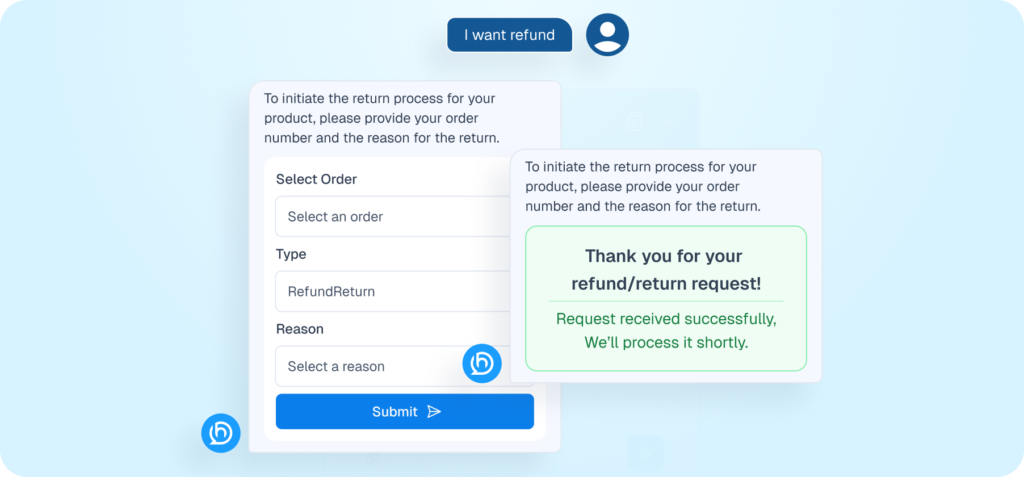
An AI chatbot interface for automating refunds and returns, showing a user-initiated request for a "Broken Lens" with an automated confirmation message.

I’m Done Answering Manually

Respond Everywhere, From One Place

Reply to Facebook Messages in One Place

Connect Facebook Messenger to manage direct messages inside your unified inbox.
Interface mockup of a connection card featuring the Facebook logo and a "Connect" button to link a Facebook page.
Manage Instagram Messages Seamlessly

Connect Instagram DMs to reply from your centralized inbox.
Interface mockup of a connection card featuring the Instagram logo and a "Connect" button to link an Instagram Business account.
Handle WhatsApp Conversations Efficiently

Integrate WhatsApp to send and receive messages within your system.
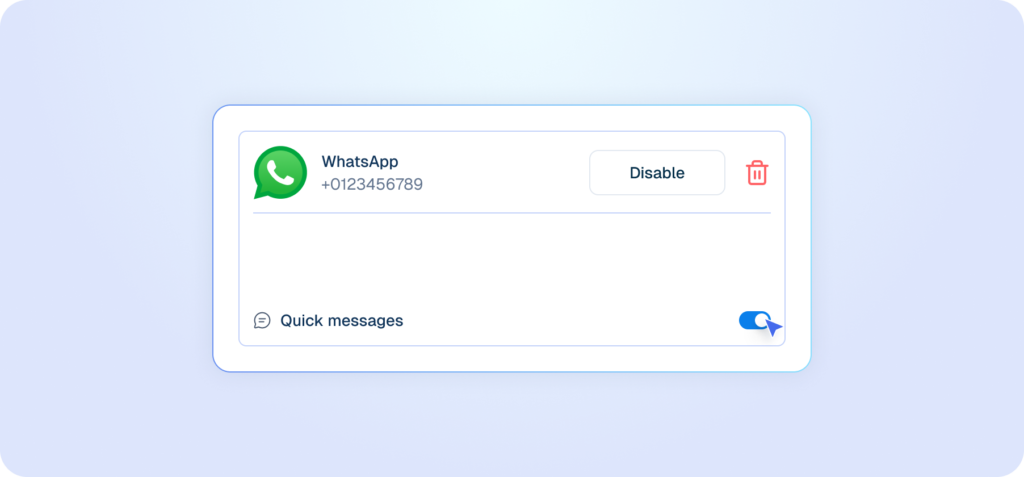
Interface mockup of a WhatsApp integration card showing a connected phone number, a disable button, a delete icon, and an active toggle for quick messages.
Turn Comments Into Conversations

Automatically respond to Facebook and Instagram page comments using predefined rules.
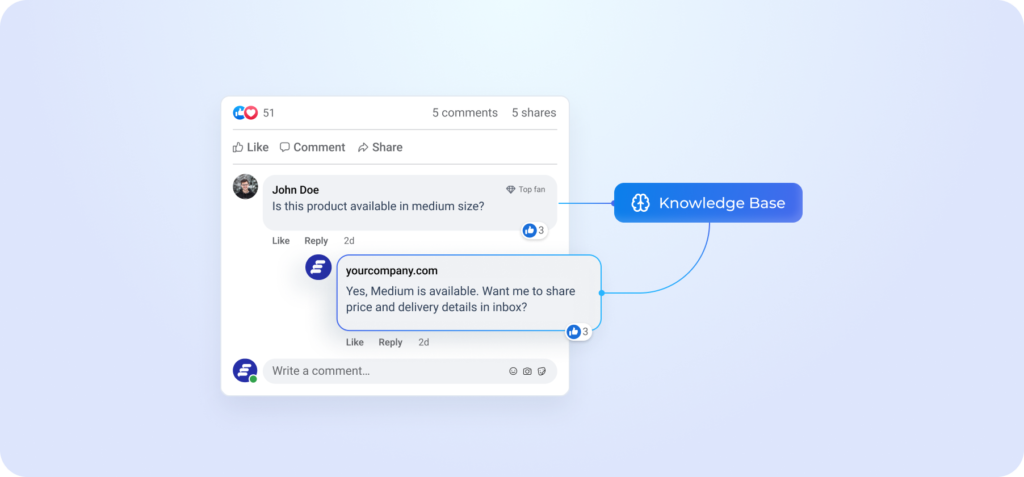
Interface mockup illustrating a feature that automatically replies to social media comments, showing a user comment routed through a knowledge base to generate an automated reply.
Human Step In Exactly When Needed

Agents join conversations instantly with full AI and customer context.
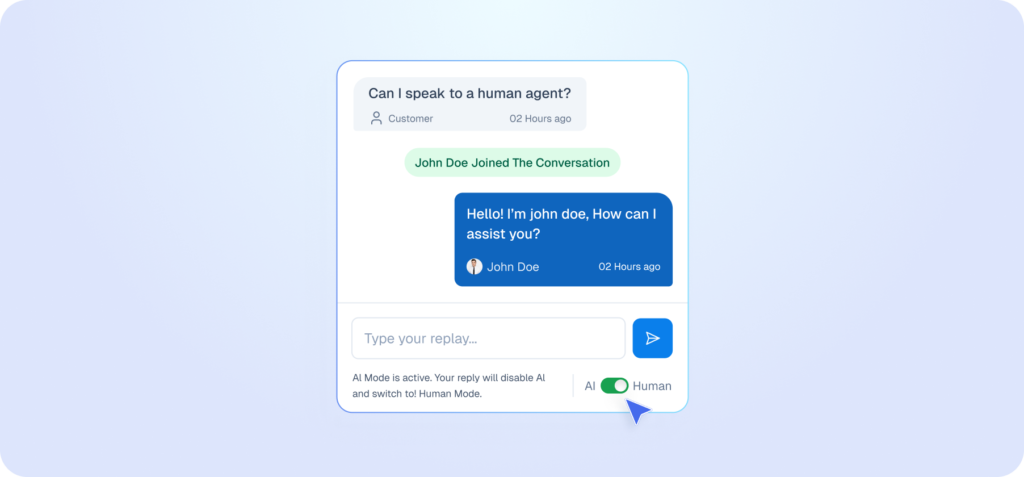
Interface mockup of a live chat window demonstrating a human handoff feature, showing a customer requesting a human agent and a toggle switch being used to change from AI to Human mode.

I’m Done Checking Every Inbox

one inbox for every Conversation

See Every Message in One Place

All website, social, tickets and live chats handled from a single shared inbox.
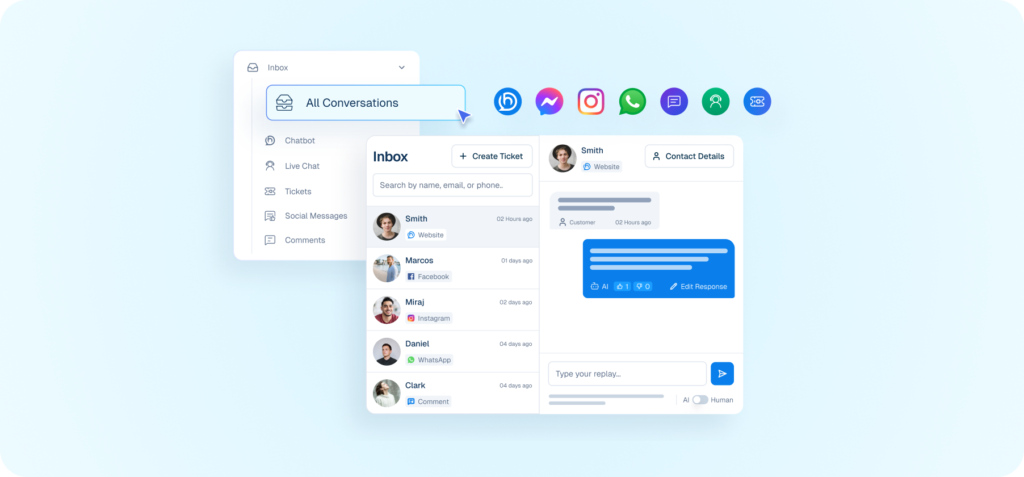
Interface mockup of a unified inbox dashboard displaying messages from various platforms like Facebook, Instagram, and WhatsApp consolidated into one view.
Automate Customer Conversations

Use a knowledge-trained chatbot to answer questions and handle support automatically.
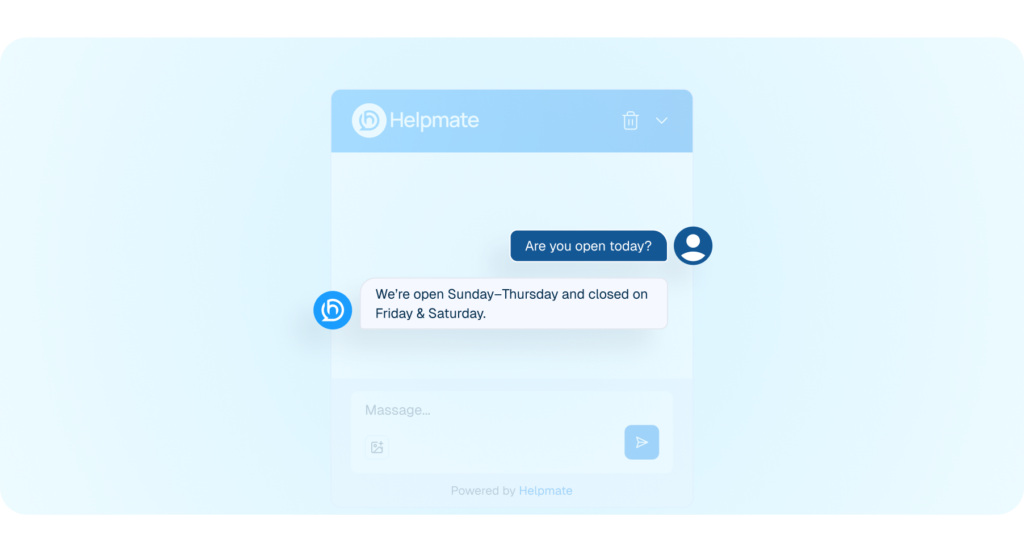
Interface mockup showing a chatbot named Helpmate automatically answering a customer's question about operating hours.
Human Step In Exactly When Needed

Agents join conversations instantly with full AI and customer context.
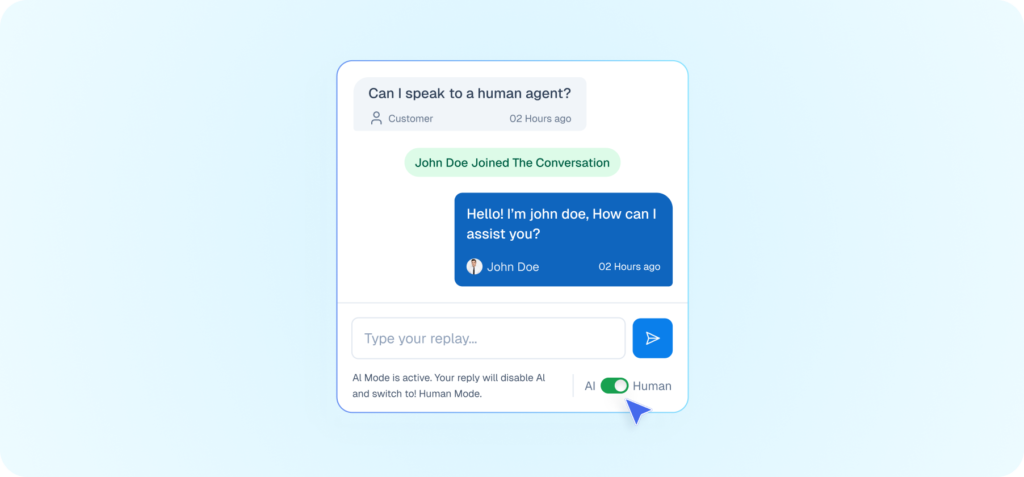
Interface mockup of a live chat window demonstrating a human handoff feature, showing a customer asking for a human agent and a cursor toggling the chat from AI to Human mode.
Track and Resolve Support Issues

Create and manage support tickets to organize customer service requests.
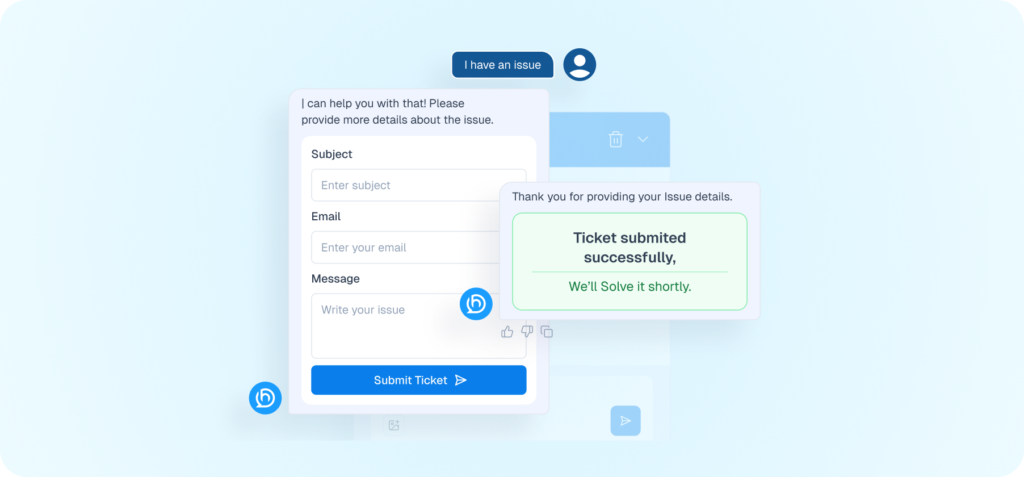
Interface mockup demonstrating a support ticketing feature within a chat window, showing a form to submit an issue and a success confirmation message.
Respond Where Customers Already Are

Handle Facebook, Instagram, whatApp, and comment without switching tools or losing context.

Interface mockup showing a unified messaging feature connecting multiple social media channels to a knowledge base to automatically answer customer queries.
Turn Comments Into Conversations

Automatically respond to Facebook and Instagram page comments using predefined rules.
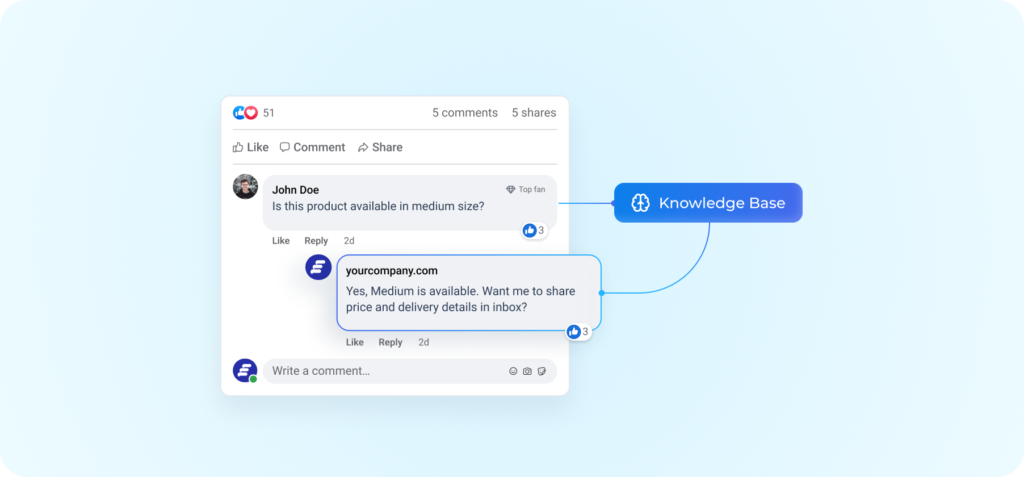
Interface mockup illustrating an automated social media comment reply system connecting a user comment to a knowledge base to generate a response.
Keep Your Inbox Clean

Archive conversations to organize your inbox without deleting them.
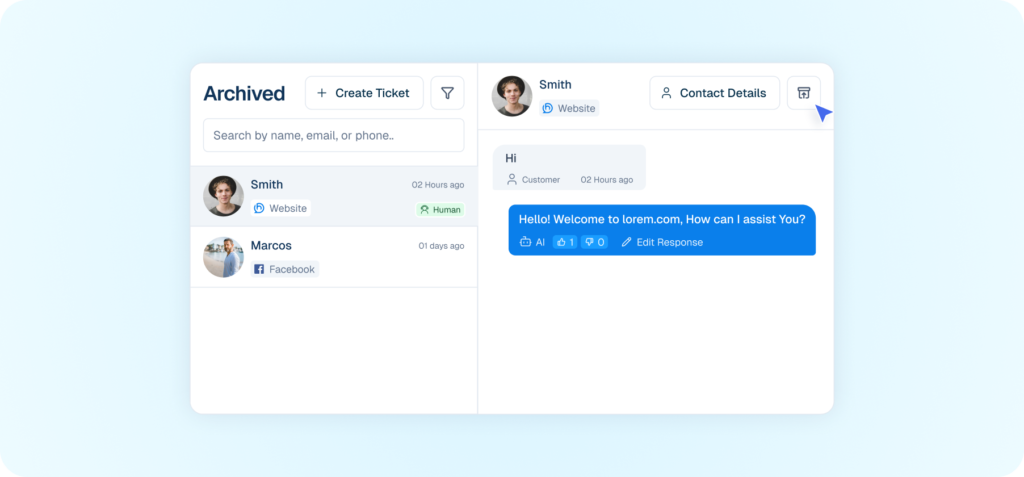
Interface mockup of an archived messages dashboard showing a cursor clicking an archive icon to organize a conversation with a website visitor.

I’m interested in unified Inbox

One Place for Full Customer Context

Manage Customer Contacts

Create, edit, and organize contacts directly from the CRM.
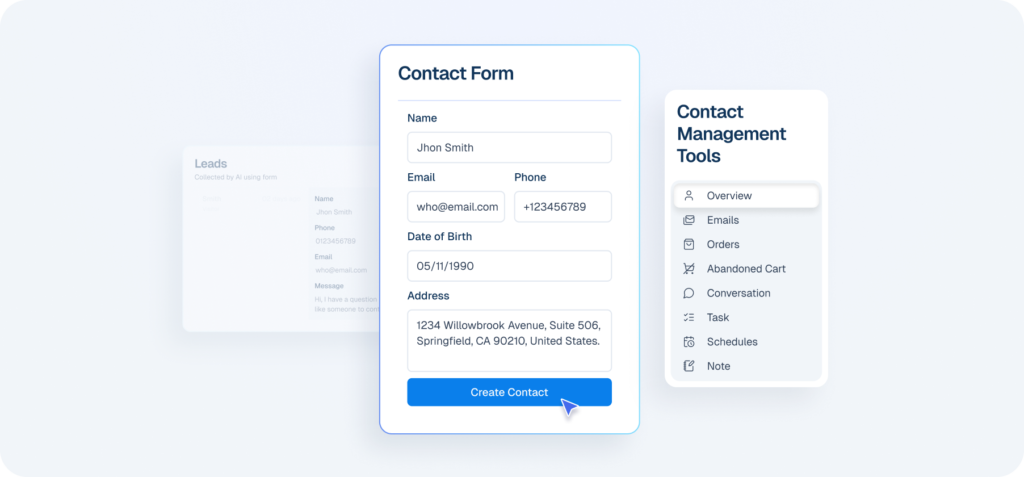
Interface mockup of a CRM dashboard demonstrating a contact management feature, showing a user filling out a contact form to create a new customer profile.
Keep Teams Aligned Behind The Scenes

Save internal notes so everyone understands the full customer story.
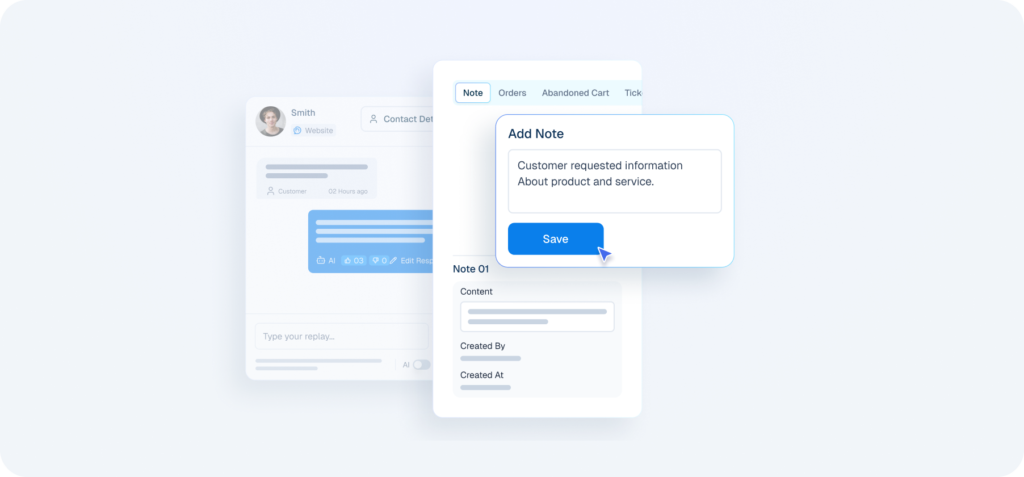
Interface mockup of a CRM system demonstrating an internal note-taking feature, showing a user saving a note over a customer chat window.
Order Management With Full Context

View confirmed orders alongside conversations for better sales context.
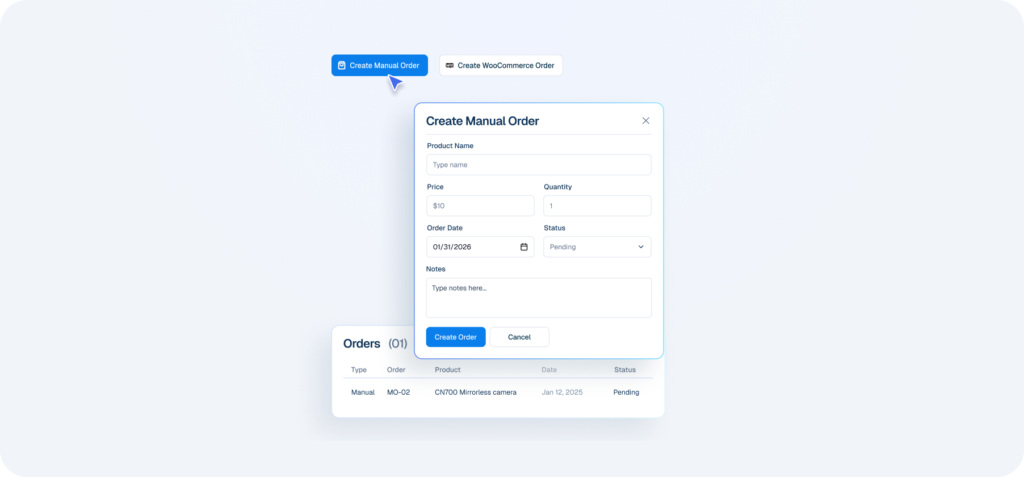
Interface mockup of a CRM dashboard demonstrating an order management feature, showing a user opening a form to create a manual order.
Capture Leads Before It Fades

Capture interested customers using keywords from chat and social messages.
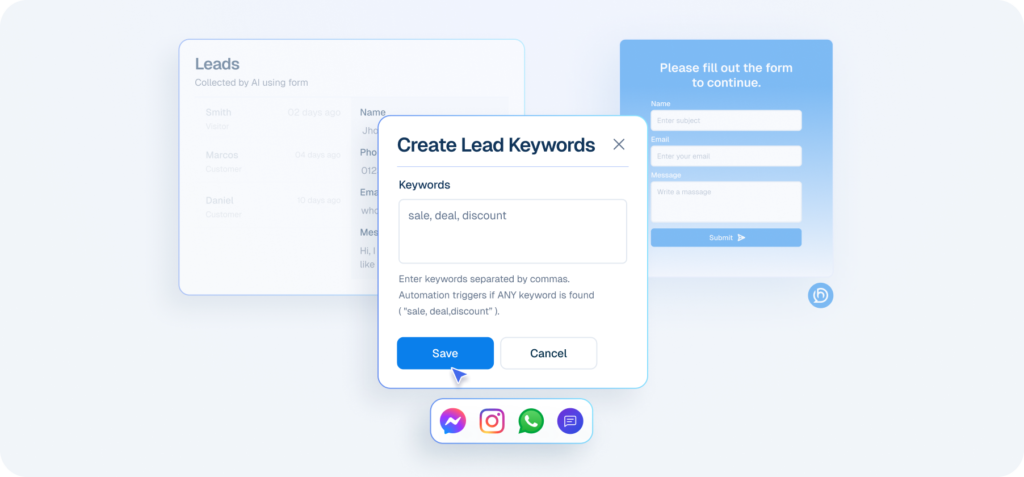
Interface mockup showing lead capture automation with a "Create Lead Keywords" popup containing keywords like "sale, deal, discount" over a leads dashboard.
Make Appointment & Booking Easy for Customers

Control availability and appointment rules so bookings fit your schedule
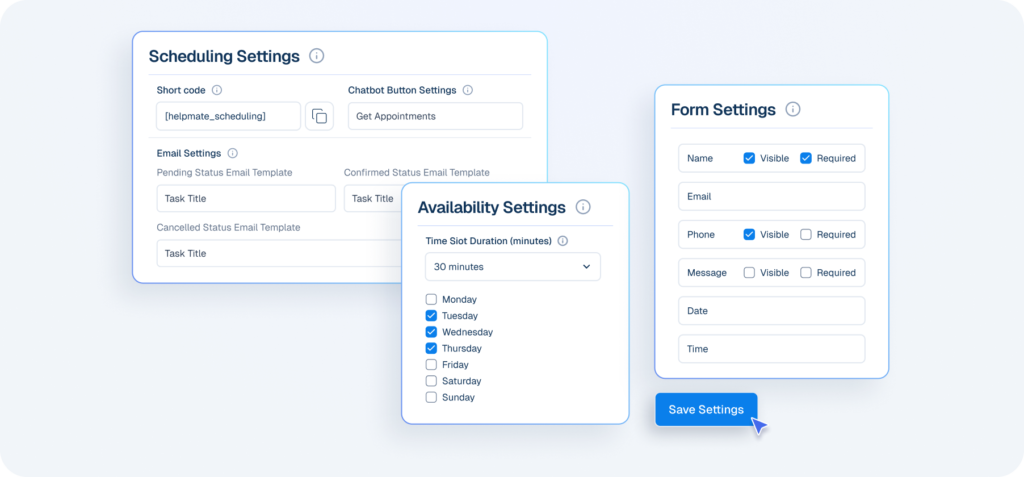
Interface mockup of a CRM appointment and booking system, showing configuration panels for scheduling, availability, and form settings with a cursor clicking a save button.
Group Customers With Purpose

Group customers for emails and marketing campaigns.
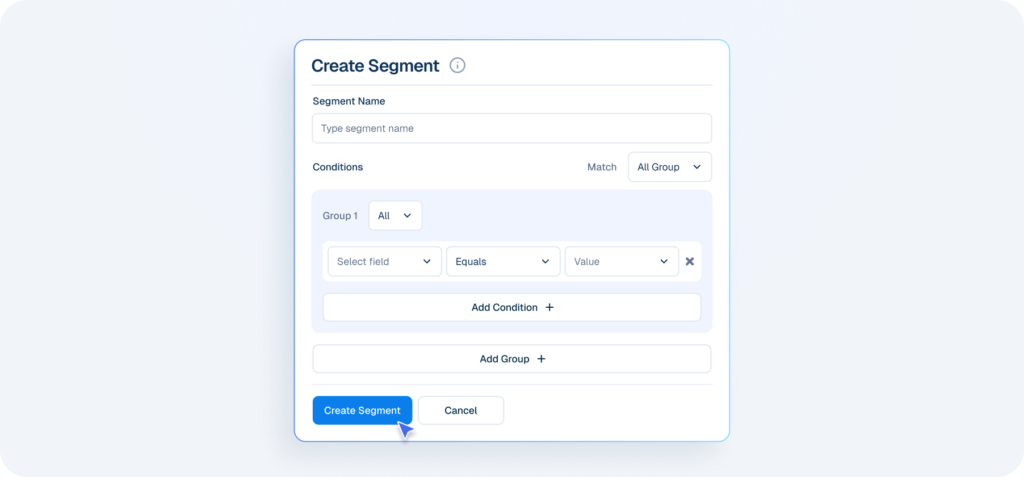
Interface mockup of a CRM dashboard demonstrating a customer segmentation feature, showing a user filling out a form to create a new group segment.
Collect the Details That Matter

Add custom fields to capture extra customer information beyond standard contact details.
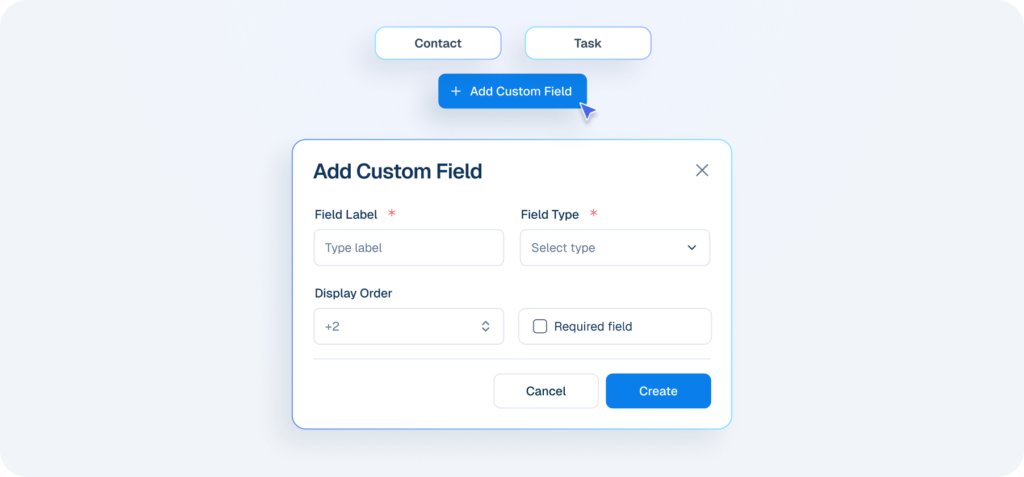
Interface mockup of a CRM "Add Custom Field" popup window showing configuration options like field label, type, and display order.
Make Sure Things Get Done

Create and assign tasks to team members to track work and follow up properly.
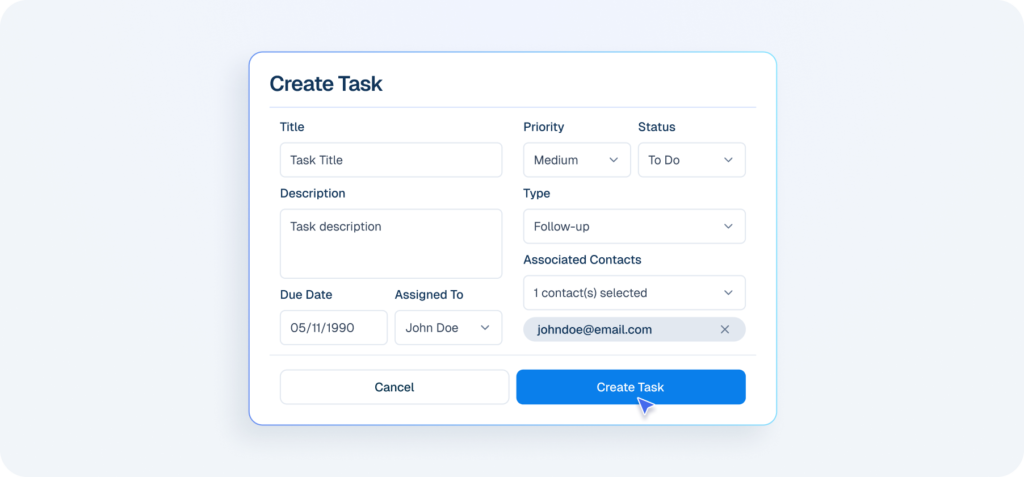
Interface mockup of a CRM dashboard demonstrating a task management feature, showing a user filling out a form to create and assign a new task.
Send Emails Without Starting From Scratch

Choose from pre-built email templates for different customer communication needs.
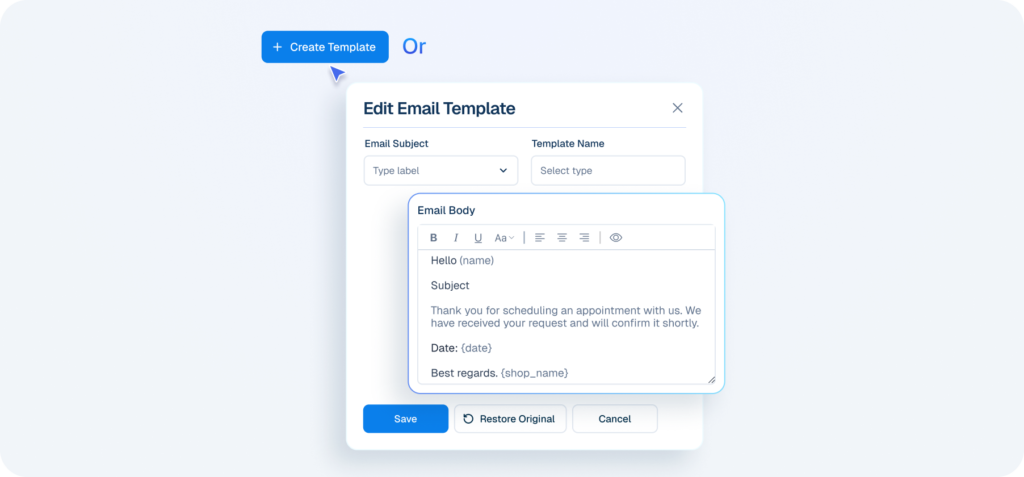
Interface mockup of a CRM dashboard demonstrating an email template feature, showing a user opening a form to create or edit a pre-built email template.

I Want Full Customer Context

Centralize Control Across Your System

Keep Access Organized and Secure

Create team members and assign roles to control permissions and responsibilities.
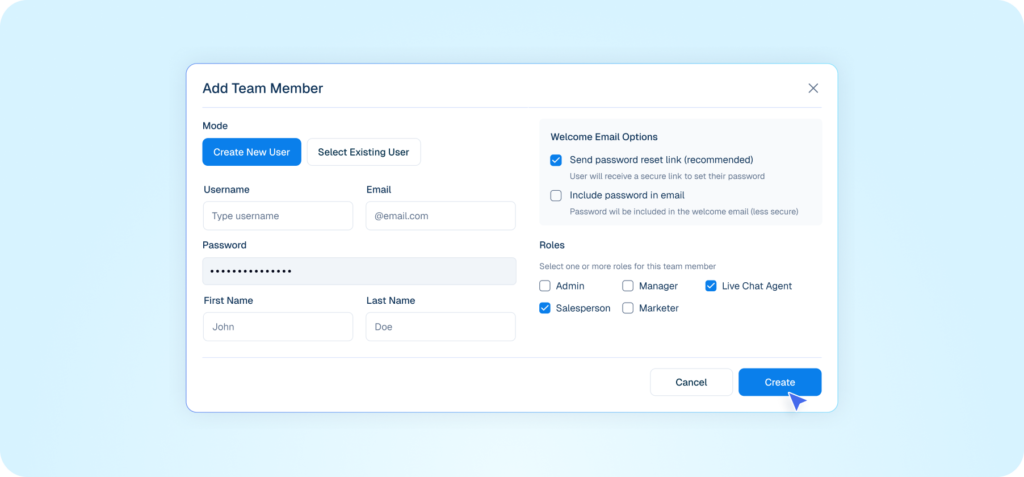
Interface mockup of an admin hub demonstrating a team management feature, showing a user filling out an "Add Team Member" form to assign roles and permissions.
Unlock Unlimited Chatbot Replies

Add your own OpenAI API key to power chatbot responses without platform limits.
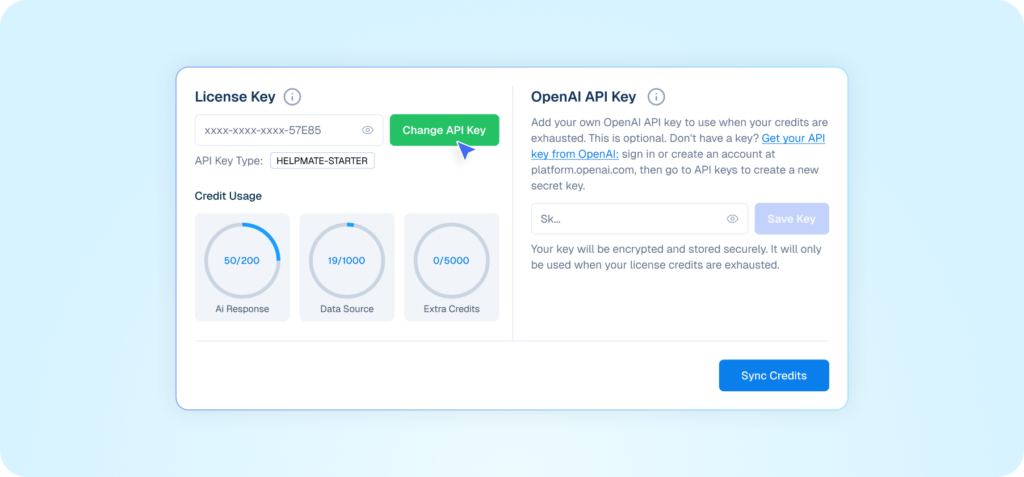
Interface mockup of an admin hub demonstrating API key management, showing a user clicking to change a license key alongside credit usage statistics and an OpenAI API key input field.
See What’s Working

View performance data for conversations, automation, and customer activity.
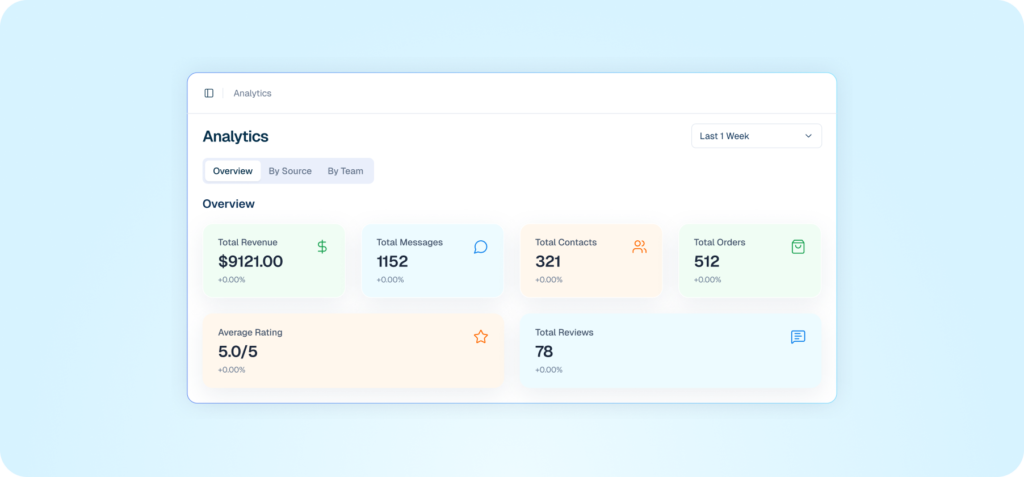
Interface mockup of an admin hub demonstrating an analytics dashboard, showing key performance data metrics for revenue, messages, contacts, orders, and ratings.
Stay in Control of Live Features

Enable or disable the chatbot module whenever needed.
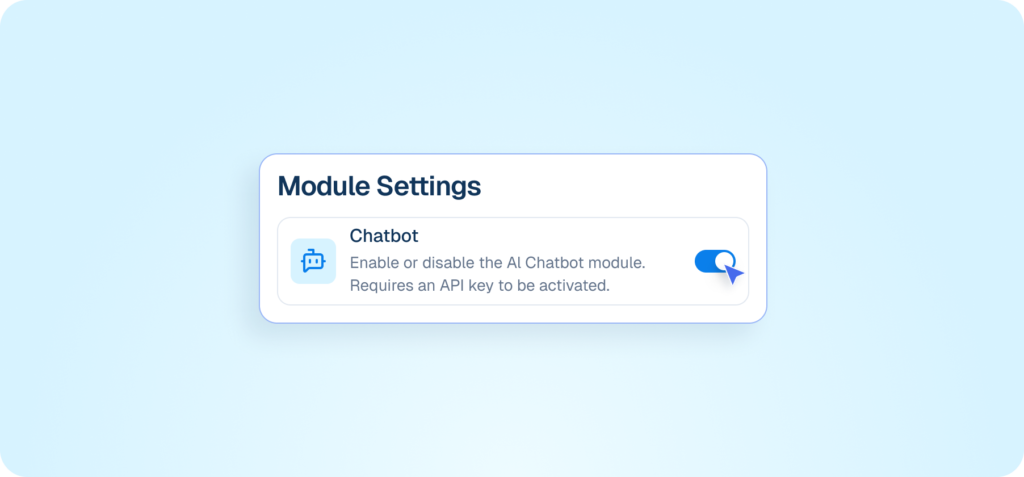
Admin Hub interface showing a toggle switch to enable or disable the AI Chatbot module.
Helpmate logo connected to icons for AI, feedback, chat, and partnerships on a white grid background.

One System, Less Noise

Handle support, sales, automation, and customers without juggling multiple tools or inboxes.

Frequently asked questions

Simple, honest answers about Helpmate and how it helps your WooCommerce store grow.
Are these separate tools or one system?
One system. That’s the point. Live chat, social messages, chatbot, automation, team handoff, and CRM-like context all live inside one flow. If you treat them as “features,” you miss the leverage.
Can I turn features on or off?
Yes. Use what you need. Ignore the rest. But understand this. Partial use gives partial results. Chaos doesn’t disappear until you commit to one system.
How does Helpmate handle multiple conversation sources?
All conversations land in one unified inbox inside WordPress. Website chat, social messages, automated replies. No tab switching. No lost context. If your current setup requires multiple inboxes, it’s broken by design.
How customizable are the features?
Highly. But customization isn’t the goal. Clarity is. Over-customizing is usually avoidance disguised as optimization.
Will Helpmate slow down my workflow?
No. It exposes inefficiencies you’ve been tolerating. That discomfort is temporary. The time savings are permanent.
Is Helpmate beginner-friendly?
Yes. But it’s not idiot-proof. You still need to decide how you want conversations handled. Helpmate enforces structure. Some people resist that.
What features do most users actually use?
Unified inbox, live chat, automation, and team routing. Everything else compounds over time. If you’re only looking for “one feature,” you’re missing the system effect.
Why bundle all these features instead of selling them separately?
Because selling pieces creates fragmented thinking. Helpmate is built to replace fragmentation, not monetize it.
What’s the real benefit of these features combined?
Fewer decisions. Fewer interruptions. Fewer dropped conversations. More control over how people interact with your business.
