
CRM
One System, All Customer Insights
Manage leads, Contacts, and tasks in one place, without losing context.
Manage Customers at Scale
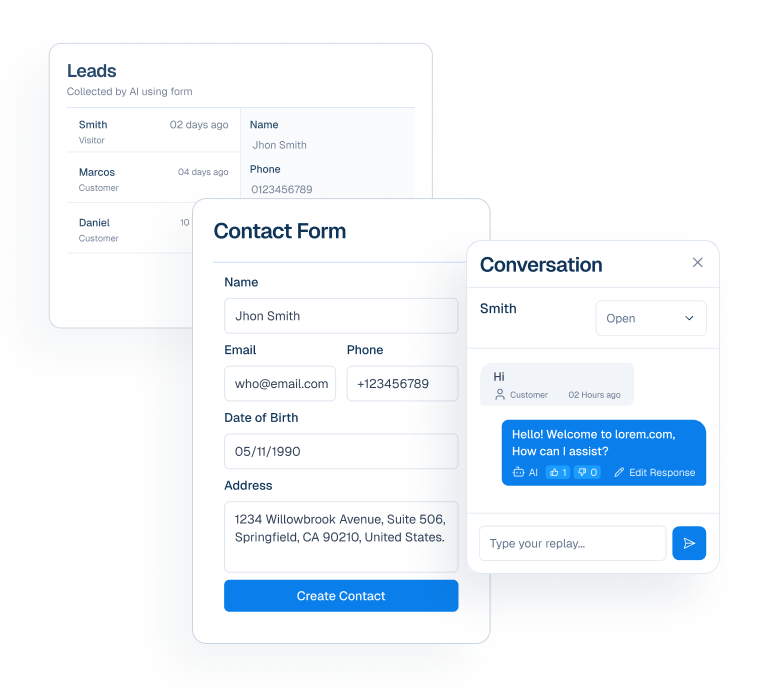
Capture Potential Customer
Turn conversations into organized customer records without losing important details.


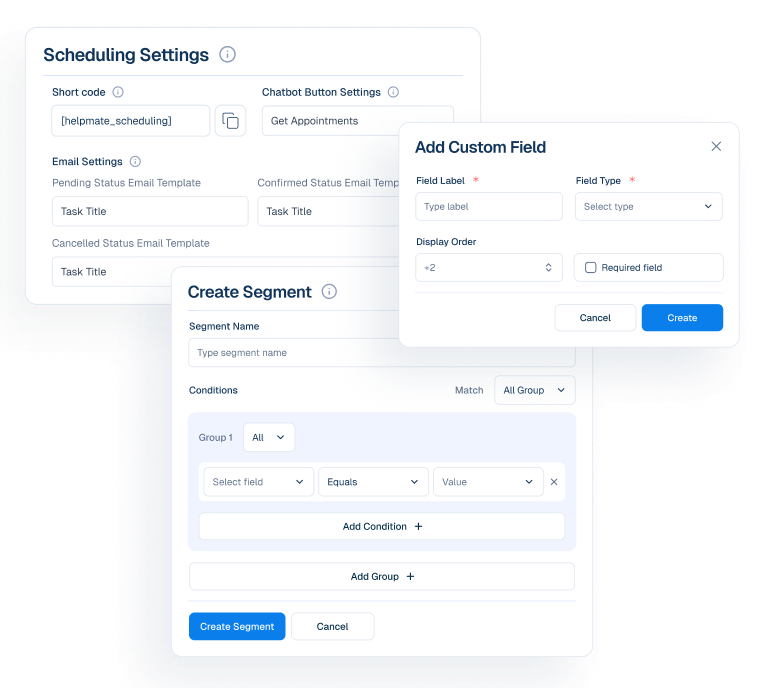
Organize with Structure
Keep customer data clear, grouped, and ready for action across your workflow.


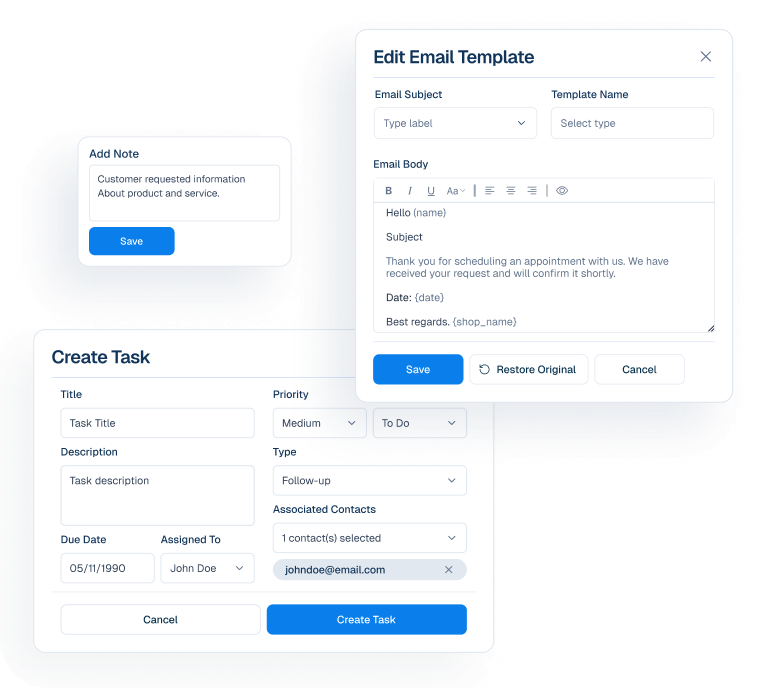
Act with Concistency
Ensure timely follow-ups and internal actions never slip through the cracks.


Customer Data to Workflow
A clear workflow that transforms customer information into organized, actionable work.
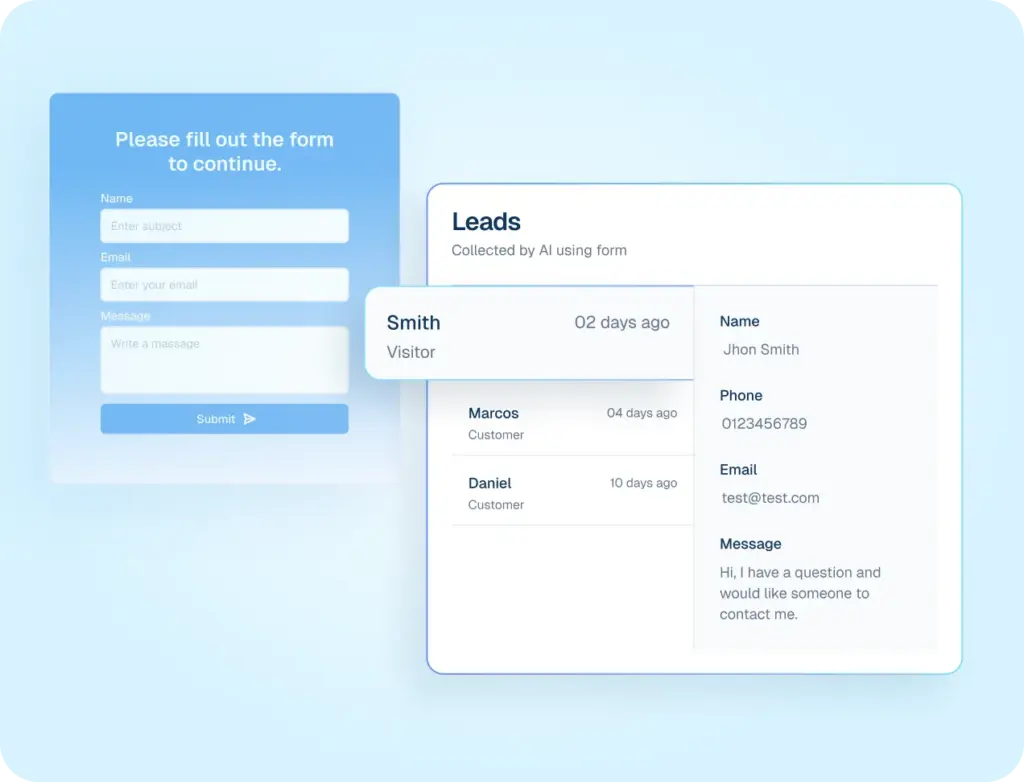
Leads
Visual pipeline stages to track every opportunity from first touch to close.
Contact
Every interaction, every channel, one complete timeline per customer.
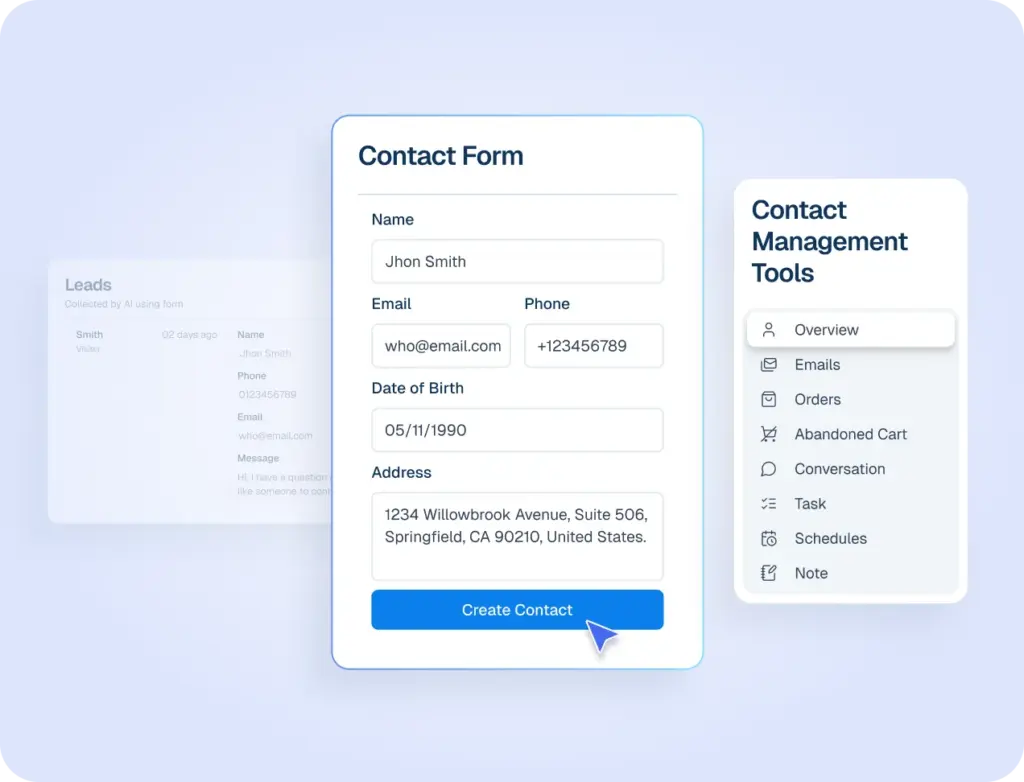
Tasks
Organize work with Kanban-style boards and automated task creation.
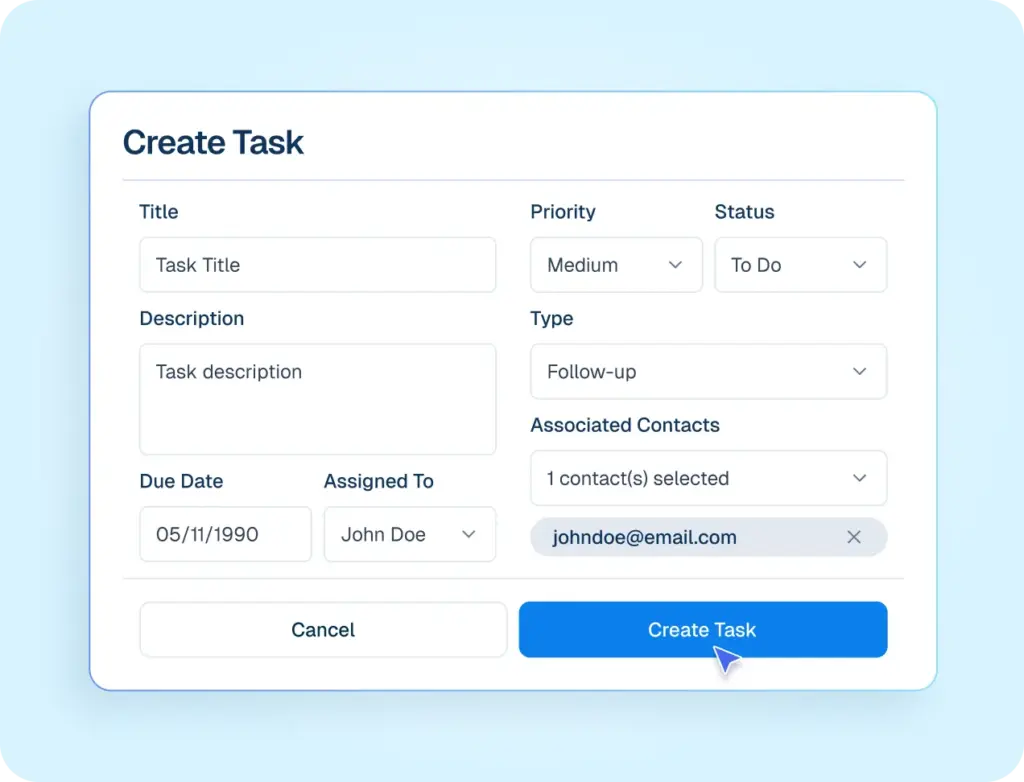
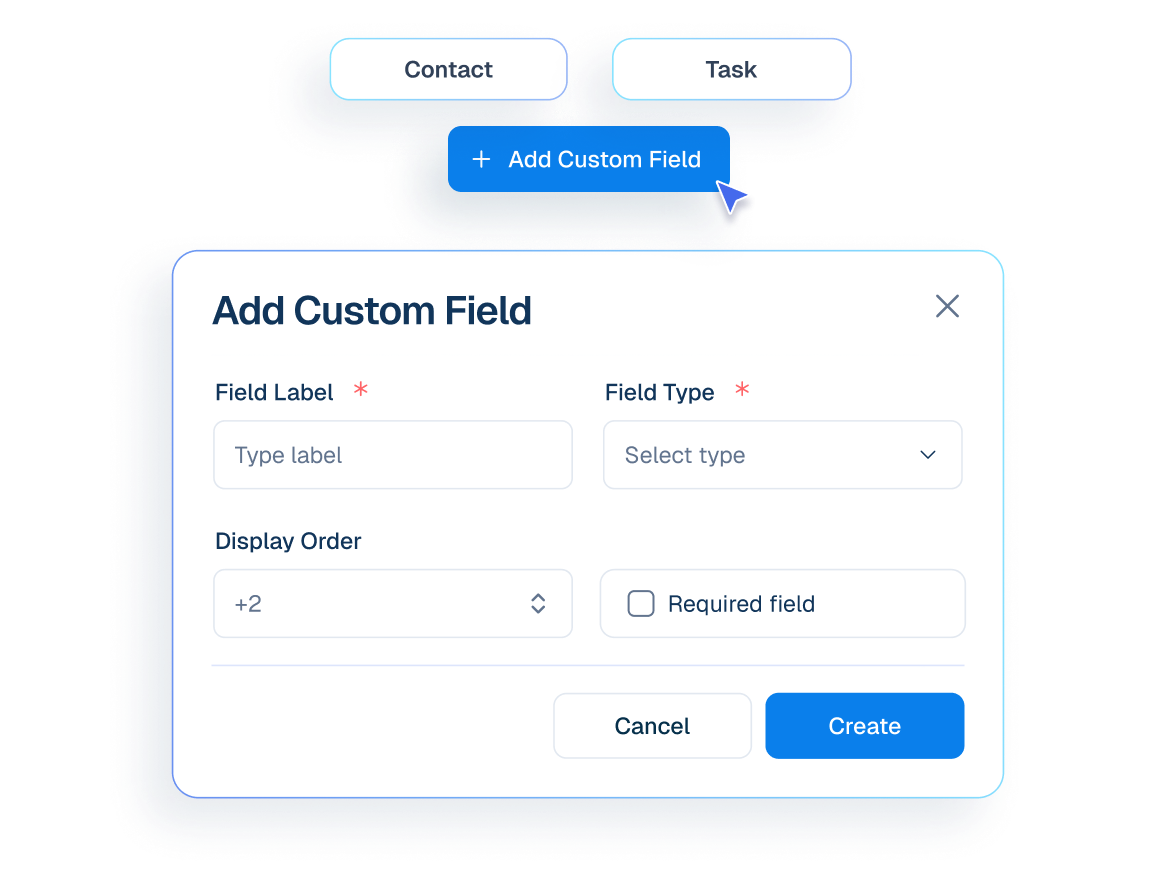
Custom Fields
Adapt your CRM to any industry with flexible custom fields that capture exactly what matters.
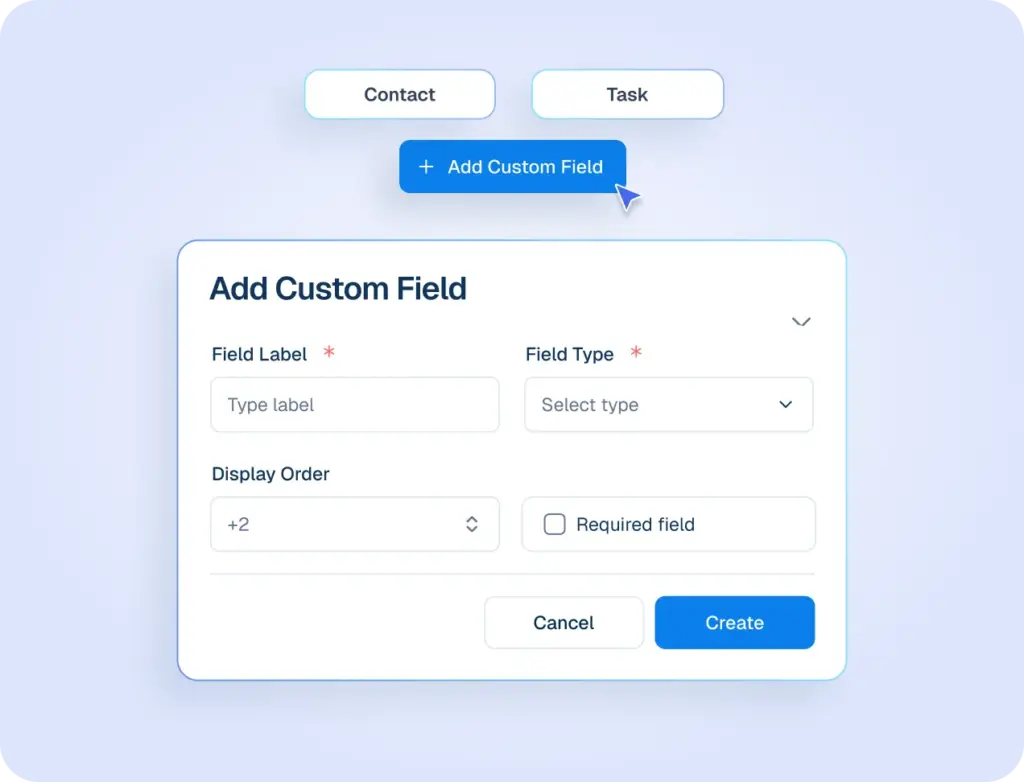
Appointments & Bookings
Design automated and manual email sequences that nurture leads and keep customers engaged.
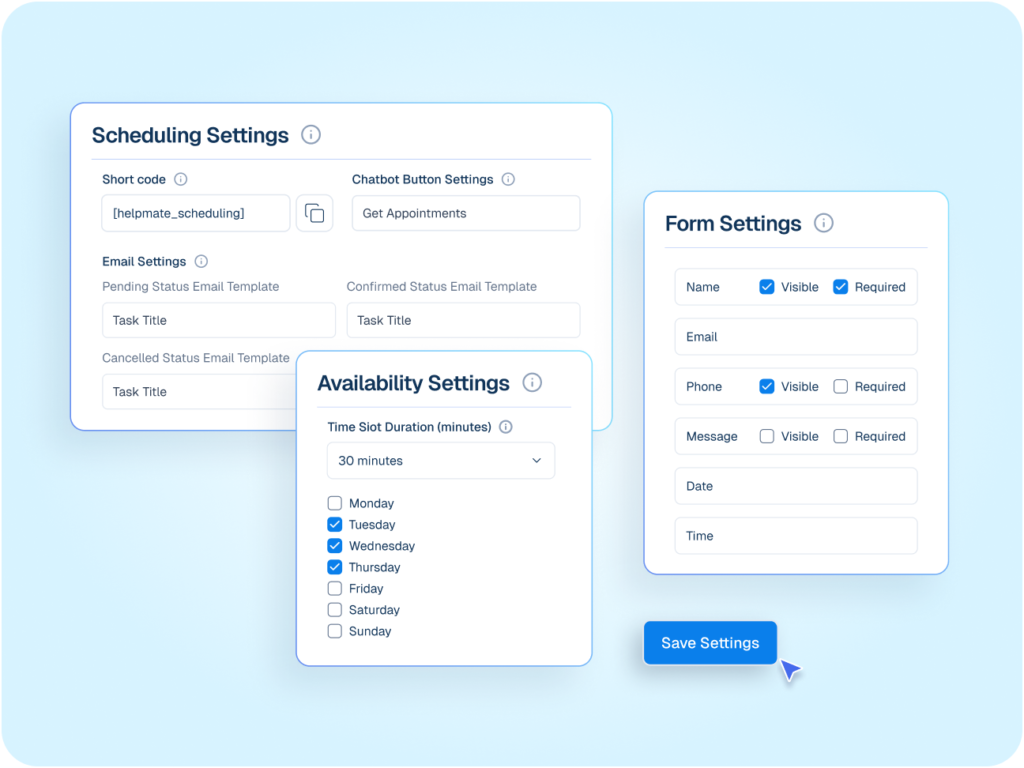
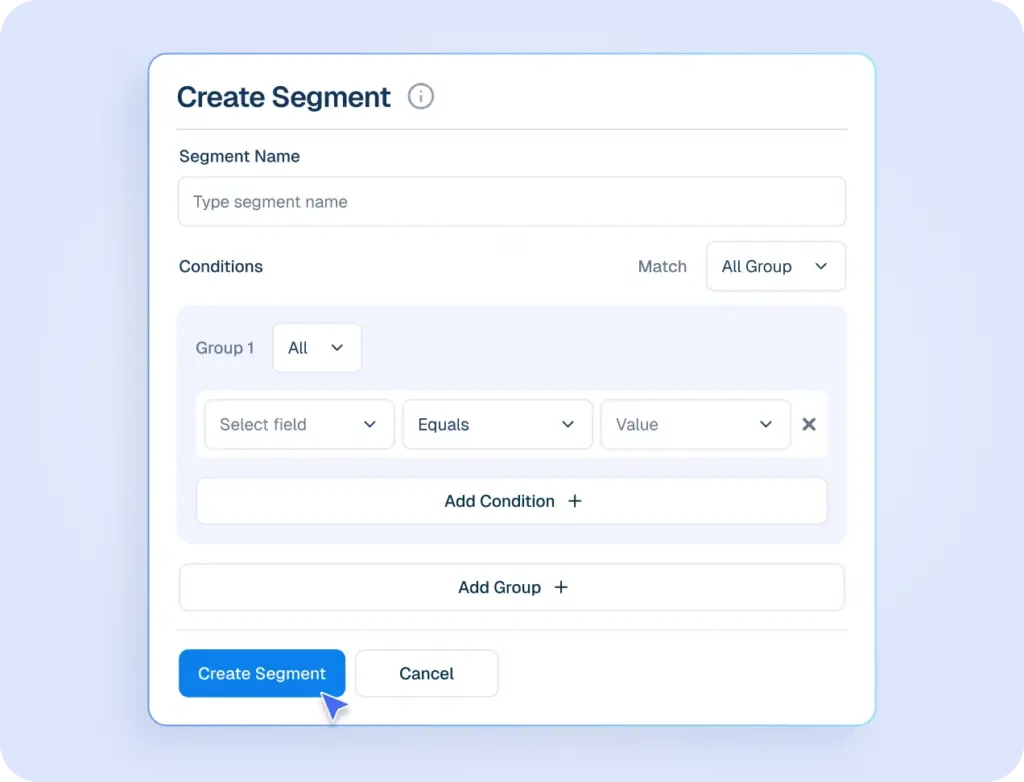
Segments
Create dynamic segments for targeted campaigns based on behavior, purchases, and engagement patterns.
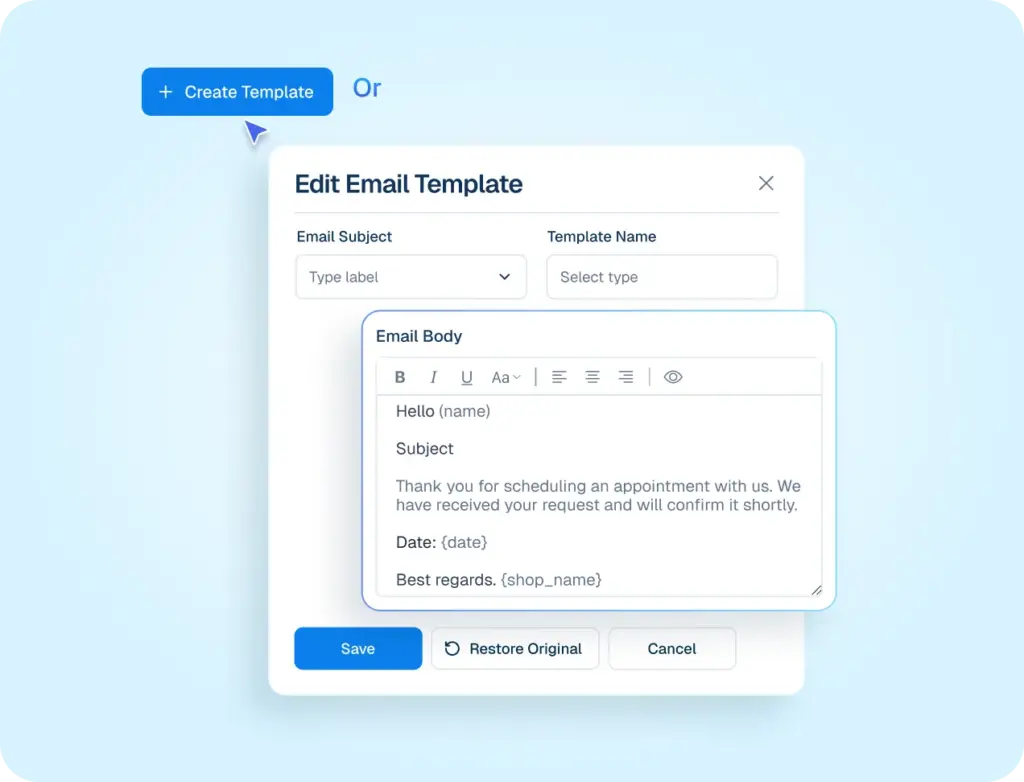
Email Template
Track and recover lost sales with automated cart recovery insights and follow-up workflows.
Transform your Customer management

Every Lead Captured
All inquiries instantly become visible opportunities.

Deal Readiness Visible
Know who’s exploring, comparing, or ready to act.

Follow-Ups That Happen
Sales actions are prompted before interest fades.

Lost Revenue Recovered
Missed checkouts and stalled intent resurface automatically.

One Customer Timeline
Every message lives in one continuous history.

No Context Lost
Internal understanding travels with every interaction.

Consistent Communication
Messages stay aligned across channels and people.

Scaleable Customer Memory
Your team remembers everything even as volume grows.

Data That Fits Your Business
Capture exactly what matters — nothing more.

Clear Ownership
Everyone knows who’s responsible and what’s next. Assignments / Ownership logic

Time Managed, Not Chased
Bookings and commitments stay predictable.
Work That Moves Forward
Tasks progress instead of piling up.

Reach the Right People
Target customers by behavior, intent, or stage.
Act at the Right Moment
Timing aligns with real customer signals.

Operate From One View
Everything important is visible instantly.

Scale Without Losing Grip
More customers, same clarity.
I Want Full Customer Context
Your CRM, Your Rules
Assign task, Segments, and customize fields to match how you work.
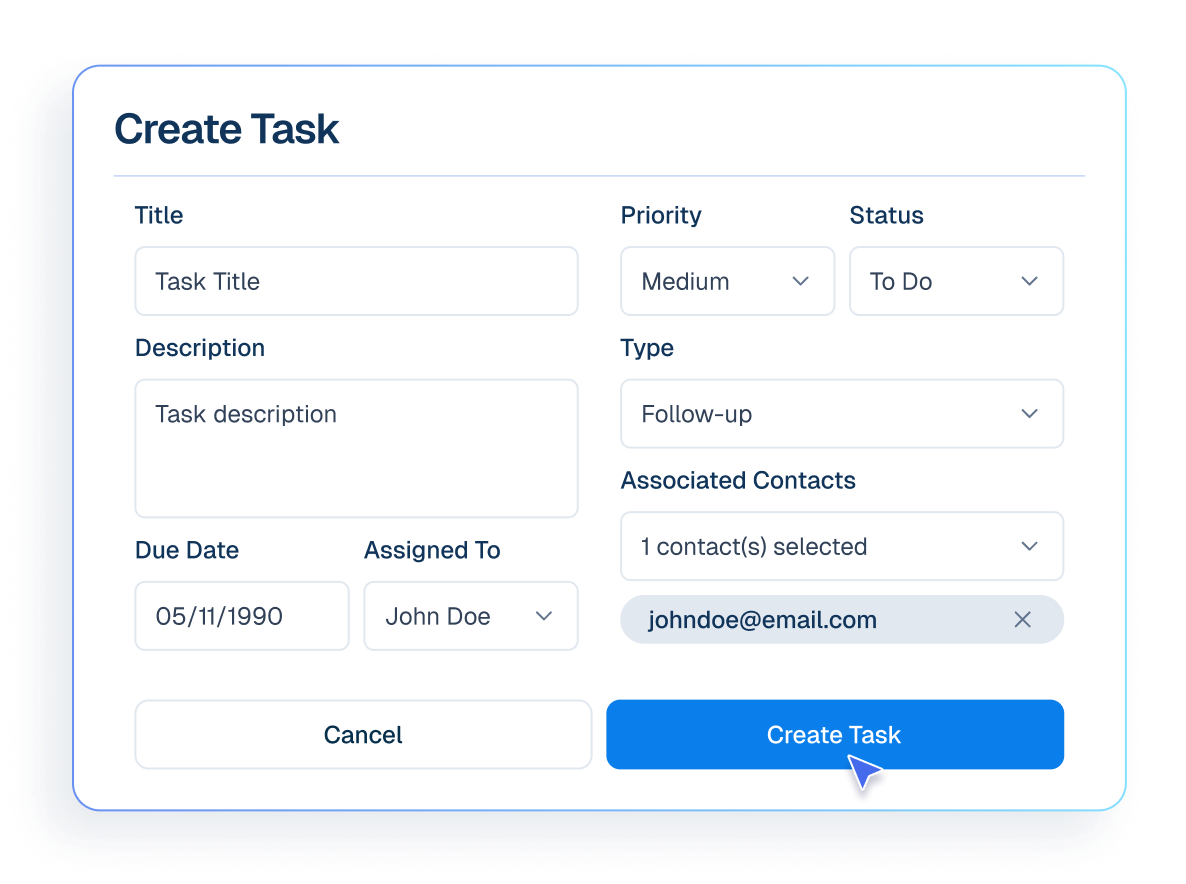
Task
Create and assign tasks to team members to track work and follow up properly.
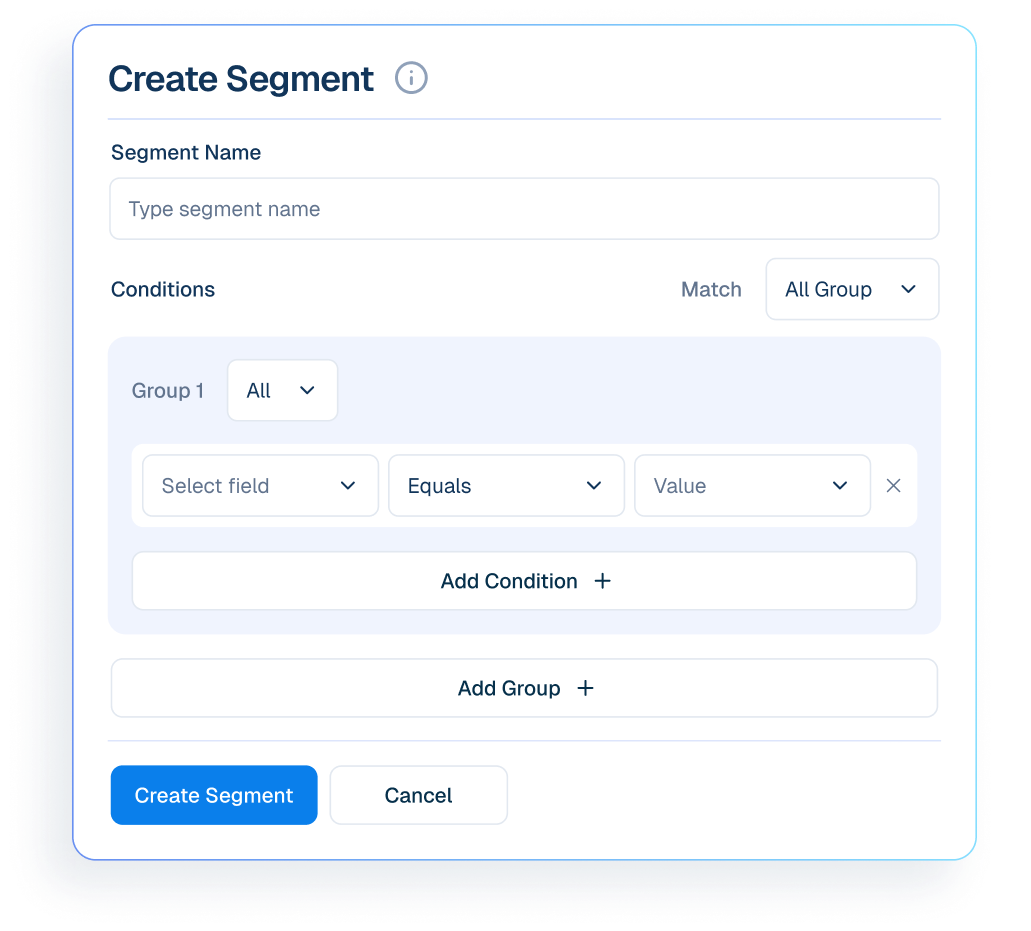
Segments
Group customers for emails and marketing campaigns.
Custom Fields
Add custom fields to capture extra customer information beyond standard contact details.
Capture, Organize and scale
1
Capture Every Customer
2
Organize with Structure
3
Scale with Confidence
Frequently asked questions
Is Helpmate a full traditional CRM?
What problem does Helpmate CRM actually solve?
How is Helpmate CRM different from tools like HubSpot or Salesforce?
Is Helpmate CRM built for sales teams?
Can Helpmate CRM replace spreadsheets and notes?
Can multiple team members use the CRM?
Is Helpmate CRM useful without sales pipelines?
Is this CRM hard to set up?
Who should NOT use Helpmate CRM?
What’s the real value of Helpmate CRM?

