
Business Automation
If Conversations Aren’t Automated, They Fall Apart
Helpmate automates replies, routing, and follow-ups across live chat, social messages, chatbots, and CRM. So nothing slips through.
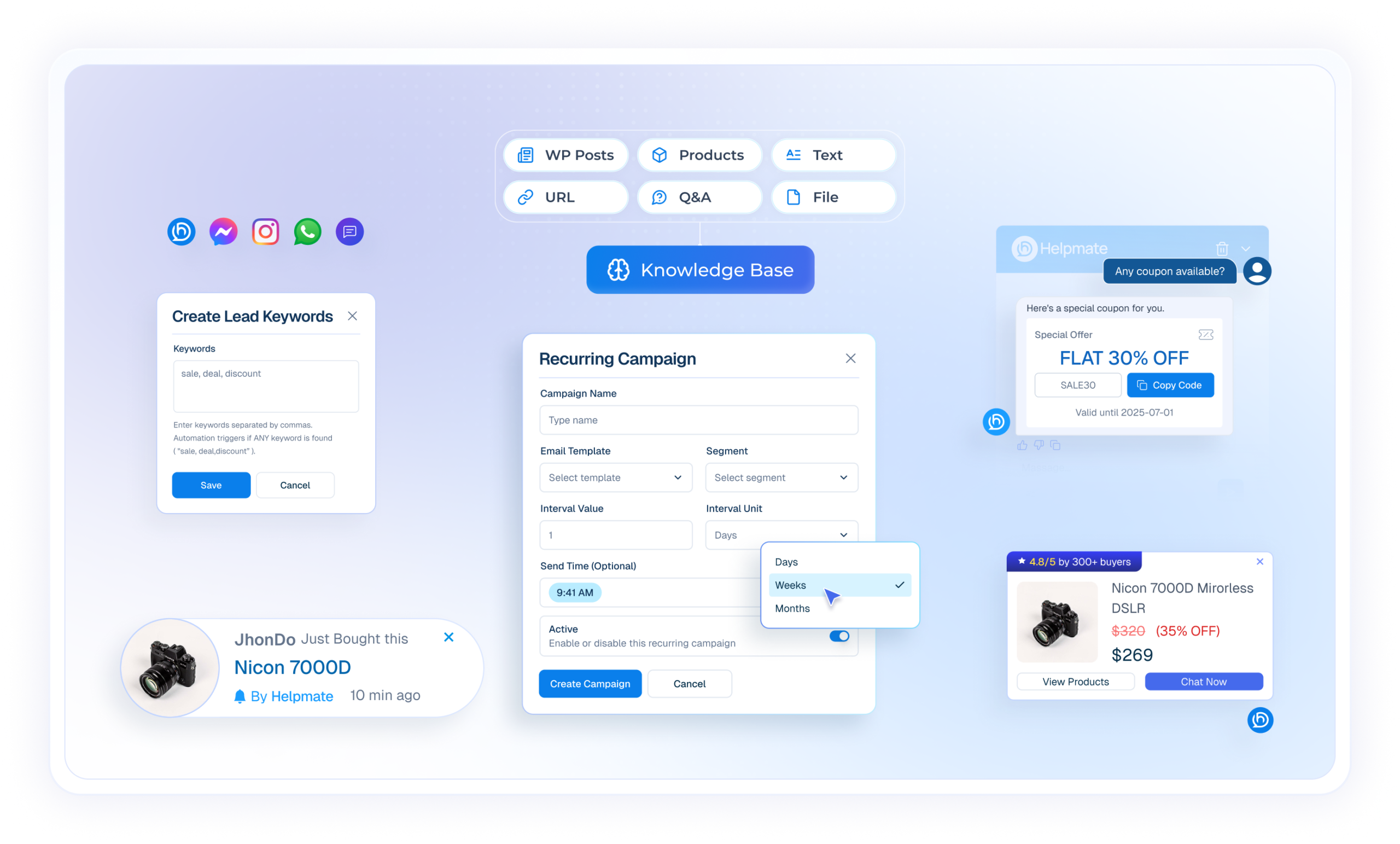
Measurable Operational Impact
One Connected System for business automation
the Brain
Helpmate AI
Acts as the central brain, using business data to guide every automated response and decision across channels.
The Engine
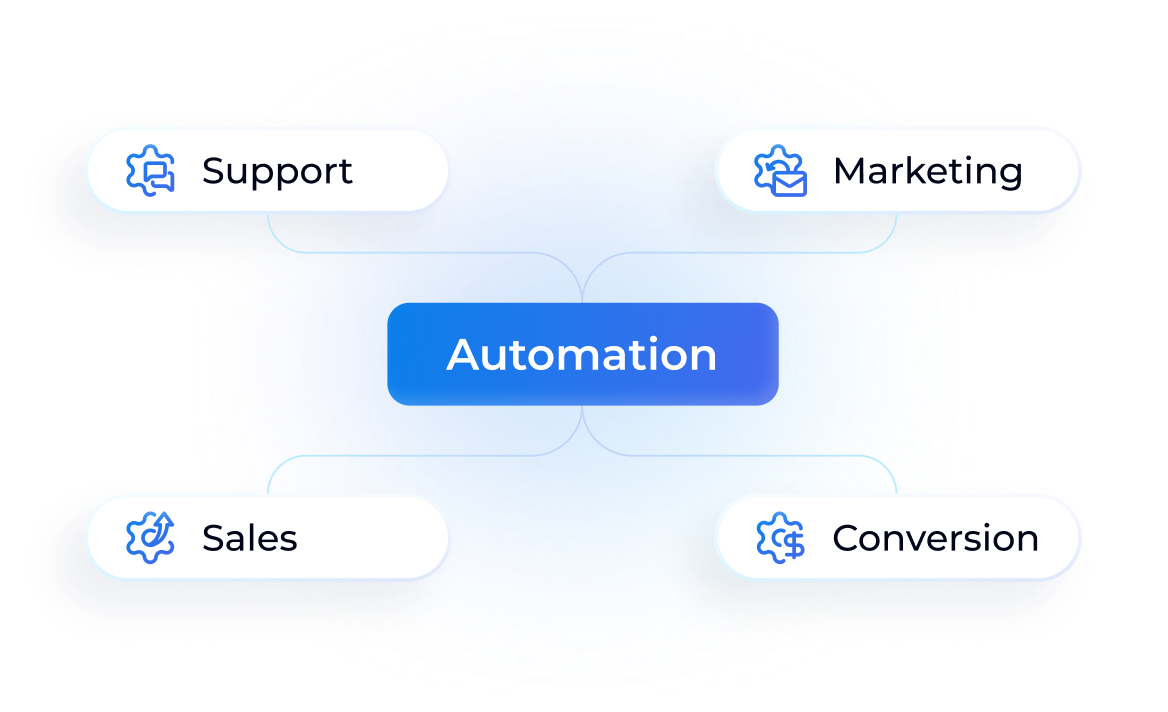
Automation
Ensures nothing is forgotten, delayed, or manually chased. Used across support, marketing, and sales workflows.
Execution Engine
Chatbot
Handles repetitive customer interactions automatically, reducing manual workload and response time.
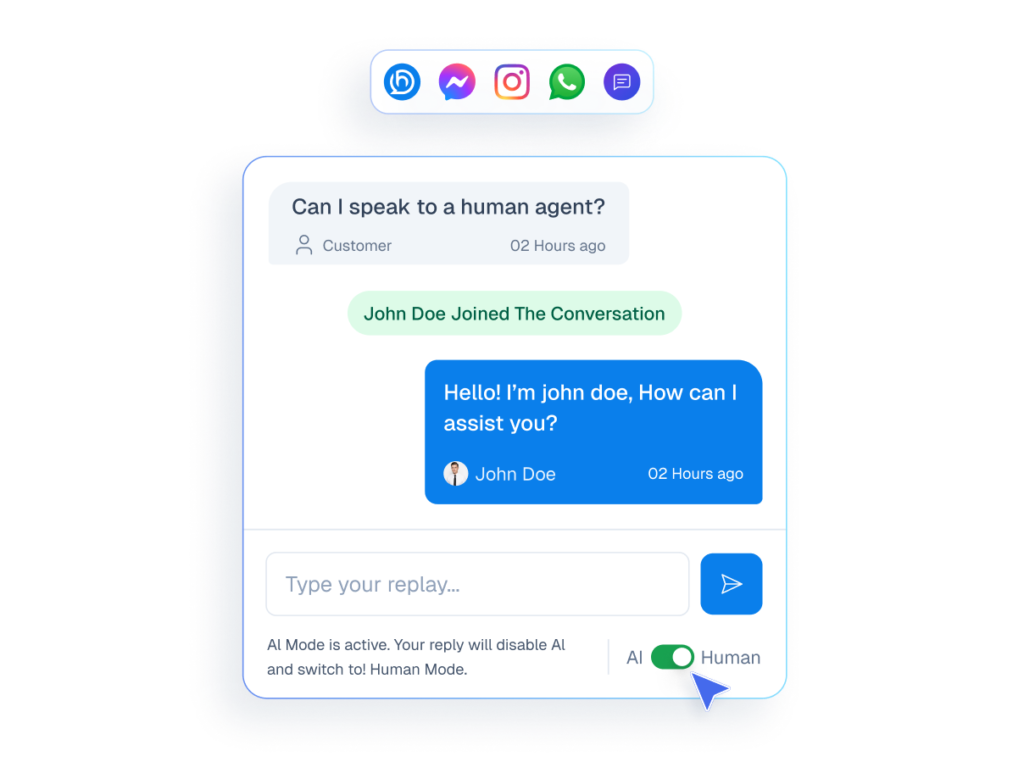
Human Touch
Live Chat
Lets humans step in instantly when automation needs a personal touch.
Omnichannel
Social Chat & Comments
Integrates social messages and comments into one system, keeping automated replies and workflows consistent across platforms.

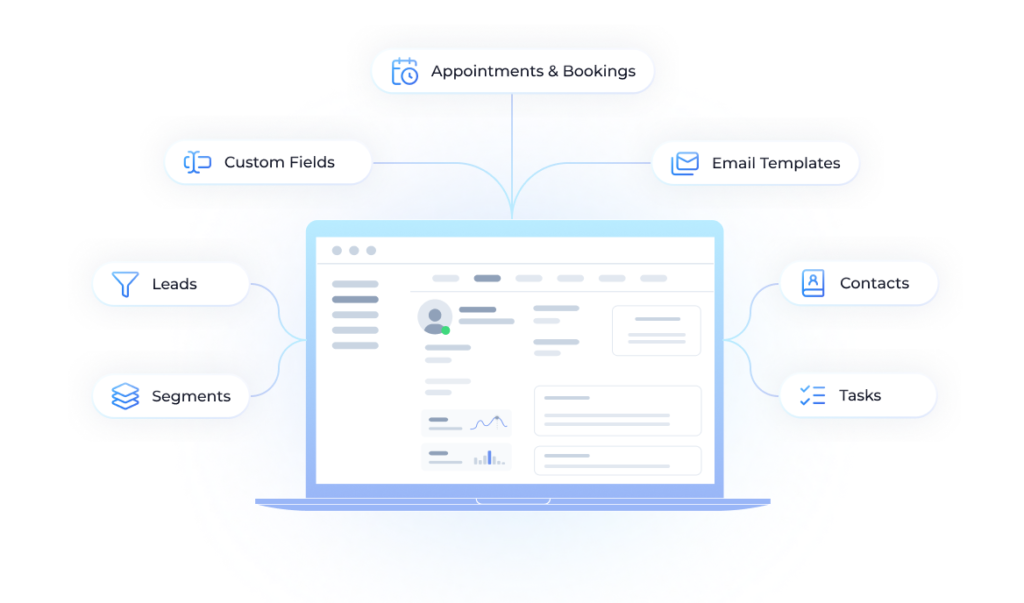
The Hub
CRM
Organizes contacts, tasks, and segments created from conversations, helping teams run structured follow-ups and automation-driven workflows.
Real Work, Done Automatically
Helpmate gives your team the power to automate the work that breaks momentum.

Support Automation
Automatically handle common questions, route issues, and respond across chat and social—without losing conversation context or accuracy.
Marketing Automation
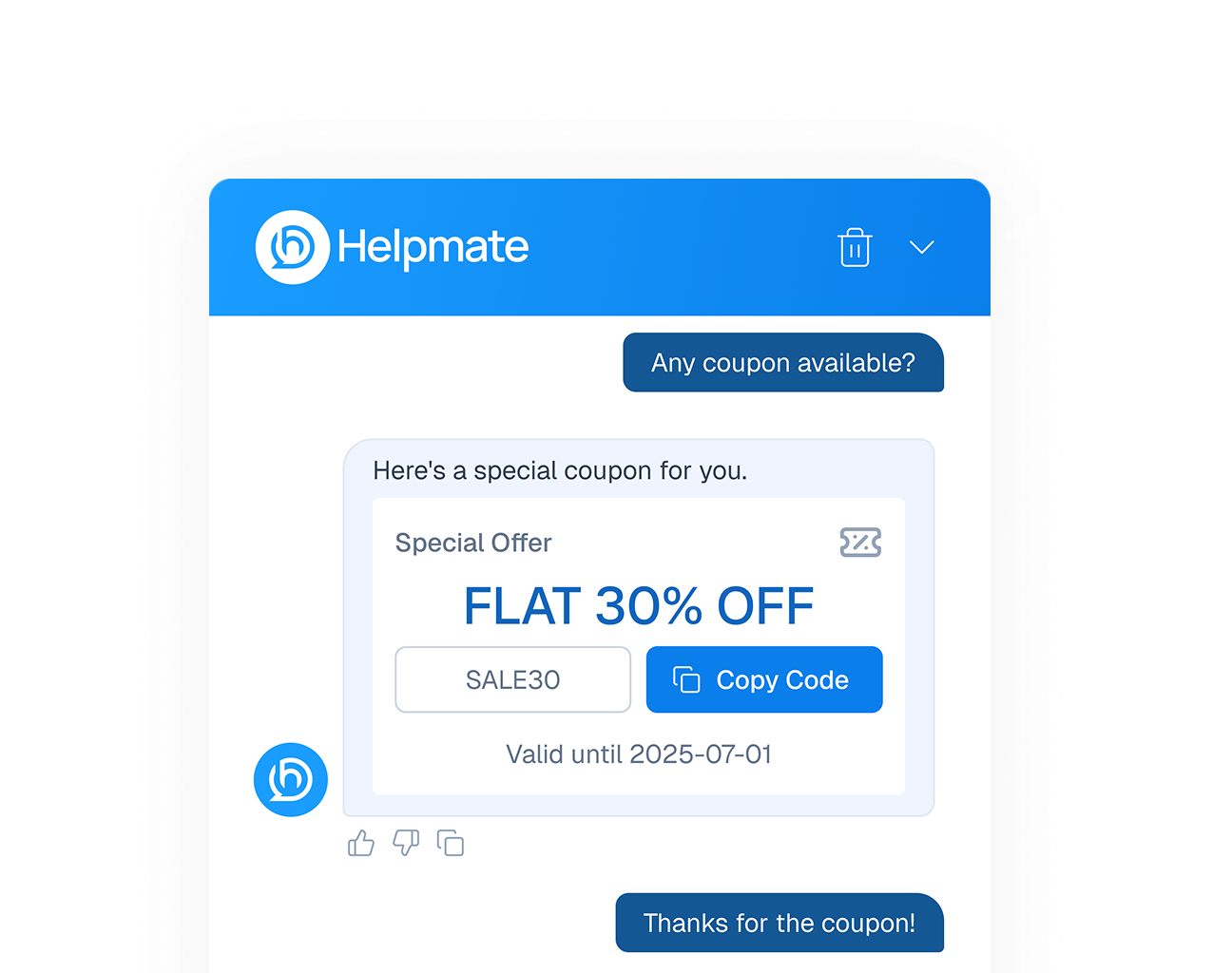
Trigger campaigns, collect leads, deliver coupons, and follow up at the right moment.


Sales Automation
Recover abandoned carts, send timely sequences, Show discounted products, and keep deals moving without constant manual chasing.
Conversation Automation
Display latest offers with Promo bars and build trust using real-time Sales notifications.

everything Built for business Automation
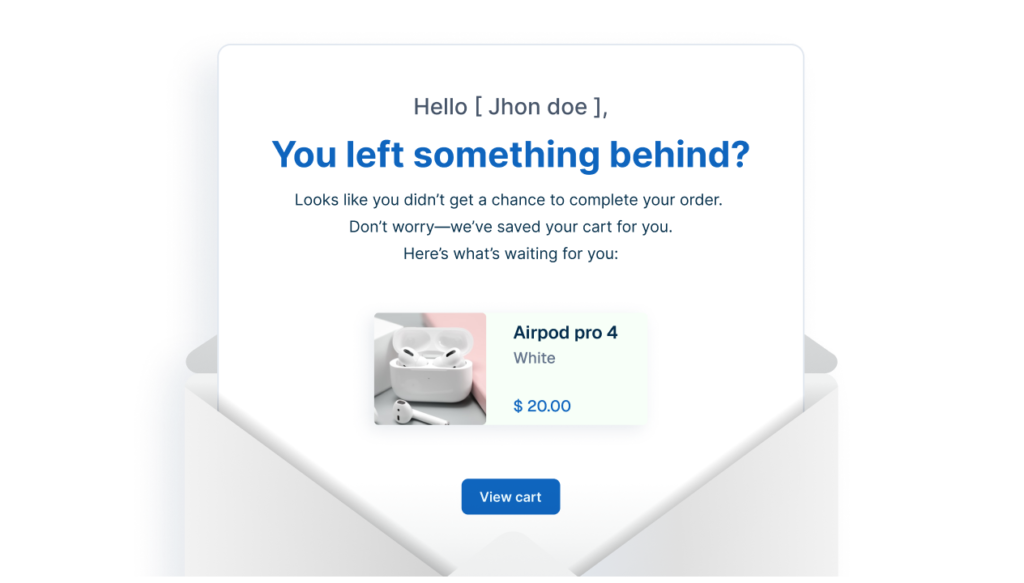
Abandoned Cart
Supports automated recovery workflows through scheduled reminders and follow-up planning.
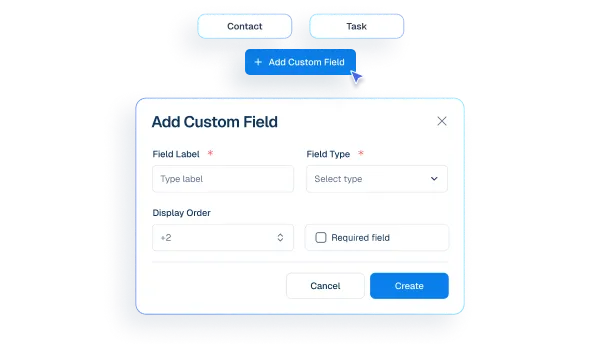
Custom Fields
Adds structured data points that automation workflows depend on for accuracy.
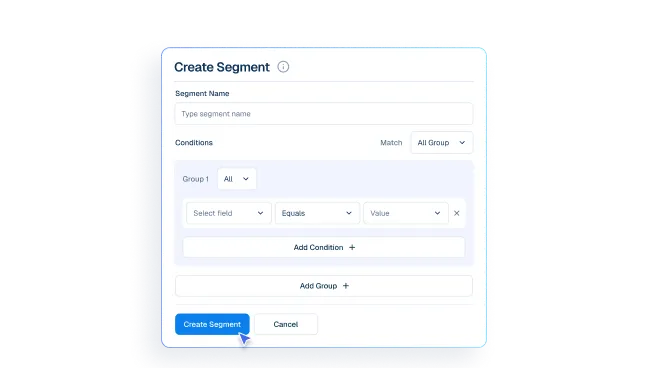
Segments
Structures contacts into meaningful groups, enabling scalable and organized automation.
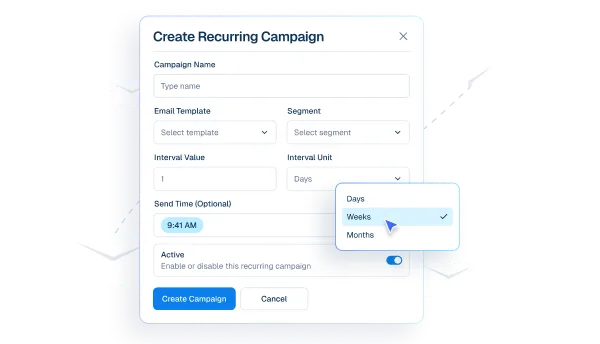
Recurring Emails
Maintains ongoing communication through automated, time-based email delivery.
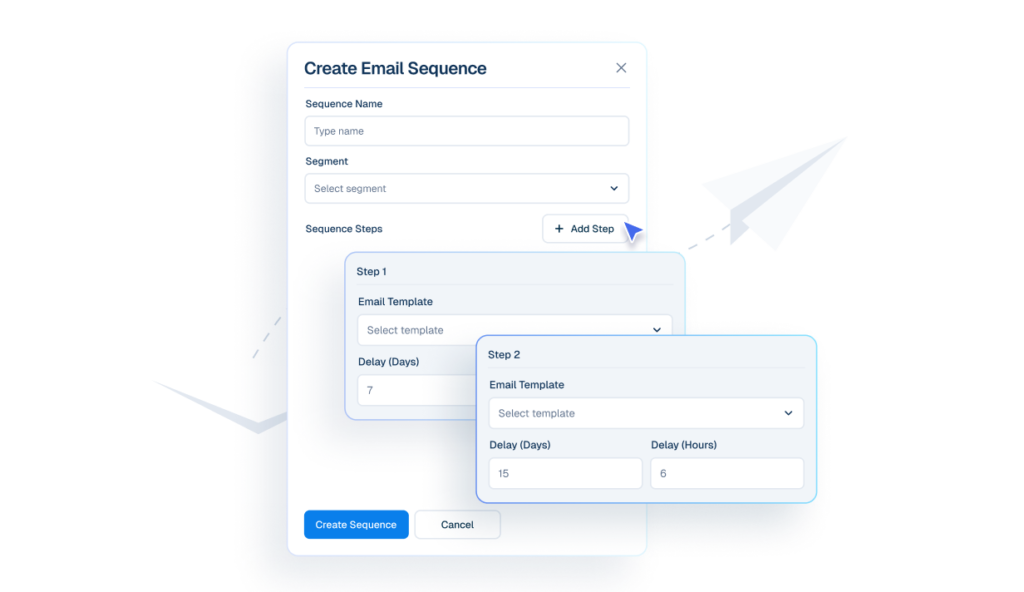
Email Sequences
Keeps follow-ups running automatically in a structured order and timing.
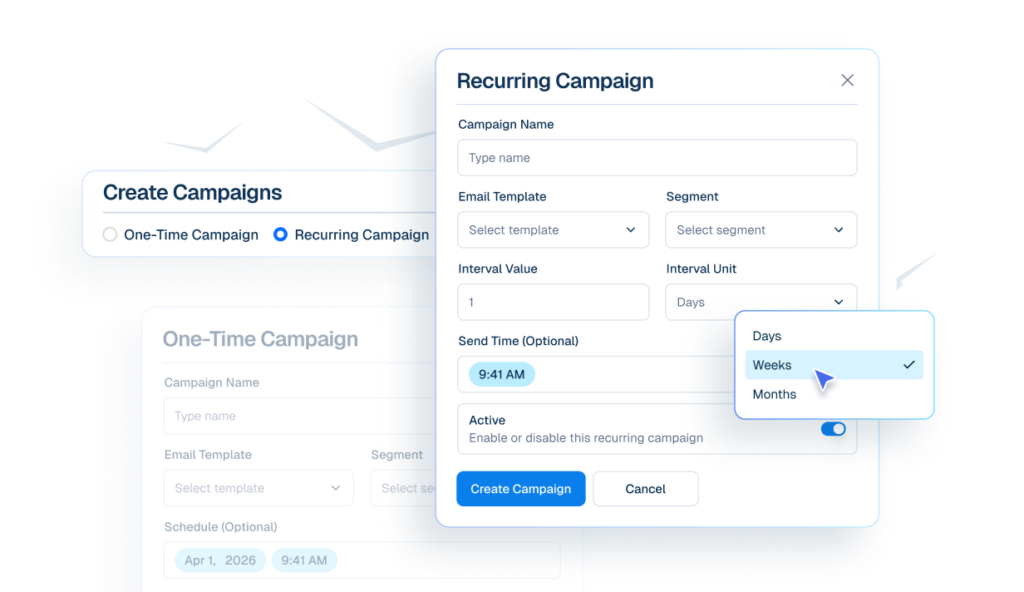
Email Campaigns
Send emails to selected segments immediately, or schedule them for later automatically.
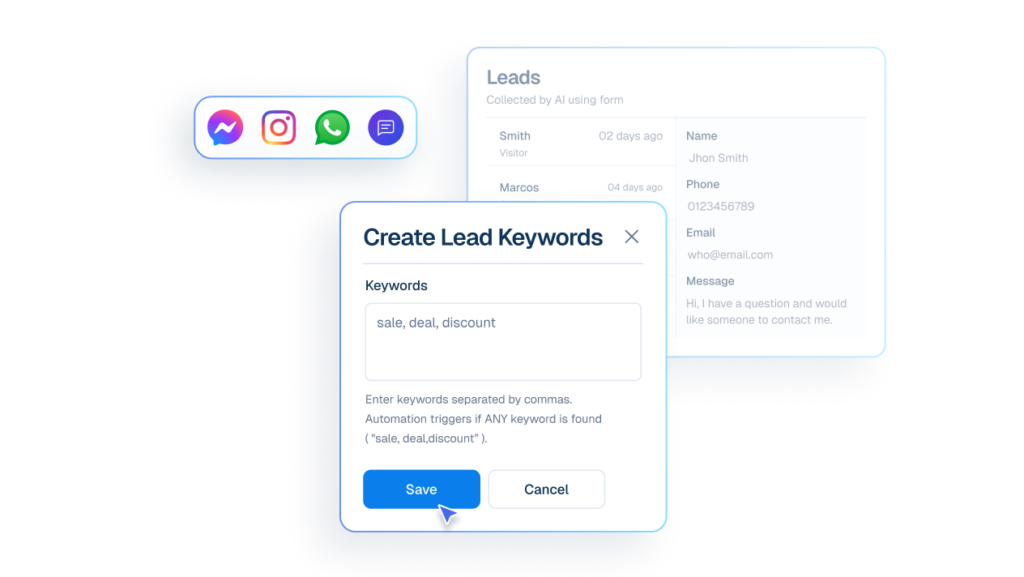
Lead Capture
Identifies intent within conversations, helping automation workflows follow clear, predefined paths.
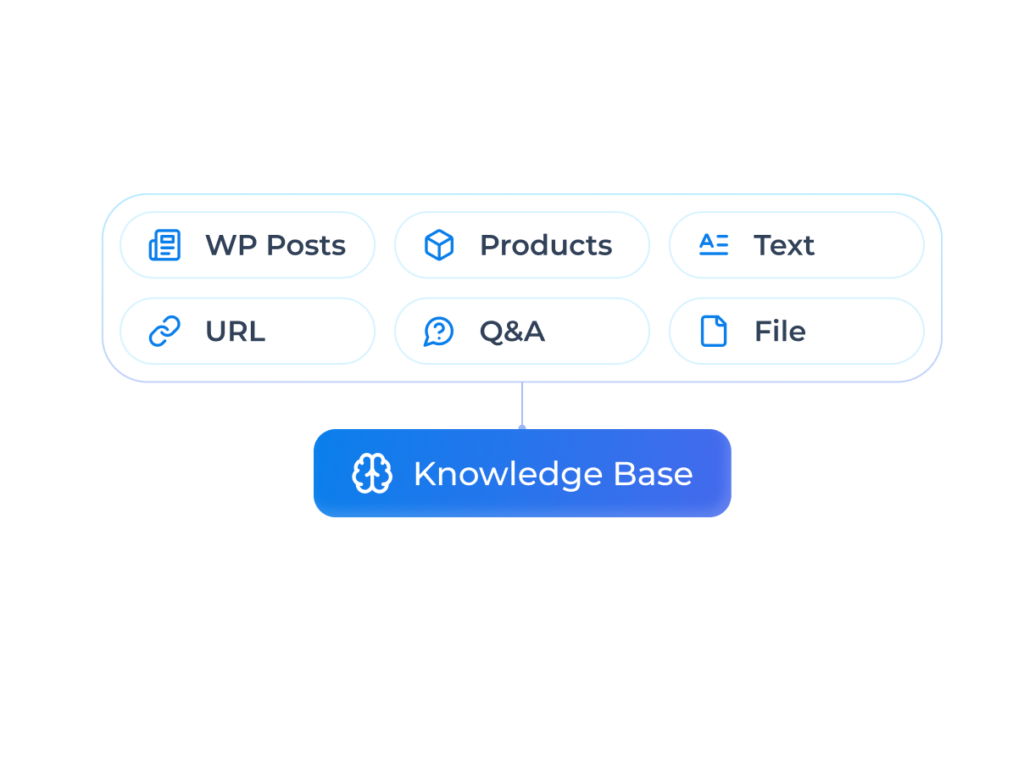
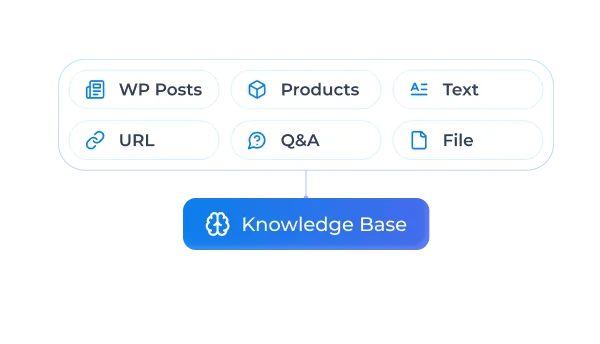
Knowledge Base
Trained business rules and information to automate replies and stay accurate & consistent.
Built for Every Team

Marketing Teams
Engage audiences at scale while maintaining brand voice across all social touchpoints.

Support Teams
Resolve social inquiries faster with AI-suggested responses and organized history.

Sales Teams
Convert social interest into sales with instant engagement and smooth handoffs.

Social Media Managers
Handle high volumes of DMs and comments without burning out or missing opportunities.

Growing Brands
Scale social presence without scaling headcount — stay responsive as you grow.
Make My Website Convert


Finally, an Al Chatbot That Actually Helps
Adhoy R.


Works Amazingly Well After a Bit of Training!
Ritzh A.


Practical, feature-rich Al chatbot for WooCommerce
Kazi Shafriad l.


Great Chatbot Plugin That Keeps Getting Smarter!
Annoon
Manual Chaos to Automated Outcomes
Before Helpmate
- Conversations feel disconnected
- Information is scattered
- Follow-ups rely on memory
- Context is hard to track
After Helpmate
- Conversations stay connected
- Information feels consistent
- Follow-ups feel reliable
- Context is always visible
Frequently asked questions
What problems does automation actually solve?
What can I automate with Helpmate?
Can automation work across live chat, chatbot, and social chat?
Do I lose control once automation is enabled?
What happens if automation fails or doesn’t apply?
Is Helpmate automation safe for sales conversations?
How hard is automation setup?
Can I start small with automation?
Will automation reduce personal connection?
Is automation useful for small businesses?
What’s the real value of automation?

