Tutor LMS Integration
List Tutor courses and lessons, sync students into CRM contacts, and help your team answer access and progress questions with authoritative LMS data.



What This Integration Enables
Knowledge Base responses stay course-aware in Tutor LMS
Ground responses in Tutor’s published course catalog so assistants reference the correct modules, bundles, or prerequisites.
Tickets resolve learner blockers with lesson-level context
Point learners to the right lesson objects when they are blocked mid-program-reducing repetitive clarification.
Contacts stay aligned with Tutor learner records
Run student sync jobs so marketing and success teams segment real learners, not stale CSV exports.
Segments group learners for cleaner engagement logic
Check integration status counts before large campaigns or instructor onboarding weeks.
Email Campaigns support learner lifecycle outreach
Unify Tutor-derived learner signals with Helpmate tickets for a coherent audit trail during billing or access disputes.
Why This Tutor LMS Integration Matters
Monetization needs operational rigor
Bundles, memberships, and coupons create support load. CRM-aligned student data prevents your team from flying blind when money is on the line.
Learner trust is a retention lever
Nothing erodes trust faster than conflicting answers about access. Tutor data inside Helpmate keeps every channel consistent.
Instructor productivity
When support resolves access issues without bouncing instructors, educators stay focused on teaching-which is your product.
Tutor LMS - features we support
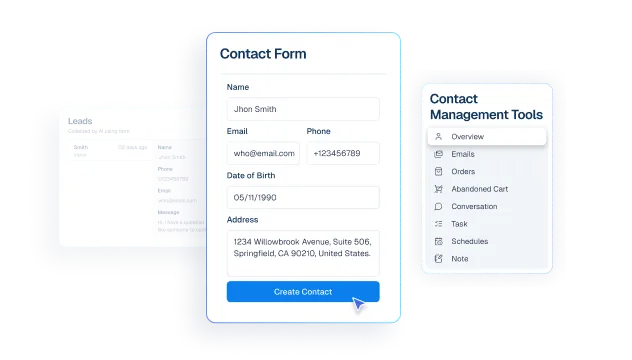
Contacts stay synced with active Tutor learners
What it Does
Surface enrolled learner coverage so your team can quickly confirm who is in the program before handling support or campaign actions.
Business Impact
Improves targeting accuracy and reduces mistakes caused by stale or incomplete learner lists.
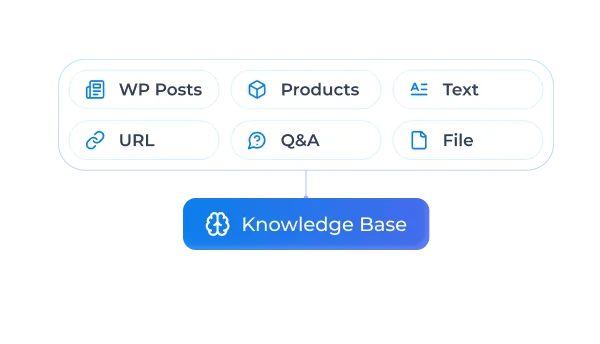
Knowledge Base responses stay aligned with Tutor courses
What it Does
List published Tutor courses for integration and support context.
Business Impact
Improves course-specific support accuracy and reduces back-and-forth.
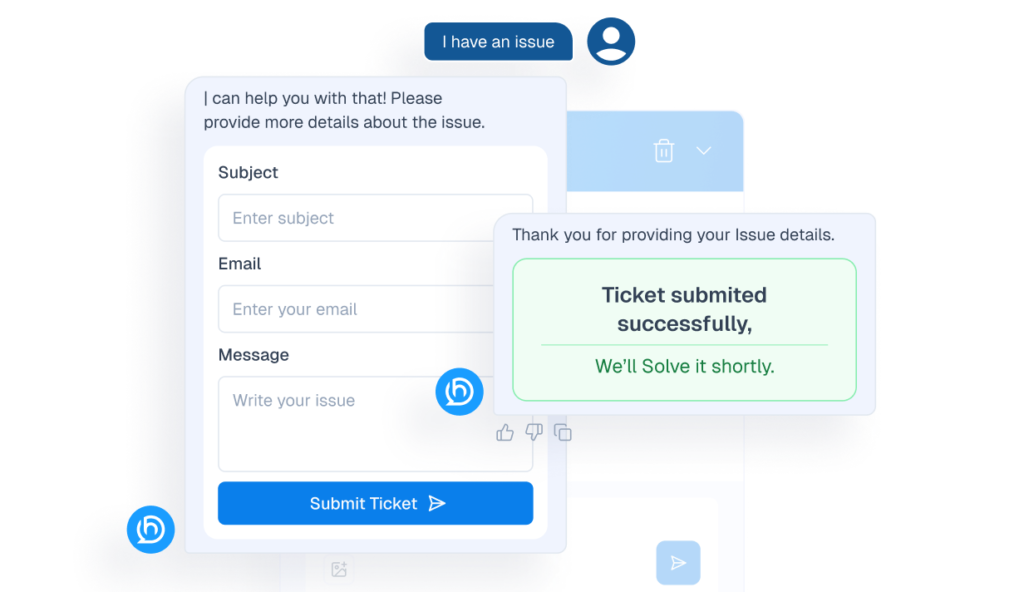
Tickets resolve learner issues with lesson-level context
What it Does
Provide lesson-level objects for learner assistance flows.
Business Impact
Speeds issue resolution for learners blocked within a module.
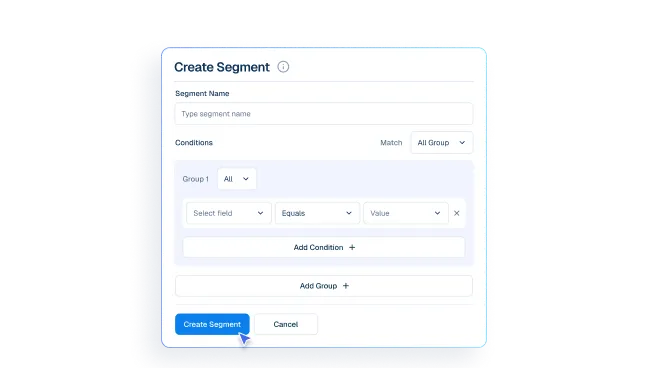
Segments organize learner cohorts for targeted workflows
What it Does
Sync Tutor learners into CRM-aligned Helpmate contact records.
Business Impact
Improves retention segmentation and lifecycle targeting.
Email Campaigns support learner lifecycle communication
What it Does
Combine Tutor-derived learner identity with Helpmate tickets/messages.
Business Impact
Gives support teams a unified learner timeline for faster decisions.
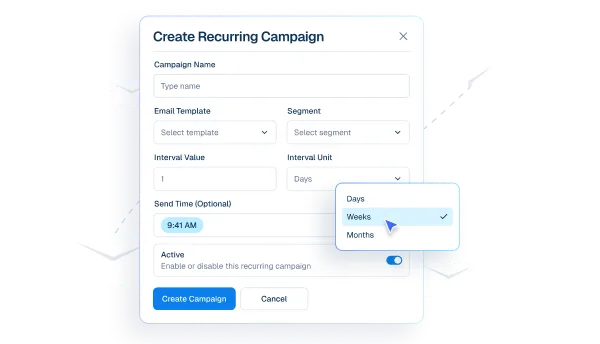
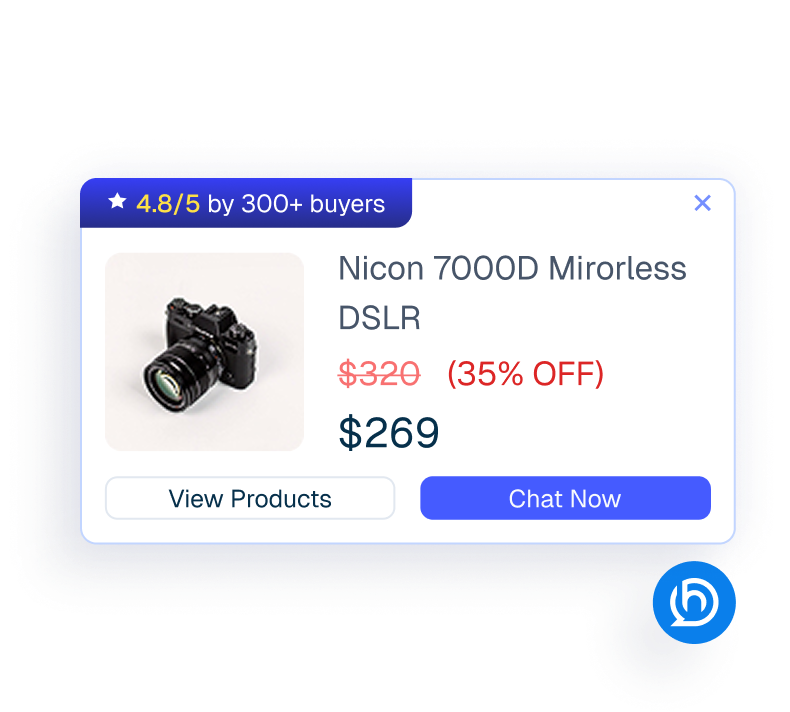
Proactive Sales enables advanced learner engagement automation
What it Does
Enable Helpmate Pro automation layers independent of Tutor’s own paid extensions.
Business Impact
Adds operational leverage while keeping licensing boundaries clear.
How Integrations Work
Three simple steps to automate everything.
01
Connect Your Tool
Link any tool from our library in just a few clicks.
Define Automation Rules
Set triggers, conditions, and actions to match your workflow.
02
03
Let AI Handle the Rest
Helpmate AI processes, responds, and optimizes automatically.
User Feedback

Great Chatbot Plugin That Keeps Getting Smarter!

Annoon

Works Amazingly Well After a Bit of Training!

Ritzh A.

Practical, feature-rich AI chatbot for WooCommerce

Kazi S.

Finally, an AI Chatbot That Actually Helps

Adhoy R.
Common Questions from Healthcare Teams
Can patients request appointments through chat?
Yes. Patients can submit appointment requests through any connected channel. These requests are organized in Helpmate for your team to review, confirm, and manage according to your existing scheduling processes.
Can staff take over conversations?
Yes. Staff can seamlessly take over any conversation at any time through the live chat feature with full context visible.
Does Helpmate provide medical advice or diagnosis?
No. Helpmate handles communication and organization only. All clinical decisions remain with your qualified healthcare professionals.
Which channels are supported?
Website chat, Facebook, Instagram, WhatsApp, and more. All messages appear in one unified inbox for your team.
How is patient information managed?
Patient contacts, conversation history, and notes are organized in the built-in CRM. Your team maintains full control over how information is recorded and accessed.

Ready to Stop Running Your Business Alone?
Take The Step That Turns Your WooCommerce Store Into A Self-Running Business.

