Members Integration
Enable Helpmate’s Members integration, sync member-linked users into CRM contacts, and tune profile support so agents resolve access tickets without violating least-privilege principles.



What This Integration Enables
Contacts stay synced with Members-managed identities
Reflect Members-driven access tiers inside Helpmate operations so support understands why a user can or cannot see content.
Segments organize membership cohorts for targeted workflows
Run sync jobs to align CRM contacts with Members-managed accounts for campaigns and success plays.
Tickets resolve membership access issues with better verification
Configure how Helpmate surfaces profile-adjacent data during verification flows-critical for B2B memberships and partner portals.
Tasks coordinate role and access follow-up work
Trace membership integration actions when debugging "I purchased but still locked out" scenarios across caching and role plugins.
Email Campaigns support member onboarding and re-engagement
Helpmate supports multiple membership integrations; enable only the plugins you actively standardize on to avoid conflicting hooks.
Why This Members Plugin Integration Matters
Access tickets need role truth
“Locked out” tickets explode when agents guess. CRM-aligned member records reduce guesswork and shorten resolution paths.
B2B portals demand least privilege
Enterprise buyers expect support to prove identity without oversharing internal attributes. Profile support settings operationalize that balance.
Growth without membership chaos
More roles and capabilities should not mean more spreadsheets. Sync keeps go-to-market systems aligned as membership complexity grows.
Features we support
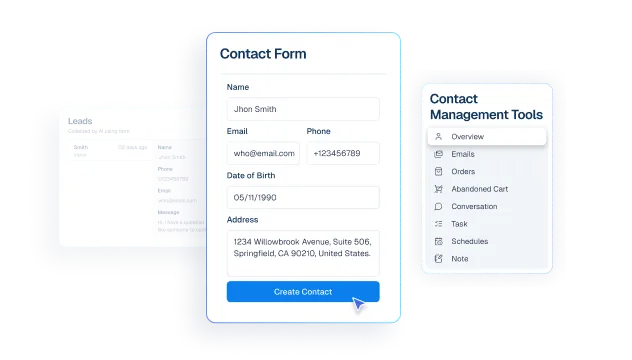
Contacts stay aligned with membership identities
What it Does
Require explicit integration configuration before membership hooks are active.
Business Impact
Reduces rollout risk across staging, multisite, and production environments.
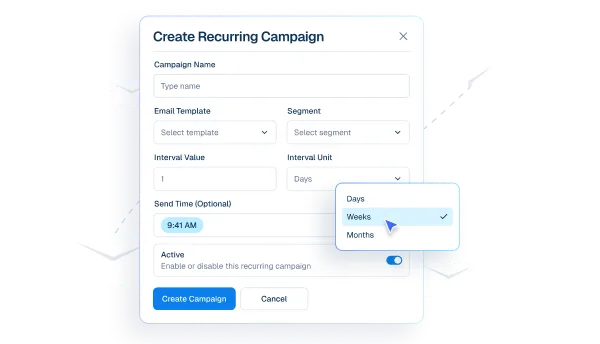
Segments organize members for targeted lifecycle campaigns
What it Does
Sync Members-managed identities into CRM-aligned Helpmate contacts.
Business Impact
Improves lifecycle targeting and membership reporting consistency.
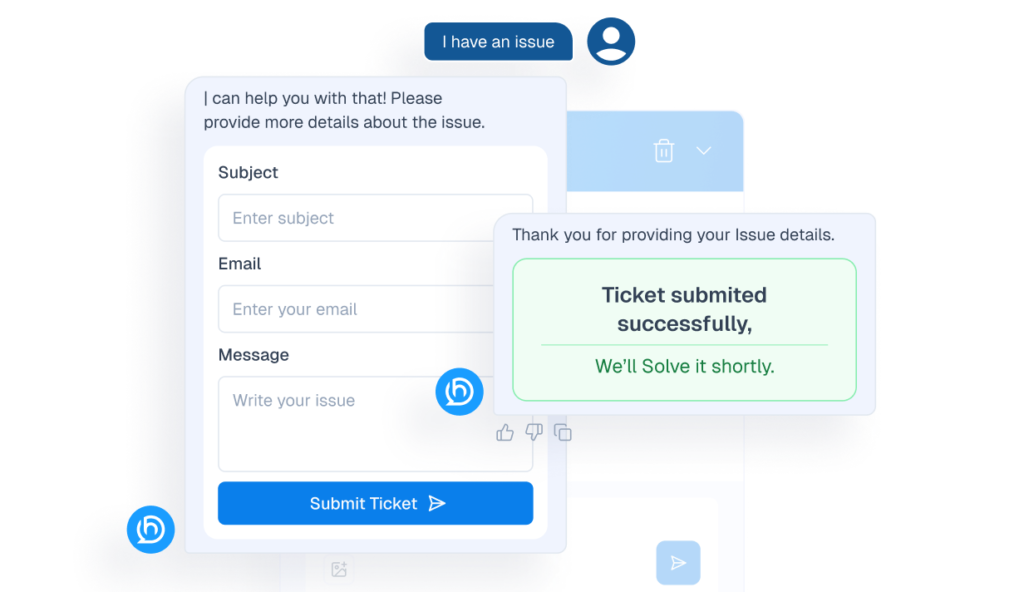
Tickets resolve membership access issues with clearer context
What it Does
Configure profile-related support handling for verification flows.
Business Impact
Improves support quality while preserving privacy posture.
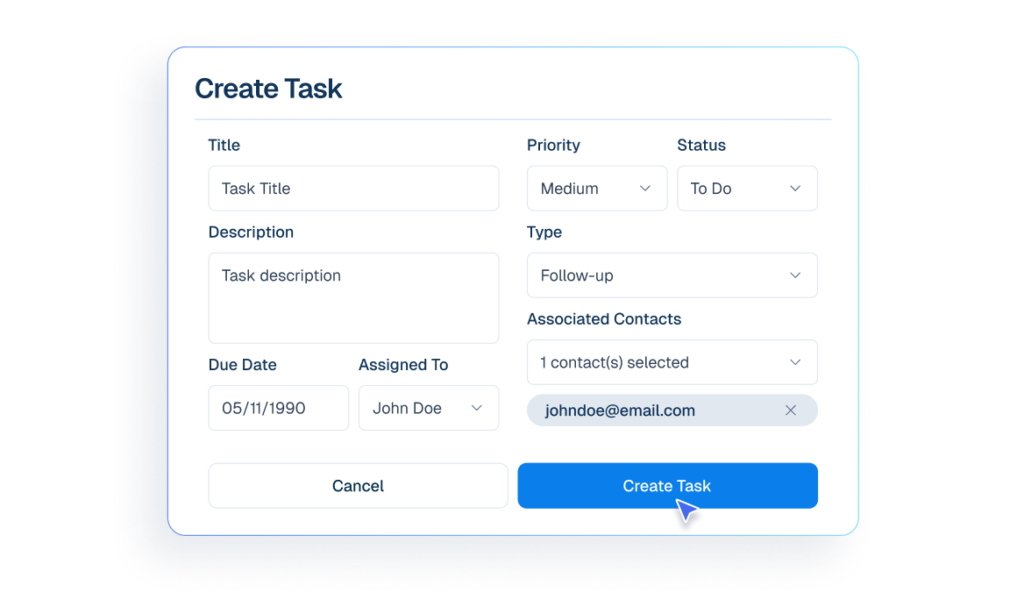
Tasks coordinate membership follow-ups and escalations
What it Does
Log membership integration actions for diagnostics.
Business Impact
Shortens incident-response time during access issues.
Email Campaigns support onboarding and retention communication
What it Does
Manage enablement, sync behavior, and diagnostics through integration settings.
Business Impact
Improves operational consistency without treating admin pages as product features.
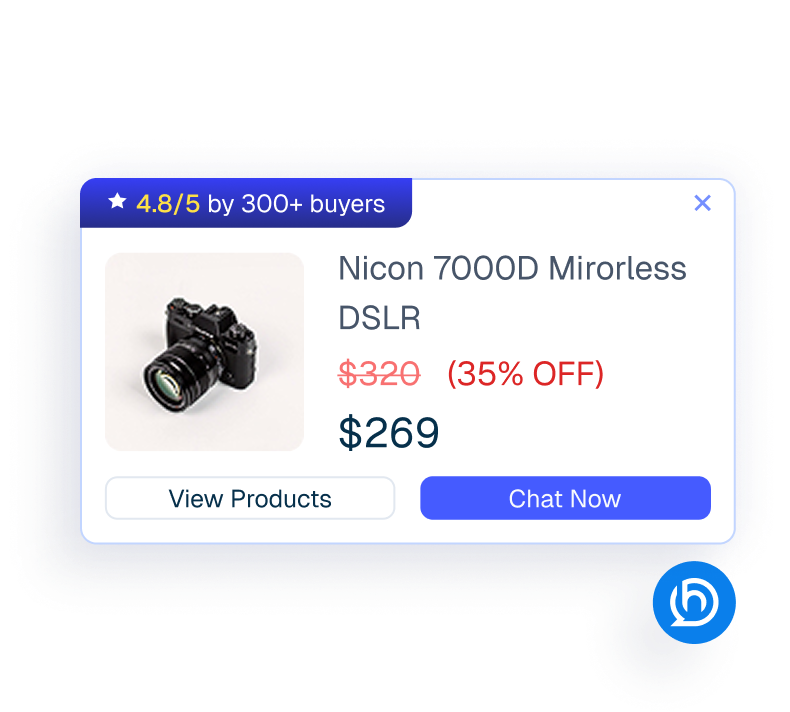
Proactive Sales enables advanced member engagement automation
What it Does
Layer Helpmate Pro automation where your membership workflows require it.
Business Impact
Adds automation depth without changing the core membership plugin stack.
How Integrations Work
Three simple steps to automate everything.
01
Connect Your Tool
Link any tool from our library in just a few clicks.
Define Automation Rules
Set triggers, conditions, and actions to match your workflow.
02
03
Let AI Handle the Rest
Helpmate AI processes, responds, and optimizes automatically.
User Feedback

Great Chatbot Plugin That Keeps Getting Smarter!

Annoon

Works Amazingly Well After a Bit of Training!

Ritzh A.

Practical, feature-rich AI chatbot for WooCommerce

Kazi S.

Finally, an AI Chatbot That Actually Helps

Adhoy R.
Common Questions from Healthcare Teams
Can patients request appointments through chat?
Yes. Patients can submit appointment requests through any connected channel. These requests are organized in Helpmate for your team to review, confirm, and manage according to your existing scheduling processes.
Can staff take over conversations?
Yes. Staff can seamlessly take over any conversation at any time through the live chat feature with full context visible.
Does Helpmate provide medical advice or diagnosis?
No. Helpmate handles communication and organization only. All clinical decisions remain with your qualified healthcare professionals.
Which channels are supported?
Website chat, Facebook, Instagram, WhatsApp, and more. All messages appear in one unified inbox for your team.
How is patient information managed?
Patient contacts, conversation history, and notes are organized in the built-in CRM. Your team maintains full control over how information is recorded and accessed.

Ready to Stop Running Your Business Alone?
Take The Step That Turns Your WooCommerce Store Into A Self-Running Business.

