LifterLMS Integration
Expose LifterLMS courses and lessons, sync students into Helpmate CRM, and empower agents to resolve access and progression issues with authoritative LMS references.



What This Integration Enables
Contacts stay synced with LifterLMS learner identity
When learners move between memberships and courses, Helpmate keeps conversations tied to the right LMS entities.
Knowledge Base responses stay accurate for course/lesson questions
List published courses and lessons so assistants never guess which "Level 2" a learner means.
Segments organize learner cohorts for retention workflows
Sync LifterLMS students into CRM contacts for cohort campaigns, renewal plays, and instructor escalations.
Tickets resolve learner issues with richer LMS context
Surface counts for students, courses, and lessons before high-traffic launches or partner promotions.
Email Campaigns support post-enrollment learner communication
Pair LMS-derived facts with Helpmate tickets when handling refunds, extensions, or certification deadlines.
Why This LifterLMS Integration Matters
Retention is a data problem
If CRM does not know who is learning, renewal campaigns misfire. Syncing students closes the loop between consumption and revenue motions.
Support defines premium positioning
Premium programs promise white-glove help. LMS-aware support is how you prove the premium price without hiring blindly.
Compliance-friendly audit trails
Certification and corporate training buyers expect traceability. Tickets plus LMS references create cleaner audit stories than chat screenshots alone.
LifterLMS - features we support
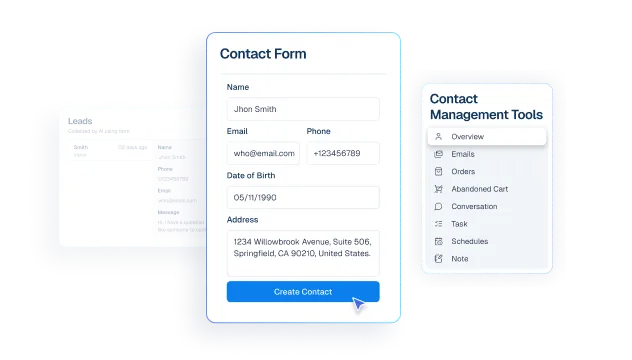
Contacts stay synced with active LifterLMS learners
What it Does
Surface active learner coverage so support and growth teams can work from real enrollment data.
Business Impact
Reduces campaign misses and support mistakes caused by incomplete learner context.
Knowledge Base responses stay aligned with LifterLMS courses
What it Does
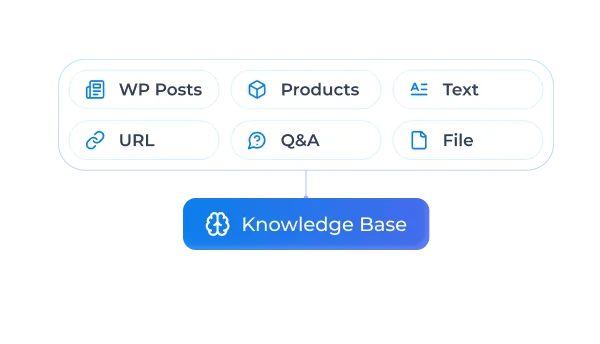
Expose published LifterLMS courses for support and configuration context.
Business Impact
Improves first-response accuracy on course-specific questions.
Tickets resolve learner issues with lesson-level context
What it Does
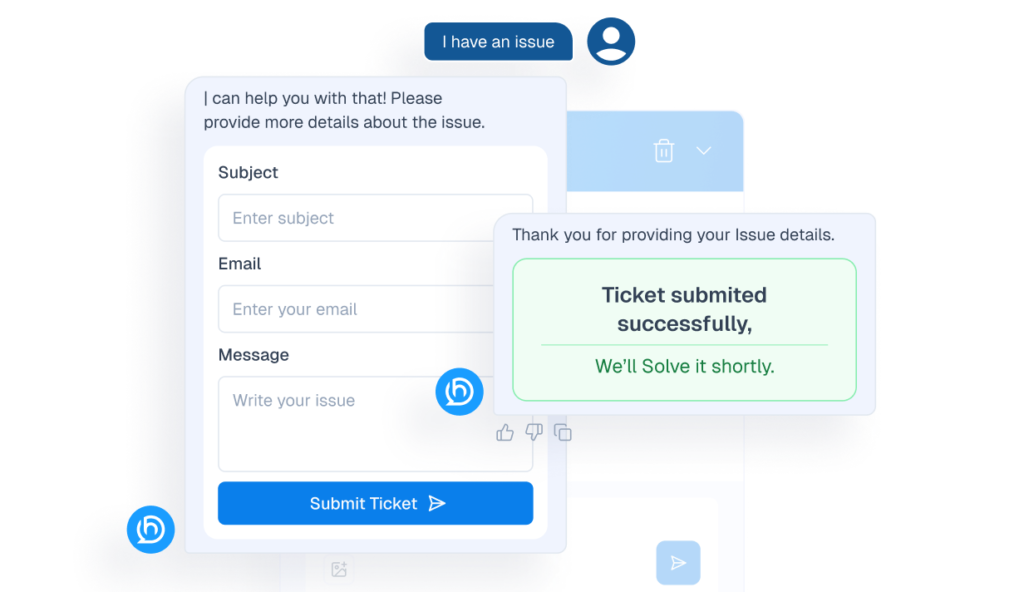
Expose lesson data for granular learner troubleshooting.
Business Impact
Reduces learner frustration and improves completion support.
Segments organize learner cohorts for targeted workflows
What it Does
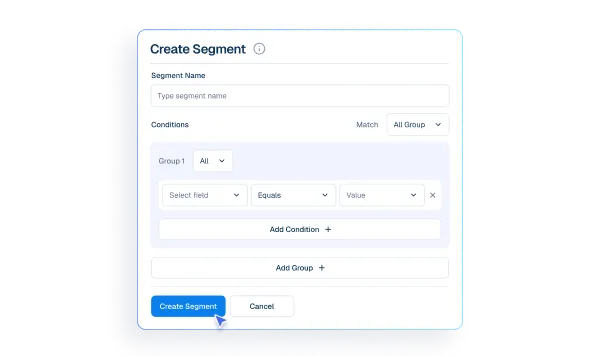
Sync learners into CRM-aligned Helpmate contact records via `sync-students`.
Business Impact
Improves lifecycle targeting and retention campaign precision.
Email Campaigns support learner lifecycle communication
What it Does
Combine synced learner identity with Helpmate tickets/messages.
Business Impact
Creates a unified support timeline and faster case resolution.
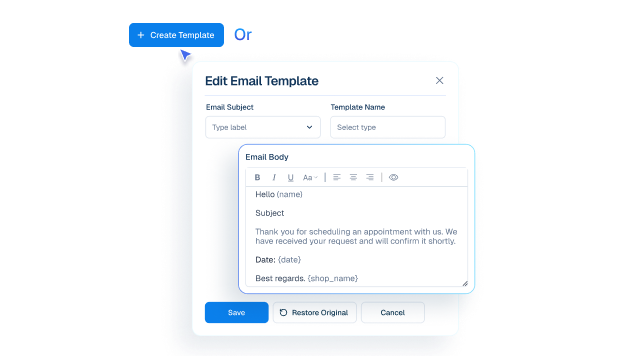
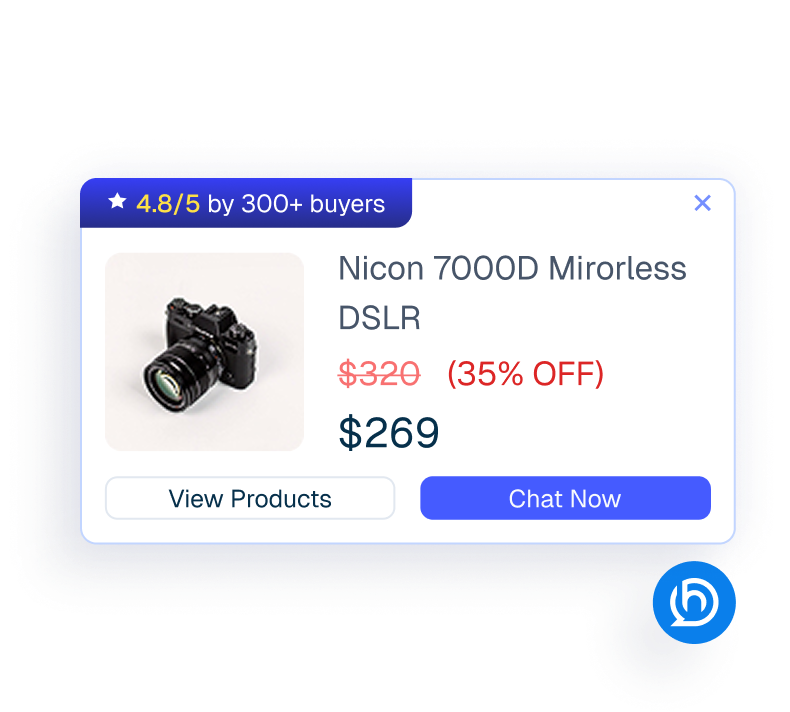
Proactive Sales enables advanced learner engagement automation
What it Does
Enable Helpmate Pro automation where your packaging includes it.
Business Impact
Improves operational scalability without replacing LMS infrastructure.
How Integrations Work
Three simple steps to automate everything.
01
Connect Your Tool
Link any tool from our library in just a few clicks.
Define Automation Rules
Set triggers, conditions, and actions to match your workflow.
02
03
Let AI Handle the Rest
Helpmate AI processes, responds, and optimizes automatically.
User Feedback

Great Chatbot Plugin That Keeps Getting Smarter!

Annoon

Works Amazingly Well After a Bit of Training!

Ritzh A.

Practical, feature-rich AI chatbot for WooCommerce

Kazi S.

Finally, an AI Chatbot That Actually Helps

Adhoy R.
Common Questions from Healthcare Teams
Can patients request appointments through chat?
Yes. Patients can submit appointment requests through any connected channel. These requests are organized in Helpmate for your team to review, confirm, and manage according to your existing scheduling processes.
Can staff take over conversations?
Yes. Staff can seamlessly take over any conversation at any time through the live chat feature with full context visible.
Does Helpmate provide medical advice or diagnosis?
No. Helpmate handles communication and organization only. All clinical decisions remain with your qualified healthcare professionals.
Which channels are supported?
Website chat, Facebook, Instagram, WhatsApp, and more. All messages appear in one unified inbox for your team.
How is patient information managed?
Patient contacts, conversation history, and notes are organized in the built-in CRM. Your team maintains full control over how information is recorded and accessed.

Ready to Stop Running Your Business Alone?
Take The Step That Turns Your WooCommerce Store Into A Self-Running Business.

