Easy Digital Downloads Integration
Unlock Smarter Customer Engagement for Easy Digital Downloads With Helpmate



What This Integration Enables
Contacts stay updated with EDD buyer and account changes
Push EDD customer records into Helpmate CRM workflows so contacts stay current for support, renewals, and campaigns.
Tickets resolve download and entitlement issues with purchase context
Surface EDD download metadata and purchase signals inside Helpmate so agents resolve entitlement, access, and upgrade questions faster.
Knowledge Base answers stay accurate for digital products
Let Helpmate search and summarize published downloads so chat and support responses stay accurate as your catalog evolves.
Segments group digital buyers for smarter lifecycle targeting
Consolidate EDD order history alongside other Helpmate commerce signals so revenue and retention teams share one customer truth.
Email Campaigns act on synced EDD customer behavior
Monitor sync readiness, run customer sync, and debug integration behavior with clear operational signals in WordPress.
Why This Easy Digital Downloads Integration Matters
Fewer entitlement and access tickets
When support can see purchase and product context instantly, “I paid but can’t download” threads shrink. Customers get correct answers on the first reply, which protects satisfaction and reduces handle time.
Stronger renewals and upsell timing
Digital revenue compounds when follow-ups align with real behavior. With EDD data in Helpmate, your team can trigger the right outreach after purchase, before renewal, or when engagement drops—without manual exports.
CRM that reflects digital buyers
Downloads and licenses behave differently than physical SKUs. Syncing EDD customers into Helpmate CRM keeps segments, SLAs, and reporting aligned with how digital buyers actually convert.
Features we support
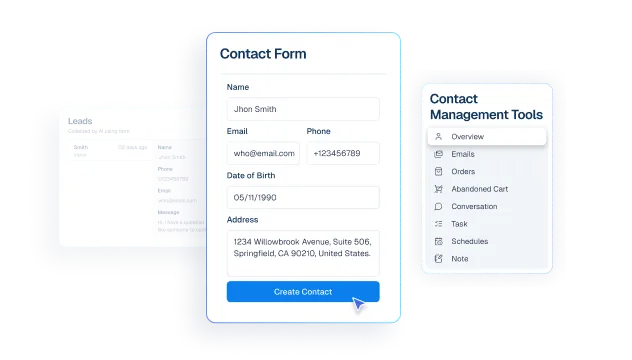
Contacts stay synced with EDD buyer and account data
What it Does
Sync EDD customer records into Helpmate CRM from the Integrations commerce flow.
Business Impact
Keeps contact lists current, reduces manual imports, and improves campaign targeting quality.
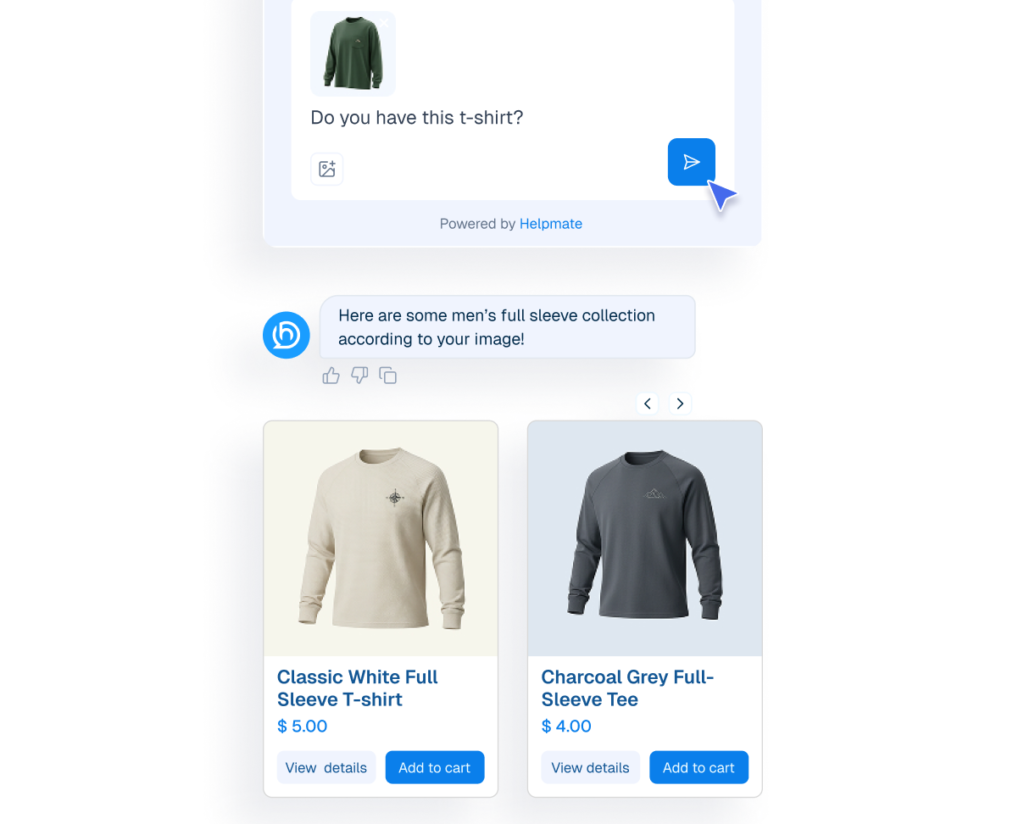
Knowledge Base responses stay accurate for EDD products
What it Does
Search and surface published download products so support and AI responses stay grounded in real catalog data.
Business Impact
Improves answer accuracy and reduces conversion loss caused by stale product details.
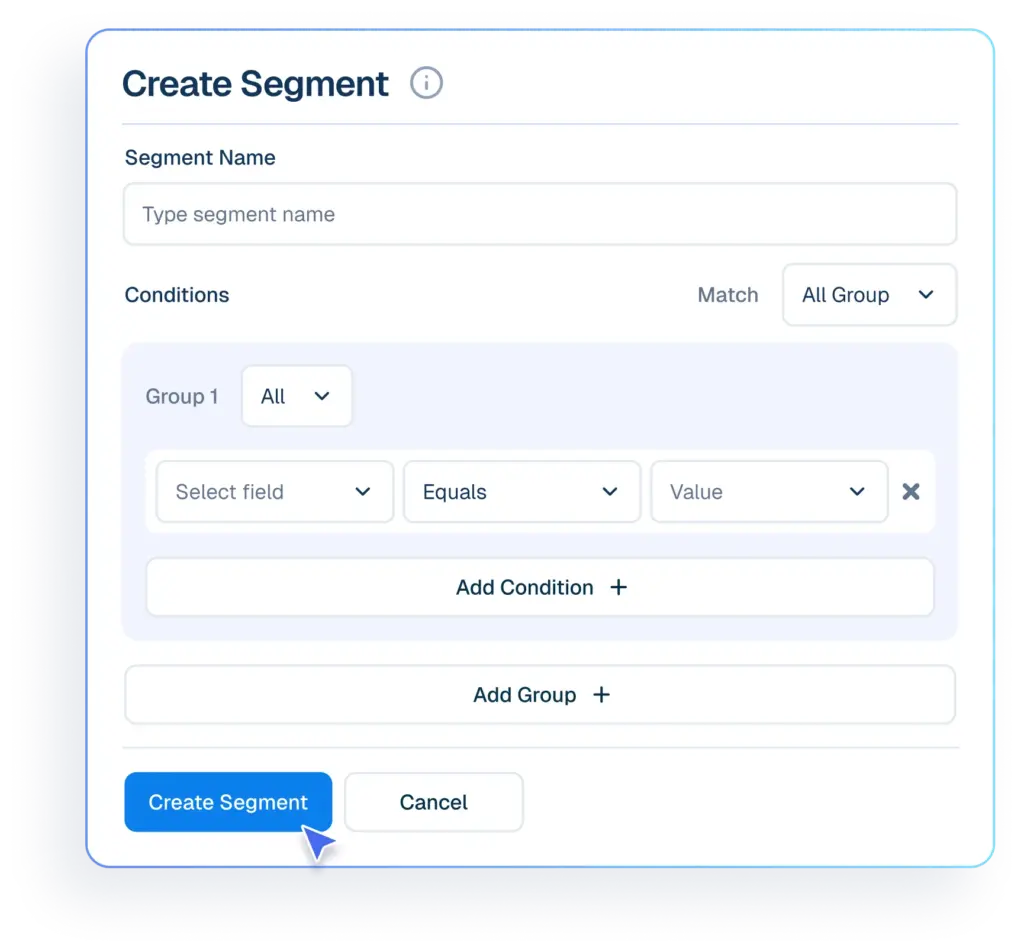
Segments organize digital buyers for lifecycle targeting
What it Does
Merge EDD order context into CRM-facing customer views where multi-commerce merge is configured.
Business Impact
Gives support and growth teams a single customer timeline for faster decisions.
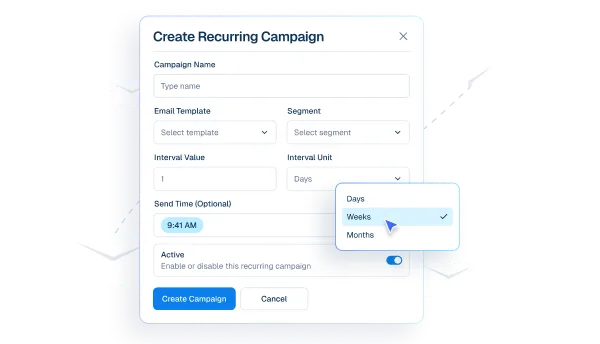
Email Campaigns activate outreach from synced EDD context
What it Does
Expose plugin status, activation state, and sync controls through integration settings and diagnostics.
Business Impact
Reduces onboarding friction and lowers operational overhead for admins.
Proactive Sales enables advanced EDD conversion automation
What it Does
Enable advanced lifecycle and post-purchase workflows where your EDD release includes Pro commerce branches.
Business Impact
Opens higher-automation retention and recovery motions without rebuilding your stack.
How Integrations Work
Three simple steps to automate everything.
01
Connect Your Tool
Link any tool from our library in just a few clicks.
Define Automation Rules
Set triggers, conditions, and actions to match your workflow.
02
03
Let AI Handle the Rest
Helpmate AI processes, responds, and optimizes automatically.
User Feedback

Great Chatbot Plugin That Keeps Getting Smarter!

Annoon

Works Amazingly Well After a Bit of Training!

Ritzh A.

Practical, feature-rich AI chatbot for WooCommerce

Kazi S.

Finally, an AI Chatbot That Actually Helps

Adhoy R.
Common Questions from Healthcare Teams
Can patients request appointments through chat?
Yes. Patients can submit appointment requests through any connected channel. These requests are organized in Helpmate for your team to review, confirm, and manage according to your existing scheduling processes.
Can staff take over conversations?
Yes. Staff can seamlessly take over any conversation at any time through the live chat feature with full context visible.
Does Helpmate provide medical advice or diagnosis?
No. Helpmate handles communication and organization only. All clinical decisions remain with your qualified healthcare professionals.
Which channels are supported?
Website chat, Facebook, Instagram, WhatsApp, and more. All messages appear in one unified inbox for your team.
How is patient information managed?
Patient contacts, conversation history, and notes are organized in the built-in CRM. Your team maintains full control over how information is recorded and accessed.

Ready to Stop Running Your Business Alone?
Take The Step That Turns Your WooCommerce Store Into A Self-Running Business.

