
Chatbot
One chatbot, For Sales & Support
Answer questions, track orders, send coupons, recover sales, handle support and hand over to humans, all inside one chatbot.
Customer Data to Workflow
A clear workflow that transforms customer information into organized, actionable work.
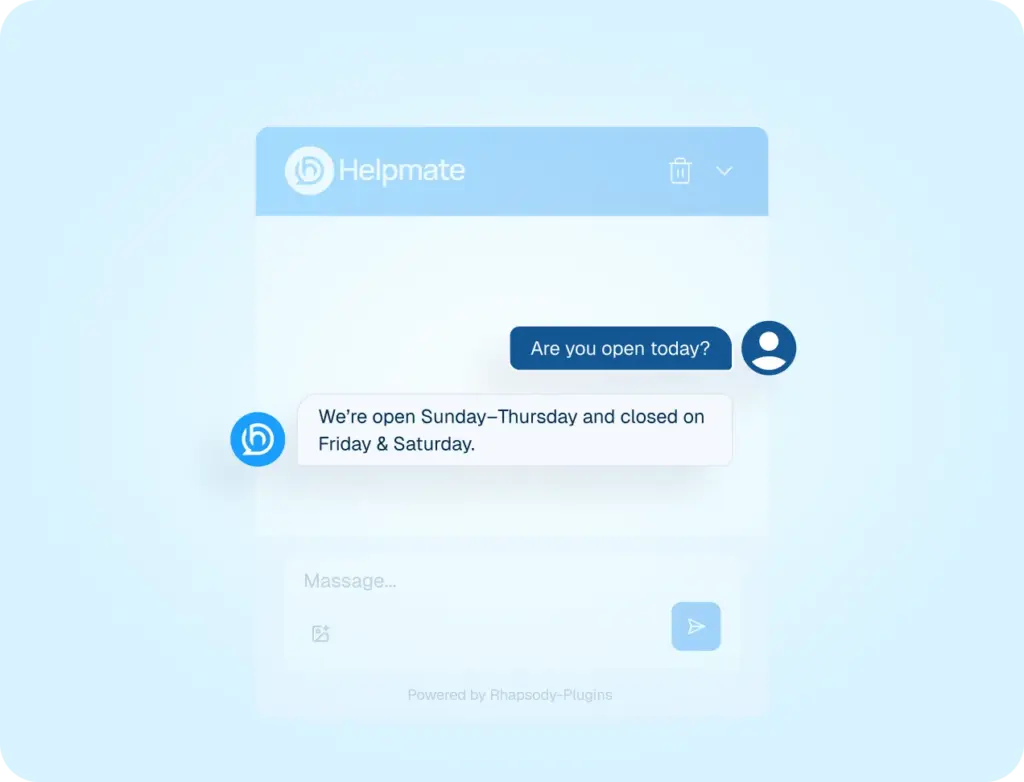
FAQ’s
Answers common Cusotomer questions before human involvement.
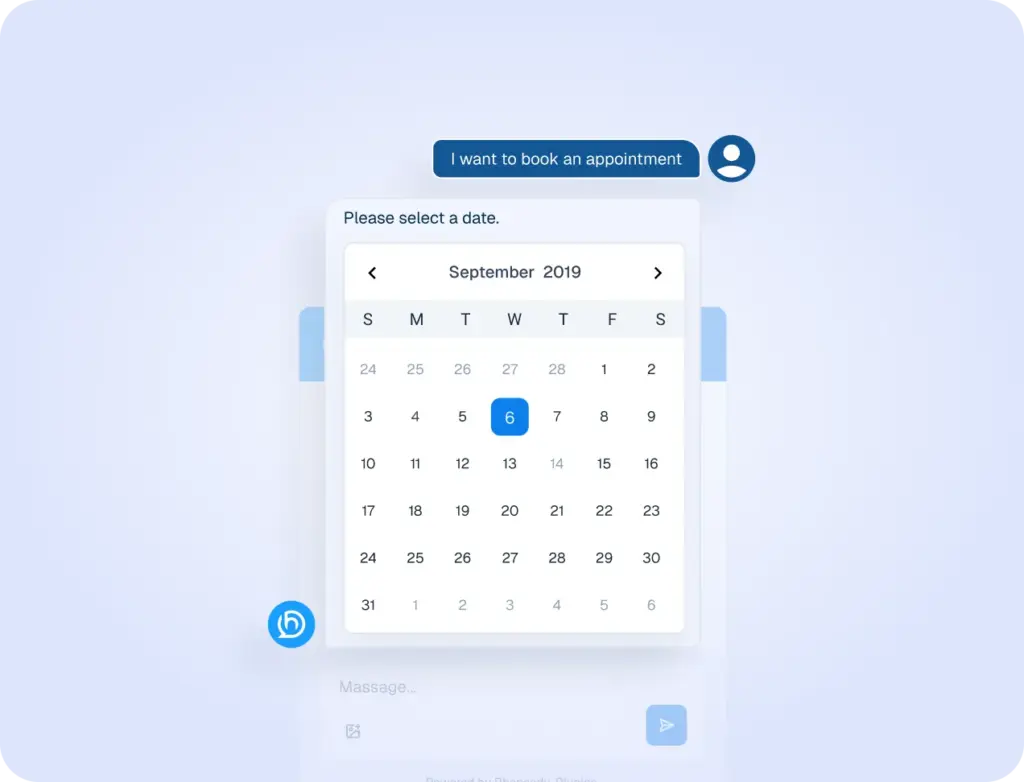
Appointment
Visitors request appointments through chat using Scheduling, without waiting.
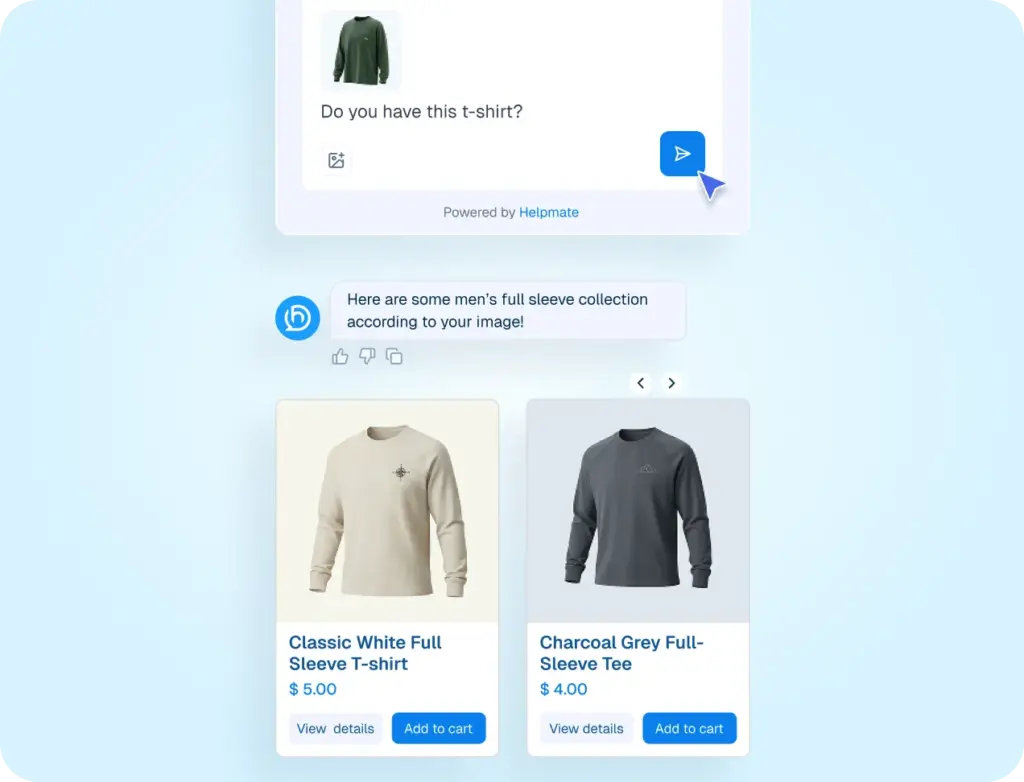
Product search by image
Helps shoppers find similar products by
uploading an image.
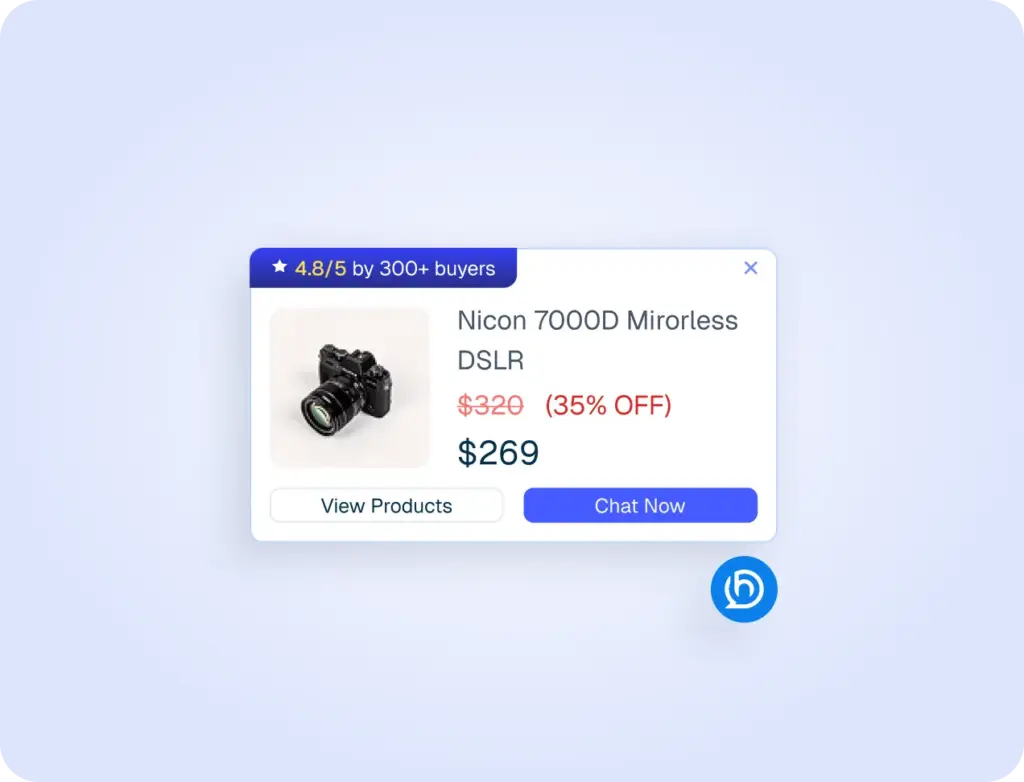
Proactive Sales
Engage visitors at the right moment product promotions.
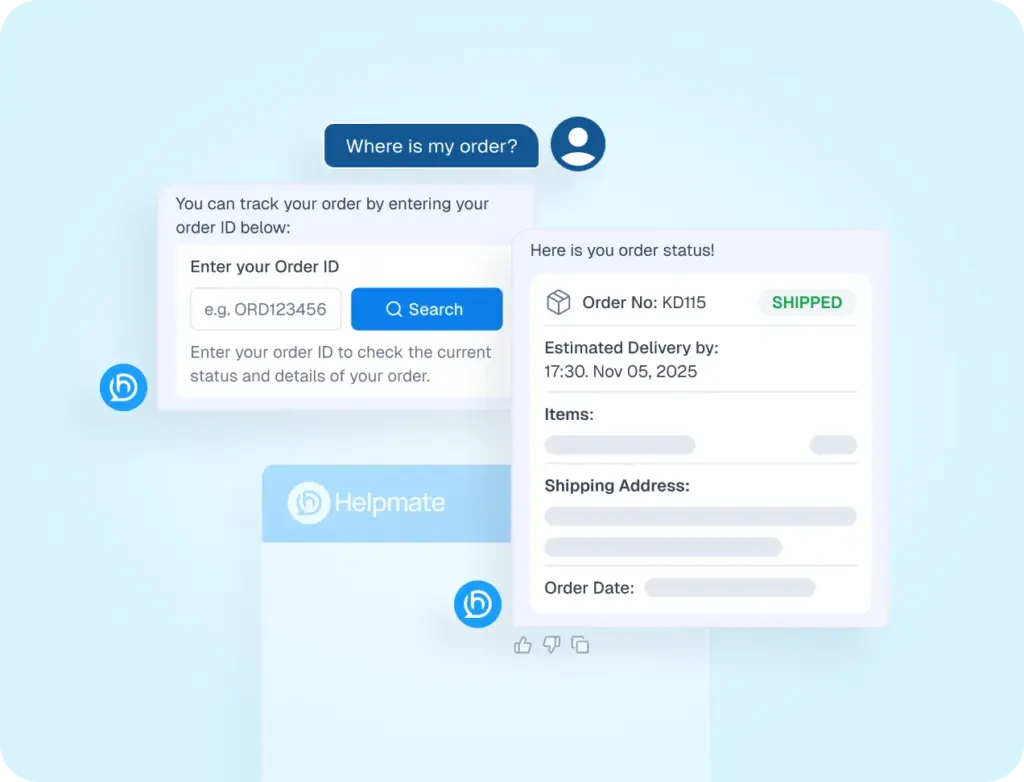
Order Status Tracker
Lets customers check order status directly inside the chat.
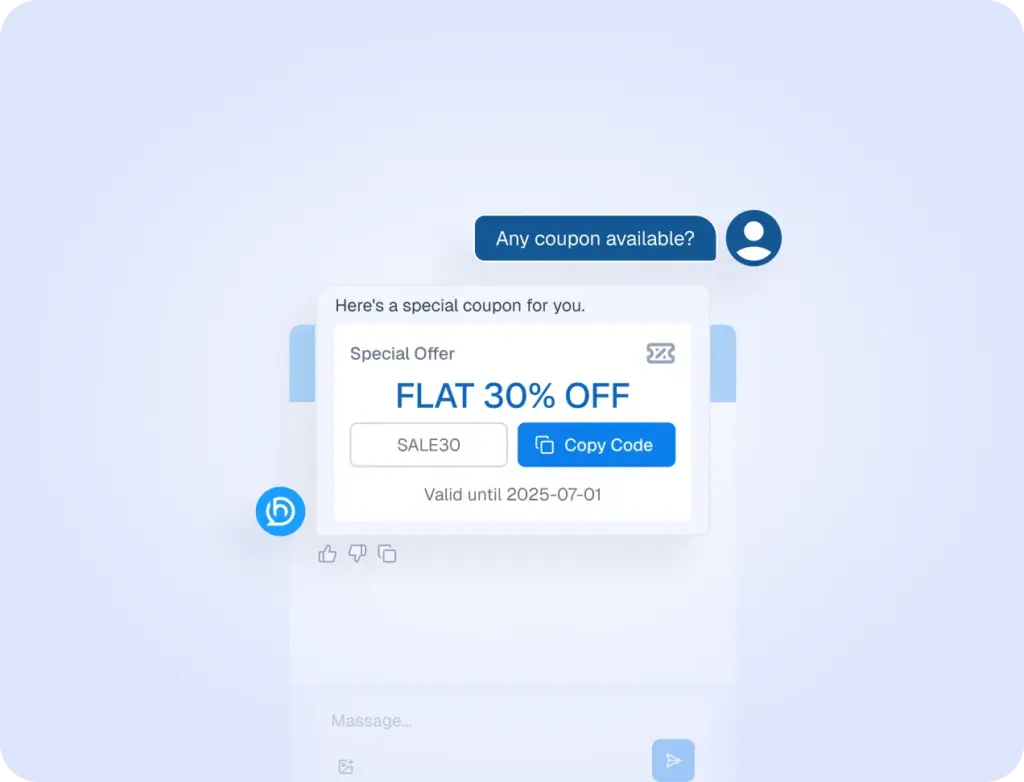
Coupon Delivery
Shares discount codes during conversations to encourage purchase decisions.
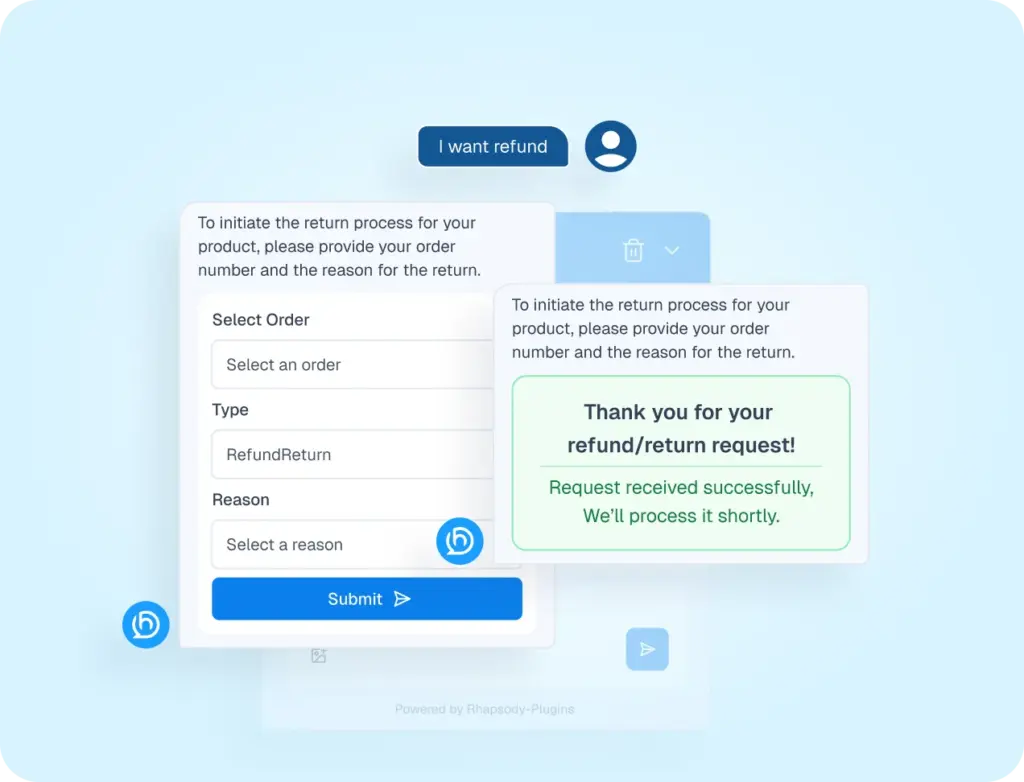
Refund & Return
Explains return eligibility, steps, and refund timelines clearly.
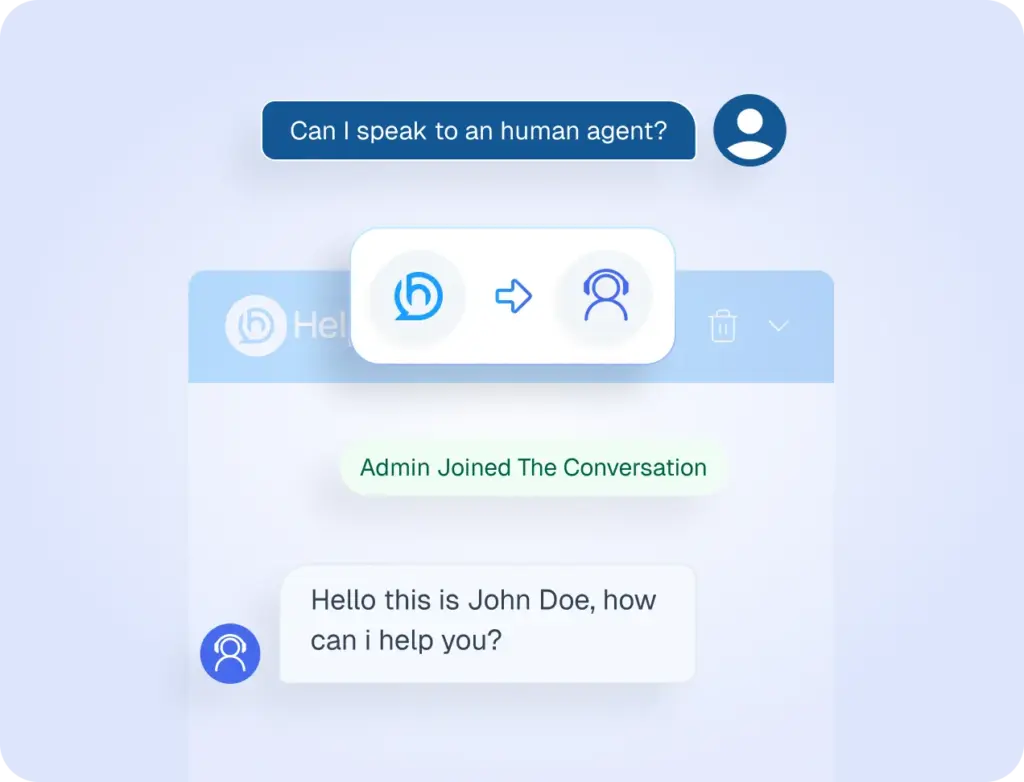
Human Handover
Transfers conversations to staff when matters require personal attention.
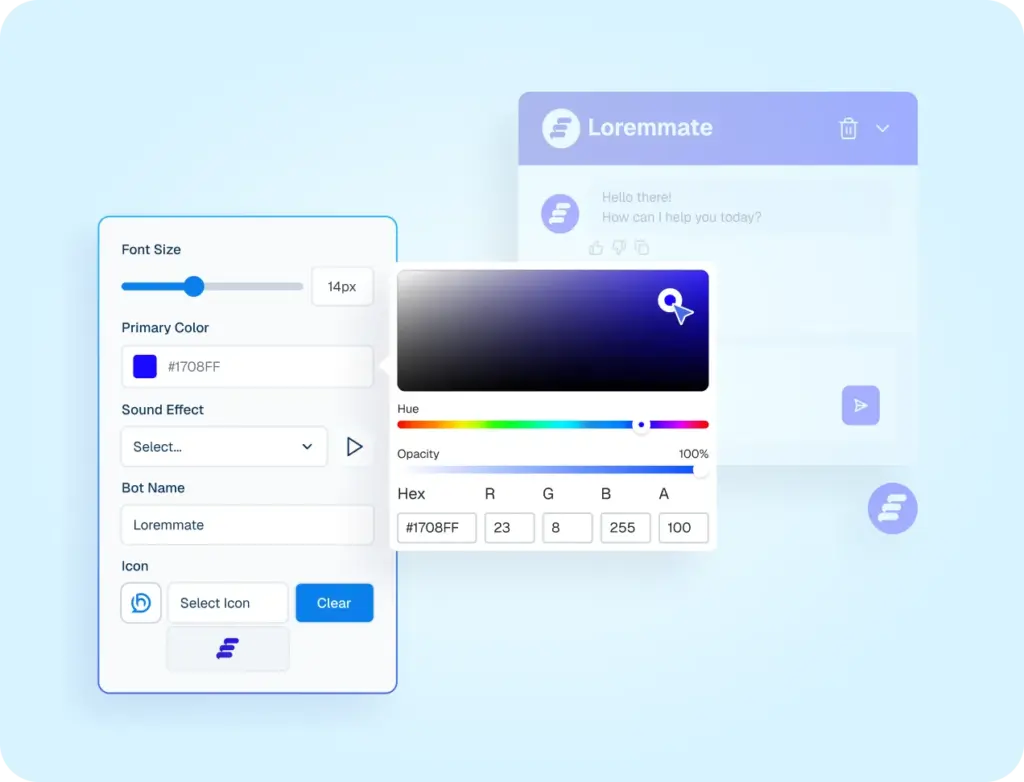
Customization
Customize chatbot looks, tone, and behavior to match your brand and shopping experience.
Real Impact for real teams
60+ hrs
Instant
4.6×
2×
Transform Your Conversations
Before
Helpmate Chatbot
- Basic FAQ, limited answers
- Manual Order Queries
- No Visual Product Help
- Passive Chat Experience
- Scattered Behavior
Support tickets
After
Helpmate Chatbot
- AI-Powered Conversations
- Instant Order Status Tracking
- Smart Image Search
- Proactive Sales Notification
- Fully Customizable Behavior
Support Load
Let AI Understand My Business
Your Chatbot, Your Rules
Full control over how your chatbot Looks, Talks, and Acts Like Your Brand and when humans step in.
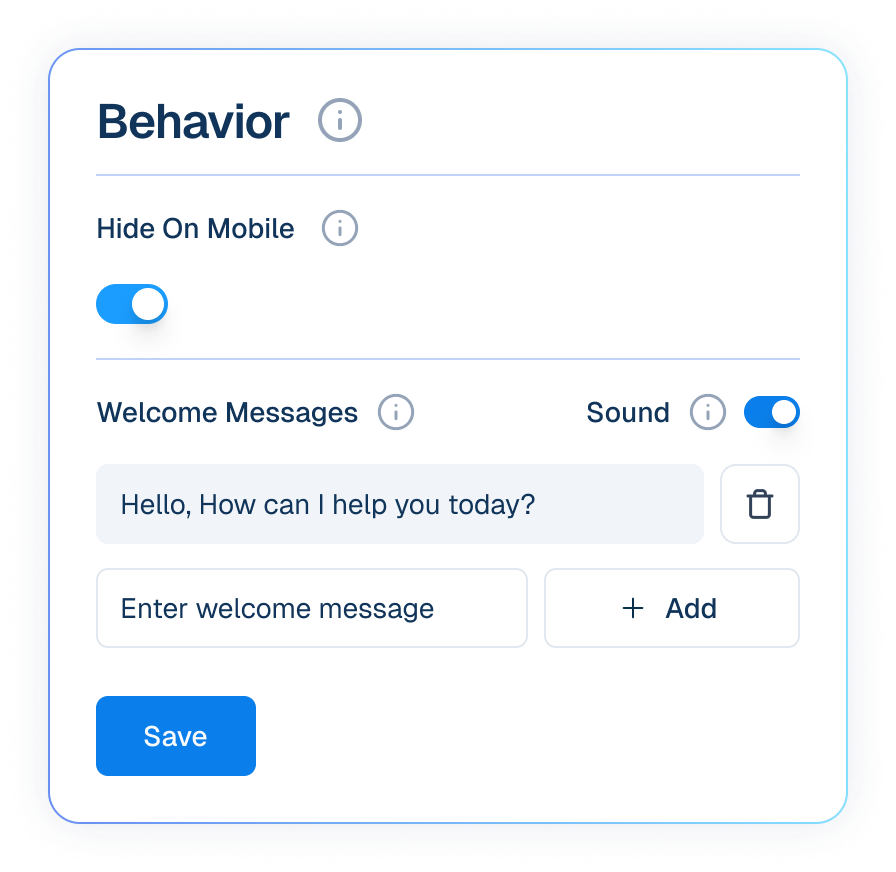
Behavior
Settings for the AI Behavior.
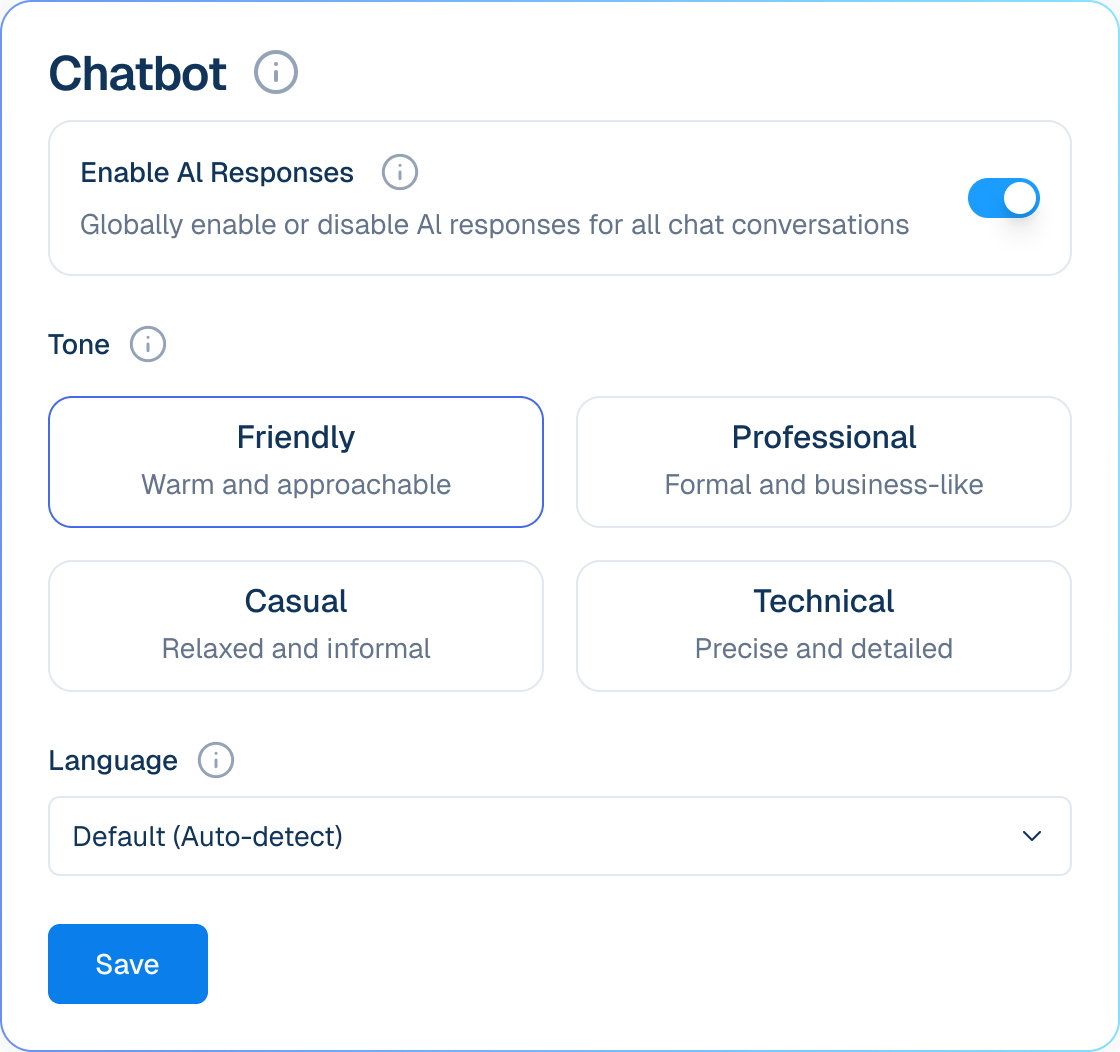
Settings
Settings for the AI model.
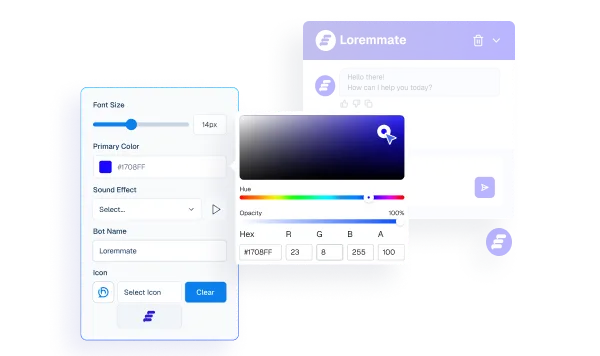
Appearance
Settings for the Helpmate chatbot widget.
Train It Once to Work 24/7
01
Add Knowledge
02
Enable Chatbot
03
Test Before Going Live
Frequently asked questions
Who should NOT use Helpmate chatbot?
How is Helpmate’s chatbot different from typical chatbots?
Does the chatbot replace live chat?
Can I control what the chatbot says and asks?
What happens when the chatbot can’t answer a question?
Does the chatbot work when I’m offline?
Will it feel robotic to users?
Is setup complicated?
Can I disable the chatbot anytime?

