Dokan Integration
Dokan turns WooCommerce into a multivendor marketplace. Helpmate layers vendor-aware CRM and support intelligence on top without replacing Dokan’s core vendor workflows.



What This Integration Enables
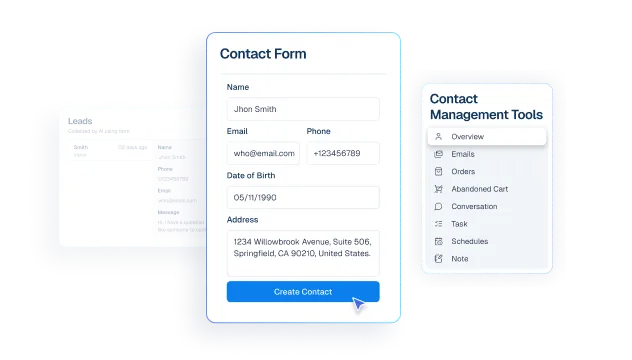
Contacts include vendor-linked marketplace context
List marketplace vendors through Helpmate’s REST-backed Integrations experience so operators map the right seller accounts.
Segments separate vendor and buyer cohorts for cleaner operations
Run vendor sync jobs so CRM and support teams recognize seller entities alongside buyer contacts.
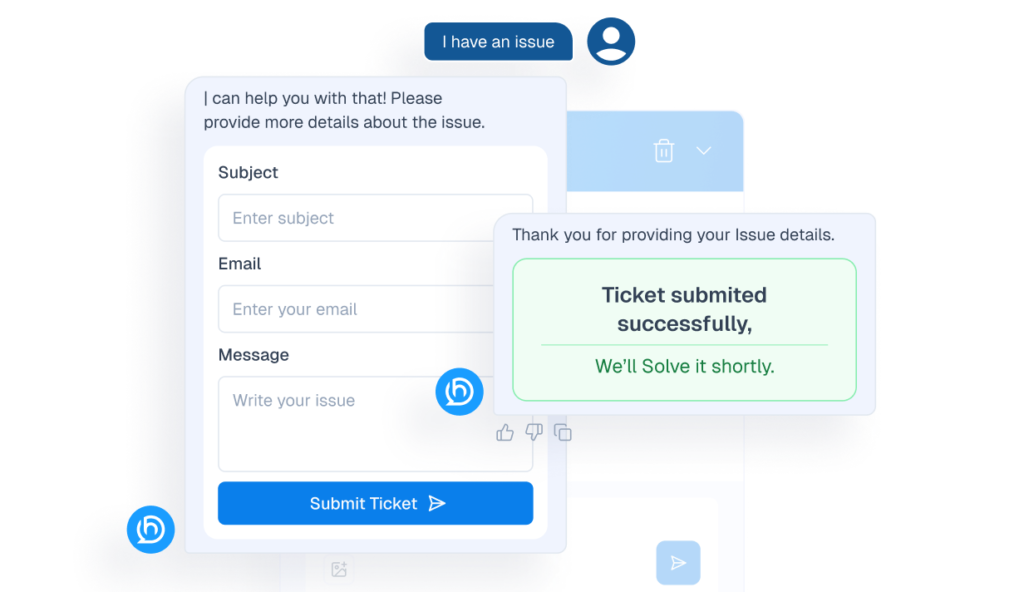
Tickets resolve buyer-vendor disputes with better seller attribution
When enabled, surface vendor context in CRM order views so disputes, payouts, and SLA routing reference the responsible seller.
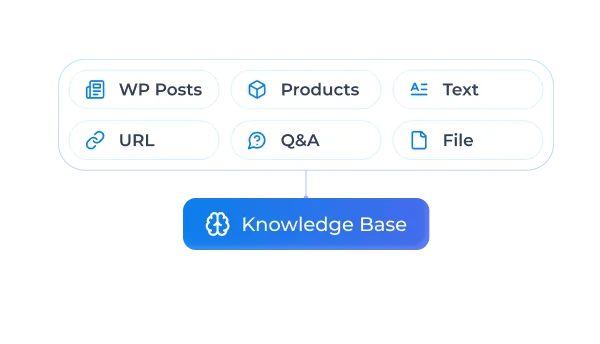
Knowledge Base supports seller-aware product guidance
Augment product discovery payloads with vendor metadata for assistants answering “who sells this?” style questions-only when your policy enables it.
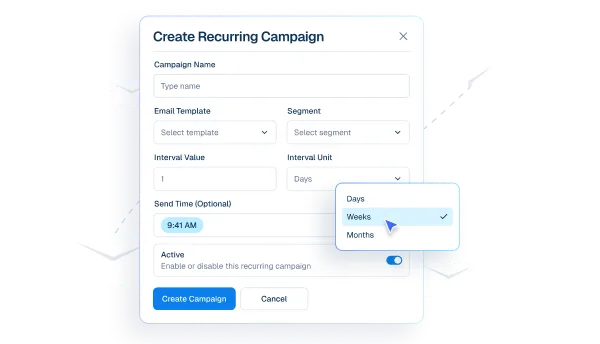
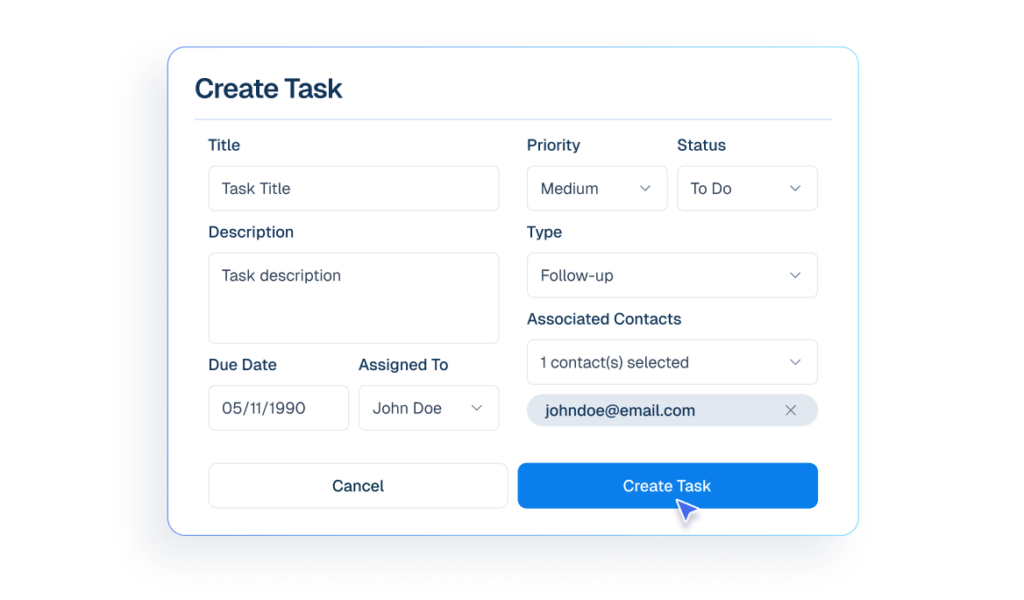
Tasks help teams coordinate ongoing marketplace operations
Track vendor sync outcomes and enrichment readiness in one operational workflow so marketplace teams can act faster.
Why This Dokan Integration Matters
Disputes need seller truth
Chargebacks and shipping conflicts escalate when nobody knows which vendor owns the fulfillment story. Optional order enrichment keeps CRM aligned with reality.
Trust and discovery at scale
Buyers ask nuanced questions. Vendor-aware product assistance helps assistants answer accurately without exposing internal admin complexity.
Operator leverage without re-platforming
You should not need a new marketplace stack to modernize support. Helpmate augments Dokan with CRM-grade operations.
Features we support
Contacts include marketplace vendor context
What it Does
Return Dokan availability and key counts for marketplace integration readiness.
Business Impact
Helps teams validate setup before enabling marketplace workflows.
Segments separate buyer and vendor cohorts
What it Does
List marketplace vendors for configuration and operations.
Business Impact
Improves seller visibility and reduces manual reconciliation work.
Tickets resolve buyer-vendor issues with better attribution
What it Does
Sync vendor entities into Helpmate CRM-aligned records.
Business Impact
Enables seller-aware support and clearer ownership during disputes.
Knowledge Base supports seller-aware product guidance
What it Does
Control vendor metadata visibility in orders/product contexts using Dokan integration settings.
Business Impact
Lets teams balance richer context with operational policy and UI noise control.
Tasks coordinate recurring marketplace operations
What it Does
Provide status visibility, sync readiness, and diagnostic signals for Dokan operations.
Business Impact
Speeds rollout by giving operators concrete readiness signals.
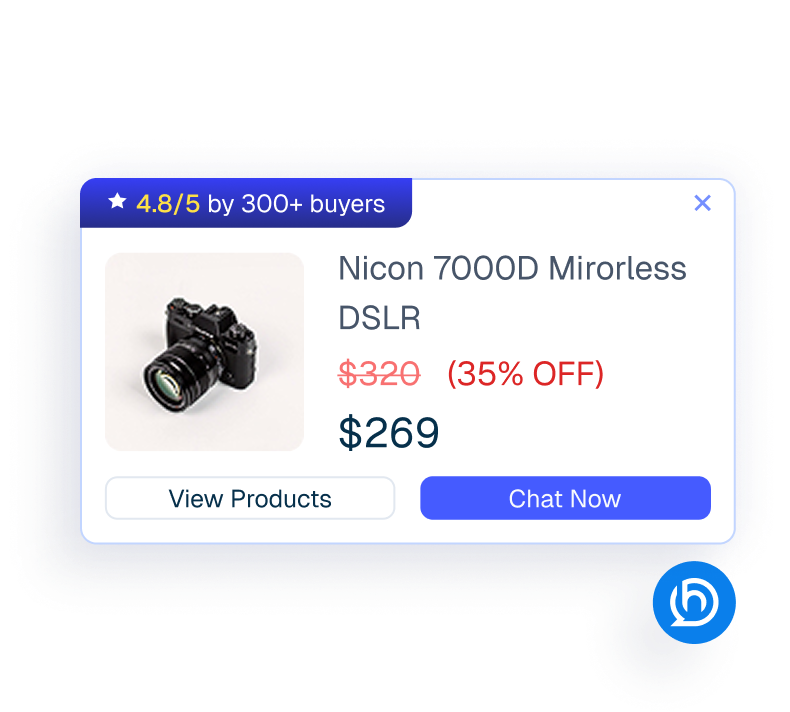
Proactive Sales enables marketplace re-engagement automation
What it Does
Layer Helpmate Pro commerce automations on top of marketplace operations where supported.
Business Impact
Increases automation capacity while Dokan continues to own vendor mechanics.
How Integrations Work
Three simple steps to automate everything.
01
Connect Your Tool
Link any tool from our library in just a few clicks.
Define Automation Rules
Set triggers, conditions, and actions to match your workflow.
02
03
Let AI Handle the Rest
Helpmate AI processes, responds, and optimizes automatically.
User Feedback

Great Chatbot Plugin That Keeps Getting Smarter!

Annoon

Works Amazingly Well After a Bit of Training!

Ritzh A.

Practical, feature-rich AI chatbot for WooCommerce

Kazi S.

Finally, an AI Chatbot That Actually Helps

Adhoy R.
Common Questions from Healthcare Teams
Can patients request appointments through chat?
Yes. Patients can submit appointment requests through any connected channel. These requests are organized in Helpmate for your team to review, confirm, and manage according to your existing scheduling processes.
Can staff take over conversations?
Yes. Staff can seamlessly take over any conversation at any time through the live chat feature with full context visible.
Does Helpmate provide medical advice or diagnosis?
No. Helpmate handles communication and organization only. All clinical decisions remain with your qualified healthcare professionals.
Which channels are supported?
Website chat, Facebook, Instagram, WhatsApp, and more. All messages appear in one unified inbox for your team.
How is patient information managed?
Patient contacts, conversation history, and notes are organized in the built-in CRM. Your team maintains full control over how information is recorded and accessed.

Ready to Stop Running Your Business Alone?
Take The Step That Turns Your WooCommerce Store Into A Self-Running Business.

