Ninja Forms Integration
Connect Ninja Forms to Helpmate to standardize how submissions become leads, tickets, or advanced Pro outcomes—especially useful when agencies manage many client sites.


What This Integration Enables
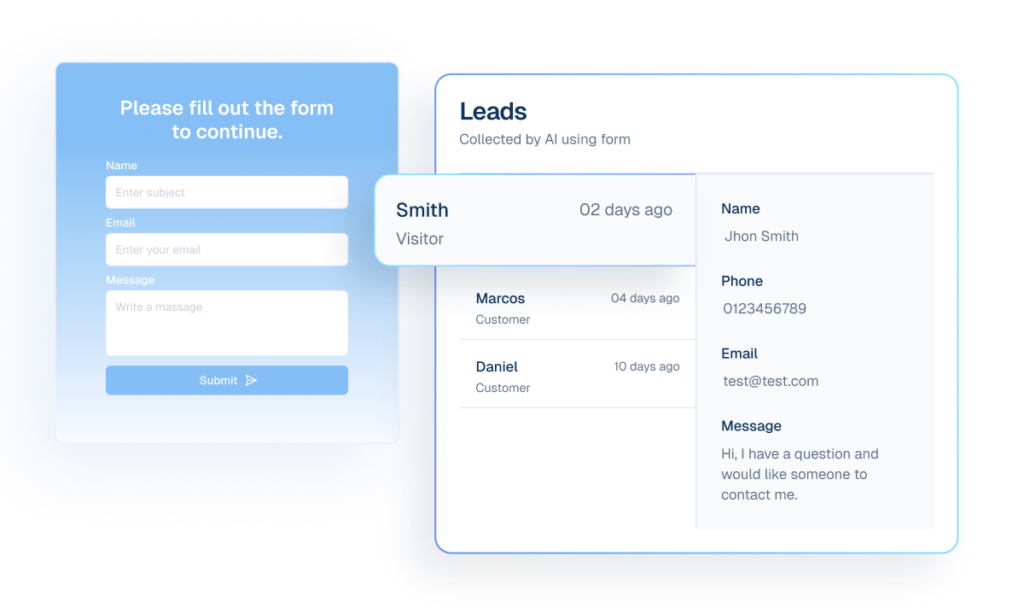
Lead Capture converts Ninja Forms submissions into pipeline-ready leads
Select the correct Ninja form from Helpmate without copying internal IDs by hand.
Tickets route support submissions from Ninja Forms with structure
Guarantee that successful submissions hit Helpmate actions with predictable payloads for downstream automation.
Custom Fields mapping keeps Ninja Forms data consistent
Document mapping expectations per client so changing a Ninja field does not silently break CRM sync-Helpmate validation surfaces gaps early.
Contacts remain enriched with validated form context
Use identical Helpmate actions across Ninja and other supported form plugins so playbooks transfer between client stacks.
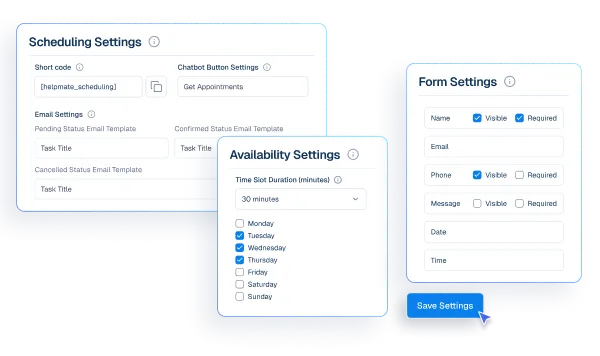
Appointments & Bookings add scheduling outcomes to Ninja Forms
Adopt Helpmate Pro actions for appointments, order assistance, and refund flows without rebuilding forms.
Why This Ninja Forms Integration Matters
Predictable operations at scale
Agencies and in-house teams ship more forms when routing is standardized. Helpmate makes “what happens on submit?” a configured answer, not tribal knowledge.
Fewer silent failures
Field renames and conditional logic are where forms break CRM sync. Helpmate’s validation and events shorten mean time to recovery when editors iterate.
Premium workflows without premium lock-in
Helpmate Pro actions layer on top of the forms you already trust-so you upgrade outcomes, not necessarily your form builder tier.
Features we support
Lead Capture routes Ninja Forms submissions into qualified leads
What it Does
Dispatch mapped submissions to `lead_collection`.
Business Impact
Converts form traffic into organized CRM lead records.
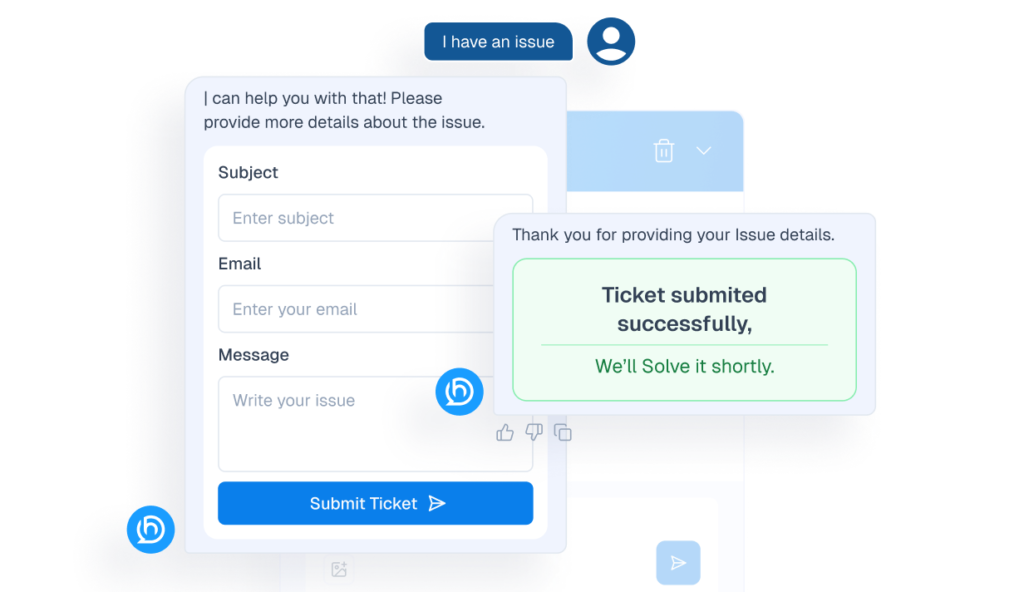
Tickets route Ninja Forms support submissions with validation
What it Does
Dispatch mapped submissions to `ticket_creation` with action validation.
Business Impact
Raises support intake quality and shortens handoff delays.
Appointments & Bookings enables Ninja Forms scheduling outcomes
What it Does
Enable `appointment_creation` through Pro dispatch.
Business Impact
Automates booking workflows from form submissions.
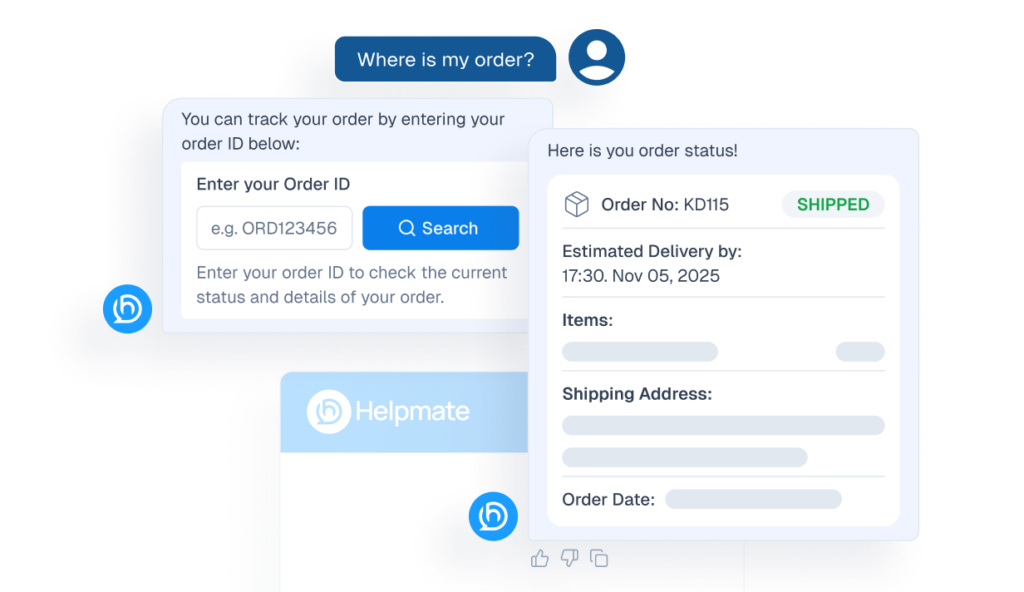
Order Status Tracking supports Ninja Forms post-purchase checks
What it Does
Enable `order_status_checking` from mapped data.
Business Impact
Deflects repetitive order-support conversations.
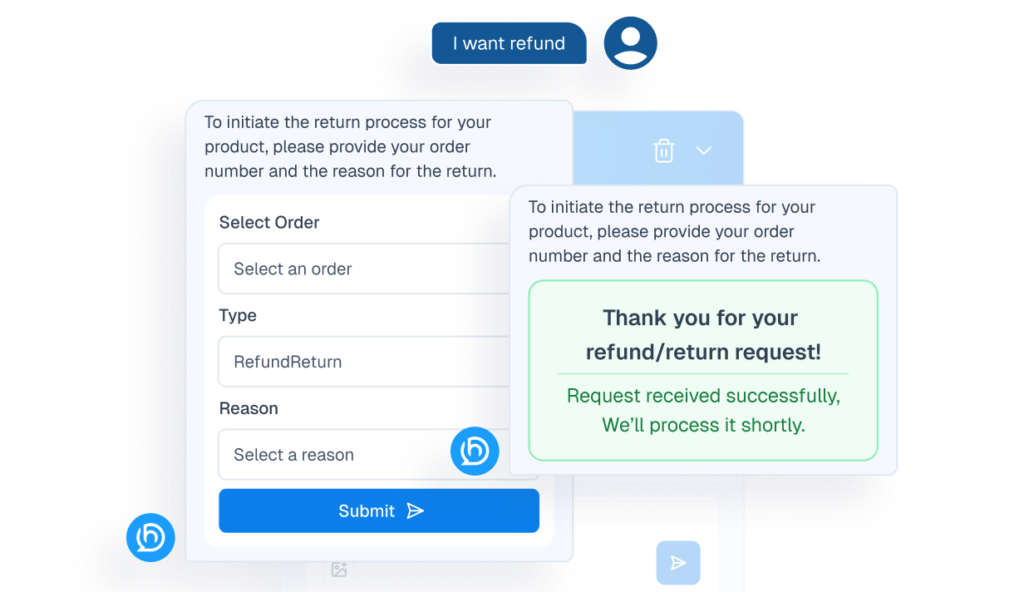
Refund & Return handles Ninja Forms post-purchase resolution
What it Does
Enable `refund_return` dispatch for post-purchase support.
Business Impact
Accelerates refund handling and reduces manual routing.
How Integrations Work
Three simple steps to automate everything.
01
Connect Your Tool
Link any tool from our library in just a few clicks.
Define Automation Rules
Set triggers, conditions, and actions to match your workflow.
02
03
Let AI Handle the Rest
Helpmate AI processes, responds, and optimizes automatically.
User Feedback

Great Chatbot Plugin That Keeps Getting Smarter!

Annoon

Works Amazingly Well After a Bit of Training!

Ritzh A.

Practical, feature-rich AI chatbot for WooCommerce

Kazi S.

Finally, an AI Chatbot That Actually Helps

Adhoy R.
Common Questions from Healthcare Teams
Can patients request appointments through chat?
Yes. Patients can submit appointment requests through any connected channel. These requests are organized in Helpmate for your team to review, confirm, and manage according to your existing scheduling processes.
Can staff take over conversations?
Yes. Staff can seamlessly take over any conversation at any time through the live chat feature with full context visible.
Does Helpmate provide medical advice or diagnosis?
No. Helpmate handles communication and organization only. All clinical decisions remain with your qualified healthcare professionals.
Which channels are supported?
Website chat, Facebook, Instagram, WhatsApp, and more. All messages appear in one unified inbox for your team.
How is patient information managed?
Patient contacts, conversation history, and notes are organized in the built-in CRM. Your team maintains full control over how information is recorded and accessed.

Ready to Stop Running Your Business Alone?
Take The Step That Turns Your WooCommerce Store Into A Self-Running Business.

