Ultimate Member Integration
Ultimate Member is a cornerstone membership UX plugin for WordPress. Helpmate connects UM registration and profile lifecycle events to CRM discipline and profile-aware support.



What This Integration Enables
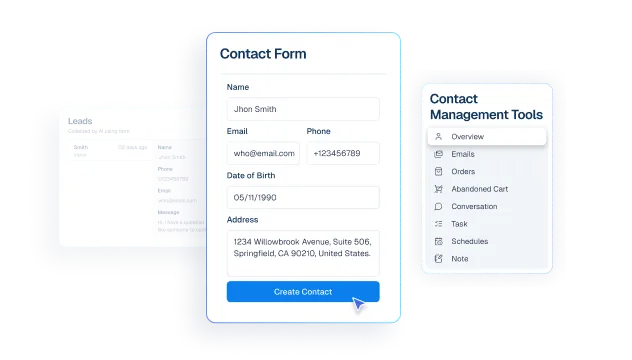
Contacts stay aligned with Ultimate Member profile data
Turn Ultimate Member hooks on only when you are ready-Helpmate respects an explicit enablement flag so staging and production behave predictably.
Segments group members for targeted lifecycle actions
Run member sync to align CRM contacts with UM-powered accounts without manual CSV import cycles.
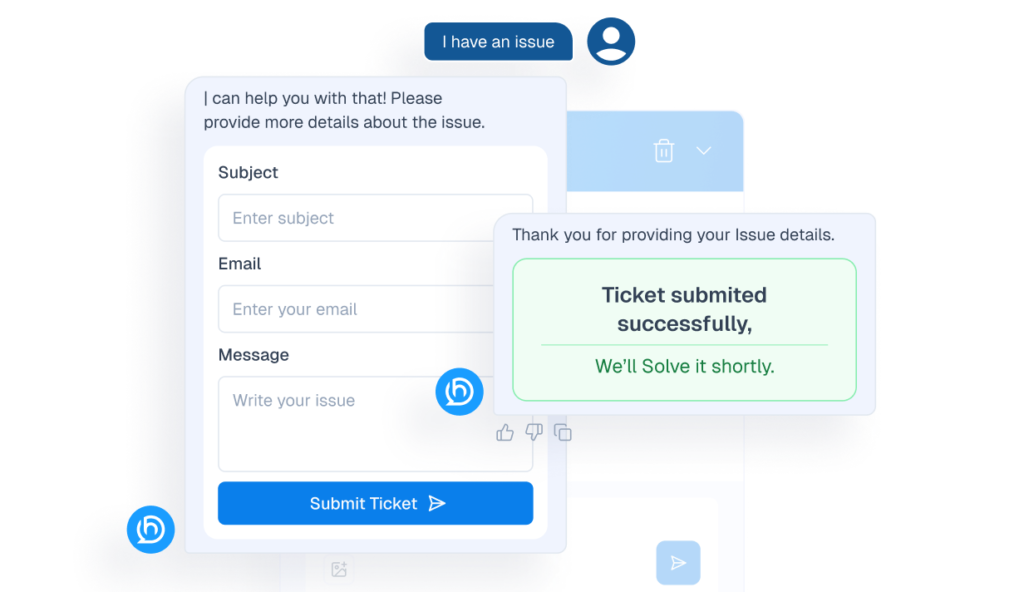
Tickets handle member access issues with cleaner context
Configure profile support behaviors so helpdesk workflows follow your privacy and consent posture while still verifying legitimate members.
Tasks help teams manage membership follow-ups consistently
Capture UM registration signals into Helpmate operational flows so onboarding issues surface before they become churn.
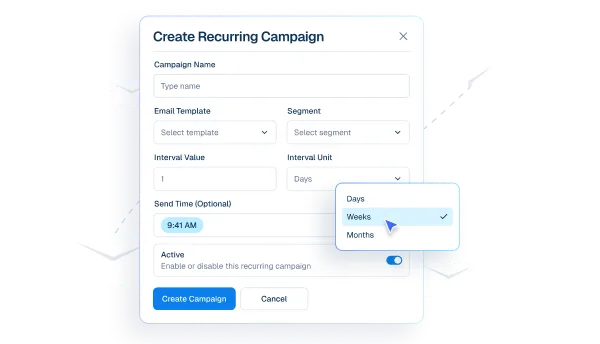
Email Campaigns support onboarding and renewal communication
Trace integration actions when debugging duplicate accounts, role conflicts, or SSO edge cases.
Why This Ultimate Member Integration Matters
Onboarding is a revenue event
Failed registrations silently kill growth. Hooking UM into Helpmate surfaces failures early so marketing and support can intervene before spend is wasted.
Privacy-aware support is a brand advantage
Members expect you to protect profile data. Profile support settings let you help without oversharing sensitive attributes.
CRM truth for community products
Communities monetize through continuity. CRM-aligned member records make renewals, upgrades, and moderation decisions defensible.
Features we support
Contacts stay aligned with Ultimate Member profiles
What it Does
Keep UM integration inactive until explicitly enabled in Helpmate settings.
Business Impact
Supports safer staged rollouts and avoids accidental production side effects.
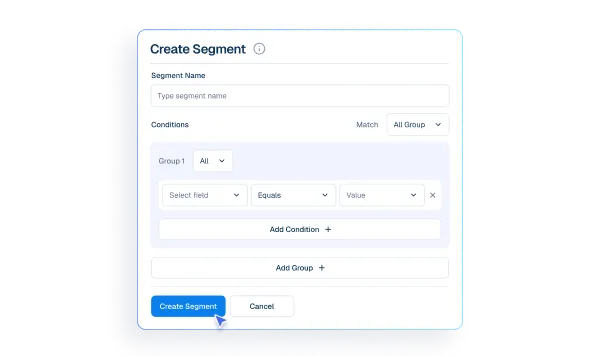
Segments group members for targeted lifecycle communication
What it Does
Sync UM member accounts into CRM-aligned Helpmate contacts.
Business Impact
Improves membership segmentation and lifecycle accuracy.
Tickets resolve member access issues with better verification context
What it Does
Configure profile-assistance behavior for support flows involving UM data.
Business Impact
Balances faster support with privacy-aware handling.
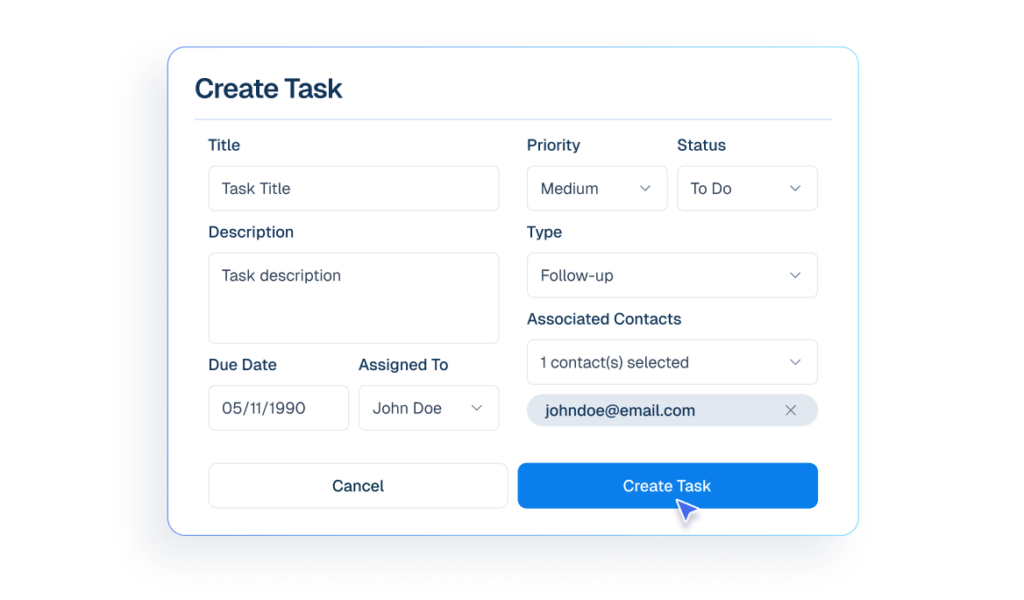
Tasks coordinate membership follow-ups and escalations
What it Does
Capture integration events for troubleshooting registration/profile workflows.
Business Impact
Reduces investigation time during access or onboarding incidents.
Email Campaigns support onboarding and renewal communication
What it Does
Manage setup state, sync execution, and diagnostics through integration settings.
Business Impact
Keeps membership operations consistent without framing admin pages as product features.
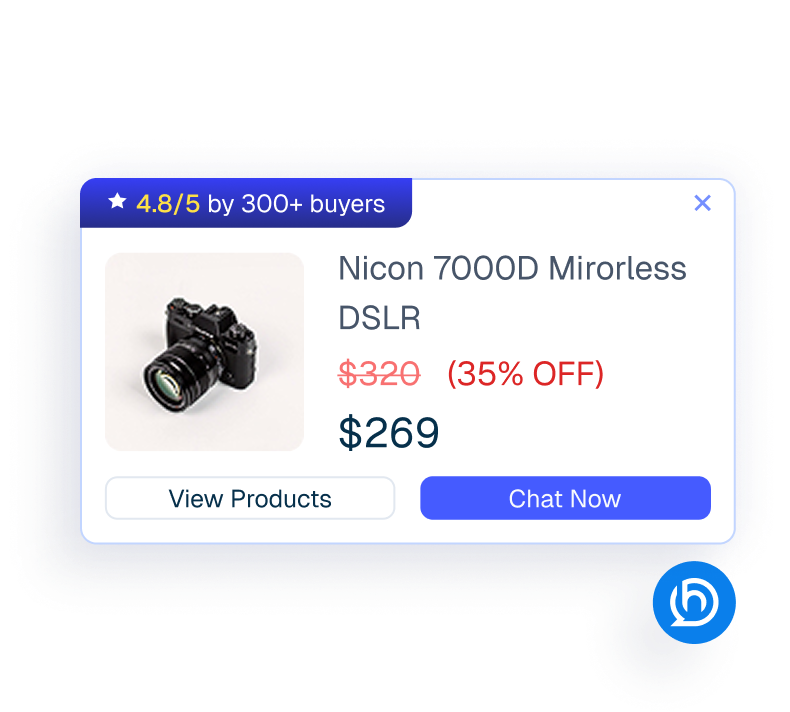
Proactive Sales enables advanced member engagement automation
What it Does
Add Helpmate Pro automation where your product package includes membership-related extensions.
Business Impact
Improves operational leverage without replacing UM’s core role.
How Integrations Work
Three simple steps to automate everything.
01
Connect Your Tool
Link any tool from our library in just a few clicks.
Define Automation Rules
Set triggers, conditions, and actions to match your workflow.
02
03
Let AI Handle the Rest
Helpmate AI processes, responds, and optimizes automatically.
User Feedback

Great Chatbot Plugin That Keeps Getting Smarter!

Annoon

Works Amazingly Well After a Bit of Training!

Ritzh A.

Practical, feature-rich AI chatbot for WooCommerce

Kazi S.

Finally, an AI Chatbot That Actually Helps

Adhoy R.
Common Questions from Healthcare Teams
Can patients request appointments through chat?
Yes. Patients can submit appointment requests through any connected channel. These requests are organized in Helpmate for your team to review, confirm, and manage according to your existing scheduling processes.
Can staff take over conversations?
Yes. Staff can seamlessly take over any conversation at any time through the live chat feature with full context visible.
Does Helpmate provide medical advice or diagnosis?
No. Helpmate handles communication and organization only. All clinical decisions remain with your qualified healthcare professionals.
Which channels are supported?
Website chat, Facebook, Instagram, WhatsApp, and more. All messages appear in one unified inbox for your team.
How is patient information managed?
Patient contacts, conversation history, and notes are organized in the built-in CRM. Your team maintains full control over how information is recorded and accessed.

Ready to Stop Running Your Business Alone?
Take The Step That Turns Your WooCommerce Store Into A Self-Running Business.

